
Digital Signage Hardware: What You Actually Need in 2026 (Displays, Players, Mounts + Real Costs)
Digital signage hardware explained by installers: displays, media players, mounts, real 2026 costs — and where to save vs where never to cheap out.

On this page
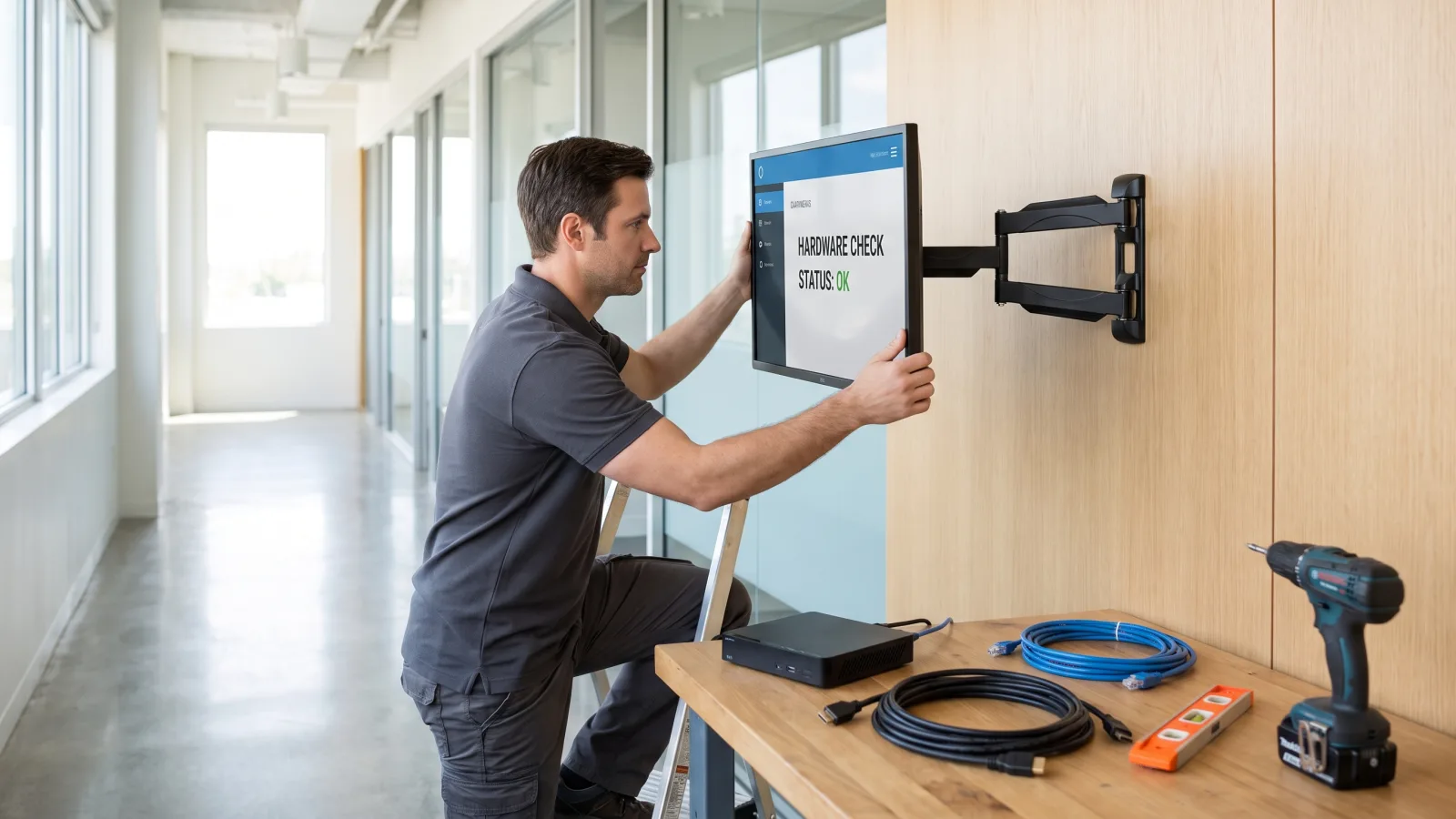
Digital signage hardware comes down to four components: a commercial-grade display, a media player, a commercial mount, and a network connection. That's the whole stack. The complexity — and most of the wasted money we see — comes from buying the wrong tier of each one: a consumer TV where a commercial panel belongs, a $30 Android stick doing a dedicated player's job, or a 500-nit indoor panel washing out behind a sunlit window.
CrownTV has been specifying and installing this hardware for 13+ years across 1,800+ businesses, with 16,000+ screens currently running live for clients like L'Occitane and Herman Miller. We're a Samsung Authorized Reseller, and our White Glove team installs what we sell — so the recommendations below come from hardware we've mounted, serviced, and occasionally been called in to replace.
You'll get:
- The four components of every digital signage setup — and what each actually does
- Display tiers explained: indoor QMC vs window OM vs outdoor OH, with real prices
- Dedicated digital signage media players vs built-in Tizen — when each wins
- A full 2026 cost table, per screen, installed
- Where the real savings are — and where never to cheap out
What digital signage hardware do you need?
A complete digital signage setup needs four hardware components: a commercial-grade display (not a consumer TV), a media player that renders and caches your content, a commercial-rated wall mount, and a reliable network connection — wired where possible. Fully installed, that package runs $3,250 to $5,200 per screen depending on display size, including the first year of content software.
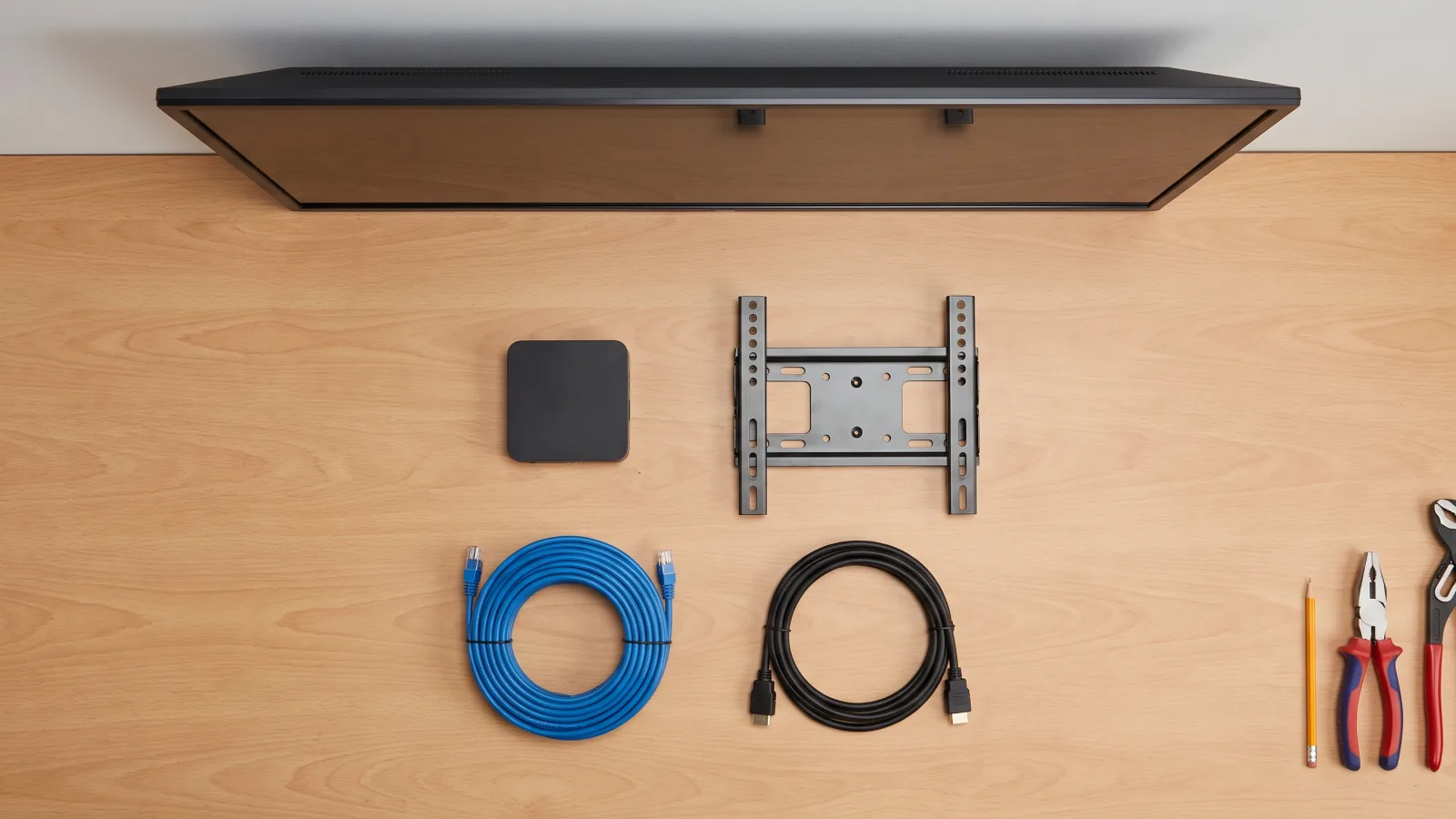
The four components, one at a time
1. Commercial display
The screen itself — but "commercial" is the load-bearing word. Commercial panels are rated for 24/7 operation, carry 3-year manufacturer warranties, add anti-glare coatings for lit environments, and are certified for portrait mounting. We deploy the Samsung commercial line exclusively: QMC series indoors, OM series in windows, OH series outdoors. More on the tiers below.
2. Media player
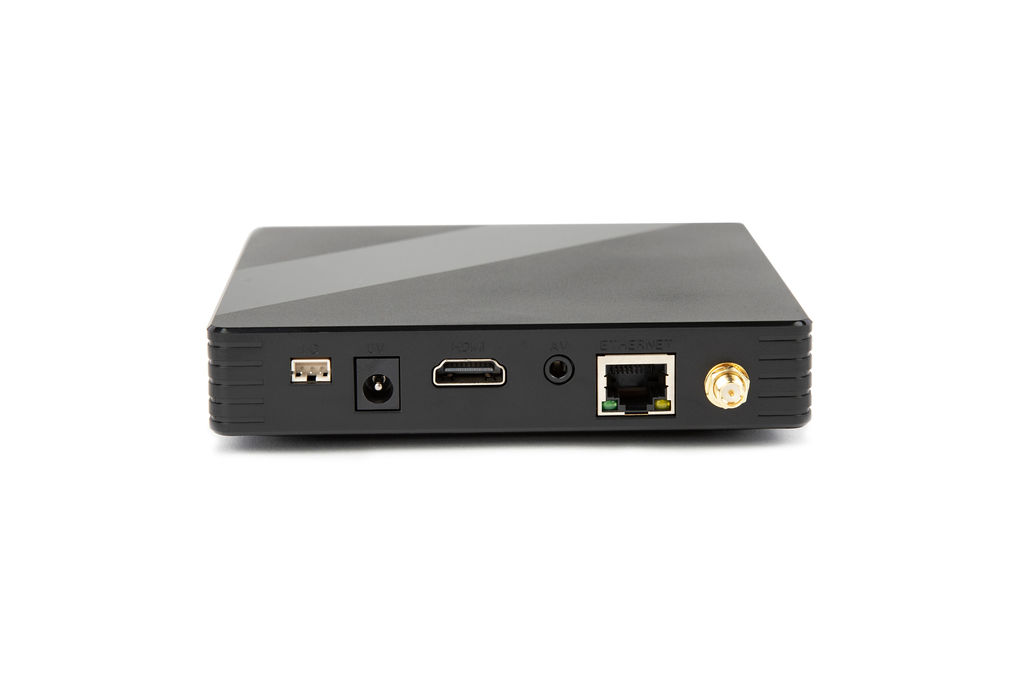
A small dedicated computer that pulls content from your dashboard, renders it, and caches it locally so the screen keeps playing through an internet outage. On any network bigger than a handful of screens, the media player is what makes remote management real: remote reboot, health monitoring, and content pushes without a truck roll. If you're new to the category, start with what a digital signage player is.
3. Commercial mount
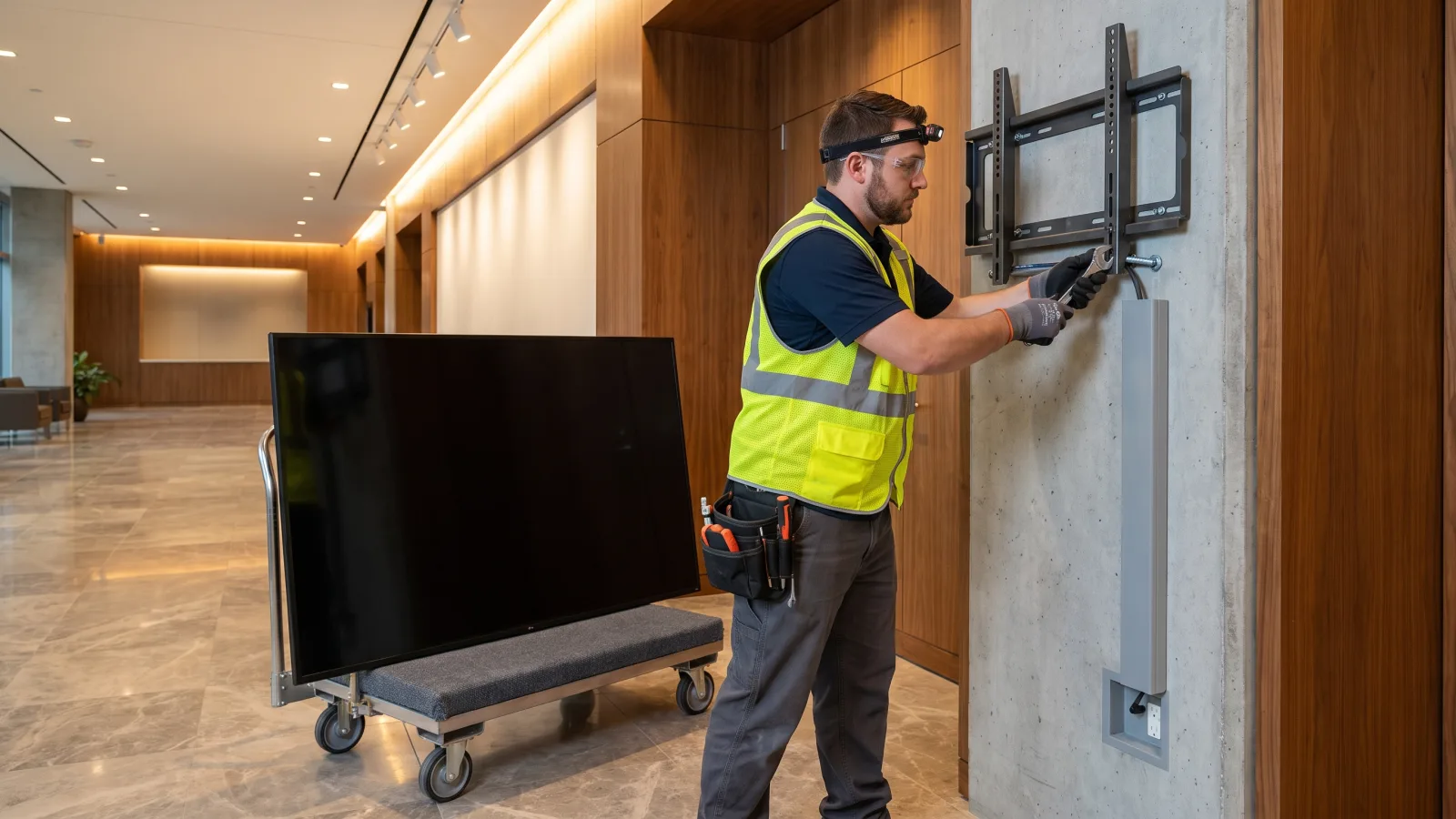
A commercial fixed or tilt mount rated well past the panel's weight, lag-bolted into structure — not drywall anchors. Portrait installs need a mount and a panel both rated for it. Budget line item, but the one holding $1,500 of glass over someone's head.
4. Network
Hardwired Ethernet beats Wi-Fi for anything you can't afford to babysit. Put signage devices on their own VLAN, keep them off the guest network, and let the player's offline cache carry you through outages. Most "screen is down" tickets are network tickets.
Commercial display tiers: QMC vs OM vs OH
Samsung's commercial display line splits by placement, and the placement decides the panel — brightness is the variable that matters. Here's the 2026 lineup as we install it, with live DisplayDetails pricing:
| Series | Built for | Brightness | Resolution | Duty | Price range |
|---|---|---|---|---|---|
| QMC (43″–98″) | Indoor — lobbies, hallways, menu boards, offices | 500 nits | 4K UHD | 24/7 | $780 (QM43C) – $7,950 (QM98C) |
| OM (46″–75″) | Window-facing — storefronts hit by direct sun | 3,000 nits | FHD | 24/7 | $2,799 (OM46B) – $9,565 (OM75A) |
| OH (46″–55″) | Fully outdoor — sealed, IP56-rated, full sun | 3,500 nits | FHD | 24/7 | $4,499 (OH46B) – $5,499 (OH55A-S) |
| BE Business TV (65″–85″) | Light-duty conference rooms, back offices | 400 nits | 4K UHD | 16/7 | $926 (BE65D-H) – $1,544 (BE85D-H) |
The rule we apply on every site survey: 500 nits indoors, 3,000 nits behind glass, 3,500 nits and an IP rating outside. Put a 500-nit indoor panel in a sunlit window and it reads as a black rectangle by 11 a.m. — the single most common spec mistake buyers make. For a deeper model-by-model comparison, see our best digital signage displays guide and how to choose the right commercial TV.

The consumer TV warning
We get asked on nearly every quote: "Can't we just use regular TVs?" You can. Here's what happens: the warranty is void the moment it runs commercial duty cycles, the panel typically burns out in 18–30 months, there's no portrait rating, no anti-glare coating, and no fleet management — someone walks around with a remote. With a 43″ commercial QM43C at $780, the price gap that used to justify the gamble is gone. Full breakdown: digital signage displays vs consumer TVs.
Digital signage media players: dedicated vs built-in SoC
Every screen needs something to run the content. In 2026 you have two honest options — a dedicated digital signage player, or the System-on-Chip (SoC) built into the display itself. Samsung's commercial panels ship with Tizen, which is a genuinely capable signage OS, so "no player at all" is a real configuration, not a compromise.
| Dedicated media player | Built-in SoC (Tizen) | |
|---|---|---|
| Extra hardware cost | Per screen (bundled in CrownTV packages) | $0 — included in the panel |
| Remote reboot & diagnostics | Independent of the display — reboot the player even if the panel misbehaves | Tied to the panel; a locked-up display can take the SoC with it |
| Fleet consistency | Same playback environment across mixed display models and brands | Varies with panel generation and firmware |
| Survives display swap | Yes — unplug, replug, playing in minutes | No — reconfigure the new panel from scratch |
| Heavy content (video walls, data feeds) | Handles it | Fine for standard playlists; strains on complex layouts |
| Best for | 5+ screens, mixed fleets, multi-location | 1–5 screens, single location, standard content |
Our honest rule: under five screens on new Samsung commercial panels, run Tizen and skip the player — that's real money saved with no reliability penalty. Past five screens, or on any mixed fleet, dedicated digital signage players pay for themselves the first time a remote reboot replaces a site visit. What we never deploy: consumer streaming sticks and no-name Android boxes. They thermal-throttle, drift out of date, and die quietly — the screen looks fine until it isn't. If you're weighing signage operating systems, our Tizen vs Google TV comparison covers the fleet-management gap in detail.
Speccing hardware for a real deployment?
Send us your locations and screen count — we'll spec the right panel tier, player configuration, and mounts in one all-in quote, with install included.
Get a hardware quote in 2 business hours →Mounts, cabling, and peripherals
The unglamorous 10% of the budget that determines whether the install looks like a flagship or a break room:
- Mounts. Commercial fixed mounts for most placements; tilt mounts above eye level; full-motion only where someone genuinely needs to service behind the panel. Any UL-rated commercial mount from a reputable brand that matches your panel's VESA mounting standard pattern is fine — this is a spec category, not a brand category.
- Cabling. HDMI runs over 25 feet get unreliable — use HDBaseT extenders or active optical HDMI for long pulls. Run Ethernet to every screen location even if you plan to use Wi-Fi; you'll want it eventually.
- Power. A working outlet behind every panel, on a surge protector. Recessed outlets keep the install flush. Plan power placement during the site survey, not on install day.
- Touch overlays. An infrared touch frame turns a standard QMC panel into an interactive kiosk or wayfinding directory for far less than a purpose-built touch display.
- Enclosures. Tamper-resistant enclosures for public and high-traffic placements; ventilated enclosures anywhere heat accumulates.
What digital signage hardware costs in 2026
Two ways to buy: components à la carte, or all-in installed. Component pricing for the displays is in the tier table above — a QM55C at $1,450 is the most-deployed panel in our fleet. But most buyers don't want to source a screen, mount, player, installer, and software contract from five vendors and hope they fit. CrownTV's all-in packages price the whole stack per screen, one-time:
| Screen size | All-in price (per screen) | What it includes |
|---|---|---|
| 32″ | $3,250 | Commercial 4K display, commercial mount, media player, professional installation by licensed insured technicians, setup and testing, first year of content software |
| 43″ | $3,450 | |
| 50″ | $3,650 | |
| 55″ | $3,850 | |
| 65″ | $4,450 | |
| 75″ | $5,200 |
Indoor pricing only. These packages use 500-nit panels — right for lobbies, hallways, offices, and menu boards. Window-facing screens need 3,000-nit OM panels and outdoor placements need sealed OH units; both are quoted per project, never at the indoor rate. Standard installation runs 7–10 business days from approval. For the full budget picture including software renewals and multi-location math, see our digital signage cost breakdown.
How to save money on digital signage hardware — and where never to cheap out
Roughly 2,950 people a month land on this site asking some version of this question, so here's the installer's answer. The savings are real, but they live in specific line items. Cut the wrong one and you buy the hardware twice.
Where the real savings are
- Buy displays direct from an authorized reseller. Integrator markup on panels routinely runs 20–40%. Direct authorized-reseller pricing — a QM43C at $780, a QM55C at $1,450 — is the same panel with the same 3-year Samsung warranty.
- Right-size the panel. Viewing distance decides size, not ambition. Stepping a hallway screen from 55″ to 50″ saves $200 per screen installed and nobody notices; across 20 screens that's $4,000.
- Skip the dedicated player under five screens. Tizen SoC on the panel you already bought runs standard content perfectly well at small scale.
- Generic commercial mounts. A UL-rated commercial mount does the job at half the price of the display brand's own accessory line.
- The BE-series tier for light duty. A conference room or back office that runs business hours doesn't need a 24/7 panel — a $926 BE65D-H Business TV covers 16/7 duty honestly.
- Bulk cabling and consolidated installs. Cable is cheap in bulk, and one crew mobilization for eight screens costs far less than eight separate visits.
Where never to cheap out
- The panel. Consumer TVs in commercial duty are the false economy of this industry — dead in 18–30 months, warranty void, replaced at full re-install labor. If budget is genuinely tight, there are smarter routes — our cheap digital signage guide ranks them — but a consumer TV isn't one.
- The player. $30 Android sticks and no-name boxes are where signage networks go to die quietly. The screen keeps glowing; the content stopped updating three weeks ago.
- Brightness for the placement. A 500-nit panel behind sunlit glass is a full write-off — it can't be firmware-updated into a 3,000-nit panel.
- The install. Licensed, insured technicians anchoring into structure. A dropped 65″ panel costs more than every install discount you'll ever collect — and that's before the liability conversation.
- The network drop. Skipping the Ethernet run to save a few hundred dollars converts into years of Wi-Fi flakiness tickets.
Seven hardware mistakes we get called in to fix
- Consumer TVs in 24/7 duty. The most common and most expensive. See above.
- Indoor panels facing the sun. Unreadable by late morning; replaced with OM-series at full cost.
- Streaming sticks as media players. Fine for a demo, dead within a year of real duty.
- Residential mounts in public spaces. Under-rated, wrong anchors, no tamper resistance.
- No offline caching. Every internet blip becomes a visible black screen or an error dialog in front of customers.
- No site survey. Power in the wrong place, cable paths through firewalls nobody scoped, panels that don't fit the elevator.
- A mixed fleet with no standard. Five display brands, three player types, no single dashboard — every content update becomes a project.
How CrownTV helps
One contract for the whole stack:
- Samsung Authorized Reseller — QMC, OM, and OH commercial displays at direct pricing, in stock at DisplayDetails
- All-in per-screen packages: display, commercial mount, media player, licensed insured install, and first-year software — $3,250 to $5,200 depending on size
- Dedicated media players with offline caching, remote reboot, and fleet monitoring through one dashboard
- Site survey, mounting, cabling, commissioning, and warranty service in all 50 states, typical install 7–10 business days
- 13+ years and 16,000+ live screens across retail, corporate, healthcare, and hospitality — including L'Occitane, Herman Miller, and 1,800+ other operators
Get a hardware quote in two business hours →
Frequently asked questions
What hardware is needed for digital signage?
Four components: a commercial-grade display rated for continuous operation, a digital signage media player that renders and caches content, a commercial wall mount (or enclosure/kiosk stand), and a network connection — wired Ethernet preferred. Depending on placement you may add peripherals: a touch overlay for interactive screens, HDMI extenders for long cable runs, and surge protection. The content software runs on the player; everything else exists to keep that player and panel alive around the clock.
How much does digital signage hardware cost?
Display-only: a 43″ Samsung QM43C runs $780, a 55″ QM55C $1,450, and a 75″ QM75C $3,450 at DisplayDetails; high-brightness window panels run $2,799–$9,565 and outdoor units $4,499–$5,499. Fully installed, CrownTV's all-in per-screen packages run $3,250 for a 32″ up to $5,200 for a 75″ — that includes the commercial display, mount, media player, licensed insured installation, setup, and the first year of content software.
What is a digital signage media player?
A digital signage media player is a small dedicated computer that connects to your display, pulls content from your content management dashboard, renders it, and caches it locally so the screen keeps playing through an internet outage. Dedicated players outlive the smart-TV apps built into consumer sets because they're built for one job: 24/7 playback with remote reboot, remote diagnostics, and fleet monitoring. On a network of more than a handful of screens, the player is what makes remote management possible.
Can I use a regular TV for digital signage?
You can, but we don't recommend it and we don't install them. A consumer TV run continuously voids its warranty and typically burns out in 18 to 30 months, versus a 3-year commercial warranty and 24/7 duty rating on a commercial panel. Consumer sets also lack portrait-mode ratings, anti-glare coatings, and remote fleet management. The price gap has narrowed enough — a QM43C is $780 — that the consumer TV is rarely the cheaper option over three years.
Do I need a media player if my display has Tizen built in?
Not always. Samsung's commercial panels ship with a Tizen System-on-Chip that can run signage software directly — for a single screen or a small deployment, that saves you the player hardware entirely. We still deploy dedicated media players on larger fleets because they standardize the playback environment across mixed display models, survive display swaps, and give you remote reboot independent of the panel. Rule of thumb: under 5 screens, SoC is fine; beyond that, dedicated players pay for themselves in avoided site visits.
How can I save money on digital signage hardware?
Save on the parts that don't touch reliability: buy displays direct from an authorized reseller instead of through integrator markup, use any UL-rated commercial mount rather than the display brand's own, step down one panel size where viewing distance allows, buy cabling in bulk, and skip the dedicated player on single-screen Tizen deployments. Never save by buying consumer TVs, no-name Android sticks, or unlicensed installation — those three produce almost every emergency service call we take.
How long does digital signage hardware last?
Commercial displays are rated for 24/7 operation and carry 3-year manufacturer warranties; in the field, expect 5–7 years of full-time service from a quality panel. Dedicated media players typically run 4–6 years before replacement makes sense. Consumer TVs pressed into signage duty typically fail in 18–30 months. Budget for a mid-life player refresh on any deployment you expect to run past year five — it's a fraction of the panel cost and keeps playback current.
Read Next
DISPLAYDETAILS · BY CROWNTV · SHIPS NATIONWIDE
Buy commercial displays direct from CrownTV
Most-deployed 4K commercial display in the QM lineup.
Samsung QM55C
55-inchSamsung Authorized Reseller — direct allocation, full warranty
- Price-match guarantee — find it cheaper, we'll match it.
- 3-year Samsung commercial warranty — RMAs handled by us.
- Free nationwide shipping — every panel, every order.
- Purchase orders, Net-30 (approved accounts) and tax-exempt orders accepted.
Keep reading
More guides like this
Operator-grade playbooks, weekly.
Proof, not pitches
See real installs
Live deployments across hospitality, retail, and offices.
Ready to deploy?
Get a quote in 2 business hours
Reply within two business hours. No call required.