
The 6 Best Digital Signage Players in 2026 (We Install These for a Living)
The best digital signage player for most fleets is a dedicated commercial unit — here are the 6 we install, compare, and replace most, with real prices.
On this page
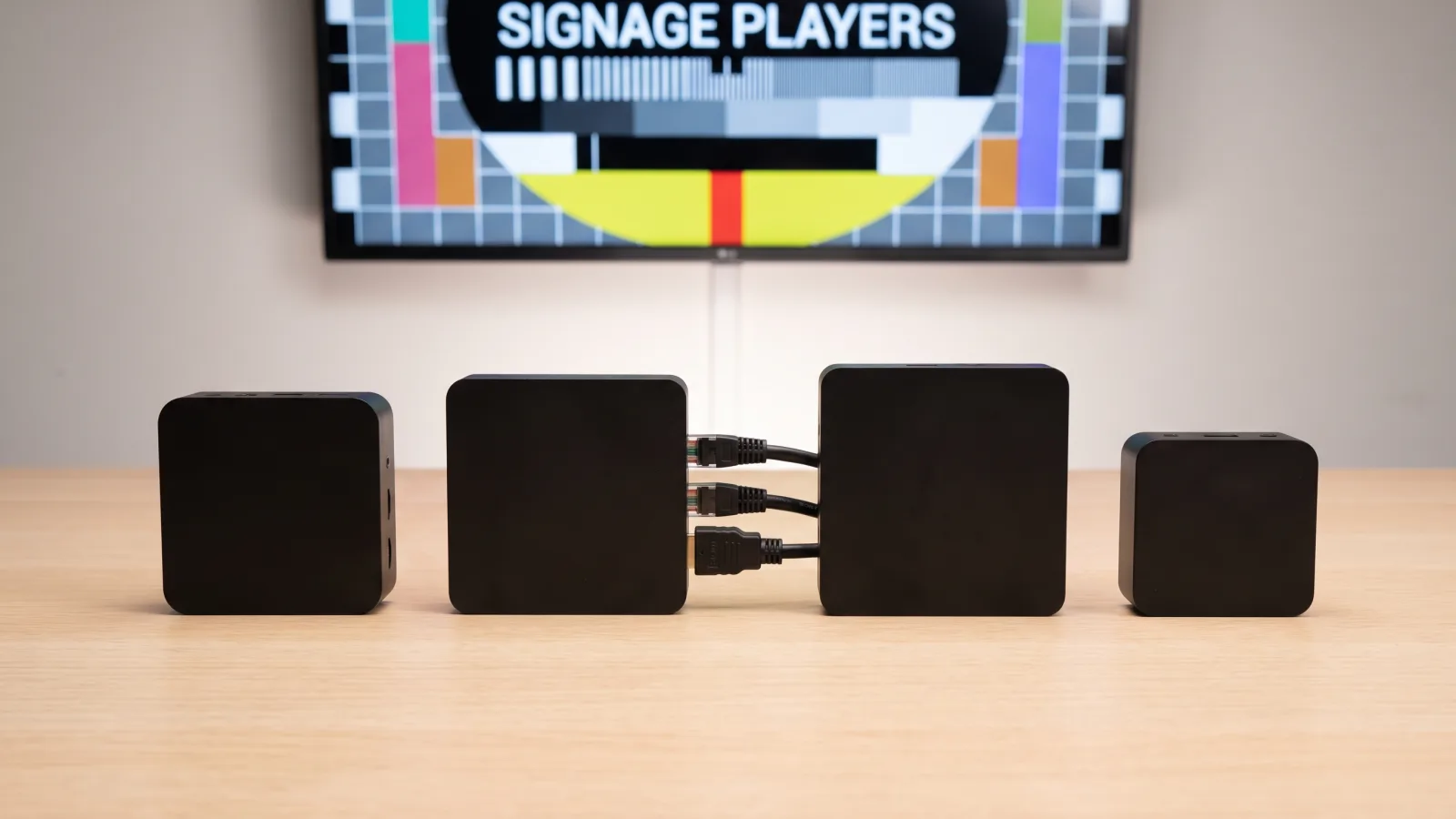
The best digital signage player for most deployments is a dedicated commercial unit, and it isn't close once you pass ten screens. Consumer streaming sticks fail quietly, mini-PCs need babysitting, and built-in smart-display apps fragment the moment your fleet mixes panel brands. A purpose-built player does one job — pull content, render it, stay alive — and does it for years.
CrownTV has deployed and serviced signage players for 13+ years across 1,800+ businesses, with 16,000+ screens live today for operators like L'Occitane and Herman Miller. We manufacture our own player, but we've also installed, replaced, and troubleshot every category on this list — including the ones we lost deals to. That's the experience behind these rankings, along with the White Glove install work that shows us exactly which hardware is still running three years in.
You'll get:
- The 6 players we actually recommend in 2026, ranked with honest caveats
- How we judged them — reliability at fleet scale, remote management, codec support, price
- A side-by-side comparison table
- Which player to buy for your exact scenario
- When built-in SoC beats an external player entirely
What is the best digital signage player in 2026?
For multi-screen fleets, the best digital signage player is a dedicated commercial unit: the CrownTV media player for turnkey deployments, or BrightSign for build-it-yourself stacks. Both run 24/7 without drama and are managed remotely. For 1–10 screens on Samsung commercial panels, the built-in Tizen SoC wins on cost. Raspberry Pi is the honest budget pick; Windows mini-PCs are for interactive and dashboard-heavy jobs only.
How we judged
New to the category? Start with our explainer on what a digital signage player actually is — this post assumes you know the basics and ranks the options. Four criteria, weighted in this order:
- Reliability at fleet scale. Not "does it work in a demo" — does screen 214 of 300 still play content in month 30 without a truck roll? Fanless designs, solid-state storage, and watchdog reboots matter more than spec-sheet horsepower.
- Remote management. Reboot, content push, health monitoring, and diagnostics from a dashboard. If fixing a frozen screen requires someone on a ladder, the player failed this test.
- Codec and content support. Hardware-accelerated H.264/H.265 at 4K60, smooth HTML5 rendering for dashboards and web feeds, and enough local storage to keep playing through a network outage.
- Price against the job. Cheap hardware that generates service calls isn't cheap. But paying enterprise money for a single menu board is just as wrong. We score price against the deployment, not in a vacuum.
1. CrownTV media player — best for turnkey, multi-location fleets
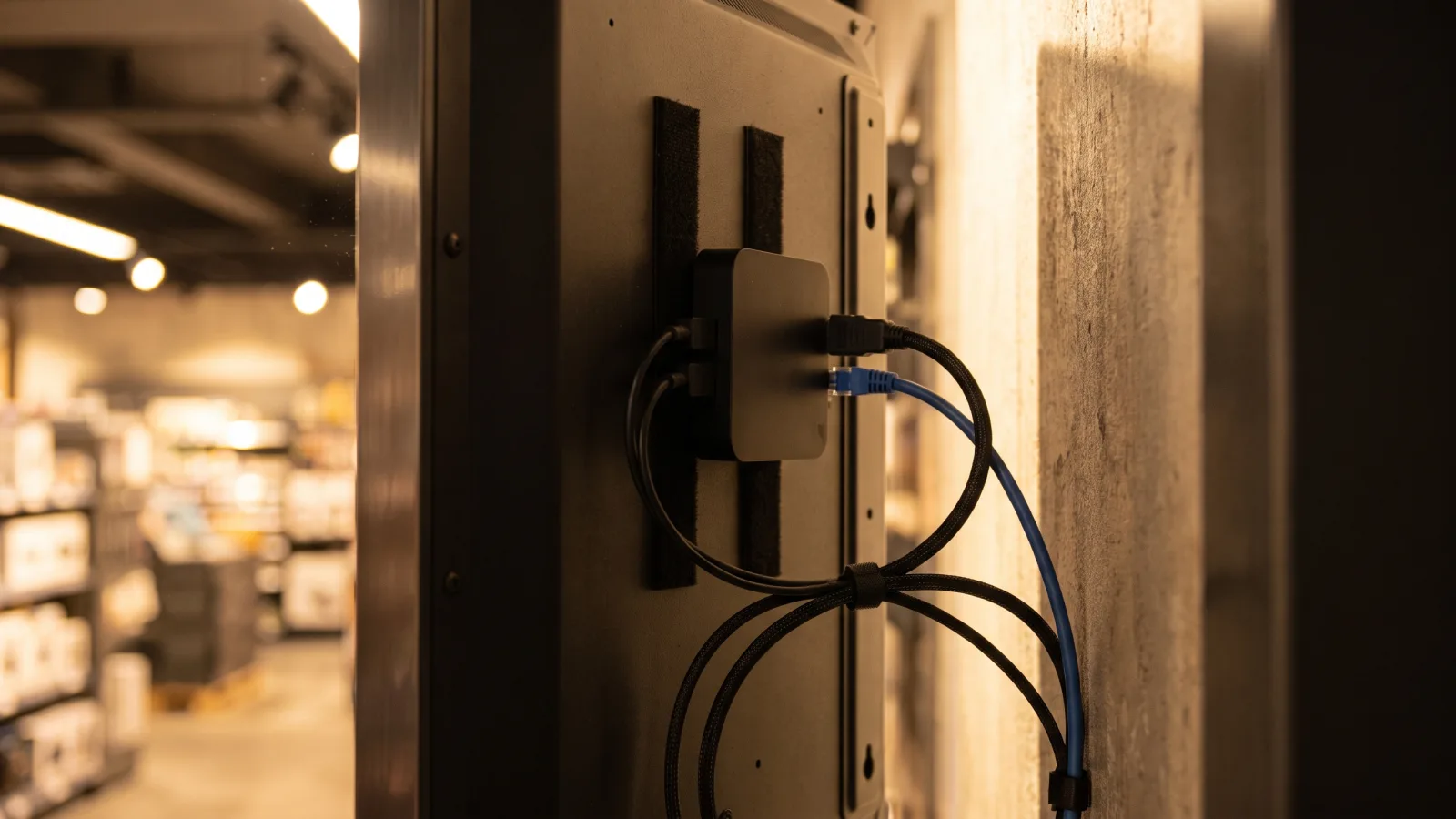
Yes, it's ours, so read this section knowing that. Here's the honest positioning: the CrownTV media player is a fanless commercial unit built to do exactly one thing — run the CrownTV Dashboard reliably on every screen in a fleet. Hardware-accelerated 4K playback, wired Gigabit Ethernet, local content caching so an internet outage never blacks a screen, and full remote management: reboot, content push, and screen-health status from one dashboard, whether you run 3 screens or 300 across 40 locations.
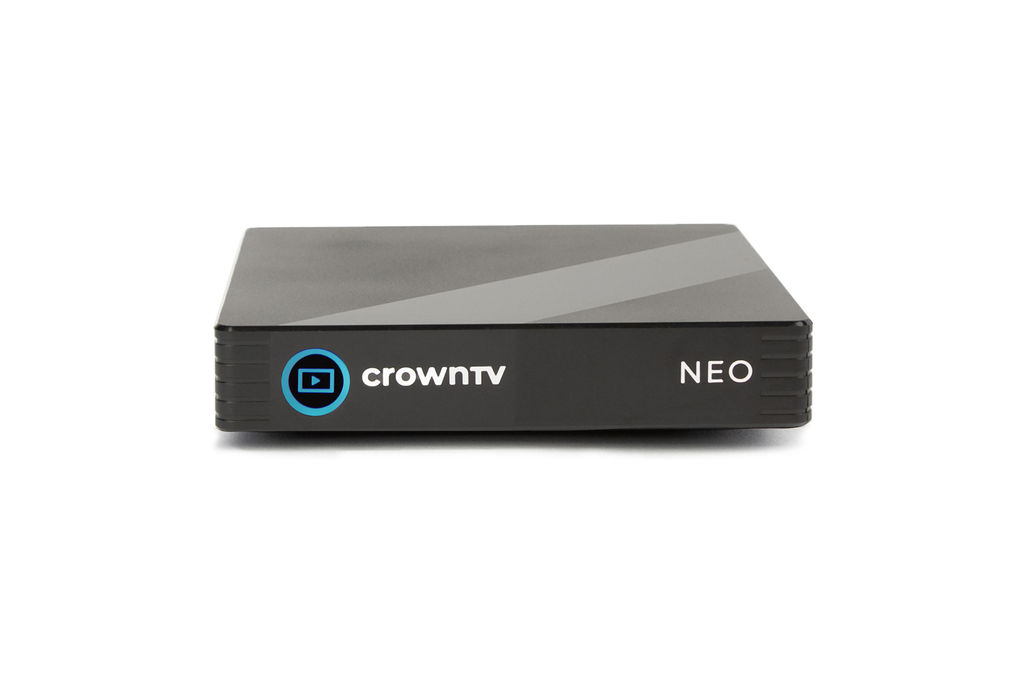
The trade-off is the same one we flag for BrightSign below: it's not a bring-your-own-CMS device. The player and the Dashboard are designed as one system. If you want to run a different software platform, buy a different player. If you want one vendor accountable for the display, the player, the software, and the install — that single-throat-to-choke model is the reason operators like L'Occitane run our hardware across their store fleets. The player is included in every CrownTV all-in per-screen package ($3,250–$5,200 installed, depending on screen size), so it never shows up as a separate line item.
Skip it if: you're a hobbyist, you have one screen and no growth plans, or you're committed to another CMS.
2. BrightSign — best for integrator-built and AV-spec projects
BrightSign is the reference brand in purpose-built signage players, and the reputation is earned. The players run BrightSignOS — a locked-down, signage-only operating system with no consumer baggage — on solid-state, fanless hardware. That combination is why BrightSign units are the default line item in AV consultants' specs: there's nothing on the device to drift, update itself, or get repurposed by a bored employee.
The lineup spans entry-level units for simple looping content up to flagship series that drive 4K HDR, video walls, and interactive triggers. Expect several hundred dollars per unit; commercial players as a class generally run $250–$700, and BrightSign's top-end hardware sits above that. The trade-off: BrightSign makes the player, not the whole system. You still need a compatible CMS, someone to configure it, someone to install it, and someone to answer the phone when a screen dies. For integrators and in-house AV teams, that's fine — it's their job. For a retail or restaurant operator with no AV staff, the assembled stack costs more than the sticker suggests.
Skip it if: you want one vendor accountable end to end, or your content is simple enough that SoC covers it.
3. Samsung Tizen SoC — best no-player option
Every modern Samsung commercial display — including the QMC series we install as our indoor standard — ships with a built-in System-on-Chip running Tizen. It's a genuine signage player living inside the panel: signage software runs directly on the display, no external box, no extra cabling, no second power outlet. For a single screen or a small single-brand fleet, that's the cleanest possible install, and the marginal hardware cost is zero.
The limits show up at scale. Tizen is a walled garden — apps written for it don't run on LG's webOS or on Android panels, so a mixed-brand fleet means managing multiple platform integrations instead of one. SoC silicon also trails dedicated player hardware on heavy HTML5 dashboards and multi-zone layouts. And when the SoC misbehaves, you're rebooting a mounted panel, not swapping a $300 box in five minutes. Our full breakdown: what Samsung Tizen digital signage is, and how it stacks against Google's platform in Tizen vs Google TV.
Skip it if: your fleet mixes panel brands, or your content leans on complex web rendering.
Not sure which player fits your fleet?
Send us your screen count, locations, and content plan — we'll spec the player, panel, and software as one quote, installed by licensed, insured technicians.
Get a signage hardware quote in 2 business hours →4. Windows mini-PC — best for interactive and data-heavy screens
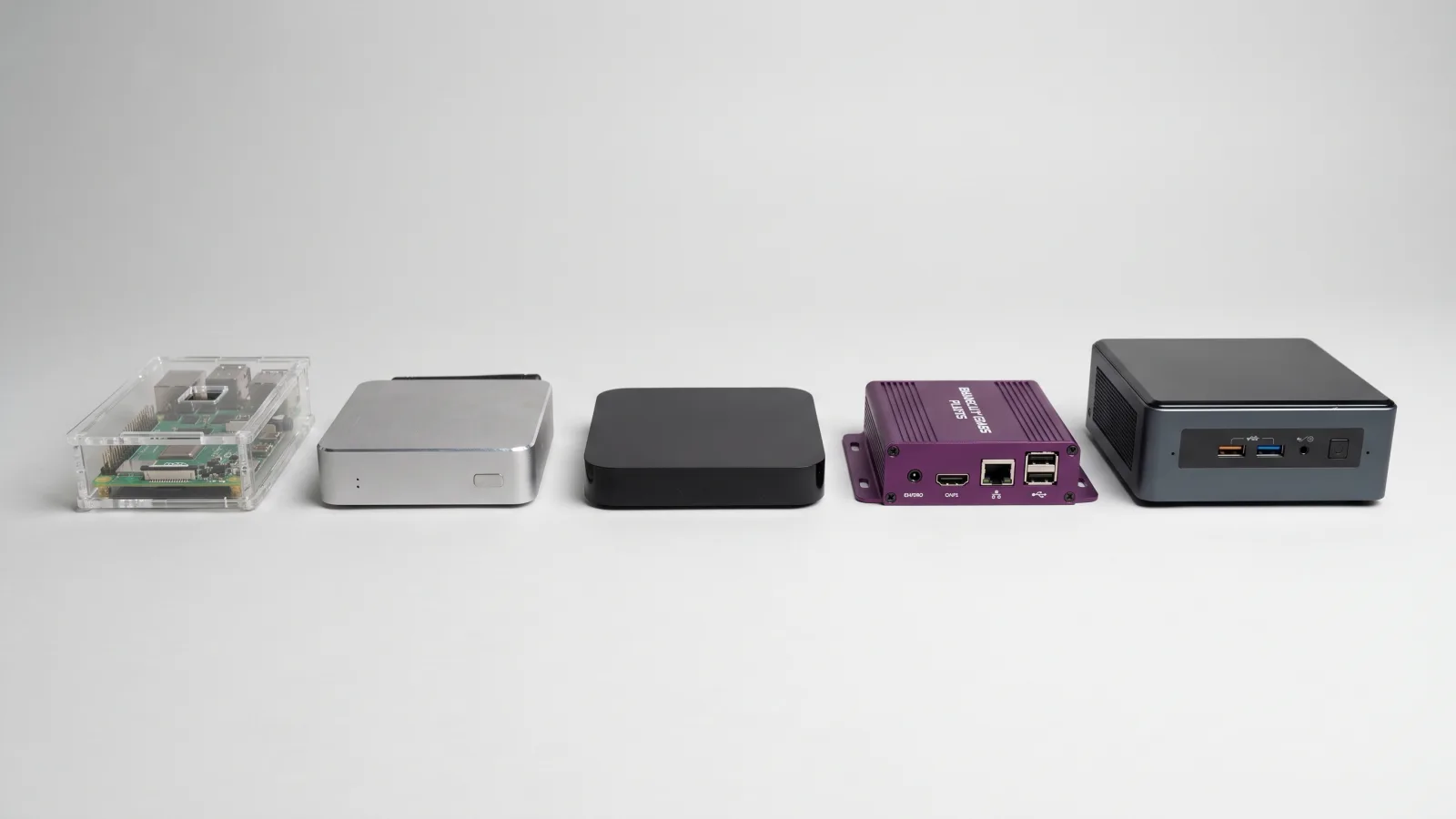
An Intel NUC-class mini-PC ($200–$800) is the most flexible player you can buy: it runs any CMS, any browser-based dashboard, any custom application, any touch-screen experience. When the job is an interactive kiosk, a BI dashboard with authenticated data sources, or a bespoke web app, Windows is often the only platform that does it without compromise.
That flexibility is also the failure mode. Windows was built for a person at a desk, not an unattended screen in a lobby. Windows Update reboots at the wrong moment, GPU drivers rot, and a general-purpose OS has a thousand more ways to break than a locked-down signage OS. Teams that run Windows signage well treat it like IT infrastructure: kiosk mode, managed update rings, auto-login, watchdog scripts, remote access tooling. If nobody on staff owns that checklist, this is the wrong pick — and it's why we deploy mini-PCs only where the content genuinely demands them.
Skip it if: your content is playlists and video. A dedicated player does that with a tenth of the maintenance.
5. Enterprise Android player — best mid-price flexibility
Most signage software ships an Android app first, so a commercial Android box is the broadest-compatibility play in the mid-price band — typically low hundreds per unit, between a Raspberry Pi and a full commercial player. The key word is enterprise: purpose-built commercial boxes from signage-focused vendors, with fanless metal enclosures, Ethernet, kiosk-mode lockdown, scheduled reboots, and fleet enrollment. That is a different species from a $40 consumer Android TV stick, which throttles under all-day load and drifts with every Play Store update.
The category's weakness is fragmentation. "Android player" spans dozens of manufacturers with wildly different build quality, update policies, and lifespans — the platform is consistent, the hardware isn't. Vet the specific box: hardware H.265 decoding, wired Ethernet, an OS version your CMS officially supports, and a vendor that's been shipping the same line for years. Buying on price alone in this category is how you end up owning 60 orphaned boxes when the manufacturer disappears.
Skip it if: you can't verify the manufacturer's track record, or the screen is business-critical enough to justify commercial-player money.
6. Raspberry Pi — best budget and DIY entry
The honest budget answer. A Raspberry Pi built out with a case, power supply, and storage lands around $100, and it's a legitimate signage player — entire platforms like Yodeck are built on Pi hardware, and a current-generation Pi handles 4K playback and standard playlist content competently. For a coffee shop menu, a lobby slideshow, or a proof-of-concept before a bigger rollout, it's the smart cheap option. We walk through the full low-cost stack in our cheap digital signage guide.
The caveats are real. SD cards corrupt under 24/7 write cycles — the classic Pi failure — so spec an endurance-rated card or boot from SSD. Heavy HTML5 and multi-zone layouts stutter. There's no warranty depot and no vendor SLA; you are the support department. One or two screens, technically comfortable owner, non-critical content: go ahead. Forty screens across ten sites: the math flips fast, because a $100 player that needs two site visits a year costs more than a $400 one that needs none.
Skip it if: a dead screen costs you revenue, or nobody on staff enjoys fixing Linux boxes.
Comparison table: the 6 players side by side
| Player | Typical price | OS / platform | Remote fleet management | 4K H.265 | Best for |
|---|---|---|---|---|---|
| CrownTV media player | Included in all-in packages ($3,250–$5,200/screen installed) | Locked signage OS + CrownTV Dashboard | Built in — reboot, push, health status | Yes | Turnkey multi-location fleets, one accountable vendor |
| BrightSign | Several hundred $/unit (commercial class: $250–$700+) | BrightSignOS (proprietary) | Via compatible CMS / BrightSign tools | Yes (mid/upper series) | Integrator-built stacks, AV-spec projects |
| Samsung Tizen SoC | $0 extra (built into panel) | Tizen | Via Tizen-compatible CMS | Yes (panel-native) | 1–10 screens on Samsung commercial panels |
| Windows mini-PC | $200–$800 | Windows 11 | Requires IT tooling (RMM, kiosk mode) | Yes (GPU-dependent) | Interactive kiosks, authenticated dashboards, custom apps |
| Enterprise Android box | Low hundreds $/unit | Android (commercial build) | Via CMS app + device enrollment | Varies — verify per model | Mid-budget fleets on Android-first CMS platforms |
| Raspberry Pi | ~$100 built out | Linux / Pi-based CMS images | Depends on CMS; DIY otherwise | Capable, with limits | 1–2 screens, DIY, pilots, tight budgets |
Which player should you buy? By scenario
- Multi-location retail, restaurant, or corporate fleet (10–1,000 screens): dedicated commercial player. CrownTV if you want hardware, software, install, and service on one contract; BrightSign if you have an integrator or in-house AV team assembling the stack.
- 1–10 screens, all Samsung commercial panels: run the built-in Tizen SoC and spend the player budget on a better panel or another screen.
- Interactive kiosk, wayfinding, or a KPI dashboard with logins: Windows mini-PC, managed by IT like any other endpoint.
- Growing fleet on a mid-level budget, CMS already chosen and Android-first: enterprise Android box from a vendor with a multi-year track record.
- One screen, tight budget, technically comfortable: Raspberry Pi — with an endurance SD card and realistic expectations.
- Repurposing a TV you already own: read how to turn a TV into digital signage first — the player is the easy half of that decision.
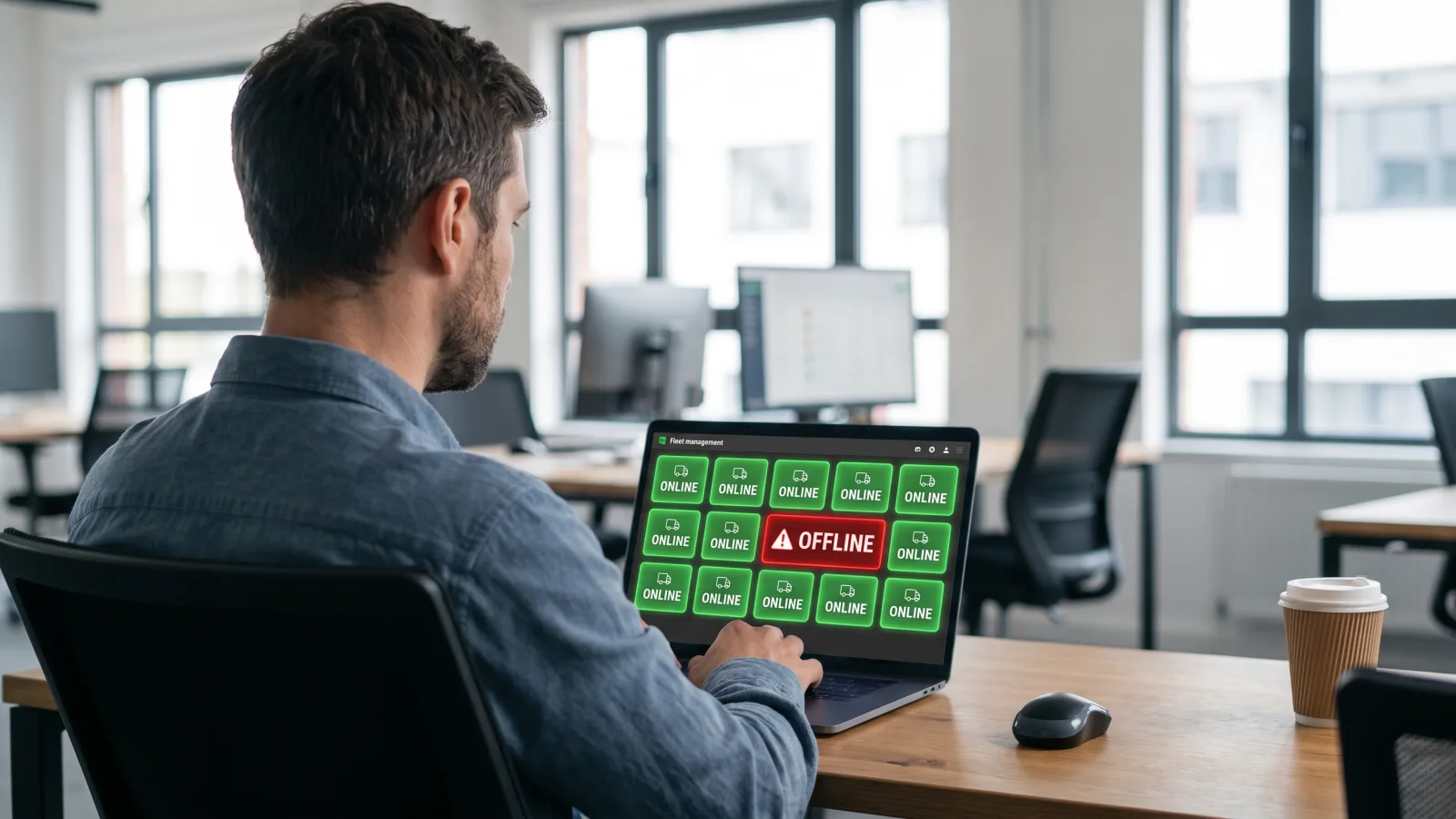
When SoC beats an external player
We sell external players, so take note when we tell you not to buy one. Built-in SoC is the better call when all four of these are true:
- Single panel brand. All Samsung (or all LG) — the walled-garden problem never materializes.
- Ten screens or fewer. Below that count, the operational advantages of swappable external hardware rarely pay for themselves.
- Standard content. Playlists, video, images, simple feeds — nothing that leans hard on web rendering.
- Your CMS officially supports the SoC platform. "Runs on Tizen" in a sales deck and a maintained, first-party Tizen app are different things. Confirm the latter.
Break any one of those conditions and the external player starts earning its price — usually the day your fleet adds a second panel brand, or the day a mounted panel needs its third manual reboot in a month. Whichever way you go, the software choice matters as much as the box; our best digital signage software comparison covers that side.
How CrownTV helps
One contract for hardware + software + install + service:
- CrownTV media player — fanless, 4K, purpose-built for 24/7 signage, integrated with the CrownTV Dashboard
- Samsung Authorized Reseller — QMC indoor, OM high-brightness, and OH outdoor commercial displays at commercial-grade pricing
- All-in per-screen packages from $3,250 (32″) to $5,200 (75″) — display, mount, media player, licensed-insured install, setup, and first-year software
- White Glove deployment and warranty service in all 50 states
- 13+ years running player fleets at scale for L'Occitane, Herman Miller, and 1,800+ other operators
Get a digital signage quote in two business hours →
Frequently asked questions
What is the best digital signage player?
For most businesses running more than a handful of screens, the best digital signage player is a dedicated commercial unit — the CrownTV media player if you want hardware, software, and install from one vendor, or a BrightSign player if you're assembling the stack yourself. Both are purpose-built for 24/7 operation with remote management. For 1–5 screens on Samsung commercial panels, the built-in Tizen SoC is often the smarter buy because it costs nothing extra.
How much does a digital signage player cost?
Dedicated commercial players generally run $250–$700 per unit depending on tier and codec support. Windows mini-PCs run $200–$800. Enterprise Android boxes typically land in the low hundreds. A Raspberry Pi build costs roughly $100 with case, power supply, and storage. Samsung Tizen SoC adds nothing, since the player is built into the commercial panel. CrownTV's all-in per-screen packages ($3,250–$5,200 installed) include the media player, display, mount, install, and first-year software.
Do I need a media player if my TV has built-in signage apps?
Not always. A Samsung commercial display with Tizen SoC can run signage software directly, and for 1–10 screens on a single panel brand that's a clean setup with no extra hardware. External players earn their place at fleet scale: they behave identically regardless of panel brand, they're swappable in minutes when something fails, and they avoid the walled-garden problem where Tizen apps don't run on webOS and vice versa across a mixed-panel fleet.
Is a Raspberry Pi good enough for digital signage?
For one or two screens with simple content — menus, slides, basic video — yes, and it's the cheapest legitimate option at roughly $100 built out. Entire platforms like Yodeck run on Pi hardware. The caveats: SD-card corruption is the classic failure mode, 4K and heavy HTML5 content push the hardware's limits, and there's no vendor to call at 2 a.m. If a dead screen costs you money or embarrassment, spend up for commercial hardware.
Can I use a Fire TV Stick or Roku as a digital signage player?
You can, and for a single break-room screen it may be fine. We don't deploy them. Consumer streaming devices update on their own schedule, throttle under all-day thermal load, sleep when they shouldn't, and offer no fleet-level remote management. An overnight firmware update that breaks playback on 40 screens erases years of the $150-per-unit savings. Signage that represents your brand deserves hardware rated for the job.
What specs matter most in a digital signage player?
Four things decide day-to-day reliability: hardware-accelerated H.264 and H.265 decoding at your target resolution (4K60 for modern panels), at least 16GB of local storage so content keeps playing through a network outage, wired Gigabit Ethernet rather than Wi-Fi, and genuine remote management — reboot, content push, and health monitoring without a site visit. Fanless thermal design matters too; fans collect dust and die first.
Read Next
Keep reading
More guides like this
Operator-grade playbooks, weekly.
Proof, not pitches
See real installs
Live deployments across hospitality, retail, and offices.
Ready to deploy?
Get a quote in 2 business hours
Reply within two business hours. No call required.