
Clean 4K commercial panels for retail, lobby, showroom, office, and menu-board placements.
Indoor digital signage
Indoor digital signage displays, installed cleanly.
Commercial screens for menu boards, retail walls, lobbies, showrooms, offices, and brand moments. Display, player, install, Dashboard, and support in one quote.
Pick the placement. We spec the commercial display, mount it cleanly, connect the CrownTV media player, set up the Dashboard, and hand your team a screen that is easy to keep current.
Commercial duty, stable playback, and a real support path after the screen is installed.
Locked controls and CrownTV Dashboard updates keep staff and visitors from taking screens off-air.
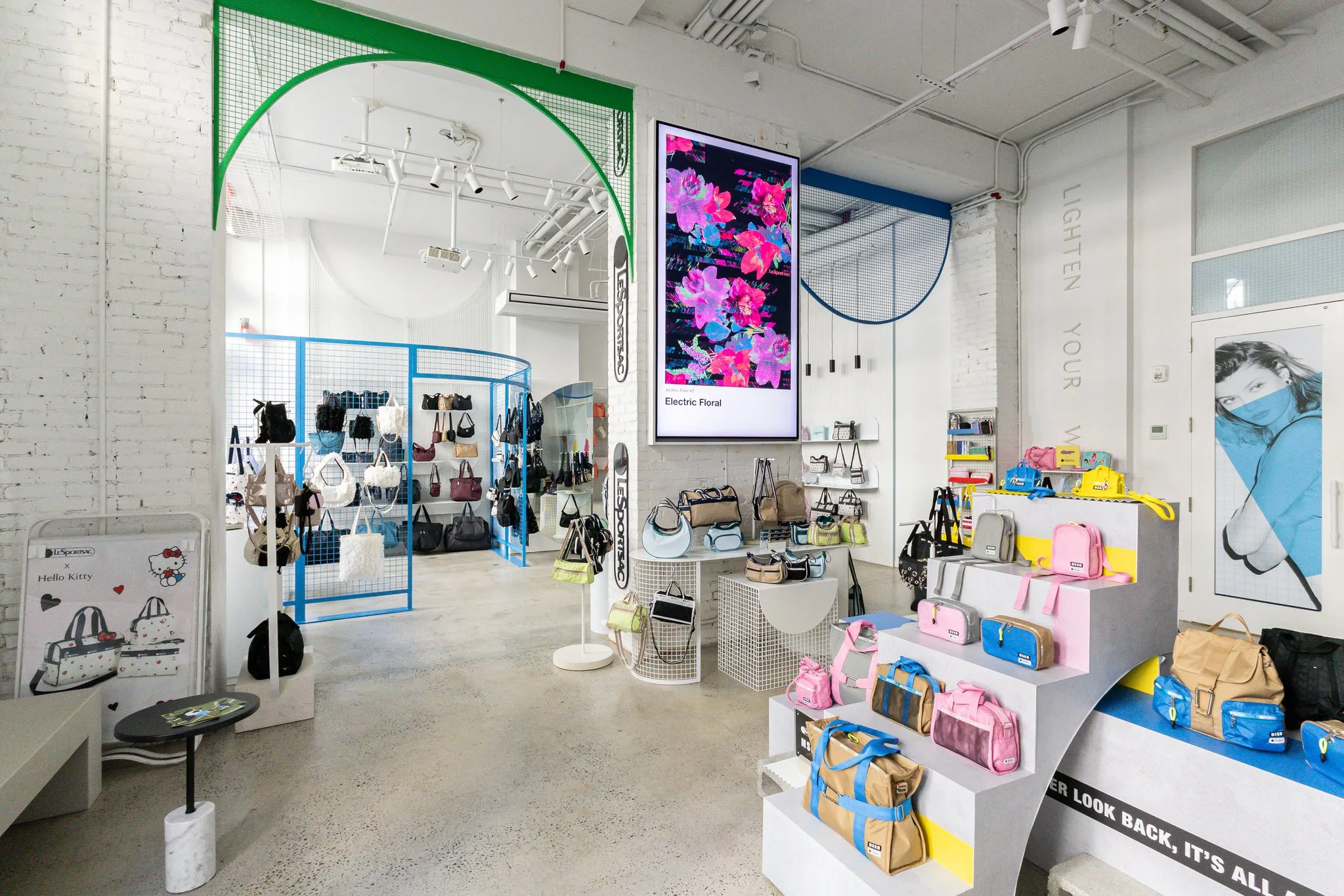
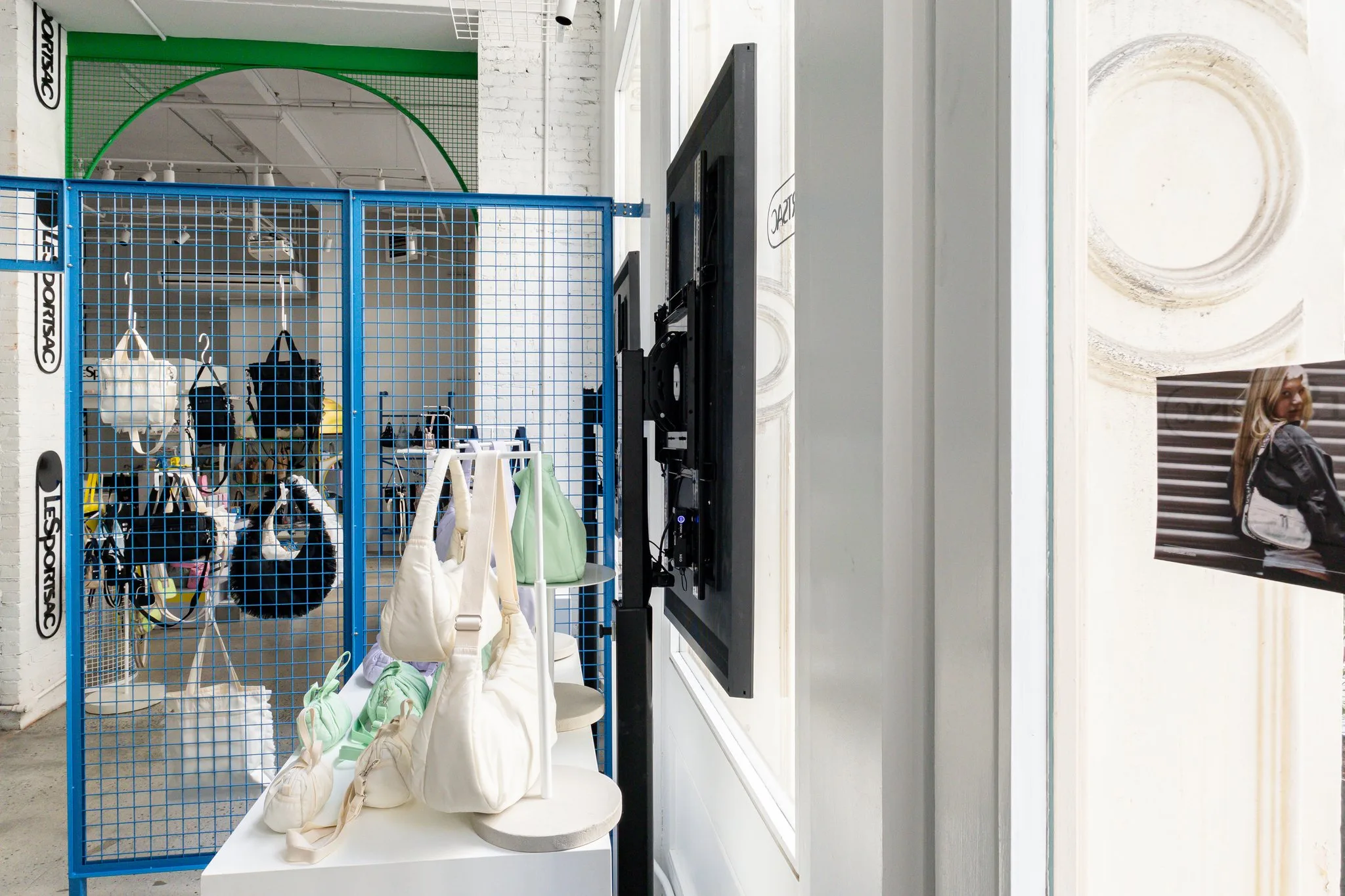
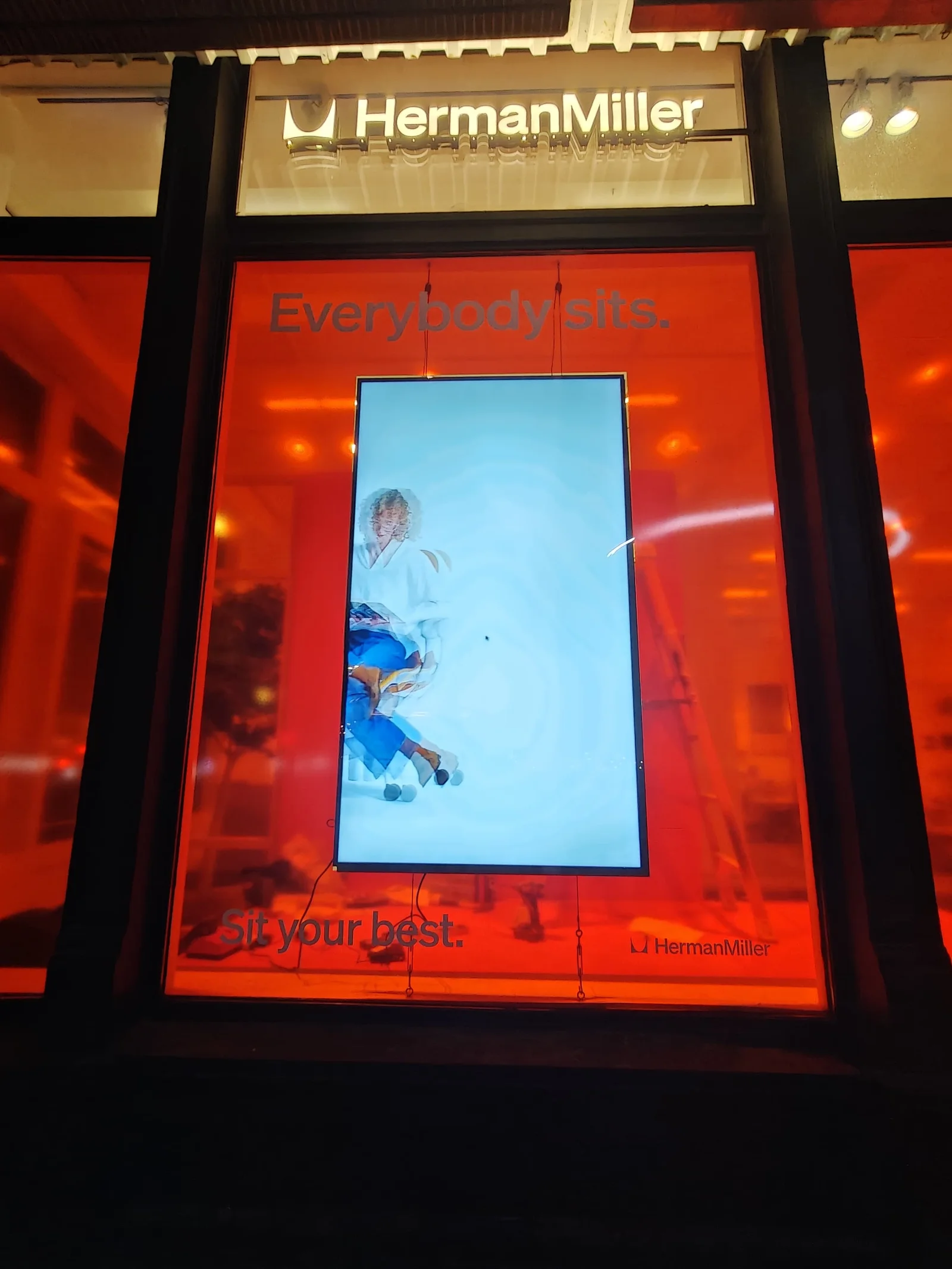
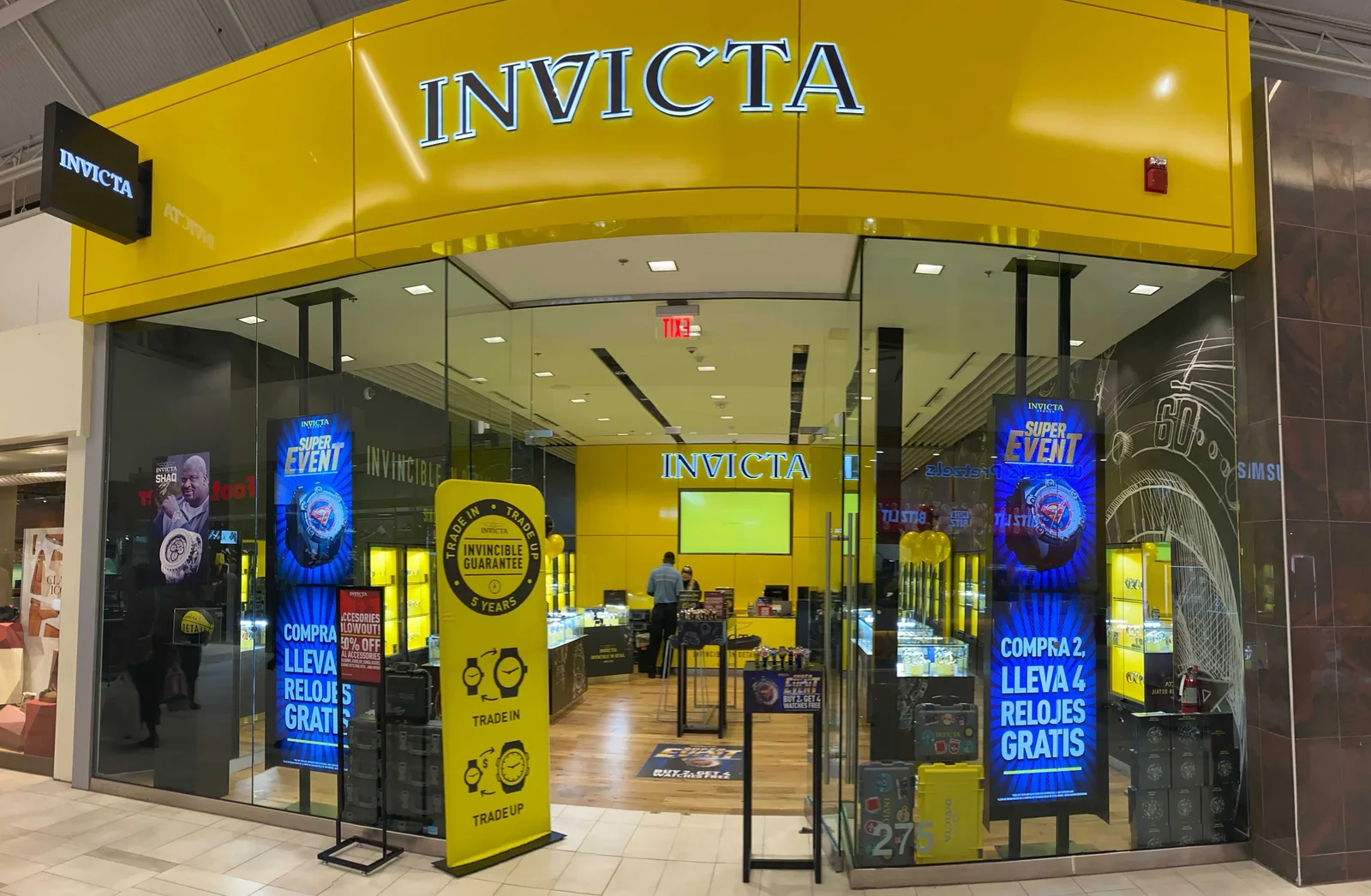
Behind the window display
The rear mount and equipment position are part of the same project. Access, cabling, and the view from inside matter too.
Explore the installation →CrownTV project photography · finished installation and mounting detail
Start with the room
Indoor signage should feel designed, not dropped on the wall.
Indoor digital signage is the commercial screen system inside a store, office, lobby, restaurant, gym, showroom, clinic, or hotel. CrownTV turns that into a finished package: display, player, Dashboard setup, installation, content handoff, training, and support.
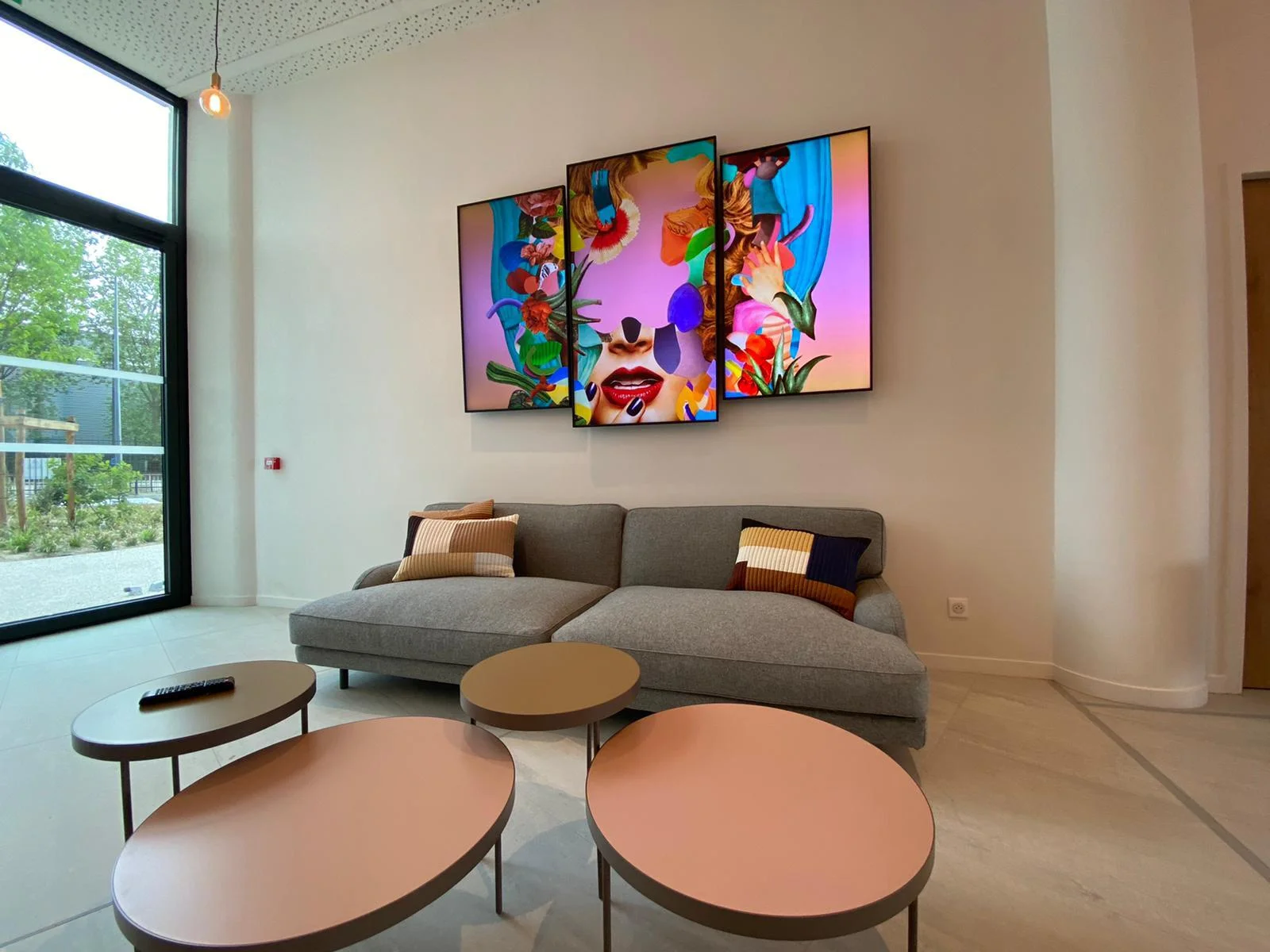
Brand wall or end-cap
Clean 4K product storytelling, seasonal promos, and merchandising loops in portrait or landscape.
Menu board row
Readable menu hierarchy, dayparted layouts, food photography, and pricing updates from the Dashboard.
Lobby or showroom
Welcome content, brand reels, KPI dashboards, room schedules, and visitor messaging with locked controls.
Waiting-room screen
Education loops, queue messaging, wayfinding prompts, and calmer screen control in public spaces.
One quote covers
Hardware, player, install, setup, and support.
- 01 Commercial 4K indoor display matched to room size
- 02 CrownTV media player configured before launch
- 03 Mounting, cable path, network setup, and install
- 04 Dashboard setup, content load, training, and support
Slim-bezel commercial displays mounted cleanly in portrait, landscape, menu rows, or brand walls.
Menus, brand reels, lobby messages, promos, dashboards, and internal updates from CrownTV Dashboard.
No remote in the public flow, no exposed controls, no staff guessing which input the screen should be on.
Display, media player, mount, wiring, setup, training, and support handled as one project.
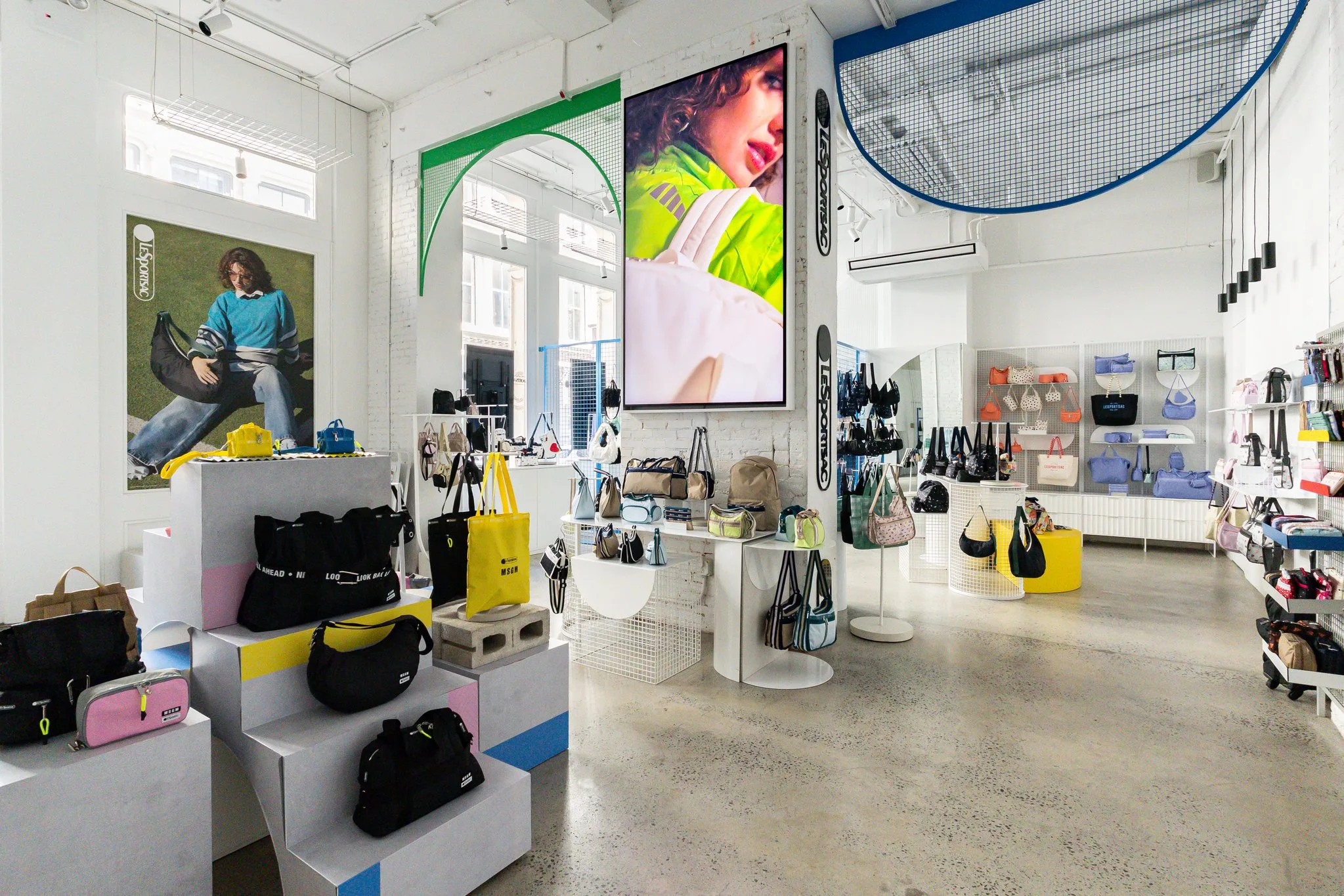
In the field
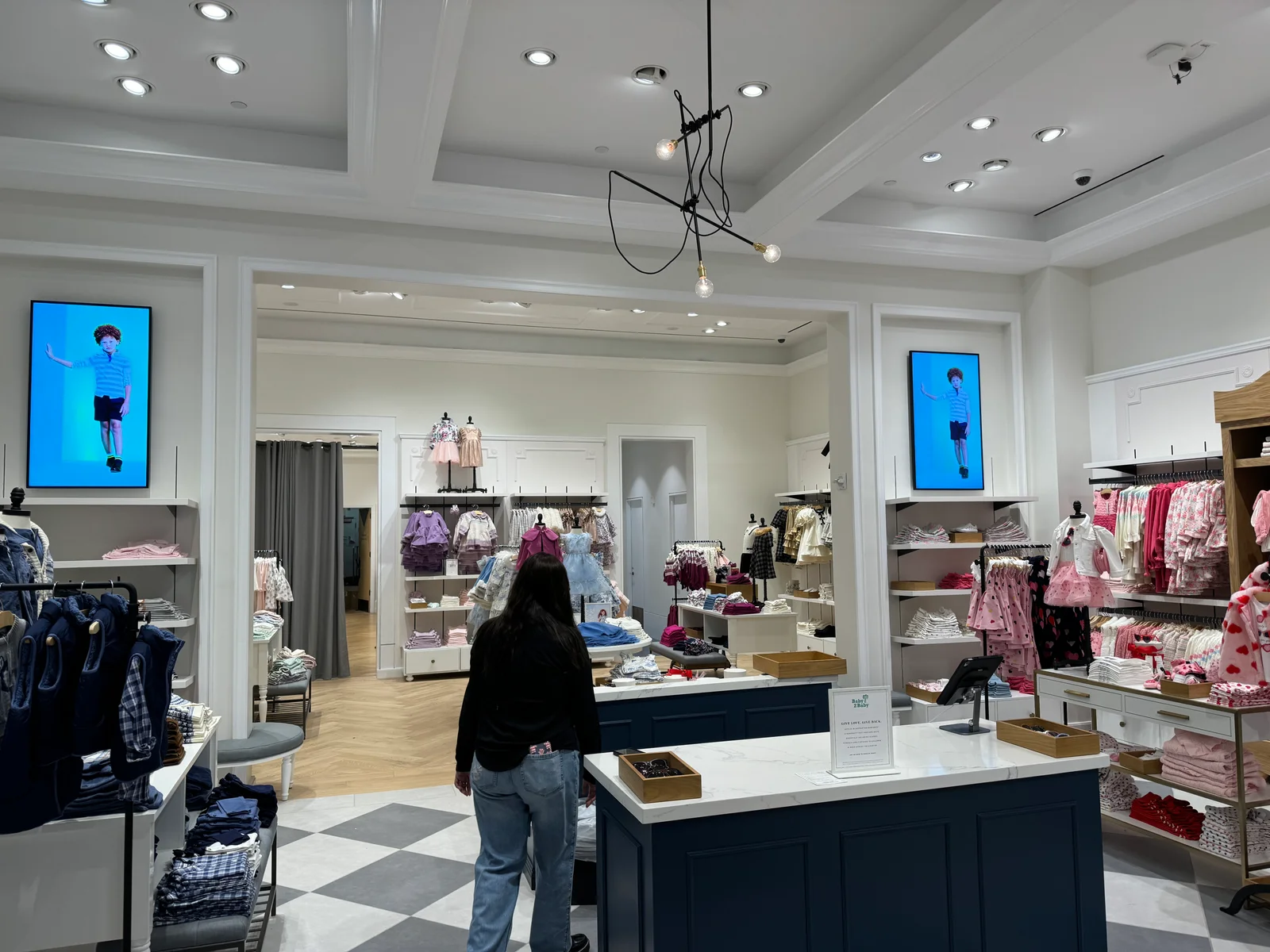
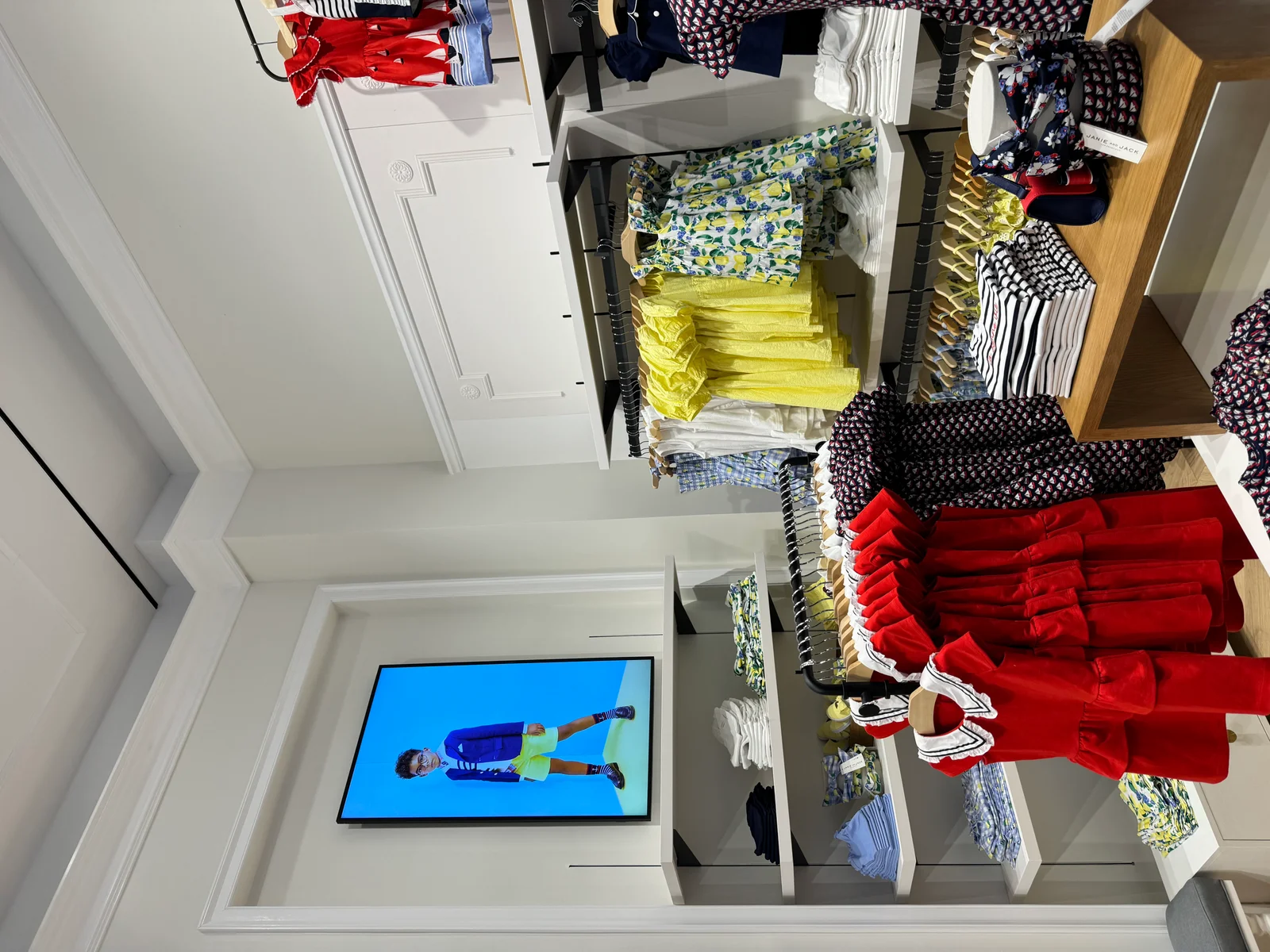
Real indoor installs we've shipped.
Real photos from real customer locations — not stock product shots.
Custom quote
Every project is custom-quoted.
Tell us what you're building — all inquiries responded to within 2 business hours.
Frequently asked
Indoor digital signage — FAQ
What's the difference between a commercial display and a regular TV?
A commercial-grade indoor display is engineered for continuous operation — 16 hours a day, 7 days a week, under real retail and office lighting conditions. The thermal envelope, backlight driver, panel firmware, and warranty are all sized for that duty. A consumer TV is built for a few hours of personal viewing, ships with a smart-TV operating system that injects ads and update prompts over your content, and explicitly excludes commercial use from its warranty. Mount one in a store and the day-one warranty is void.
Why does the button-tampering issue matter?
Every consumer TV ships with an exposed power button on the bezel and a remote control in the box. Anyone — staff, a customer, a visitor — can press a button and change the input, lower the brightness, mute the audio, or power the screen off. We've seen all four happen on day one of an install. Commercial indoor panels disable the hardware button matrix at install and don't ship with a remote. Content delivery runs through the CrownTV media player and Dashboard, so the only way to change what's on the screen is through the CrownTV login.
What sizes do indoor commercial displays come in?
Standard indoor commercial sizes run 32″, 43″, 50″, 55″, 65″, 75″, 85″, and 98″. For tight spaces — concierge towers, check-out backsplashes, narrow column wraps — 32″ and 43″ are the right call. For most retail and office installs, 55″ and 65″ are the sweet spot. Lobbies and showrooms typically run 75″. Flagship video walls combine 85″ and 98″ panels with a video-wall-spec bezel for sub-2mm seams.
What's a typical installed price for a commercial indoor display?
Real installed-price ranges, by size class: 32″–43″ panels run $2,950–$3,450 per unit installed; 50″–55″ run $3,250–$3,750; 65″–75″ run $4,550–$5,250; 85″–98″ flagship hero panels run $5,850–$10,25000. Each range covers the panel, commercial mount, CrownTV media player, electrical, content commissioning, and one year of the CrownTV Dashboard. Volume pricing kicks in at 5+ units. Every project is custom-quoted on the same template — quote SLA is two business hours, Mon–Fri 9am–6pm ET.
How bright should an indoor display be?
300 to 500 nits is the right range for typical indoor retail, lobby, and office environments. Below 300 you'll fight LED store lighting and overhead fluorescents. Above 500 you start spending on brightness you don't need indoors. Our standard indoor panel sits at 500 nits — the peak of useful indoor brightness without crossing into window-display territory. For window-facing or sunlit interiors, the conversation moves to high-brightness window displays at 3,000+ nits.
Can I build a video wall with these?
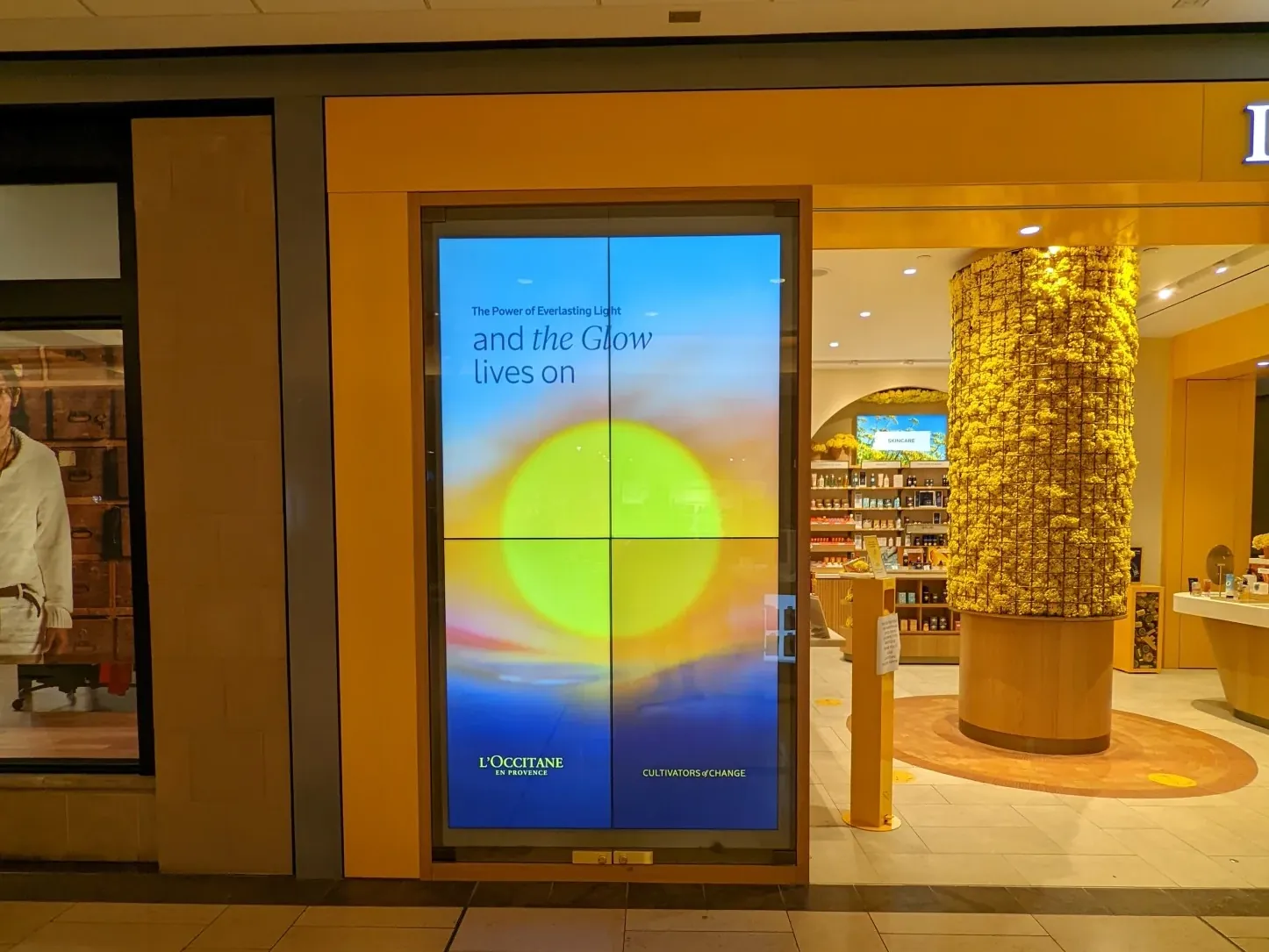
Yes. Indoor commercial panels with the video-wall bezel spec ship with a sub-2mm seam at the joint, supporting clean 2×2 and 3×3 builds. For seam-critical flagship walls — L'Occitane flagship boutiques run hybrid 98″/85″ walls on this build — the install team handles the rail, the bracket, the cable run, and the content sync from the Dashboard. Multi-panel walls deploy as one logical screen.
How do you actually push content to the screens?
Every screen runs a CrownTV media player, which connects to the CrownTV Dashboard over WiFi or Ethernet. Content, schedules, brand updates, daypart logic, and emergency overrides all push from the Dashboard. There's no smart-TV layer involved — no pop-ups, no app prompts, no OS-update reboots over your content.
What about installation?
Standard turnkey deployment runs under one week from site survey to live screen. Site survey, ship, mount, cable, commission, train — all handled by CrownTV's licensed install network in all 50 states. Multi-location rollouts get a single project manager from kickoff to handoff.
What's covered under the warranty?
Standard 3-year commercial limited warranty on the panel during active commercial use. CrownTV layers a 48-hour replacement-player promise during active service contract — if anything fails on the network side, we ship the swap, file the claim, and dispatch the crew. You don't talk to the manufacturer.
Ready when you are
Indoor screens, mounted and managed in five days.
All inquiries responded to within 2 business hours.
No commitment. No hard sell.