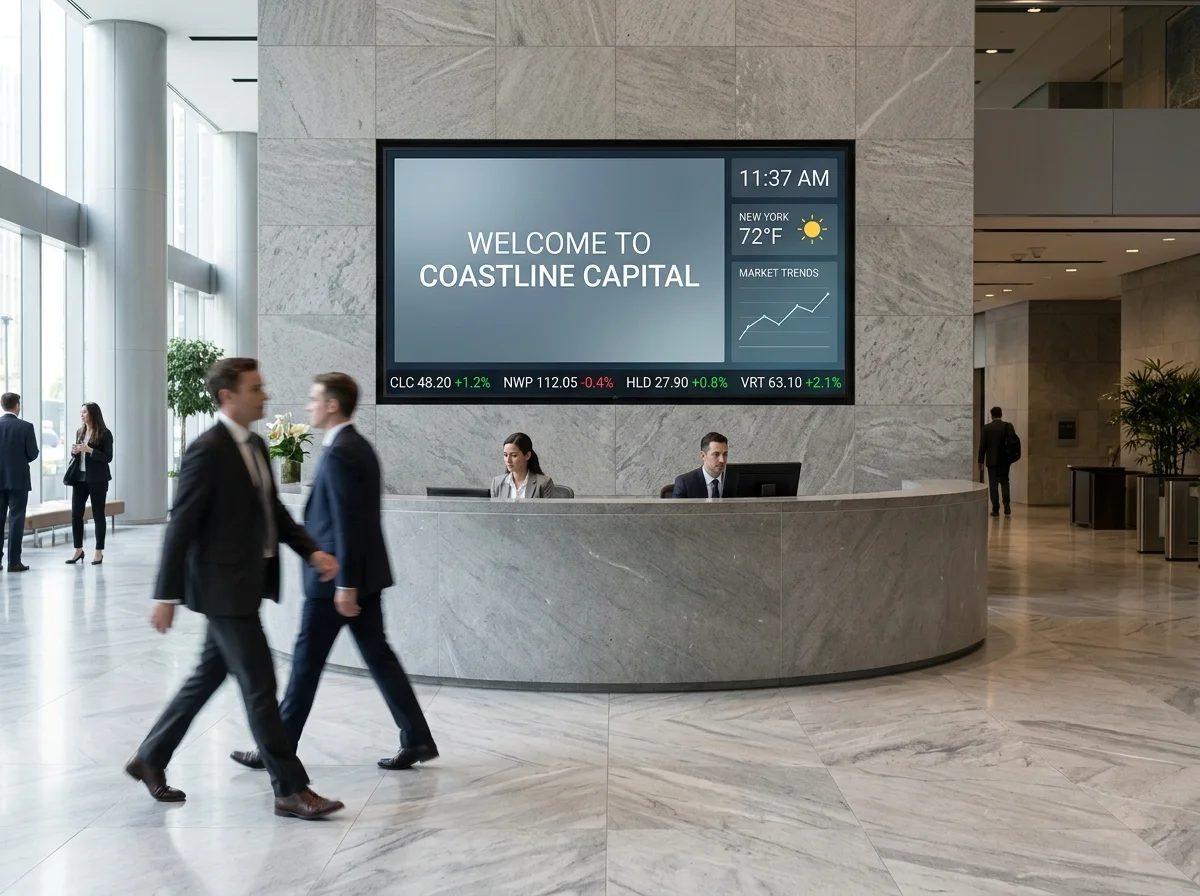
Digital signage hardware

Digital signage hardware. Software. Install. One contract.

Commercial displays, high-brightness window panels, outdoor digital signage, kiosks, media players, and the CMS that runs them. CrownTV specs every layer as one managed digital signage system, then installs and supports it nationwide.

Or call (347) 410-6890 · response in 4 business hours.

Screens running
16,000+
Commercial hardware
Authorized
Years operating
13+
Quote SLA
4 hours
What you need

What hardware do you need for digital signage?

Start with the job the screen has to do. CrownTV maps the environment, playback needs, and installation path before recommending any display class.

01 Display environment

What must the screen survive?

Lobby, retail floor, storefront glass, drive-thru, patio, kiosk, or flagship video wall. The environment decides brightness, duty cycle, glare control, weather protection, and service access.

indoor / window / outdoor / video wall
02 Playback brain

What keeps content live?

CrownTV Dashboard schedules the content. A media player or approved commercial display system keeps playback stable, cached, monitored, and easy to troubleshoot remotely.

CMS / player / cache / health
03 Install path

What makes the install hold up?

Mounting surface, cable path, power, network, landlord rules, after-hours access, and final CMS sign-off. Hardware only works when the field plan is clean.

survey / mount / power / go-live

Function-first buying guide

The questions that change the quote.

Is the screen facing glass or direct sun?
Use a high-brightness window display or outdoor-rated display instead of a standard indoor screen.
Will customers or staff touch it?
Use a kiosk or touch display with the enclosure, locked controls, and content flow built for interaction.
Does the content need one giant canvas?
Use video-wall tiles or direct-view LED with synchronized playback and accessible service paths.
Who changes content after launch?
Route the page to CrownTV Dashboard, content design, and managed support instead of hardware-only copy.

Product decision guide

Choose by screen job, not by manufacturer.

CrownTV specifies approved commercial display classes by function first. The right recommendation starts with brightness, duty cycle, placement, controls, warranty, mounting, service access, and support.

Verified signals

What you can rely on

  • 16,000+ active screens running on CrownTV
  • Commercial display classes: indoor, window, outdoor, kiosk, video wall
  • Published pricing ranges on the pricing page
  • Named project photos in the customer work library
Decision path

How we specify it

  1. Indoor wall or lobby: prioritize clean mounting, anti-glare glass, locked controls, and 16/7 or 24/7 duty cycle.
  2. Window-facing: prioritize brightness, heat management, anti-glare finish, and content readable from outside.
  3. Outdoor: prioritize weather rating, secure mounting, electrical path, and service access.
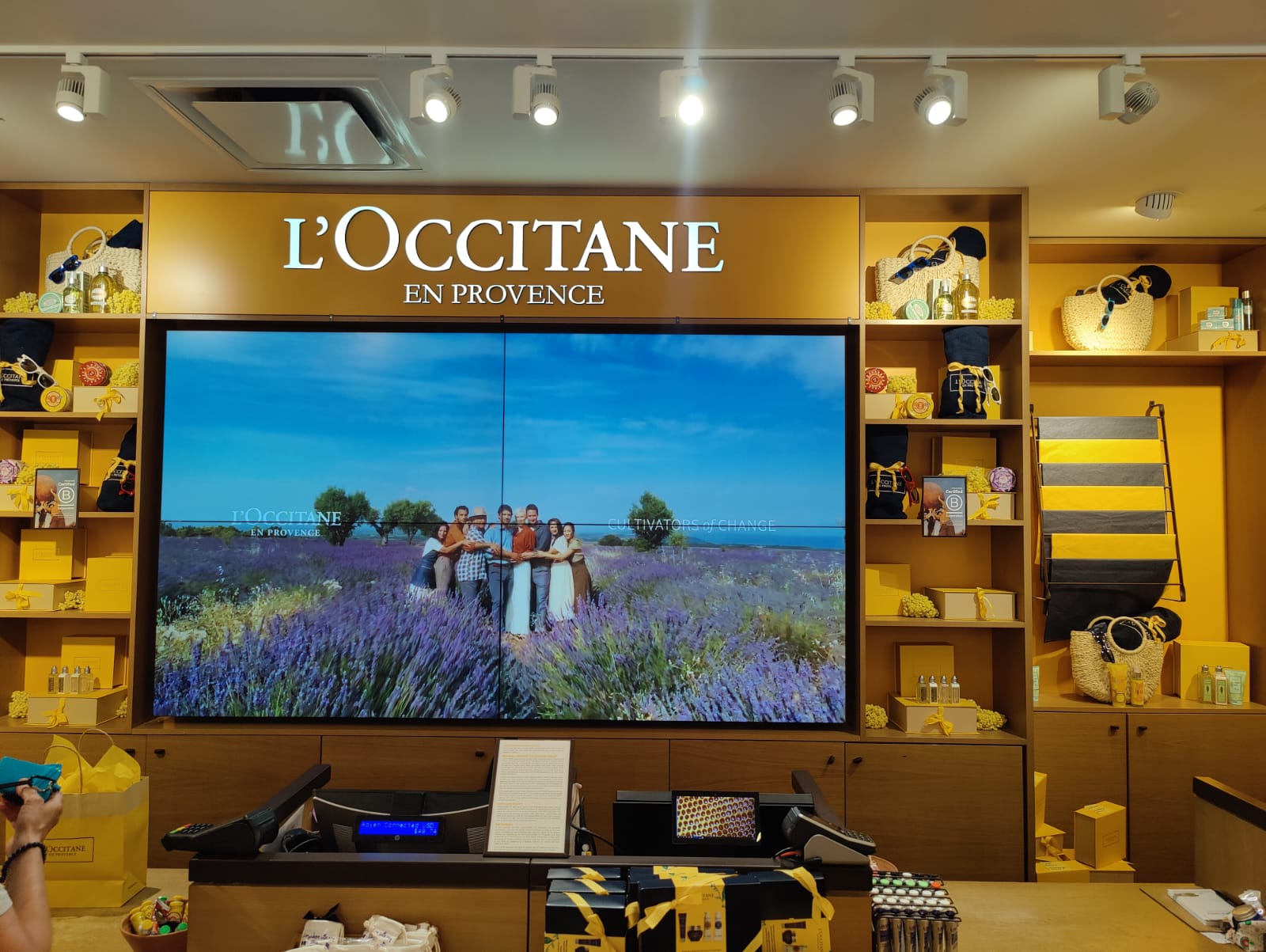
  4. Video wall: prioritize bezel, sync, cable path, and maintenance access.
Software

Run every screen from one dashboard.

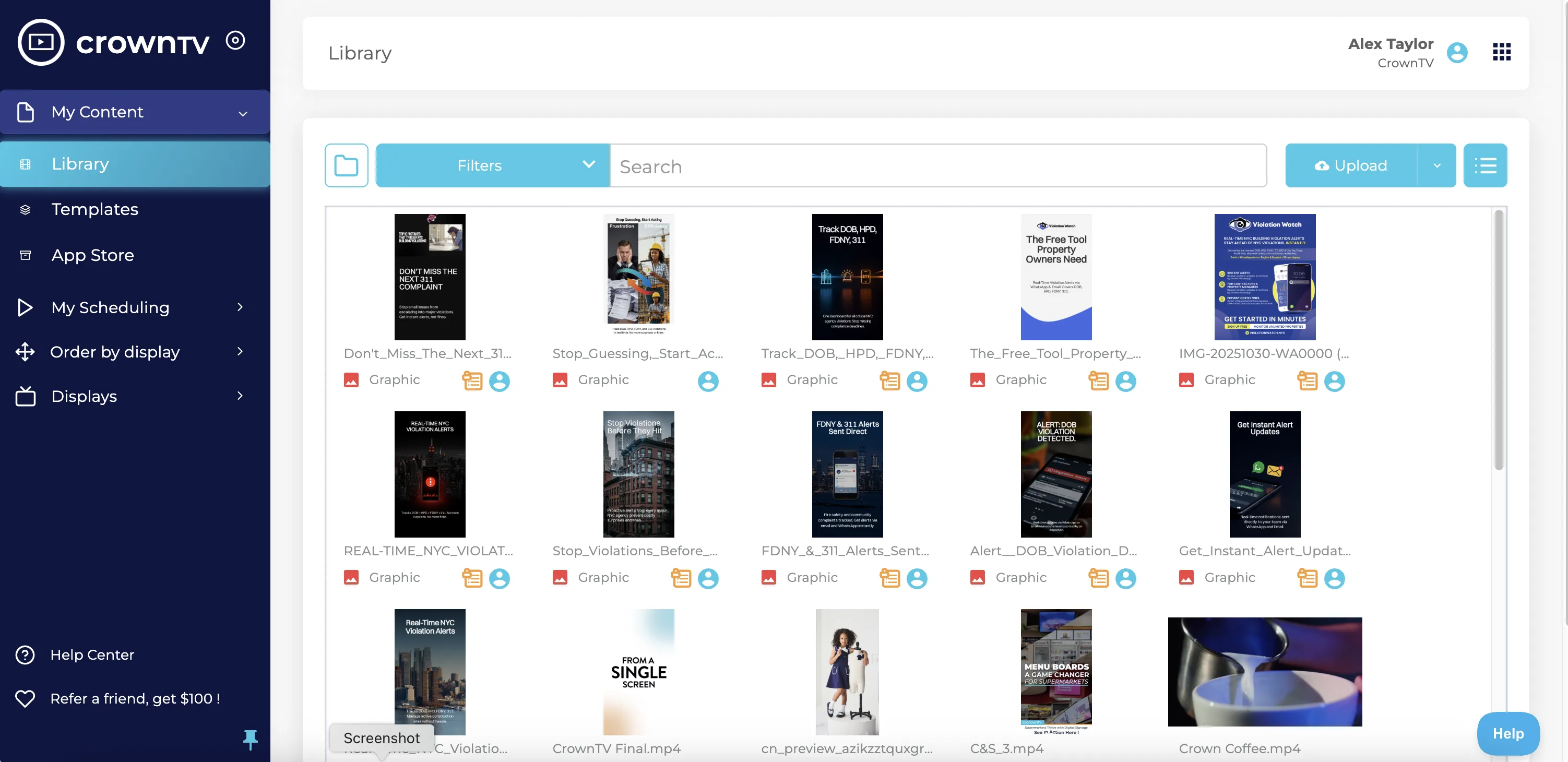
The CrownTV Dashboard is the cloud CMS that drives every screen we install. Schedule content, day-part menus, push promos, and monitor screen health from a browser. See the dashboard.

Hardware

commercial-grade. Sold and installed nationwide.

Indoor 4K, high-brightness window, outdoor LED, video walls, kiosks, and the CrownTV media player. Every commercial display we ship comes with the matching mount, dedicated-circuit electrical, and the licensed install crew that makes the build last. Volume pricing kicks in at 5+ units.

Hardware

Commercial displays

commercial-grade 4K indoor panels, high-brightness storefront screens, outdoor-rated displays, and video walls sized for retail, lobby, hospitality, and corporate use. ENERGY STAR options, long-life panels, and commercial warranty coverage.

Get Hardware Quote
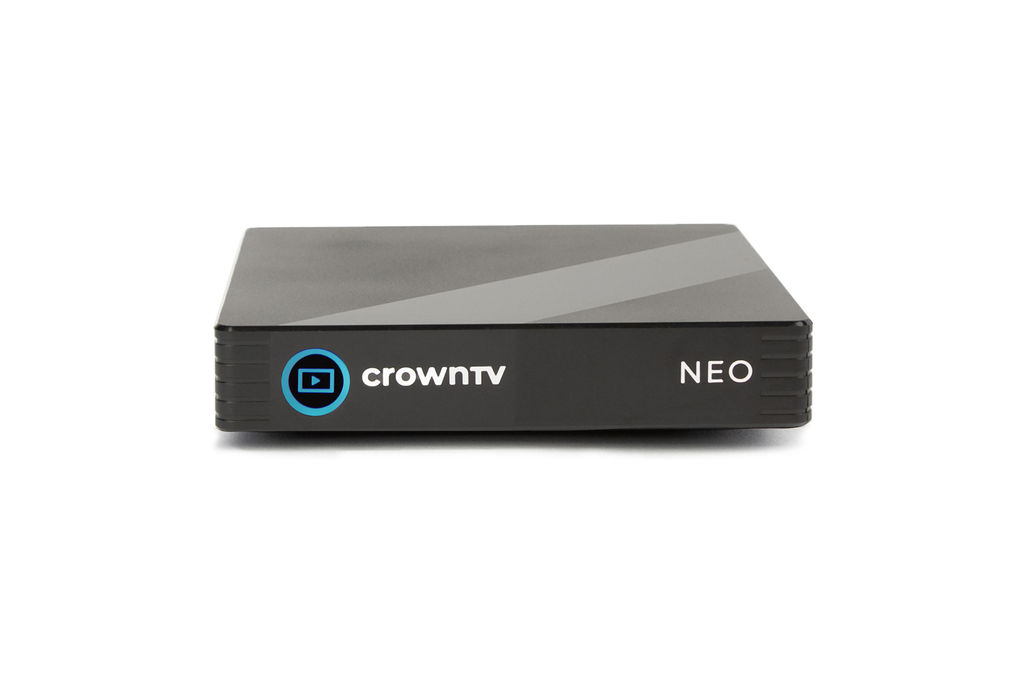
CrownTV digital signage media player for commercial displays

Hardware

CrownTV Media Player

A dedicated digital signage media player for commercial screens: offline playback cache, remote device management, device health reporting, clean behind-screen installation, and reliable playback from the CrownTV Dashboard CMS. Plug into any commercial display, ship it to the install crew, and the player downloads the approved playlist and starts playing. Same signage player family deployed today on indoor displays, window-facing panels, video walls, and digital menu boards across the L'Occitane, Bonobos, Janie and Jack, Pressed Juicery, CBD Kratom, Hello Boba, and Chase Contemporary networks.

Get a Quote
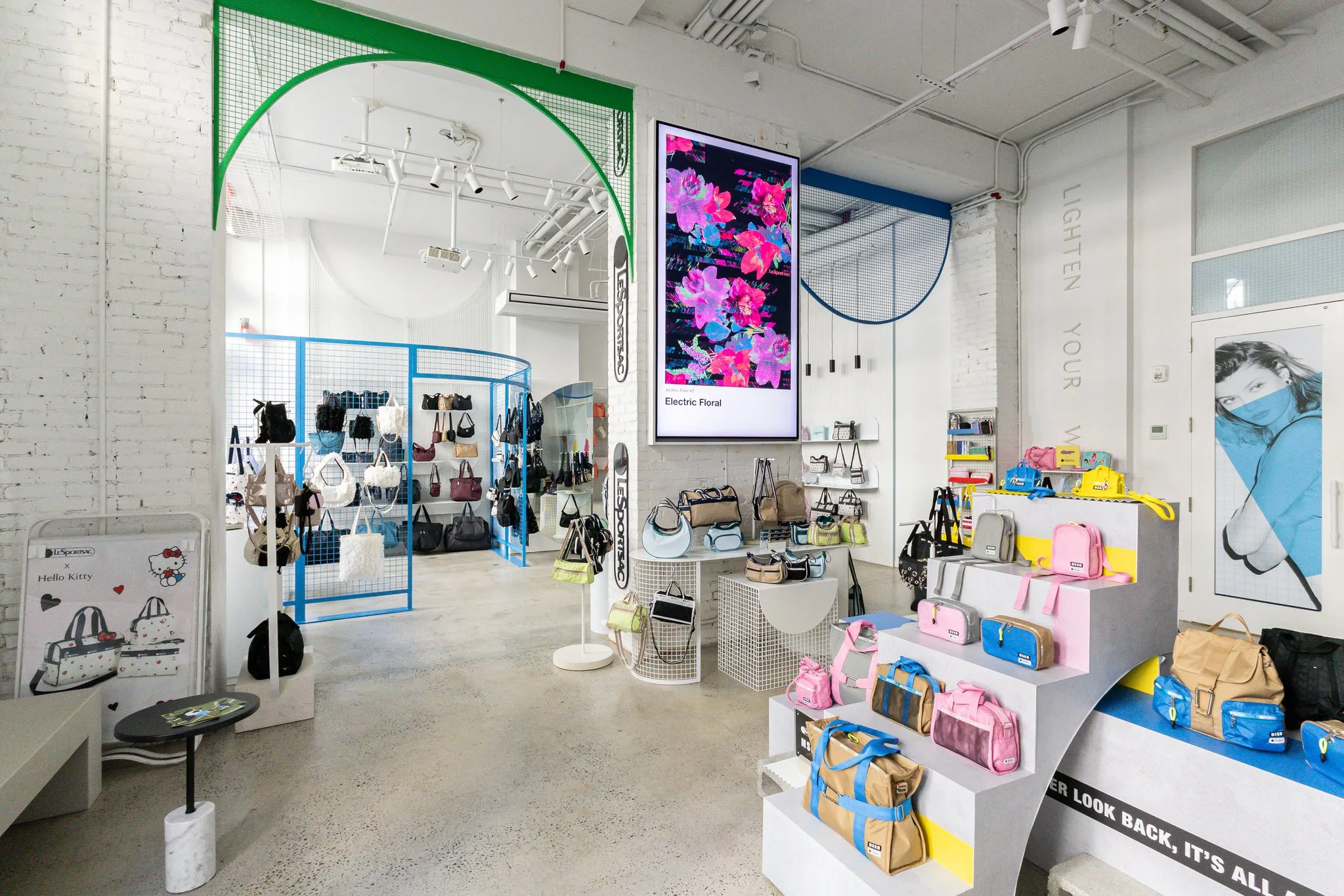
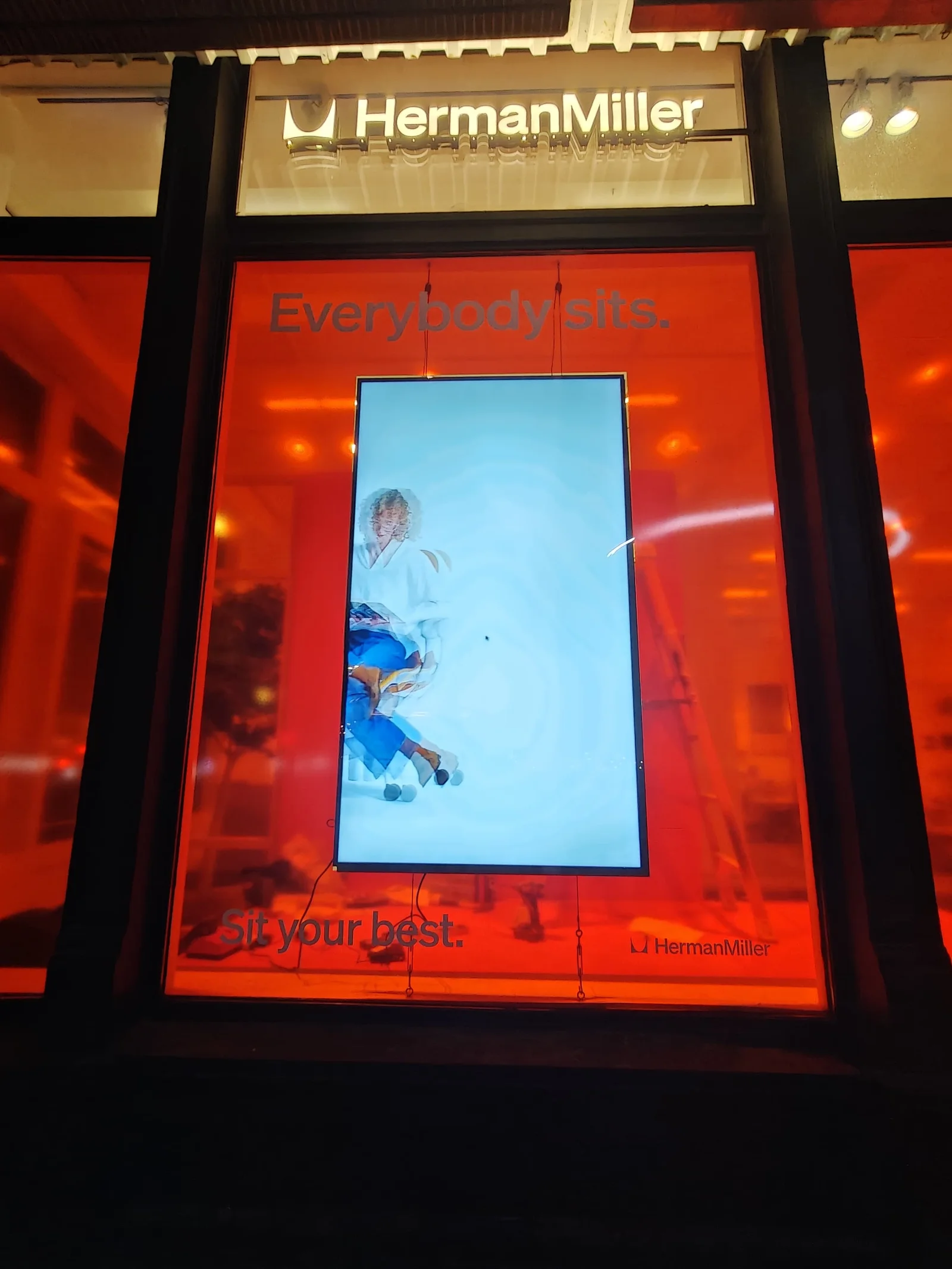
Herman Miller corporate showroom — 4K commercial-grade indoor displays installed by CrownTV

Hardware

Indoor Digital Displays

Indoor commercial-grade 4K UHD panels — 43" to 98", 16/7 commercial duty, 500-nit brightness, anti-glare finish, slim bezels, and commercial warranty coverage. Shipped, mounted, and managed by CrownTV's nationwide crew.

Get an Indoor Display Quote
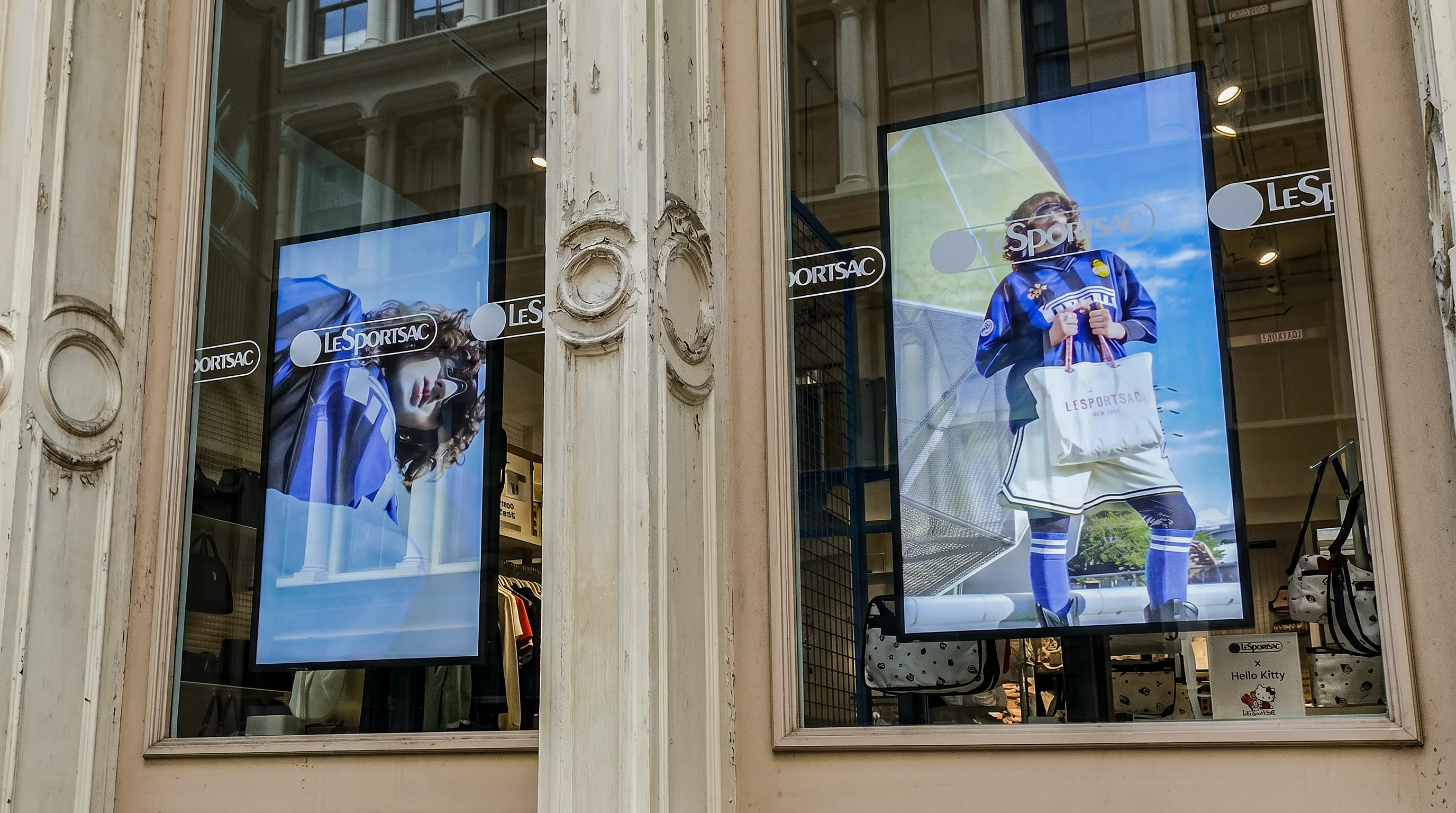
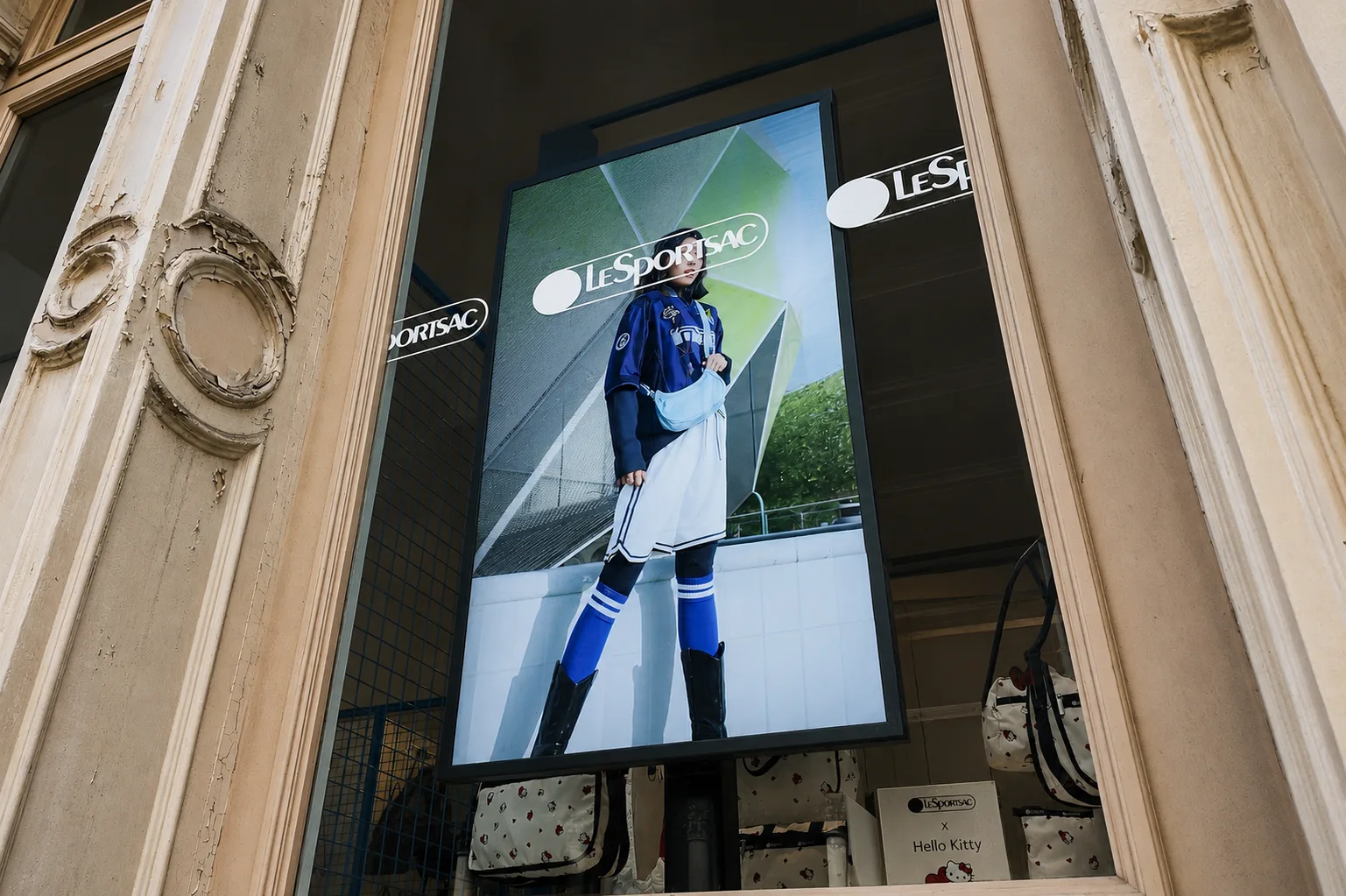
LeSportsac storefront high-brightness window display installed behind glass

Hardware

Sunlight Readable Window Displays

Turn your front glass into a bright, clean, easy-to-update promotion screen. CrownTV provides the commercial display, CrownTV media player, Dashboard setup, mounting, content handoff, installation, and support under one quote.

Get a Storefront Quote
Turnkey

Hardware + software + install

Most clients pick the bundle. commercial display, mount, CrownTV media player, install, training, electrical, and one year of CMS — in one number.

See the turnkey package
Install

Licensed nationwide crew

Licensed electricians, dedicated 20-amp circuits where required, engineered mounts, permitting, content commissioning. All 50 states.

See installation services
Pricing

Per-screen, all-in

Indoor 4K from $3,200 (32-inch) to $19,600 (98-inch). High-brightness window from $3,850. Volume pricing at 5+ units. We match any signed competing quote.

See full pricing
By industry

Hardware paired to the environment.

The right digital signage system depends on the room. Retail floors and corporate lobbies run indoor 4K. Storefronts run high-brightness window. Drive-thrus run outdoor IP56. Healthcare waiting rooms run 16/7 commercial. Pick your vertical to see the spec we recommend most.

Compare

CrownTV vs the alternatives.

Most digital signage vendors sell software only — you still source displays, installers, and content. See the pricing, hardware, and TCO differences side by side.

See all comparisons

4.9 stars on Google.
100+ reviews from real customers.

Live Google reviews from CrownTV customers.

Read all reviews on Google
Read more

Buying guides + deeper coverage

Frequently asked

Digital signage hardware — FAQ

What hardware do you need for digital signage?
Three things: a commercial-grade display rated for the duty cycle (16/7 or 24/7), a digital signage media player that runs the CMS and pushes content to the screen, and a mount sized for the panel and the wall. For storefront windows or drive-thrus, the display steps up to a high-brightness or outdoor-rated panel. For kiosks, you swap the wall-mount for a freestanding enclosure with capacitive touch. CrownTV ships every layer — commercial displays, the CrownTV media player, mounts, install, and the CMS — under one contract.
Can I use a regular TV for digital signage?
Not for production use. Consumer TVs are rated for 4–6 hours of daily use; a retail floor or restaurant runs 12–16 hours every day. Run a consumer panel commercially and you void the manufacturer warranty, lose the brightness needed for storefront windows, and inherit smart-TV firmware that pushes app prompts and OS reboots over your content. Commercial digital signage hardware is built for continuous duty, ships with a 3-year commercial warranty, and pairs with a dedicated media player so the display behaves predictably across every install.
What is the difference between commercial and consumer displays?
Commercial displays are rated for 16-hour or 24/7 continuous duty, ship at 500–4,000 nits (vs. 200–350 on a consumer panel), have slim 1.7mm bezels for video walls, support portrait and landscape mounting, include color calibration that holds across a 3-year warranty, and pair with commercial-grade media players. Consumer TVs are rated for 4–6 hours of viewing, ship a glossy 200–350 nit panel, void warranty on commercial install, and run smart-TV firmware that gets in the way of scheduled content.
How much does digital signage hardware cost?
Per-screen, all-in: indoor 4K commercial displays at $3,200 (32-inch) up to $19,600 (98-inch); high-brightness window displays at $3,850–$14,000; outdoor IP56-rated drive-thru panels at $6,500–$12,500; touchscreen kiosks at $4,500–$9,500; CrownTV media player included with every install. Software is $20 per screen per month after year one, or bundled in. Multi-store rollouts get volume pricing. See the full breakdown on /pricing/.
Do I need a media player if my TV has built-in apps?
Yes, for production signage. Built-in TV apps and consumer firmware can inject prompts, app updates, and unexpected reboots over scheduled content. They also lack the device watchdog, encrypted on-device storage, frame-accurate multi-display sync, and offline cache that commercial signage requires. The CrownTV media player is a locked-down signage device built for 24/7 commercial duty, pre-configured for the CrownTV Dashboard, and ships with a 48-hour replacement promise during active contract.
Can CrownTV install the hardware nationwide?
Yes. We have a licensed install network in all 50 states — site survey, ship, mount, cable, electrical (dedicated 20-amp circuits where required), commission, and content commissioning under one contract. Standard turnkey deployment is under one week from quote sign-off in most metros. Multi-store rollouts coordinate against your construction schedule. The same project manager runs every site from quote to commissioning.

Ready when you are

Pick the hardware. We'll spec the install.

All inquiries responded to within 4 business hours.

No commitment. No hard sell.