
AV Installation for Business: 2026 Costs + the 8-Step Process Integrators Follow
Commercial AV installation demystified: real cost ranges by room type, the 8-step process pros follow, when you need an electrician, and how to read an AV quote line by line.
On this page
Reply within 2 business hours Ask a signage specialist Tap to open the quote form
AV installation is where commercial screen projects live or die — and it's the part of the industry that's hardest to buy. Here's the opinion this guide is built on, after 13+ years and 10,000+ screens installed: most commercial AV quotes are deliberately unreadable. Lump sums hide re-mobilization fees, "network configuration" appears nowhere until it's a change order, and nobody says who picks up the phone when a screen goes dark in month seven. This guide is the line-item breakdown — the 8 steps a professional install actually contains, what each should cost in 2026, and the questions that make a vague quote fall apart before you sign it.
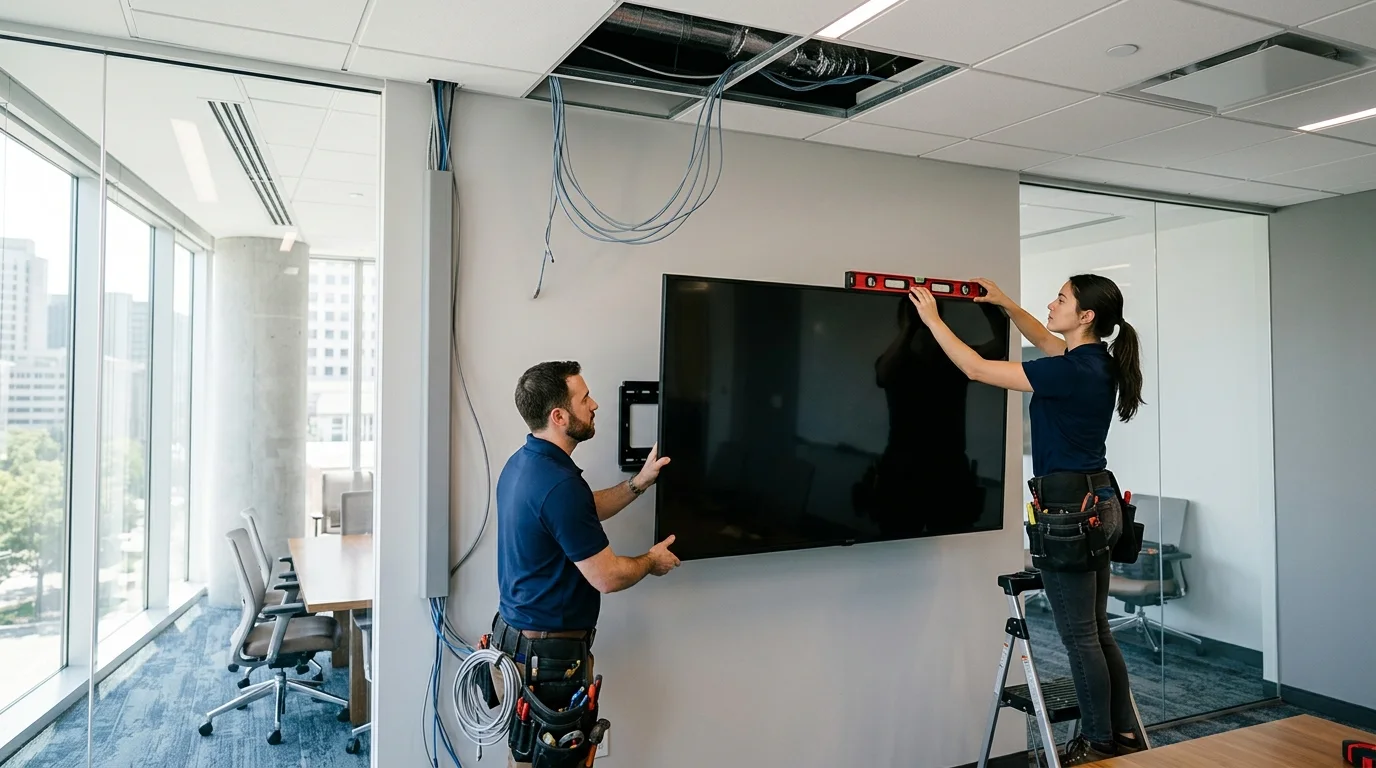
CrownTV installs AV and digital signage for a living — 1,800+ businesses, all 50 states, licensed and insured crews, White Glove process. The install requests that reach us in a typical month run the full spread: a 75″ conference-room display for a construction firm, eleven screens over dock doors in a New Jersey warehouse, and a nationwide TV rollout across outpatient clinics. Everything below reflects how those projects actually get scoped, priced, and executed.
You'll get:
- What AV installation covers (and where the electrician's scope begins)
- The 8-step process behind every professional install
- 2026 cost ranges by room type — with the complexity multipliers that move them
- How to read an AV quote line by line, and the red flags
- How multi-site fleet installs are structured
What is AV installation?
AV installation is the professional mounting, wiring, configuration, and commissioning of audio-visual systems in a commercial space: displays and video walls, digital signage, conference-room audio and video, speakers, and the control and network hardware behind them. Full scope runs from site survey through cable rough-in, mounting, power and network connection, device configuration, testing, and staff handoff. It's low-voltage trade work — distinct from the licensed electrical work it often sits next to, and one layer of what an AV integrator does when they also own design and sourcing.
The 8-step process professionals follow
Every credible install — one room or four hundred sites — moves through the same eight steps. If a vendor's proposal can't be mapped onto this list, that's the first red flag.
1. Site survey
Walls, studs, and blocking; ceiling type and height; power locations and circuit capacity; network drops and Wi-Fi reality; sight lines and sun. On fleets, this is a survey form per site with photos — surprises found on install day are the single biggest source of change orders.
2. System design
Display sizes and placement, audio coverage, conferencing platform, mounting hardware, media players, and the signal path — documented, not sketched. Standards bodies like AVIXA publish the display-sizing and viewing-distance math good designers use; ask your vendor which standard their sizing follows.
3. Procurement
Hardware sourced against the design — ideally from an authorized reseller so warranties hold. This is where weeks live or die: panel lead times, mount availability, and (for outdoor) enclosure fabrication set the calendar, not install labor.
4. Staging and pre-configuration
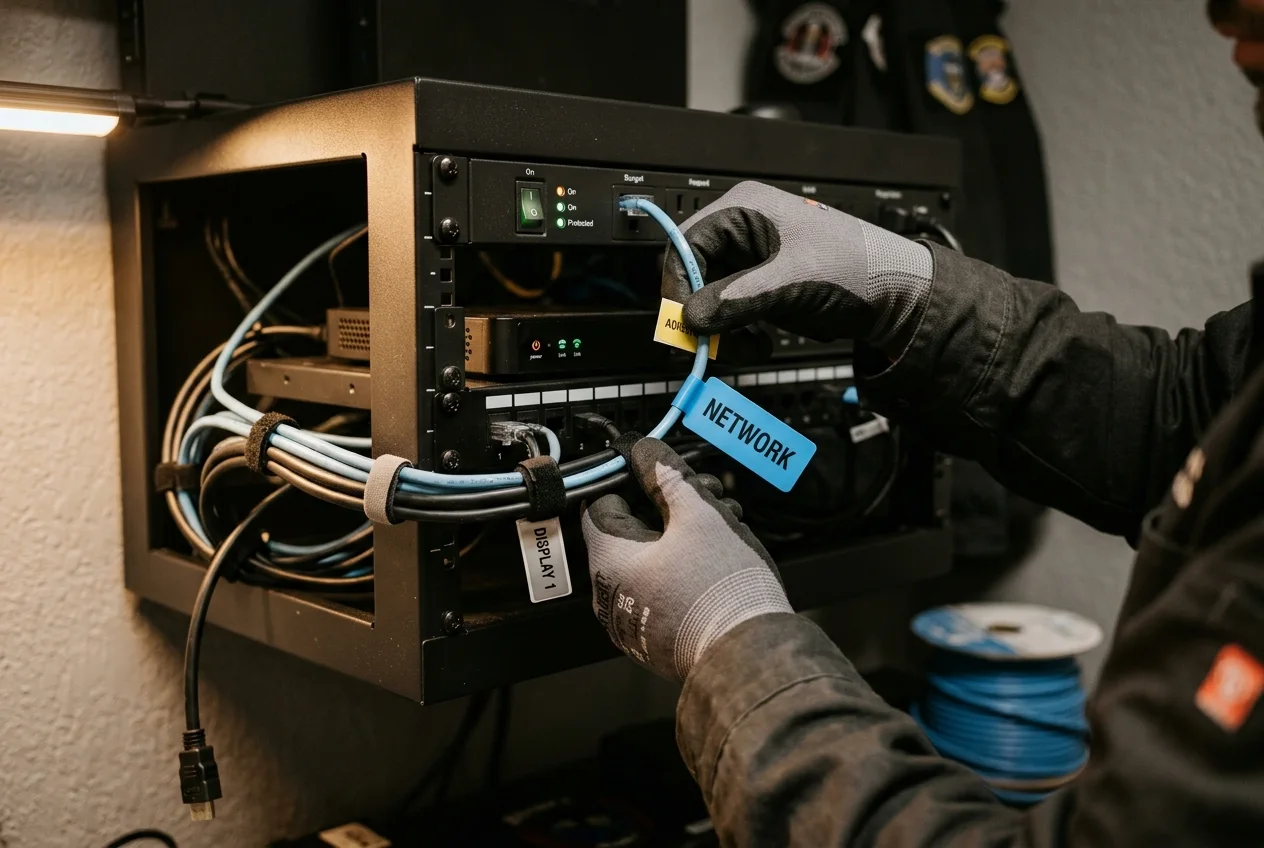
The step amateurs skip. Devices are unboxed, updated, enrolled in the CMS or conferencing platform, burn-tested, labeled per site, and re-packed before anyone travels. A pre-configured screen installs in hours; a factory-fresh one turns install day into IT support day.
5. Cable rough-in
Network and video cabling pulled and terminated to structured-cabling standards, raceway or in-wall routing agreed with the facility, and any new electrical circuits run by a licensed electrician — coordinated inside the same project plan, not left for you to broker.
6. Mounting and rigging
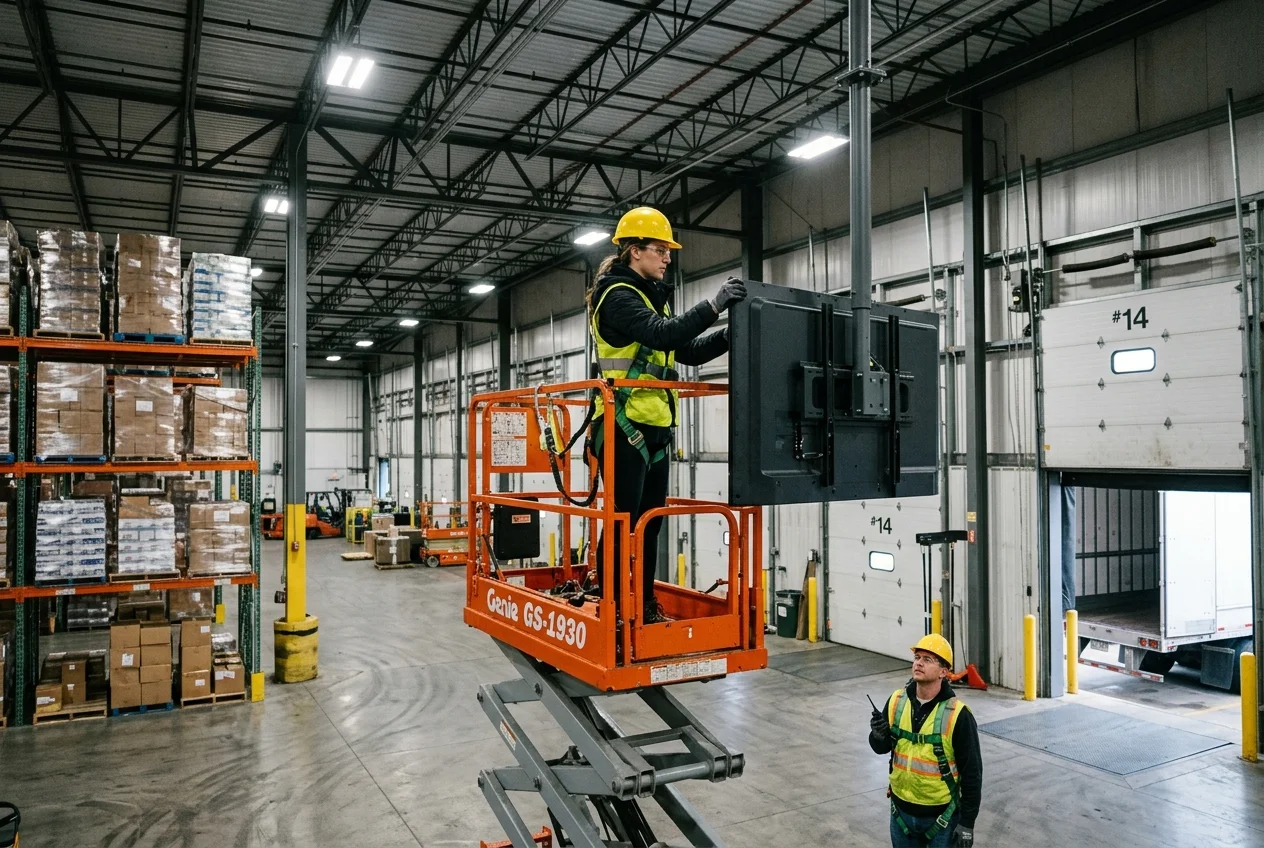
Wall mounts into structure (never drywall anchors for commercial panels), ceiling poles and suspended rigs where sight lines demand it, scissor lifts for high-bay spaces, and structural review for video walls and anything over glass or public areas.
7. Commissioning
Every input tested, every screen enrolled and showing live content, network verified, remote management confirmed, and a per-site completion report with photos. "It powered on" is not commissioning.
8. Training and support handoff
Staff trained on the dashboard, escalation path documented, warranty terms and response SLA in writing. The question that separates vendors: who answers the phone in month seven, and how fast?
What AV installation costs in 2026
Ranges below are labor-and-project scope for typical 2026 projects; hardware is priced separately (a commercial display runs $780–$3,500+ depending on size and brightness — see our hardware buyer's guide). Certified low-voltage labor bills roughly $75–$150/hour in most metros, licensed electricians more — U.S. BLS wage data explains why the electrical line item isn't padding.
| Project type | Typical installed scope | 2026 range |
|---|---|---|
| Single signage screen (install-only) | Wall mount, cable dressing, power/network connect, commissioning | $250–$750/screen at volume; $500–$1,200 one-off |
| Digital signage package | Display + mount + player + install + first-year software (CrownTV all-in) | $2,950–$4,950/screen by size |
| Standard conference room | 55–75″ display, camera, mics, speakers, control | $5,000–$15,000 |
| Boardroom / large training room | Dual displays or LED wall, ceiling audio, DSP, control system | $15,000–$25,000+ |
| High-ceiling / warehouse screens | Pole or ceiling rigs, scissor lift, long cable runs | +30–80% over standard install labor |
| Outdoor / drive-thru | IP-rated hardware, enclosures, trenching, permits | Quoted per site — survey first |
The multipliers to watch: after-hours work in occupied offices and clinics, union-labor buildings, plenum-rated cabling requirements, structural engineering for video walls, and permit cycles for anything street-facing (in NYC, budget 4–8 weeks — details in our NYC field guide). For screen-only projects, the deeper per-screen math lives in our digital signage cost breakdown.
How to read an AV quote (the line items that must appear)
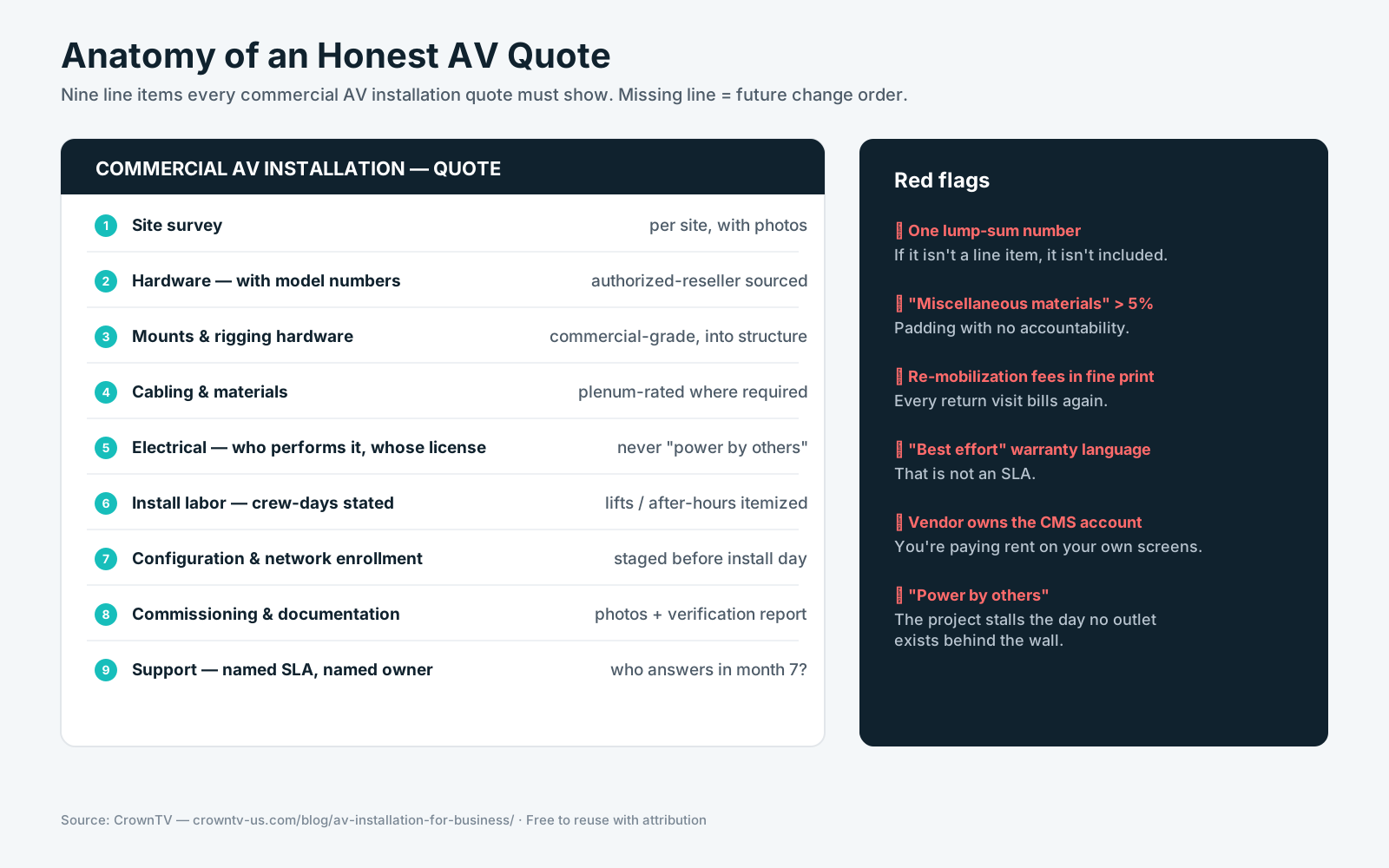
Nine lines, no lump sums: (1) site survey, (2) hardware with model numbers, (3) mounts and rigging hardware, (4) cabling and materials, (5) electrical — who performs it and whose license, (6) install labor with crew-days, (7) configuration and network enrollment, (8) commissioning and documentation, (9) support terms with a named SLA. Red flags: "miscellaneous materials" over 5%, re-mobilization fees buried in terms, warranty language that starts at "best effort," and any quote that doesn't state who owns the CMS account — our integrator buyer's guide covers that trap in depth.
Want a quote you can actually read?
Send us your room list or site count — hardware, install, software, and support in one line-item quote, with licensed insured crews in all 50 states.
Get an AV installation quote in 2 business hours →Multi-site fleets: how national rollouts are structured
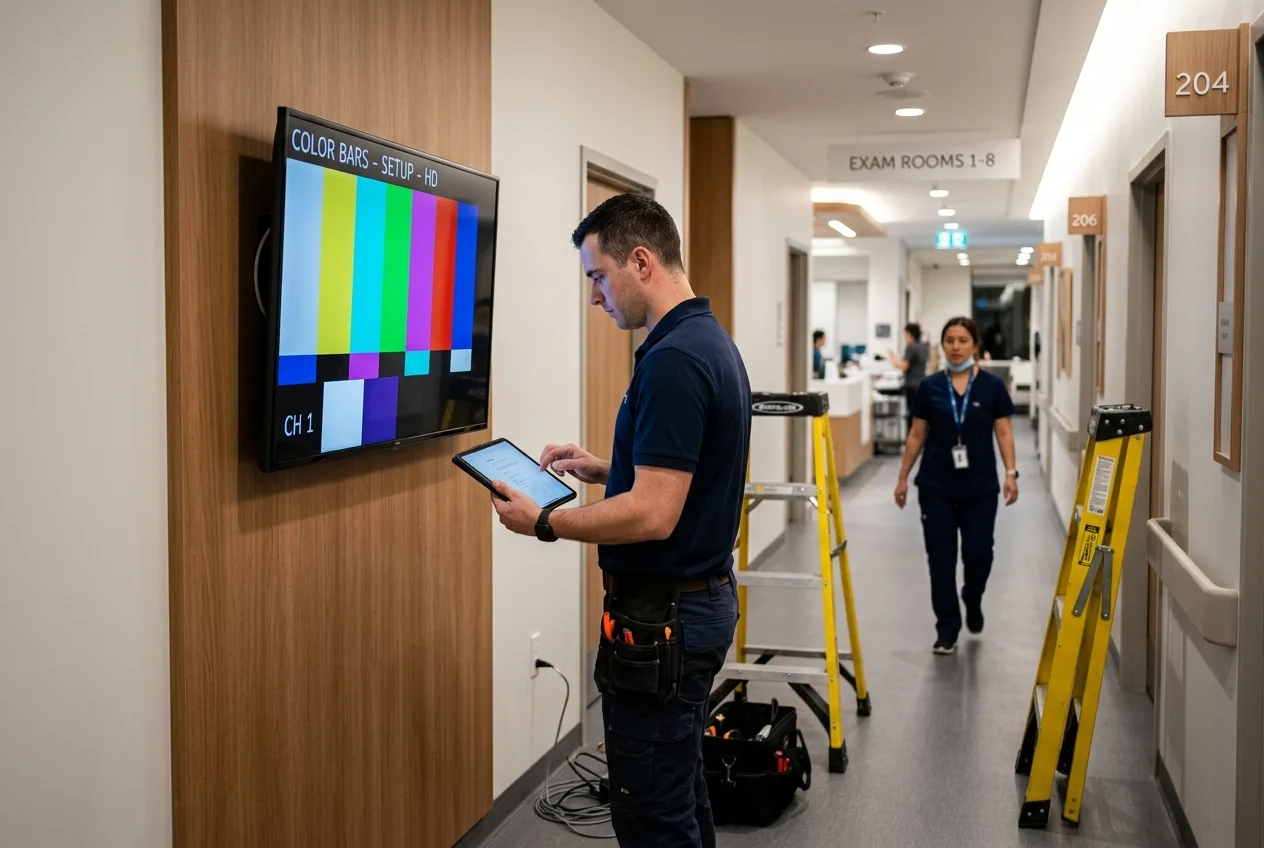
The RFPs we see from healthcare networks and retail chains all ask the same question in different words: can one partner do this everywhere, the same way, and prove it? The structure that works: central staging and pre-configuration (step 4 above, done once for the whole fleet), install waves scheduled around site operating hours, a per-site verification report — mounting, power, network, content live, photos — and one escalation path for every location. Demand per-site pricing tiers: a 130-clinic rollout should not price as 130 one-off installs. This is exactly the scope of our nationwide installation service, and the vendor-evaluation questions in the AV integrators guide apply doubly at fleet scale.
Common AV installation mistakes
- Accepting a lump-sum quote. If it isn't a line item, it isn't included — it's a change order waiting for install day.
- Skipping staging. Factory-fresh devices configured on site turn a 4-hour install into a 2-day one, at your hourly rate.
- Consumer mounts and anchors. Commercial panels go into structure with commercial mounts. Everything else is a liability question, not a hardware question.
- No named electrician scope. "Power by others" in the fine print means the project stalls the day the crew finds no outlet behind the wall.
- Unowned support. If the quote doesn't say who answers in month seven and how fast, the answer is nobody, slowly.
How CrownTV Helps
One contract for hardware + software + install + service:
- Licensed, insured installation crews in all 50 states — conference rooms, signage fleets, high-ceiling and specialty work
- Samsung Authorized Reseller — displays sourced with intact commercial warranties, staged and pre-configured before shipment
- All-in signage packages ($2,950–$4,950/screen) or install-only scope when your hardware is already on site
- Line-item quotes with named electrical scope, commissioning reports with photos, and a stated support SLA
- 13+ years, 1,800+ businesses, 16,000+ screens live — see the integrator landscape for how we compare
Get an AV installation quote in two business hours →
Frequently asked questions
What is AV installation?
AV installation is the professional mounting, wiring, configuration, and commissioning of audio-visual equipment in a commercial space — displays, video walls, digital signage, conference-room systems, speakers, and control hardware. Full scope covers site survey, cable rough-in, mounting, power and network connection, configuration, testing, and handoff training.
How much does commercial AV installation cost?
Labor-only, a standard wall-mounted commercial display installs for roughly $250–$750 per screen at fleet volume, more as a one-off. A full conference room typically lands between $5,000 and $25,000+ installed depending on size and conferencing scope. Complexity multipliers — lifts, outdoor enclosures, trenching, engineering, after-hours work — move the number fast, which is why every one should appear as a line item. For what that budget buys room by room, see our breakdown of meeting room screens and boardroom display systems.
How long does AV installation take?
A single conference room or small signage install is typically one day on site after 1–2 weeks of design, procurement, and staging. Multi-room build-outs run days to weeks; fleet rollouts install in scheduled waves across locations. Hardware lead times and permits set the calendar more than labor does.
Do I need an electrician for AV installation?
Whenever new power is involved — new circuits, added load, outdoor runs — yes, a licensed electrician. Low-voltage cabling and connection to existing power is the AV crew's scope in most jurisdictions. A good AV partner coordinates the electrical work inside the same project plan.
What's the difference between an AV installer and an AV integrator?
An installer executes a spec: mounting, cabling, commissioning. An integrator owns the outcome: design, sourcing, software, install, and support under one contract. Hardware on a pallet: installer. "We need screens in 40 locations": integrator.
Can one vendor handle AV installation across multiple locations?
Yes — with central staging, pre-configuration, scheduled install waves, per-site completion reports, and one escalation path. Demand per-site pricing tiers rather than one-off quotes multiplied by your location count.
Read Next
DISPLAYDETAILS · BY CROWNTV · SHIPS NATIONWIDE
Conference-room-grade displays, direct from CrownTV
75-inch 4K commercial display — flagship signage size.
Samsung QM75C
75-inchSamsung Authorized Reseller — direct allocation, full warranty
- Price-match guarantee — find it cheaper, we'll match it.
- 3-year Samsung commercial warranty — RMAs handled by us.
- Free nationwide shipping — every panel, every order.
- Purchase orders, tax-exempt orders accepted.
Browse the full Samsung QMC series lineup at DisplayDetails →
Keep reading
More guides like this
Operator-grade playbooks, weekly.
Proof, not pitches
See real installs
Live deployments across hospitality, retail, and offices.
Ready to deploy?
Get a quote in 2 business hours
Reply within two business hours. No call required.