
Commercial TV Installation: 2026 Costs + the 10-Step Pro Process
Commercial TV and digital signage installation: per-screen costs at one-off and fleet volume, the 10-step process pros follow, complexity multipliers, and what 'installed' should include.
On this page
Reply within 2 business hours Ask a signage specialist Tap to open the quote form
The install requests that reach us tell the story better than any keyword tool: eleven TVs over dock doors in a New Jersey warehouse, a QM75C for a conference room, TVs across 130 outpatient clinics with "installation reporting" written into the RFP. What buyers keep discovering is the opinion this guide starts from: commercial TV installation is not consumer TV mounting with an invoice — the screen on the wall is about 30% of the job. The other 70% is structure, cable, network, configuration, and proof.
CrownTV installs commercial screens for a living — licensed, insured crews in all 50 states, 16,000+ screens live, install-only work welcome when your hardware is already on site. Here's what the job actually contains and what it costs in 2026.
What counts as commercial TV installation?
Commercial TV installation is the professional mounting, wiring, connection, and configuration of displays in business spaces: signage screens, menu boards, lobby and conference displays, warehouse and back-of-house TVs. It differs from residential mounting in structure (commercial mounts into studs/block, rated for public settings), scope (power, network, device configuration, verification), and accountability (insurance, licensing, and a completion report). It's the screen-level slice of the broader AV installation discipline.
The 10-step process
- Site survey. Wall structure, power locations, network reality, sight lines. On fleets: a survey form with photos per site.
- Mount selection. Fixed, tilt, or articulating; commercial-rated for the panel weight and the setting. Consumer mounts in public spaces are a liability decision, not a hardware one.
- Structure check. Studs, block, or backing — and blocking added where the wall can't carry the load.
- Power and network plan. Existing outlet, new circuit (licensed electrician), or PoE; wired network wherever content matters.
- Staging. Devices unboxed, updated, enrolled in the CMS, and labeled before install day — the step that turns a 2-day install into 2 hours.
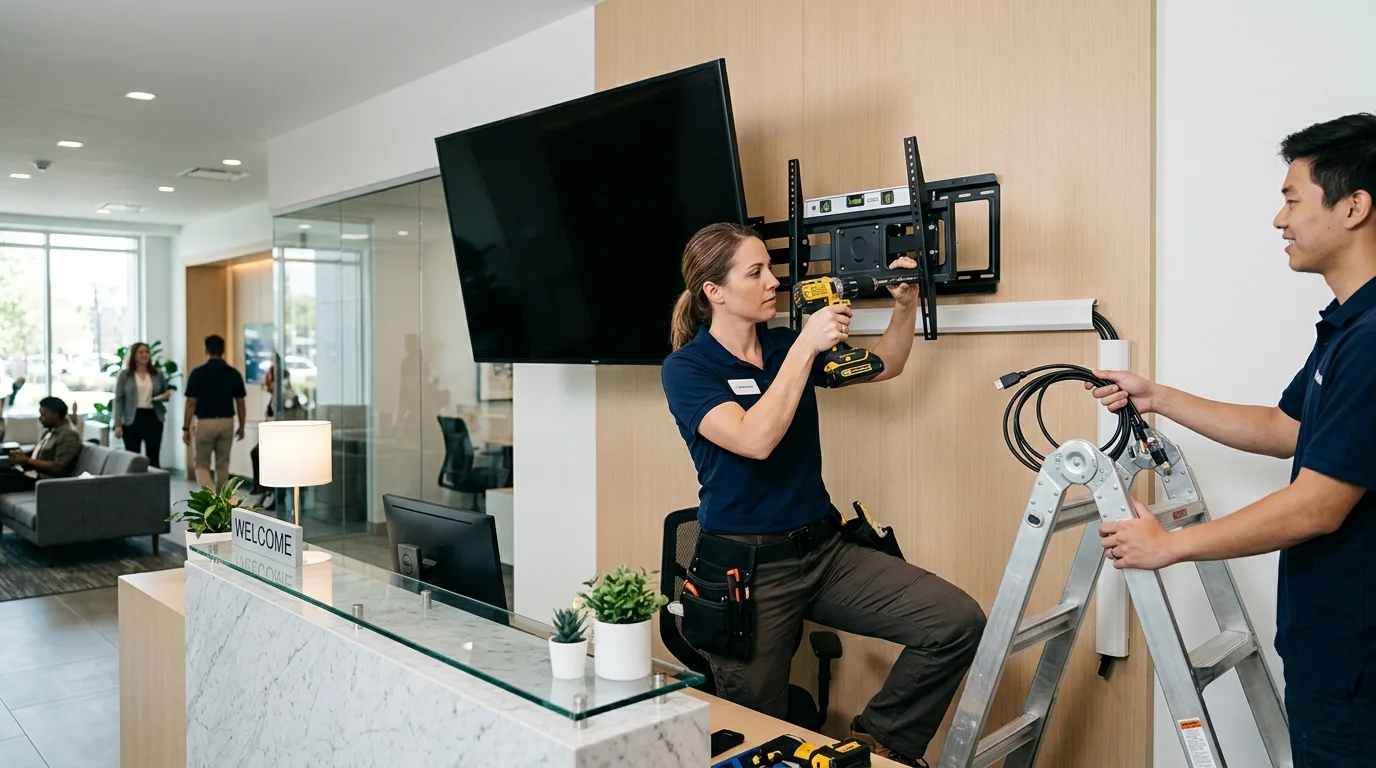
- Mounting. Level, into structure, torqued to spec. Lifts and rigging for high ceilings.
- Cabling. Dressed, labeled, in raceway or in-wall — the difference visible in every photo you'll ever take of the space.
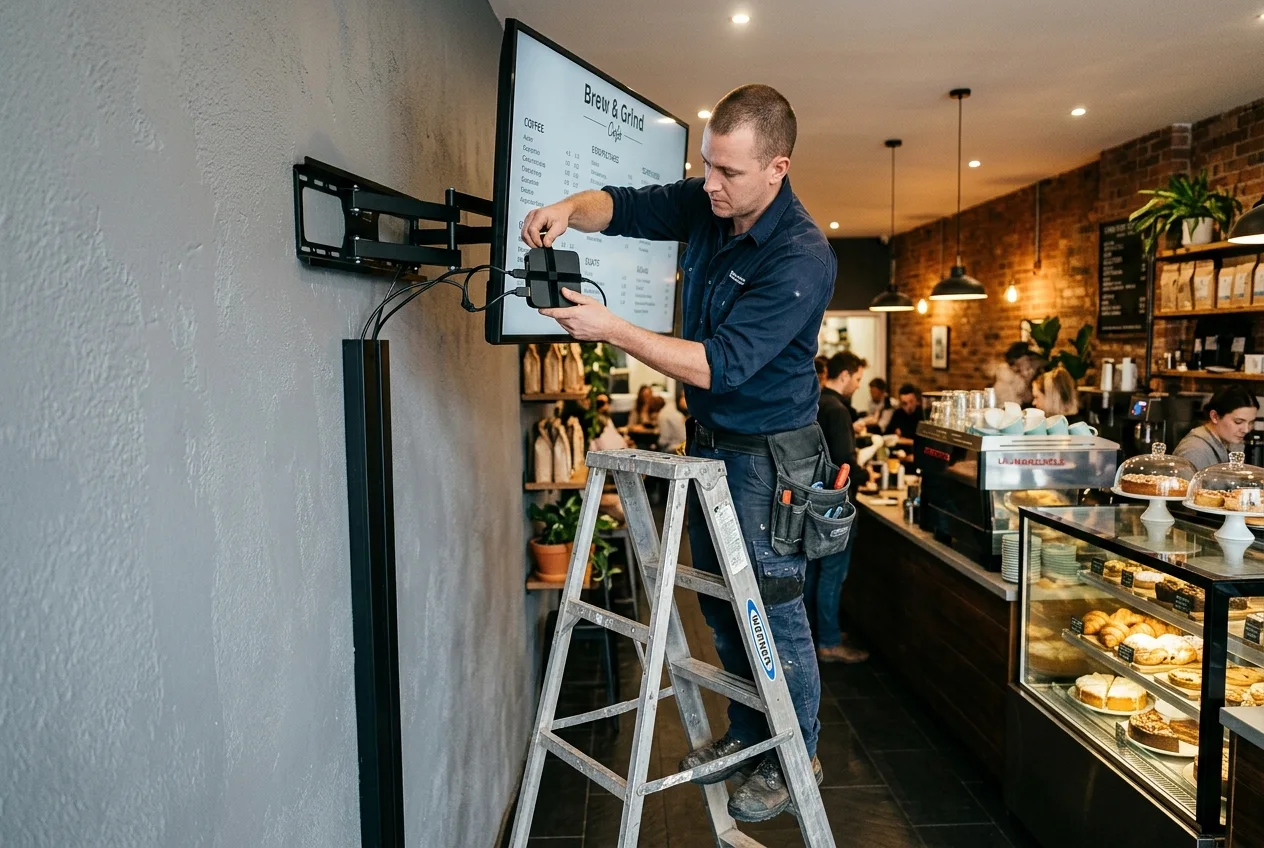
- Connection. Power, network, and the media player mounted behind the screen, not dangling.
- Configuration. Display settings for signage duty (no sleep timers, no consumer menus), CMS enrollment, content live.
- Commissioning report. Photos, network verification, and sign-off per screen — the line that RFPs from healthcare networks now write in explicitly, because fleets without proof-of-work drift dark.
2026 pricing
| Scope | Range | Notes |
|---|---|---|
| Per screen, fleet volume (install-only) | $250–$750 | Staged hardware, scheduled waves |
| Per screen, one-off (install-only) | $500–$1,200 | Single visit, standard wall |
| All-in signage package (CrownTV) | $2,950–$4,950 | Display + mount + player + install + first-year software, by size |
| High-ceiling / warehouse | +30–80% labor | Lifts, pole/ceiling rigs, long cable runs |
| Outdoor / drive-thru | Per-site quote | IP-rated hardware, trenching, permits — see the outdoor guide |
What moves a quote up: after-hours work in occupied spaces, plenum cabling requirements, union buildings, and new electrical circuits (the AV guide covers reading install quotes line by line). What moves it down: volume, staging, and site readiness — power and network live before the crew arrives.
Install-only vs package: which to buy
If your hardware is already on a pallet — procurement ran through IT, or a franchisor ships kit — buy install-only and make the 10 steps above your acceptance checklist. If you're starting from zero, the all-in package almost always wins: hardware sourced with intact commercial warranties (a real issue with gray-market panels), one accountable vendor, and a known per-screen number. The trap in between — buying consumer TVs to save money, then paying commercial install rates to hang hardware that fails in 18 months — is covered honestly in signage displays vs consumer TVs.
Common installation mistakes
- Drywall anchors under a public wall. Commercial panels go into structure. Everything else is a lawsuit with a countdown timer.
- Unstaged devices. Configuring screens on ladders at your site, on your clock, at hourly rates.
- Wi-Fi-only signage. The screen that matters most will drop off the network on your busiest day. Wire it.
- No completion evidence. On fleets, "installed" without photos and network verification means you'll audit it yourself, site by site.
- "Hang TV" quotes. That's what you'll get — a hung TV, and change orders for everything that makes it signage.
How CrownTV Helps
- Install-only or all-in packages — your hardware or ours (Samsung Authorized Reseller)
- Licensed, insured crews in all 50 states; high-ceiling, outdoor, and drive-thru capable
- Staging and pre-configuration before every rollout; commissioning reports with photos per screen
- Fleet scheduling for multi-site waves with per-site pricing tiers — RFPs welcome via our RFP intake
Get an installation quote in two business hours →
Frequently asked questions
How much does commercial TV installation cost?
$250–$750 per screen at fleet volume, $500–$1,200 one-off, labor-only — with multipliers for lifts, outdoor, and after-hours work. All-in packages with display, mount, player, install, and first-year software run $2,950–$4,950 per screen.
What's included in professional digital signage installation?
Survey, commercial mount into structure, cable management, power and network connection, media player mounting, configuration and CMS enrollment, content verification, and a completion report with photos.
Can a handyman install business signage?
For one break-room TV, sure. For customer-facing signage: commercial mounts, insurance, network configuration, and month-seven accountability are the actual product — hire a commercial crew.
How long does installation take?
1–2 hours per staged screen; half a day for a 3–4 screen storefront; fleets run in scheduled waves. Site readiness, not drill time, sets the calendar.
Do you need an electrician?
Only for new power — new outlets, circuits, or outdoor runs. A good installer coordinates that inside the same project plan.
Can a handyman or consumer TV mounter install business signage?
They can hang the screen; that's about 30% of the job. What separates commercial installation: insurance and licensing appropriate for business premises, commercial mounts rated for 24/7 public settings, cable and network work to code, device configuration so content actually plays, and someone accountable when a screen fails in month seven. For one break-room TV, a mounter is fine. For customer-facing signage, fleet rollouts, or anything on a wall the public stands under, use a commercial crew.
How long does commercial TV installation take?
A standard wall-mounted screen takes 1–2 hours on site once hardware is staged; a 3–4 screen storefront is typically a half-day; larger fleets install in scheduled waves at dozens of sites per week. The calendar is set by staging and site readiness — power in place, network live, walls confirmed — not by drill time, which is why the survey step exists.
Do you need an electrician to install a commercial TV?
Only when new power is required — a new outlet behind the screen, a dedicated circuit, or any outdoor run. Mounting, low-voltage cabling, and connecting to existing outlets is installer scope in most jurisdictions. Good installers coordinate the electrician within the same project instead of leaving you to broker between trades.
Read Next
- CrownTV Nationwide Installation Services
- Digital Window Displays: Storefront Screens, Installed
- Samsung OM55B: The 3,000-Nit Storefront Package
- AV Installation for Business: Costs & Process
- Digital Signage Hardware Buyer's Guide
- Signage Displays vs Consumer TVs
- Samsung QMC Installation & Optimization
DISPLAYDETAILS · BY CROWNTV · SHIPS NATIONWIDE
Commercial displays with install included, direct from CrownTV
Most-deployed 4K commercial display in the QM lineup.
Samsung QM55C
55-inchSamsung Authorized Reseller — direct allocation, full warranty
- Price-match guarantee — find it cheaper, we'll match it.
- 3-year Samsung commercial warranty — RMAs handled by us.
- Free nationwide shipping — every panel, every order.
- Purchase orders, tax-exempt orders accepted.
Browse the full Samsung QMC series lineup at DisplayDetails →
Keep reading
More guides like this
Operator-grade playbooks, weekly.
Proof, not pitches
See real installs
Live deployments across hospitality, retail, and offices.
Ready to deploy?
Get a quote in 2 business hours
Reply within two business hours. No call required.