
Digital Signage for Banks & Credit Unions: 14 Branch Use Cases (2026)
Digital signage for banks and credit unions: 14 branch use cases, compliance-safe disclosure scheduling, hardware by zone, and real per-screen pricing.

On this page
A bank branch is one of the few retail environments where the content on the wall is regulated, the prices change daily, and the customer standing in line is actively deciding whether to keep banking with you. Digital signage for banks earns its keep on all three fronts — but only if the platform can prove what was on screen, where, and when. A signage system without governance and an audit trail isn't branch-ready, no matter how good the templates look.
CrownTV has deployed digital signage for 13+ years across 1,800+ businesses, with 16,000+ screens currently running live — including multi-location rollouts for brands like L'Occitane and Herman Miller, where brand governance across dozens of sites is the whole job. Branches are the same problem with a compliance layer on top. The 14 use cases below reflect what actually works in banks and credit unions, plus the hardware, security posture, and per-branch budget behind each.
You'll get:
- 14 branch use cases, grouped by zone — lobby, teller line, waiting area, drive-up, offices, staff room
- The two non-negotiables: content governance with an audit trail, and scheduled compliance disclosures
- Hardware by zone, including window-facing rate boards
- Network security posture your IT team will actually approve
- Real per-branch pricing
How is digital signage for banks used in the branch?
Banks and credit unions use digital signage for 14 distinct jobs: lobby welcome and rate boards, queue status, teller-line cross-sell, scheduled compliance disclosures, waiting-area content, window-facing rate displays, drive-up messaging, office door screens, and staff communications. Every screen connects to one CMS with role-based publishing, approval workflows, and an audit trail — so marketing moves fast and compliance can prove what ran.
Why branches are moving to digital signage
Three pressures push branches off paper and onto screens, and none of them is "modernization" for its own sake:
- Rates change faster than print. A CD special or a mortgage rate move means new paper in every branch — printed, shipped, swapped, and usually late somewhere. On screens, one approved update propagates to every branch in minutes, with a timestamp proving when it went live.
- Queue anxiety is a retention problem. Customers overestimate wait times when they have nothing to look at. Waiting-area content and queue-status displays measurably lower perceived wait — the cheapest customer-experience upgrade a branch can buy.
- The lobby is your best cross-sell channel. The person in line already banks with you. A teller-line screen rotating a HELOC rate or an auto-loan special reaches them at the exact moment they're thinking about money — no ad spend required.
And underneath all three: disclosures. Deposit and lending content carries required messaging, and paper makes that a per-branch honor system. A CMS makes it a rule.
Two non-negotiables for financial institutions
Plenty of platforms can play a slideshow. Digital signage for financial institutions stands or falls on two capabilities most platforms treat as afterthoughts.
1. Content governance with a full audit trail
In a branch network, marketing wants speed and compliance wants proof. Governance gives you both: role-based access so branch staff publish only to their approved zones, approval workflows so rate changes and product promotions get signed off before they go live, and an audit log recording who changed what, on which screens, and when. If an examiner or an internal auditor asks what was displayed in the Stamford branch on March 3rd, the answer should be a report, not a shrug. This is the core job of a digital signage content management system in banking — treat it as the primary evaluation criterion, ahead of templates and apps.
2. Scheduled compliance disclosures
Here's the working model we deploy: your compliance team defines the rules; the CMS enforces them. Compliance decides which disclosures must accompany which content — Member FDIC or NCUA insurance messaging alongside deposit products, Equal Housing Lender with mortgage content, required terms with any advertised rate. Those decisions become locked template zones and scheduled rotations that branch staff can't edit or remove. A teller can update the community-events slide; they cannot touch the disclosure strip. The result is disclosure placement that's structural rather than dependent on someone remembering — and an audit trail that shows every disclosure ran exactly as scheduled. (We supply the enforcement machinery, not the compliance advice — the rules themselves come from your team, working from primary sources like the FDIC's banker resource center.)
Scoping screens for your branches?
Send us your branch count and zones — we'll spec hardware, software, and install in one quote, with governance and disclosure scheduling built in from day one.
Get a branch signage quote in 2 business hours →Lobby and greeter zone
1. Welcome and rate board
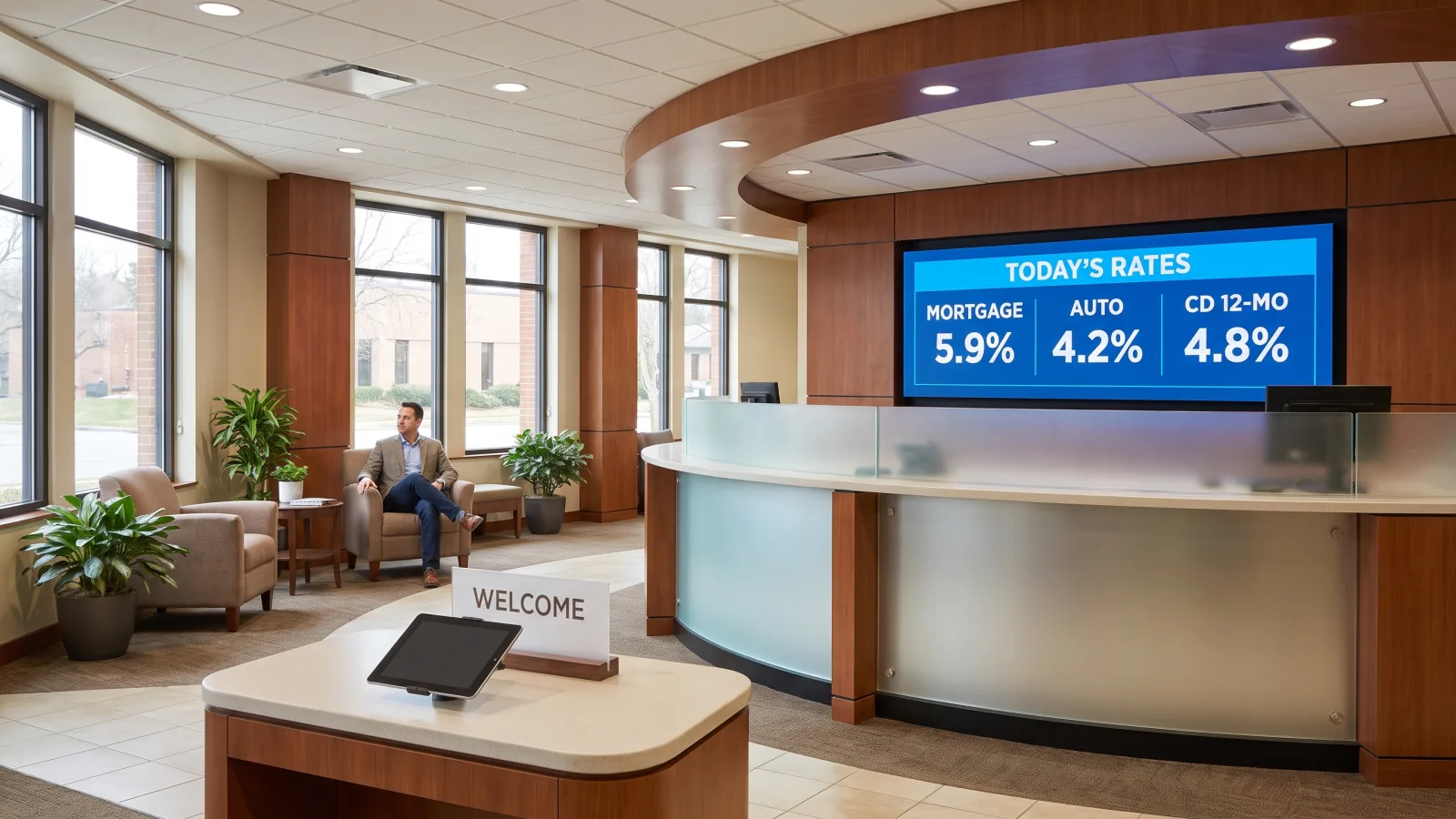
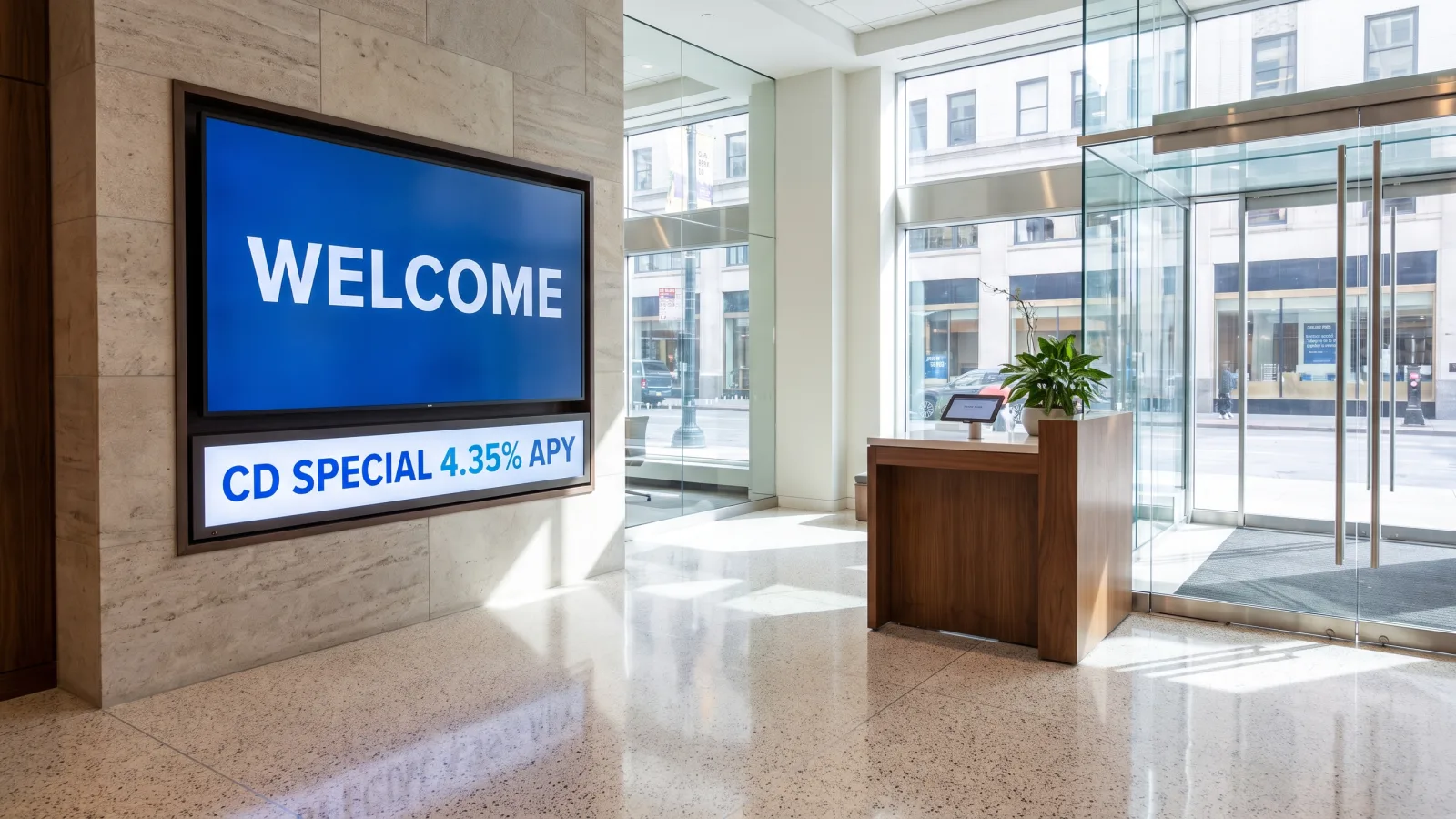
One 55″ landscape commercial display facing the entrance: branch branding, today's featured rates pulled from a controlled rate table, and a rotating promotion. This is the screen that kills the laminated rate card — one approved update, every branch, same minute. Our digital lobby signage guide covers layout patterns that work in the first ten feet.
2. Queue status / "now serving"
Where the branch runs a ticketed or appointment queue, a screen showing current position and estimated wait. Customers who can see the line moving complain less and abandon less.
3. Community and sponsorship board
Local sponsorships, financial-literacy workshop dates, scholarship winners, chamber events. Credit unions especially: this is the brand. It also gives the greeter screen a reason to be watched between rate checks.
Teller line
4. Cross-sell at the line
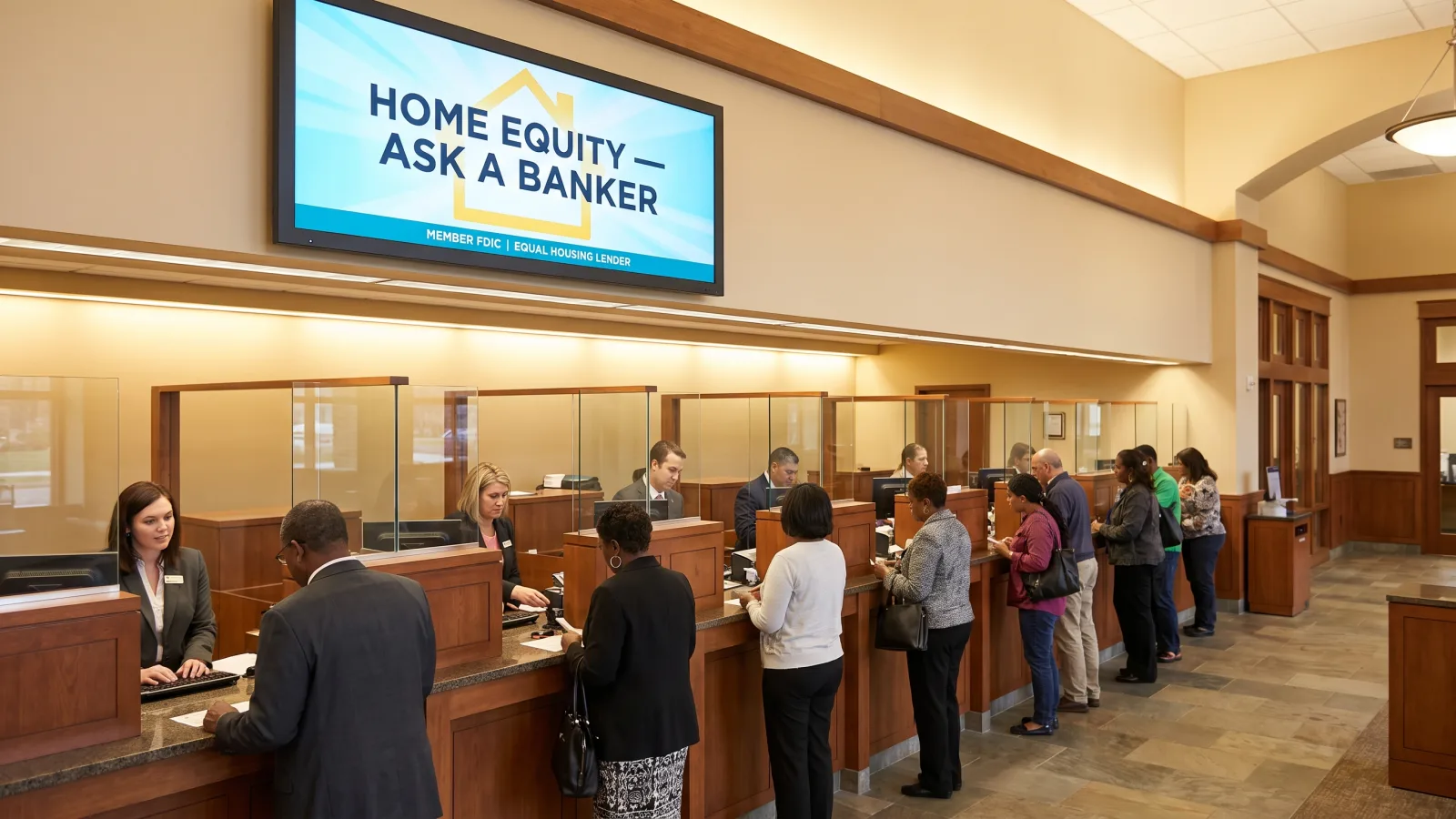
A 43″ screen above or behind the teller stations rotating two or three current offers — HELOC, CD special, credit-card promotion. Keep it to a handful of slides on a slow rotation; the goal is one message absorbed per visit, not a channel-surf.
5. Disclosure rotation
The locked companion to use case 4: insurance messaging and required terms scheduled against the product content they belong with, enforced by the template. Covered in depth above — listed here because it earns its own screen real estate at the teller line.
6. Fraud and security awareness
Scam-of-the-month warnings, phishing reminders, "we will never call and ask for your PIN." Branches tell us this content gets more unprompted customer comments than any promotion — and it protects the institution as much as the customer.
Waiting area
7. Wait-softening content
News, weather, local content, and light product education on a slow loop. The measurable effect is on perceived wait time — the same principle we detail in our waiting room digital signage guide. Skip cable news; you don't control it, and it turns your lobby into someone else's editorial channel.
8. Product explainers and financial literacy
Thirty-second explainers: how a share certificate ladder works, what a rate lock means, first-time homebuyer steps. Waiting customers are a captive, relevant audience — this is the content that converts a teller visit into a banker conversation.
Window and drive-up
9. Window-facing rate board
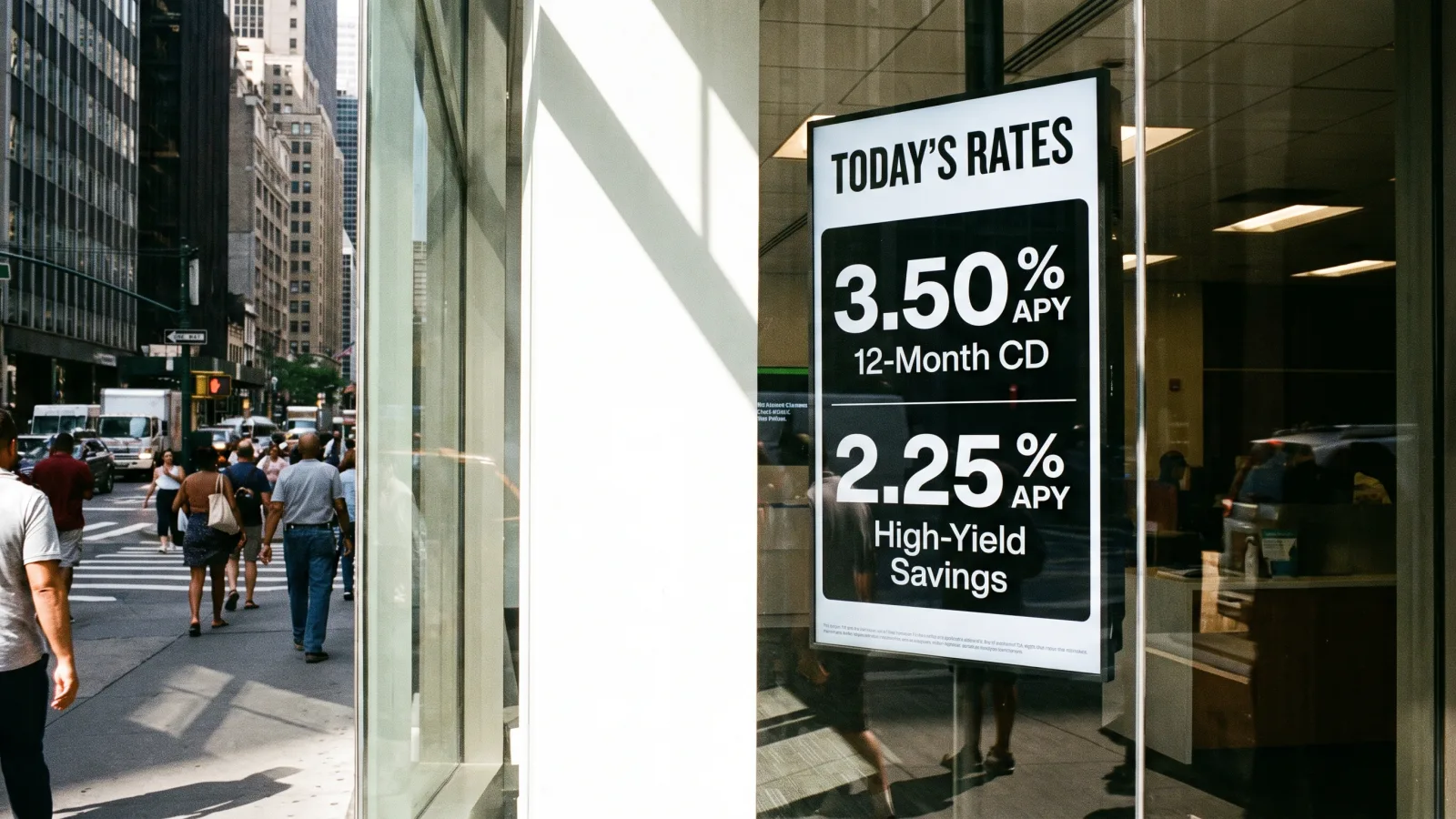
Rates facing the sidewalk work like a storefront price sign — they pull walk-ins. But glass plus sun is a hardware problem: a standard 500-nit indoor panel is unreadable behind a window at midday. This placement needs a high-brightness panel like the Samsung OM46B (3,000 nits, 24/7-rated) — more on hardware below.
10. Drive-up lane messaging
Hours, service prompts, and promotions at the drive-up window or ATM lane. Fully outdoor placements need sealed, weather-rated OH-series displays — a different product class from indoor panels, always quoted per project.
Offices and consultation
11. Office door / appointment status
Small displays outside banker offices: banker name, availability, "in consultation" status. Reduces the hovering-at-the-door problem and makes appointment banking feel organized.
12. Loan and mortgage center display
In branches with a dedicated lending area, a screen cycling current mortgage and auto rates, pre-qualification steps, and required lending disclosures — same locked-template model as the teller line.
Staff room and back office
13. Staff communications
Branch goals, recognition, training deadlines, policy updates — the same screen network, pointed inward. Frontline branch staff don't live in email; a break-room screen reaches them where corporate memos don't.
14. Operational alerts across branches
System-status notices, severe-weather closures, security alerts — pushed to every branch (or staff-only screens) in seconds from one dashboard. The multi-site push is the point: one message, the whole footprint, simultaneously.
Hardware by zone
Branches don't need exotic hardware — they need commercial digital signage hardware matched to each zone's light and duty cycle. CrownTV deploys commercial panels only, never consumer TVs: a consumer TV run all day voids its warranty and typically fails in 18–30 months, which makes it the expensive option in a facility you're not allowed to leave dark.
| Zone | Display class | Why |
|---|---|---|
| Lobby, waiting area | Samsung QM55C (55″, 4K, 500 nits, 24/7-rated) | The workhorse indoor size — readable across a lobby, slim enough for a clean wall |
| Teller line, offices, loan center | Samsung QM43C (43″, 4K, 500 nits, 24/7-rated) | Right size for closer viewing distances; the most-deployed panel in branch installs |
| Window-facing rate board | Samsung OM46B (46″, 3,000 nits, 24/7-rated) | Six times the brightness of an indoor panel — stays readable through direct sun |
| Drive-up / exterior | Samsung OH series (sealed outdoor) | Weather-rated enclosure and outdoor brightness; quoted per project |
Every screen is driven by a dedicated commercial media player managed from the CrownTV Dashboard — not the smart-TV app model, and never a consumer streaming stick. Dedicated players give you remote reboot, cached offline playback, and a fleet you can manage from headquarters, which matters more with every branch you add.
Security posture: deploy it like bank infrastructure
The fastest way to get a signage project killed is to hand your IT security team a consumer device and ask them to put it on the branch network. The right architecture passes review the first time:
- Network isolation. Signage lives on its own VLAN, fully segmented from teller systems, core banking, and the guest network. The screens never touch anything regulated.
- Outbound-only connections. Media players initiate encrypted connections out to the CMS; nothing connects in. No inbound ports, no remote-desktop holes.
- No consumer devices. Commercial media players with signed, centrally managed updates — no Fire Sticks, no Chromecasts, no USB drives walked between branches.
- Central patching and monitoring. Firmware and software updated fleet-wide from one dashboard, with per-device health status so a dark screen in any branch is visible at HQ within minutes.
Get this architecture documented in the proposal stage. A one-page network diagram up front saves a six-week security review later.
What digital signage for banks costs per branch
CrownTV pricing is all-in and one-time, per screen — commercial display, mount, media player, professional installation by licensed insured technicians, setup, and the first year of content software in one number:
| Screen size | All-in price (per screen) | Typical branch placement |
|---|---|---|
| 32″ | $3,250 | Office doors, small back-office screens |
| 43″ | $3,450 | Teller line, banker offices, loan center |
| 50″ | $3,650 | Waiting area, staff room |
| 55″ | $3,850 | Lobby welcome and rate board |
| 65″ | $4,450 | Large lobbies, main atrium |
| 75″ | $5,200 | Flagship branch hero wall |
A typical branch runs 4–6 screens — a 55″ lobby board, one or two 43″ teller-line screens, a 50″ waiting-area display, and a staff-room screen — landing around $14,000–$23,500 all-in for year one. Multi-branch rollouts get volume pricing below the per-screen rate; send us your branch count for an exact figure.
Two scope notes. The ladder covers indoor 500-nit placements only: window-facing rate boards (OM series, 3,000 nits) and outdoor drive-up displays (OH series) are always quoted separately. And standard installation runs 7–10 business days from approval — a working power outlet at each screen location is the only site prerequisite. Full cost breakdowns, including software renewal after year one, are in our digital signage cost guide.
How CrownTV helps
One contract for hardware + software + install + service:
- Samsung Authorized Reseller — QMC (indoor), OM (high-brightness window), and OH (outdoor) commercial displays at commercial-grade pricing, with 3-year manufacturer warranties
- All-in per-screen packages: display, mount, media player, licensed-insured installation, and first-year software
- CrownTV Dashboard with role-based publishing, approval workflows, audit trail, and scheduled disclosure zones — plus live data widgets for rate feeds and scrolling ticker displays for market or news content
- Site survey, mounting, cabling, commissioning, and warranty service in all 50 states — one vendor across your whole branch footprint
- 13+ years and 1,800+ businesses deployed, including multi-location brand-governance rollouts for L'Occitane and Herman Miller
Get a branch digital signage quote in two business hours →
Frequently asked questions
How much does digital signage for banks cost?
CrownTV branch signage is priced all-in and one-time per screen: $3,250 for a 32″, $3,450 for 43″, $3,650 for 50″, $3,850 for 55″, $4,450 for 65″, and $5,200 for 75″. Each price includes the commercial 4K display, mount, media player, installation by licensed insured technicians, setup, and the first year of content software. A typical branch running 4–6 screens lands around $14,000–$23,500. Window-facing rate boards use high-brightness panels and are quoted separately, as are outdoor drive-up displays.
How do banks handle compliance disclosures on digital signage?
The working model is simple: your compliance team defines the rules, and the CMS enforces them. Compliance decides which disclosures accompany which content — Member FDIC or NCUA insurance messaging with deposit products, Equal Housing Lender with mortgage content — and those rules are built into locked templates and scheduled rotations that branch staff can't override. The audit trail records who published what, on which screens, and when, so you can demonstrate exactly what was displayed on any date.
Can bank digital signage show live interest rates?
Yes. Rate boards pull from a data feed or a single controlled rate table, so one update propagates to every screen in every branch at once — no branch manager re-typing an APY. Good platforms wrap the update in an approval workflow: the rate desk or marketing submits the change, an approver signs off, and the CMS timestamps the publication. That workflow is what kills the classic branch problem of a paper rate card showing last week's number.
What hardware do bank branches need for digital signage?
Indoors, commercial 4K panels rated for all-day operation — CrownTV standardizes on the Samsung QMC series (500-nit, 24/7-rated) for lobbies, teller lines, and offices. Window-facing rate boards need the Samsung OM series at 3,000 nits to stay readable through direct sun. Drive-up lanes need sealed outdoor OH-series displays. Every screen is driven by a dedicated commercial media player managed from one CMS, not consumer smart-TV apps or streaming sticks.
Is digital signage secure enough for a bank network?
It is when it's deployed like bank infrastructure, not consumer electronics. Signage runs on its own isolated network segment (VLAN) with outbound-only connections to the CMS, fully separated from teller systems and core banking. Commercial media players are remotely managed and centrally updated — no USB sticks walked between branches, no consumer streaming devices on the branch network. Your IT security team reviews the architecture once, then manages the fleet from one dashboard.
Do credit unions use digital signage differently than banks?
The hardware and software stack is identical; the content mix shifts. Credit unions lean harder on community content — sponsorships, member spotlights, scholarship winners, local event boards — because member connection is the brand. Insurance messaging references NCUA rather than FDIC, and rate boards tend to feature share certificates and auto loans over jumbo CDs. Governance needs are the same: audit trail, approval workflows, and disclosure scheduling apply to a three-branch credit union as much as a hundred-branch bank.
Read Next
DISPLAYDETAILS · BY CROWNTV · SHIPS NATIONWIDE
Branch-grade displays, installed by CrownTV
Slim 4K commercial display, 24/7 rated, Tizen built-in.
Samsung QM43C
43-inchSamsung Authorized Reseller — direct allocation, full warranty
- Price-match guarantee — find it cheaper, we'll match it.
- 3-year Samsung commercial warranty — RMAs handled by us.
- Free nationwide shipping — every panel, every order.
- Purchase orders, Net-30 (approved accounts) and tax-exempt orders accepted.
Keep reading
More guides like this
Operator-grade playbooks, weekly.
Proof, not pitches
See real installs
Live deployments across hospitality, retail, and offices.
Ready to deploy?
Get a quote in 2 business hours
Reply within two business hours. No call required.