
Waiting Room Display Ideas: 19 Screen Examples for 2026
19 waiting room display ideas from real clinic screens: queue numbers, health explainers, the care team, a sample 30-minute loop and in-house advertising.

On this page
Reply within 2 business hours Ask a signage specialist Tap to open the quote form
Most waiting room screens play cable news, or nothing at all. Both waste the one wall every patient faces for the whole wait. Below are 19 waiting room display ideas we'd actually put on a clinic screen, grouped by the job they do. After the list: a sample 30-minute loop, the honest version of waiting-room advertising, and how a multi-clinic network keeps every screen current from one place.
This post is the idea bank. If you're ready to put a screen on the wall, our waiting room TV page covers the installed setup: the screen, the mount, the media player, the install and the software, all from one company.
The 19 ideas at a glance
Every idea does one of three jobs. A good loop has something from each column, with the information column staying on screen the longest.
-
Job 1 · Information
Answer the questions people are too polite to ask
-
Job 2 · Your own content
Teach one thing, sell one thing
-
Job 3 · Comfort
Lower the temperature in the room
Information ideas (1–6): answer the questions in the room
Everyone in a waiting room is asking the same three things: have they forgotten me, how long will this take, and what do I do next. Answer those and the room gets quieter. Our hospital waiting room design guide covers the seating, light and acoustics side of the same problem.
1. Show the queue by number, never by name
A now-serving board is the most useful thing a waiting room screen can do. Show a ticket or appointment number, keep it in a fixed zone (the side or the bottom third) and never let it rotate away. If your check-in system can publish a read-only feed, the board updates itself. If it can't, don't fake it: a line that says "Waited more than 20 minutes? Tell the front desk" does more good than a stale board.
Pharmacies run the same idea at the counter. Our pharmacy digital signage guide shows the now-serving board we mount over a pickup counter, and bank branches use it for teller lines too (see digital signage for banks).
2. Post a running-late notice
One line: "Dr. Patel is running about 20 minutes behind today." Staff change it from a browser in a few seconds. People forgive a delay they've been told about; it's the silence that sends them to the desk.
3. Spell out the check-in steps
ID and insurance card out, forms by QR code, medication list ready. A 15-second slide that runs every loop saves the front desk from saying it forty times a day.
4. Point the way
Restrooms, lab, pharmacy, exit. In a single-suite clinic that's one slide. In a hospital it becomes a lobby directory, which is its own screen and its own mounting job; our healthcare digital signage page shows how we mark one on site.
5. Put the Wi-Fi and house rules on screen
Guest network name, phones on silent, no photos or recording, masks if you ask for them. It replaces the laminated sheet taped to the wall, and you can change it in seconds when the password changes.
6. Run local weather, not the news
Weather and the time are useful to someone deciding whether to move the car. A news ticker isn't. Daytime news raises stress in a room that's already anxious, and you don't control what the next headline is.
Your own content (7–15): teach one thing, sell one thing
This is the part of the loop that pays for the screen. It only works if the content is about this clinic: its services, its people, its next step.
7. Seasonal health tips
Flu shots in the fall, sun safety in the summer, a different awareness month each month. Keep each tip to one idea and one sentence, and take the facts from a source you'd quote to a patient, like the CDC's flu pages. Schedule them ahead so September's flu slide goes live on its own.
8. Explain a service in 30 seconds
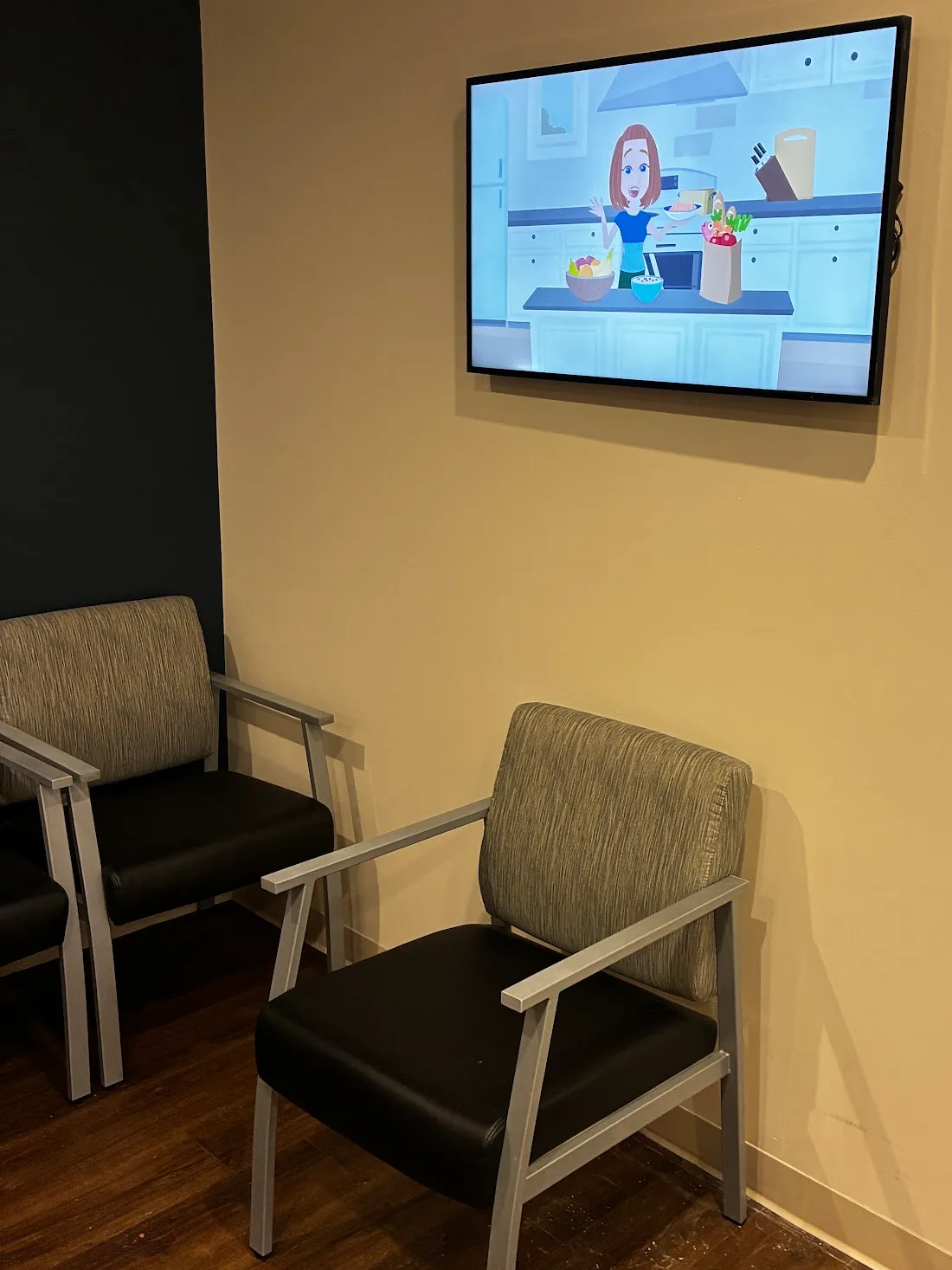
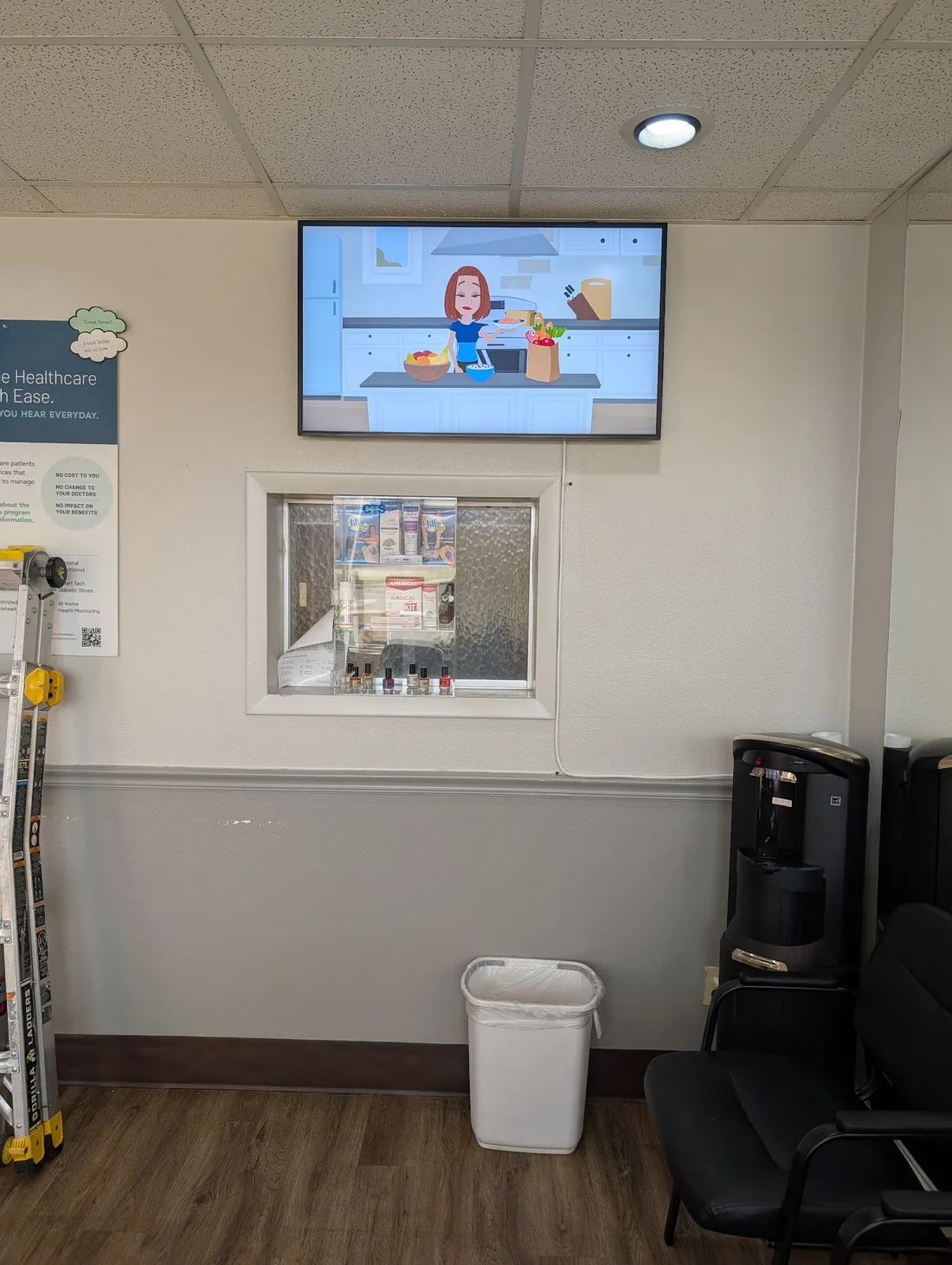
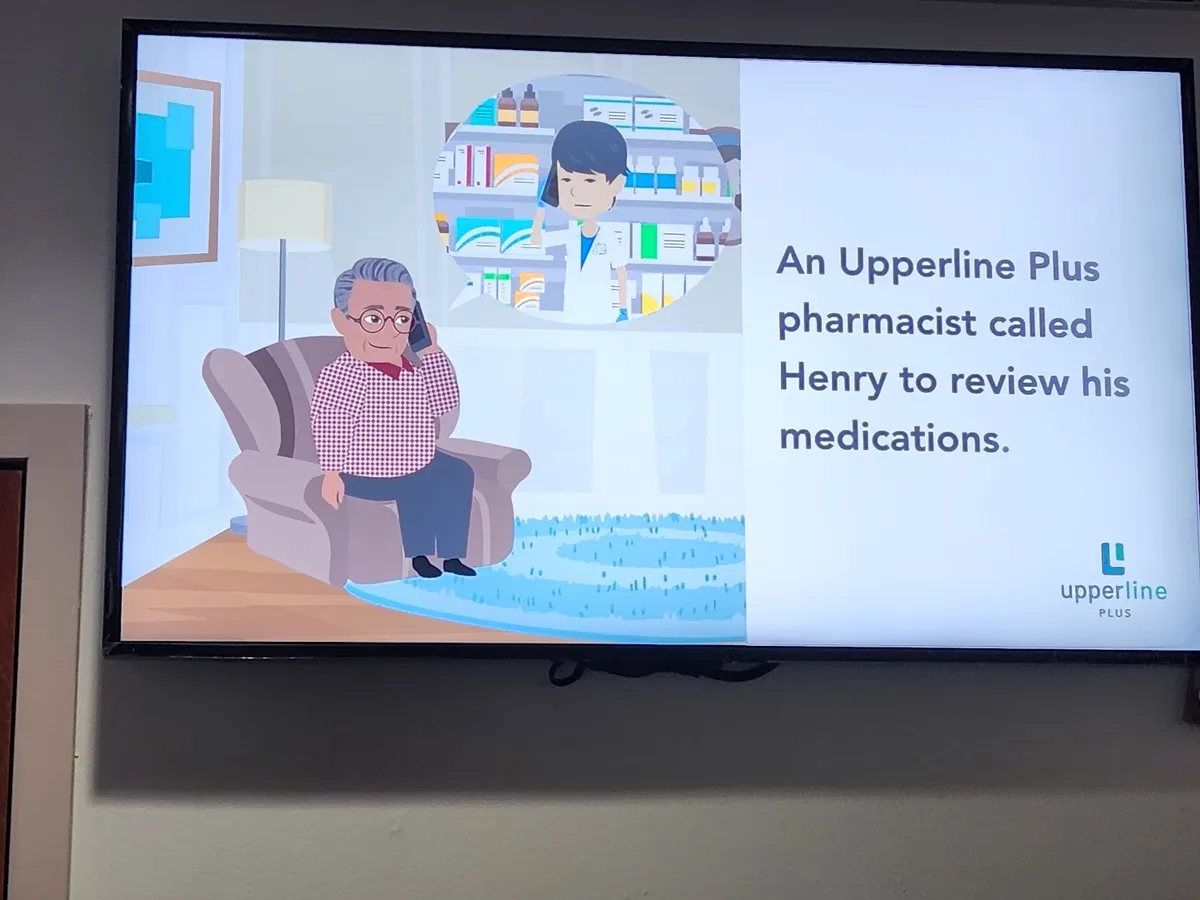
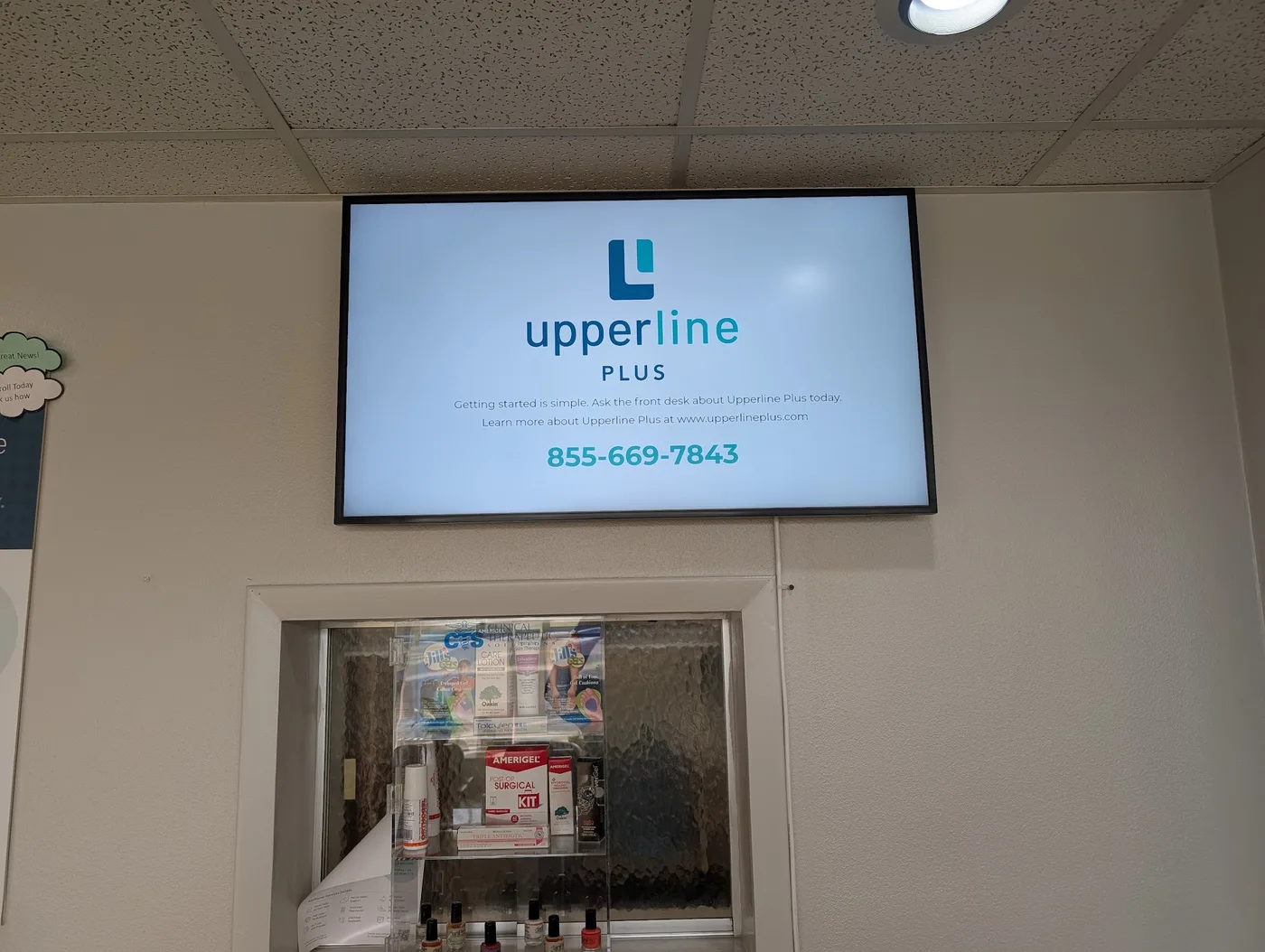
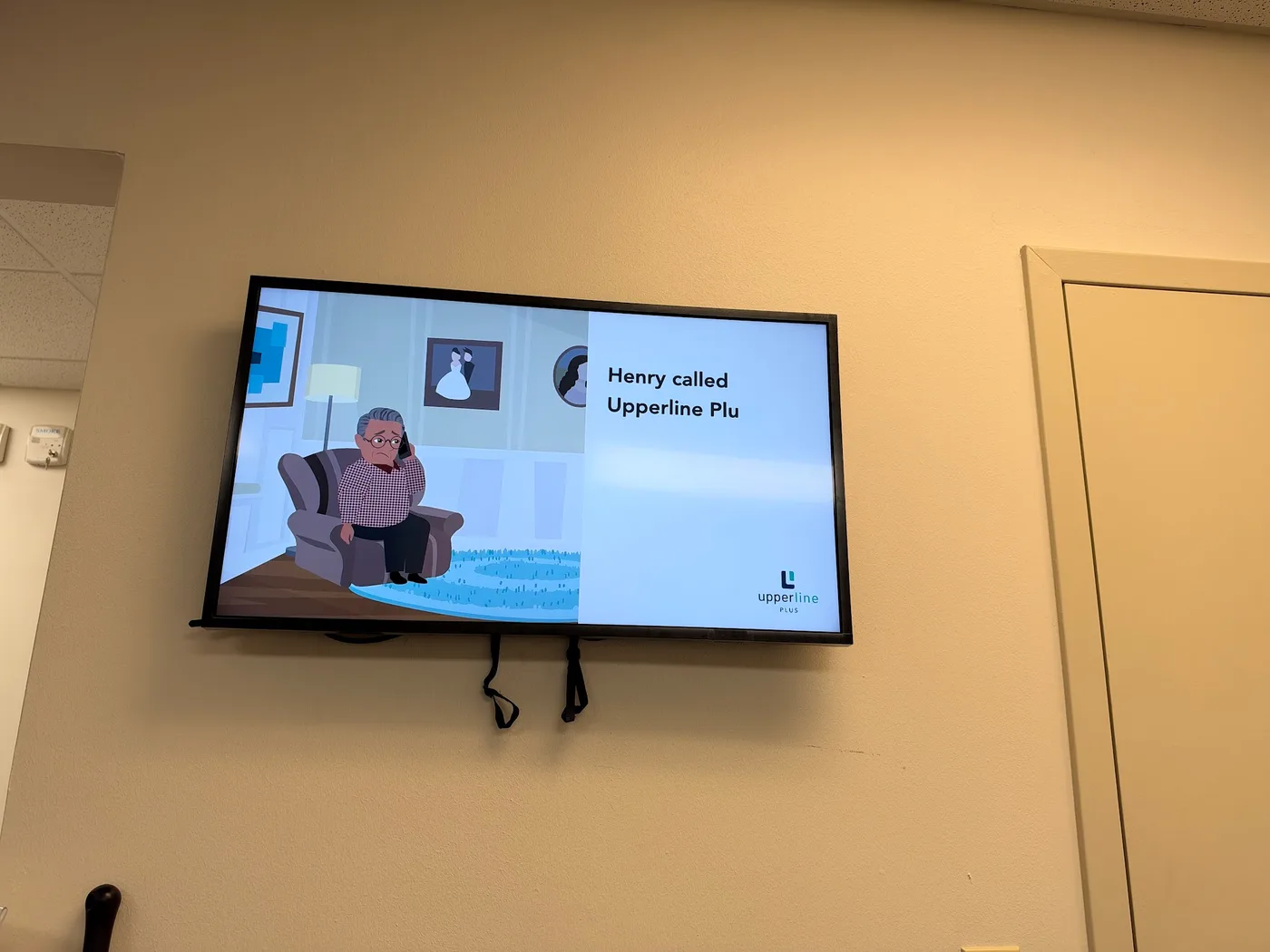
Short animated explainers work well on a silent screen, because the words are on the slide. The Upperline Health clinics we install run explainers for the Upperline Plus pharmacist program, the kind of service patients don't know to ask about.
9. Promote your own services
Flu shot clinic on Saturday, extended Thursday hours, a new telehealth option, a new provider who takes walk-ins. Two 20-second slots per loop is plenty. More than that and the screen starts to feel like a sales pitch.
10. Ask for one next step
Every loop should end with one thing to do and one way to do it: a phone number, or a QR code to book. One action per slide. If the slide asks for three things, people do none of them.
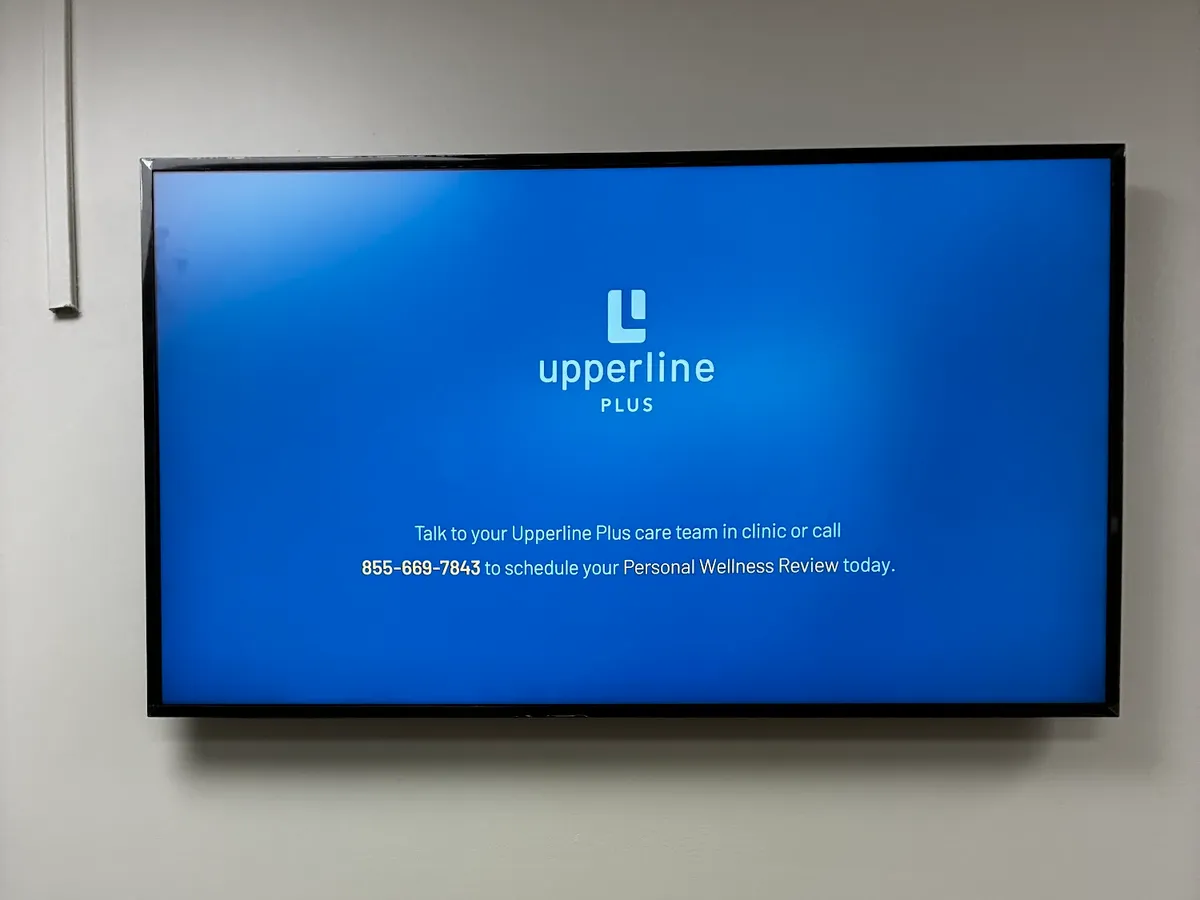
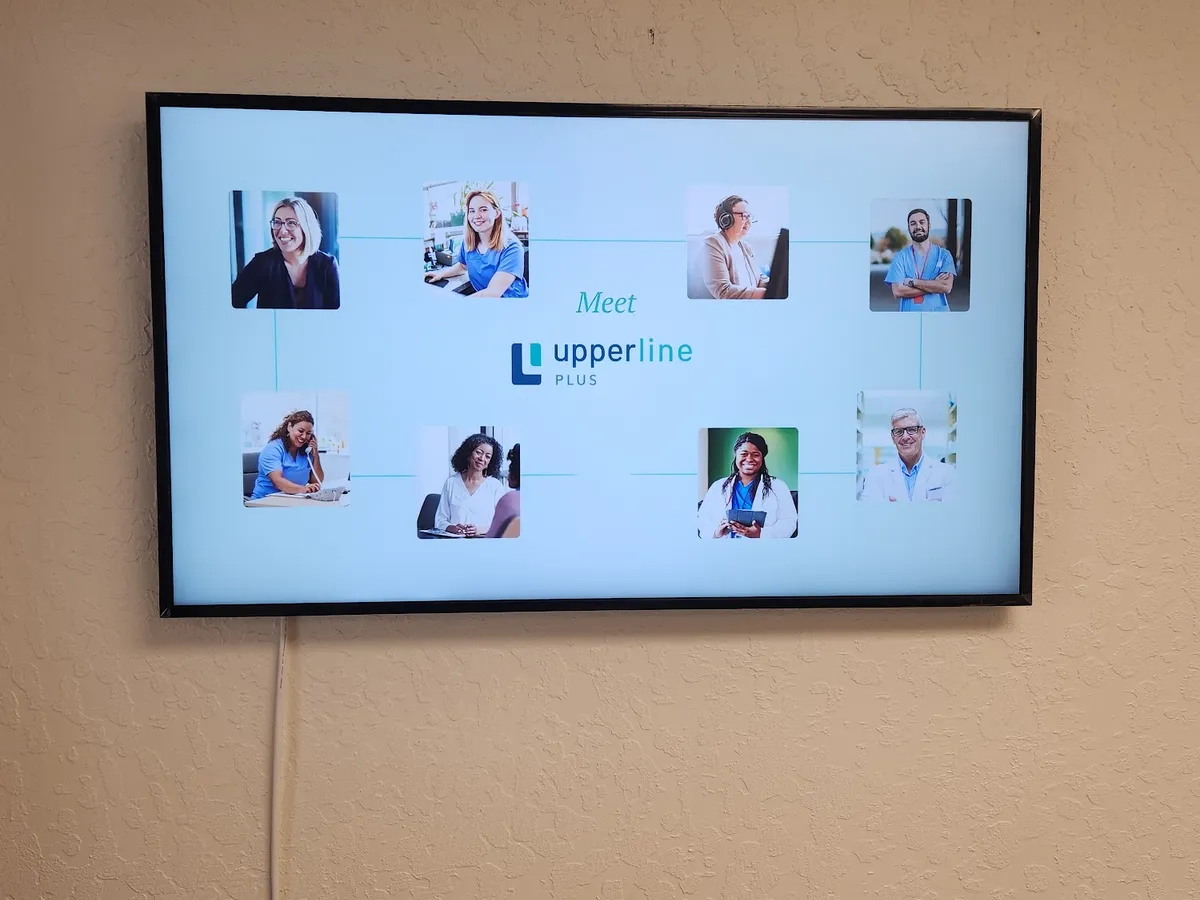
11. Meet the care team
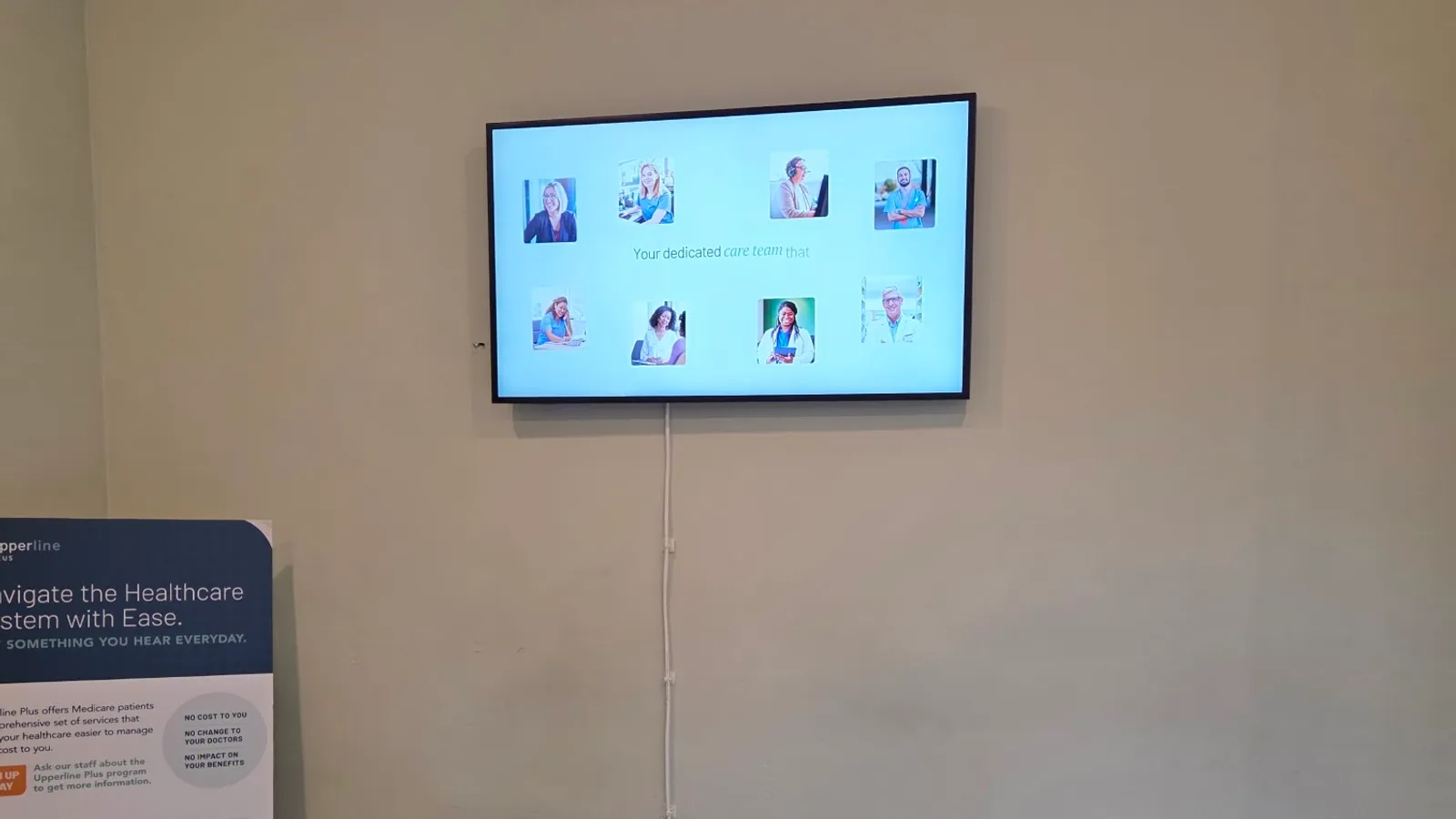
Faces and first names of the people patients will see today: providers, nurses, the pharmacist, the front desk. Patients scan it for the person they're about to meet. Build it as a template so a new hire is a two-minute update.
12. Tell a patient story, with consent
A short story about how a service helped someone, told with written consent and a first name at most. An animated story, like the Upperline Plus ones in the clinics we install, tells the same story without putting a real patient on screen.
13. Share practice news, sparingly
A new provider, a new location, new hours, a community screening day. Once per loop at most. A loop of announcements gets ignored by the second visit.
14. Give first-time patients a tour
Four still photos with captions (front desk, exam room, lab, checkout) and a line about what happens next. It takes the edge off a first visit, and it works on a silent screen.
15. Run a community calendar
Farmers' market, blood drive, free screening at the library. Keep it local and keep it current; a calendar with last month's events is worse than none.
Comfort ideas (16–19): lower the temperature
Comfort content fills the gaps between the information and your own slides. It should be slow, silent and never need the viewer to start at the beginning.
16. Slow ambient loops
Water, forest, sky. Slow movement, no cuts, no audio. Make sure the footage is licensed for commercial use, and match the palette to your space so it reads as part of the room.
17. Local art
Rotate work by local artists with the artist's name on screen. It costs nothing, it changes every month, and patients notice.
18. Trivia and "did you know?"
One question, a few seconds, then the answer. Health trivia ties back to your services; local history keeps it light. Never more than two in a row.
19. Calm cards
A breathing prompt (in for four, out for six) over a slow background, or a short, plain line of encouragement. Useful in waiting rooms where people are nervous about what comes next.
What to play on a waiting room TV: a sample 30-minute loop
The 19 ideas are ingredients. Here's how we'd put them together for a typical clinic. Set the loop length close to your average wait, so most people see it once and almost nobody sees it twice. Vitals' 2018 report put the average wait to see a doctor at 18 minutes 13 seconds; if your room runs longer, stretch the comfort slot, not the promotions.
| Slot | Length | What runs | Ideas |
|---|---|---|---|
| Queue and delay zone | Always on (side or bottom third) | Now-serving number, running-late line | #1, #2 |
| Welcome | 15 sec | Clinic name, check-in steps, Wi-Fi | #3, #5 |
| Your own services | 2 × 20 sec | One service, one seasonal offer | #9, #7 |
| Explainer | 30–90 sec | One animated service or health explainer | #8 |
| Care team | 20 sec | Today's providers and staff | #11 |
| Next step | 15 sec | One action: call or scan to book | #10 |
| Local | 15 sec | Weather and one community event | #6, #15 |
| Comfort | Fills the rest | Ambient footage, art, trivia, calm cards | #16–#19 |
Two rules for every slot: no audio, and words on screen for anything that speaks.
Change the services and explainer slots every month. Regular patients notice a loop that never changes, and once they've stopped looking, they don't start again.
Advertising in doctor's and hospital waiting rooms: run your own first
"Waiting room advertising" means two different things. One is the practice promoting its own services on its own screen. The other is an outside point-of-care network placing a screen and selling part of the loop to advertisers, usually in return for free hardware or a revenue share. Almost every practice should do the first. Few should do the second.
| Your own promotions | Outside ad network | |
|---|---|---|
| Who picks the content | You | The network, inside rules you negotiate |
| What patients see | Your services, your team, your next step | Brands you didn't choose, sometimes competitors |
| Cost | The screen and its software | Often a free screen, paid for with your airtime |
| Fits a clinical room | Yes, you approve every slide | Only with written category approval |
- Your own ads come first. The people watching are already your patients, sitting in your building. A 20-second slot for flu shots, a membership plan or a review request costs nothing extra to run.
- If you host outside ads, put the rules in writing. Approve every ad category, exclude competitors, cap the ad share of the loop, and keep the queue zone and your own messages on screen at all times.
- If you're an advertiser looking to buy waiting-room airtime, you'll be buying through one of those networks, and the practice still has the final say on what runs in its room.
Either way, the screen should run on signage software you control, so your own promotions, the queue zone and any approved partner content run on one schedule you set.
How a clinic network runs this
One waiting room is easy. A network of them is a logistics job. This is how we run it for Upperline Health, an outpatient clinic network we've been installing state by state: a pilot first, then waves, with Georgia the first full wave in September 2026.
-
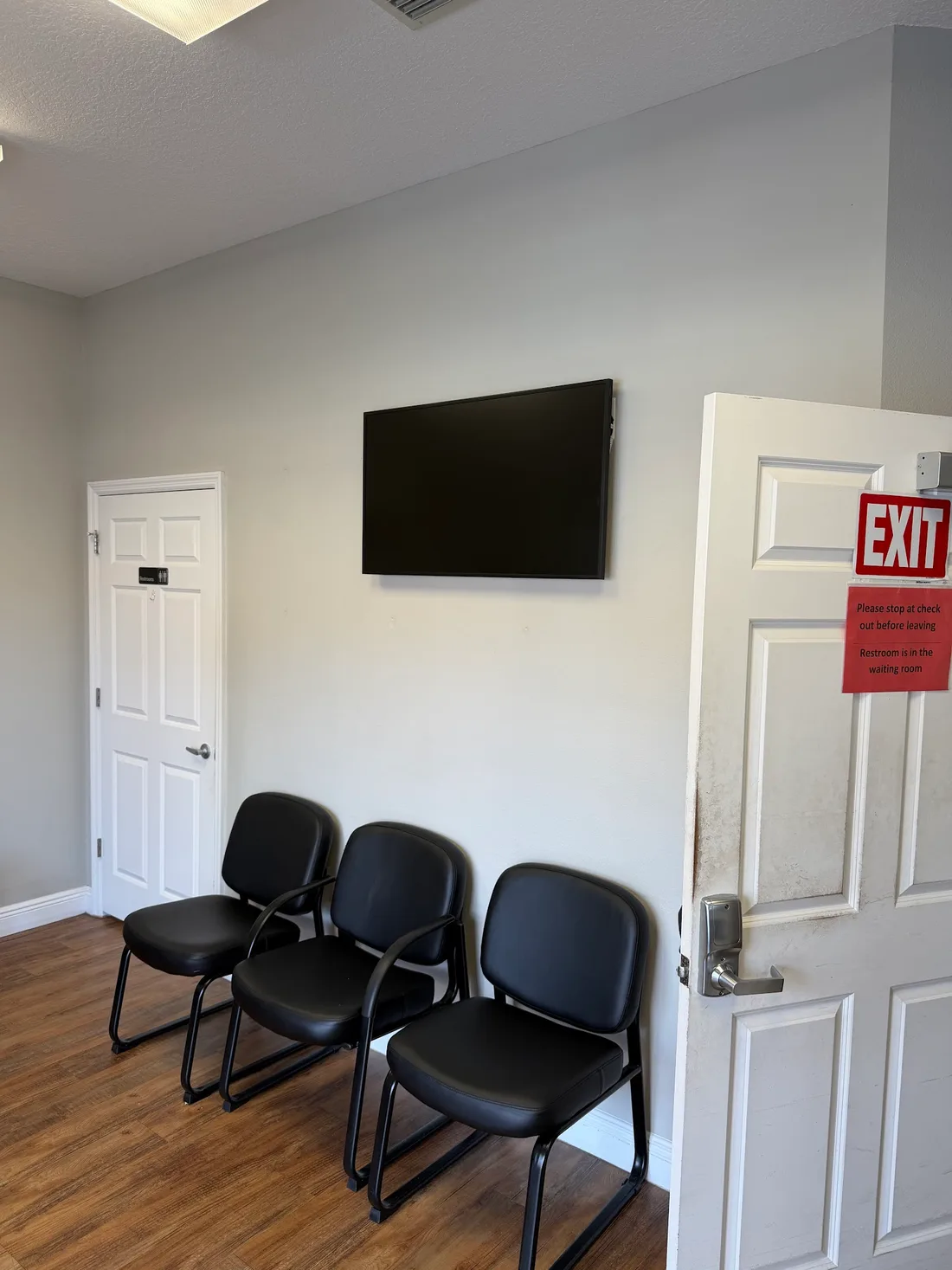
01 · Survey
Every clinic answers a survey first
Is there a working TV? Where's the outlet? Wi-Fi? When can a technician get in? The answers decide the kit before anything ships, and each clinic gets one site code that goes on everything.
-
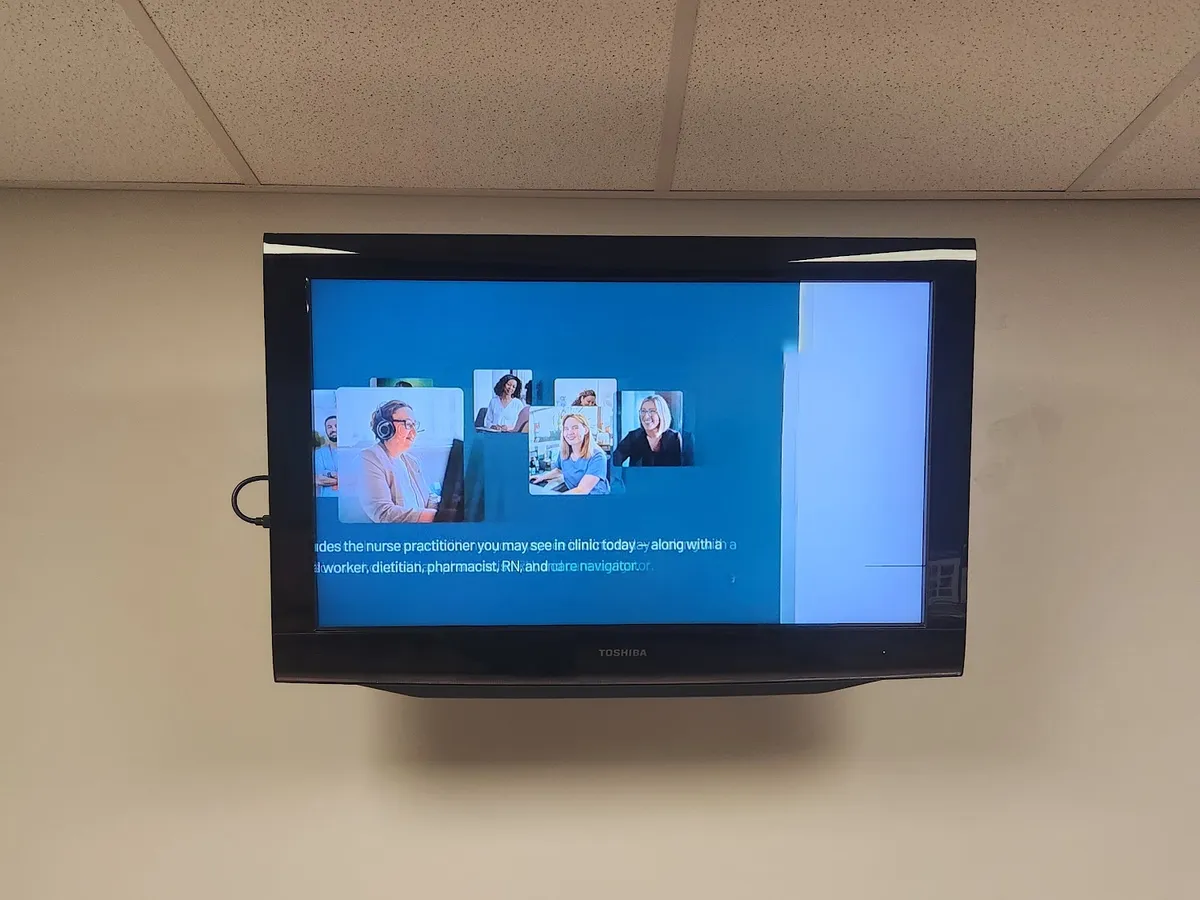
02 · Kit
Reuse what works
A clinic with a working TV gets a media player, set up before it ships. A clinic without one gets a new 32″ or 43″ commercial screen package.
-
03 · Install
Clustered routes, outlet first
Technicians run routes of nearby clinics and check in by GPS. The outlet is confirmed before anyone drills; we don't do electrical, so it's in place first.
-
04 · Close-out
Seven photos, then central content
Each site closes with seven photos and no patients in frame. From then on the loop is managed centrally, and an offline screen raises an alert.
The content side is the same at every clinic: the care team, the clinic's services and the Upperline Plus pharmacist explainers, updated once and pushed to every screen. Our rollout checklist has the full pilot-and-waves playbook for any multi-site program.
What never goes on a waiting room screen
HHS's HIPAA FAQ on sign-in sheets says offices may call out names if the information is limited and reasonable safeguards are in place. A screen is louder than a clipboard: it stays up longer and reads from the doorway. So our rule is stricter.
- No patient names, with or without appointment times.
- No reason for the visit, no results, no medication names tied to a person.
- No balances, recall lists or no-show lists.
- Queue boards use anonymous ticket or appointment numbers only.
Getting the screen on the wall
The ideas above work on any screen that can run a scheduled loop. Where clinics go wrong is the hand-off between five vendors: one sells the TV, one hangs it, one sells the content, and nobody notices when it goes dark. CrownTV does the whole job as one company: the site survey, the commercial Samsung display with its 3-year commercial warranty, the mount, a licensed and insured install, a media player set up before it ships, the content software and content design, and monitoring that flags a screen when it goes offline.
Still choosing a display? Our best TVs for doctor's offices shortlist ranks nine on duty hours, business warranty and lock-out features. Running a dental practice? See dental office TV setup. For hospitals and multi-site clinic networks, start with healthcare digital signage.
Frequently Asked Questions
What should I play on a waiting room TV?
Run a silent, captioned loop about as long as your average wait, so most people see it once and almost nobody sees it twice. Keep queue or delay information on screen the whole time, then rotate short segments: a welcome and check-in reminder, one or two of your own services, a health tip or service explainer, the care team, local weather and calm ambient visuals. Skip cable news and anything that needs sound or a plot. People get called in mid-story, and news raises stress in a room that's already anxious.
Can you advertise in a doctor's or hospital waiting room?
Yes, in two ways. The practice can promote its own services on its own screen, which costs nothing extra and stays on-brand. Or an outside point-of-care network can place a screen and sell part of the loop to advertisers, usually in return for free hardware or a revenue share. We'd start with the first. If you do host outside ads, approve every ad category in writing, exclude competitors, cap the ad share of the loop, and keep queue information and your own messages on screen at all times.
How do clinic networks keep every waiting room screen on the same content?
They manage it centrally. In the Upperline Health clinics we install, every screen runs from one Dashboard, so the clinic's services, the care team and the Upperline Plus pharmacist explainers update everywhere at once. A site survey decides each clinic's kit first: a media player for a working TV, or a new 32″ or 43″ commercial screen package. Each clinic gets a site code, and an offline screen raises an alert instead of going dark unnoticed.
What should never appear on a waiting room screen?
Anything that ties a person to their care. No patient names with appointment times, no reasons for the visit, no test results, balances or recall lists. HHS lets offices call out names when the information is limited and reasonable safeguards are in place, but a name on a screen stays up longer and reads from the doorway, so we keep names off screens entirely and use anonymous ticket or appointment numbers.
Read Next
Keep reading
More guides like this
Operator-grade playbooks, weekly.
Proof, not pitches
See real installs
Live deployments across hospitality, retail, and offices.
Ready to deploy?
Get a quote in 2 business hours
Reply within two business hours. No call required.