
Hardware
Ticker displays that run all day on commercial screens.
A live stock, news, or KPI ticker strip as a zone on a Samsung 4K commercial display, or across a multi-screen ticker wall. Display, mount, CrownTV player, install, training, and year-one Dashboard in one number: 55″ lobby ticker from $3,450, any indoor package from $2,950. Bank lobbies, trading floors, sports bars, newsrooms, schools.
crowntv-us.com / hardware
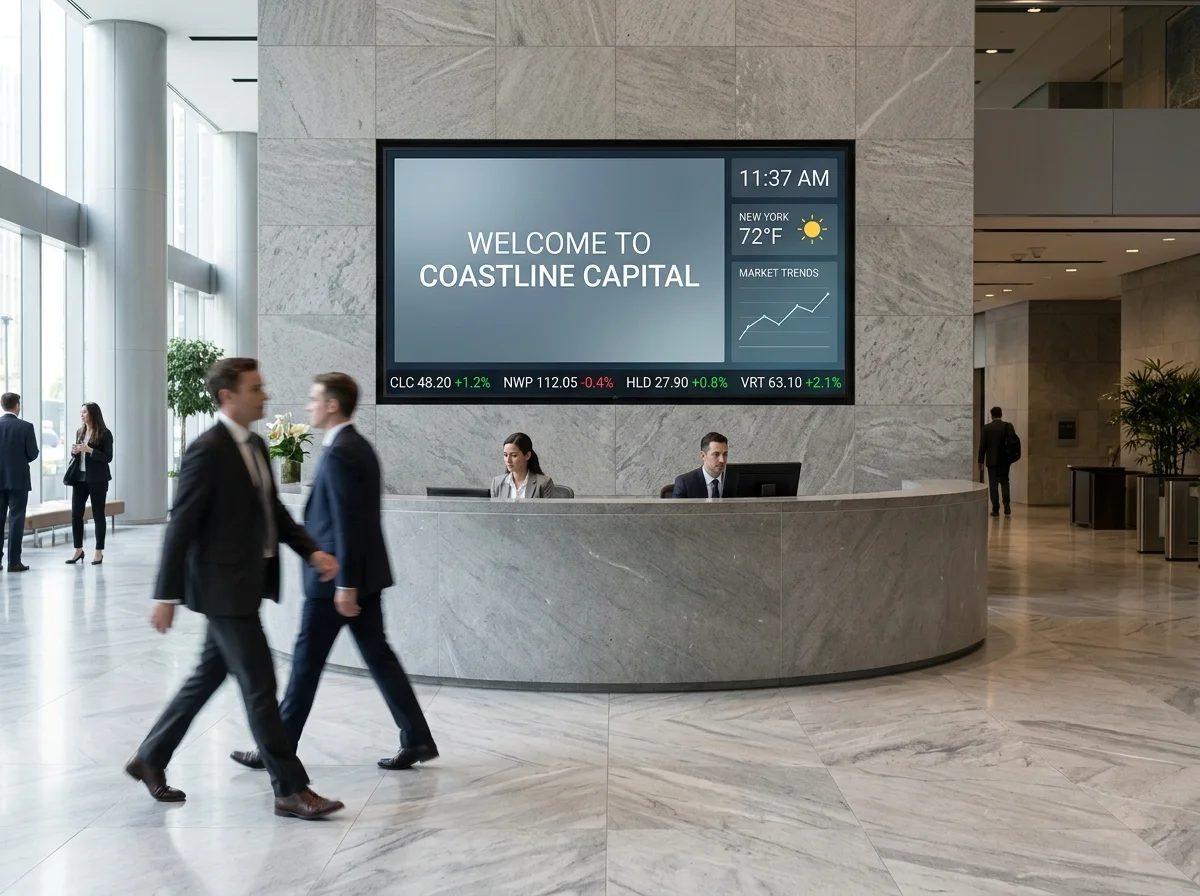
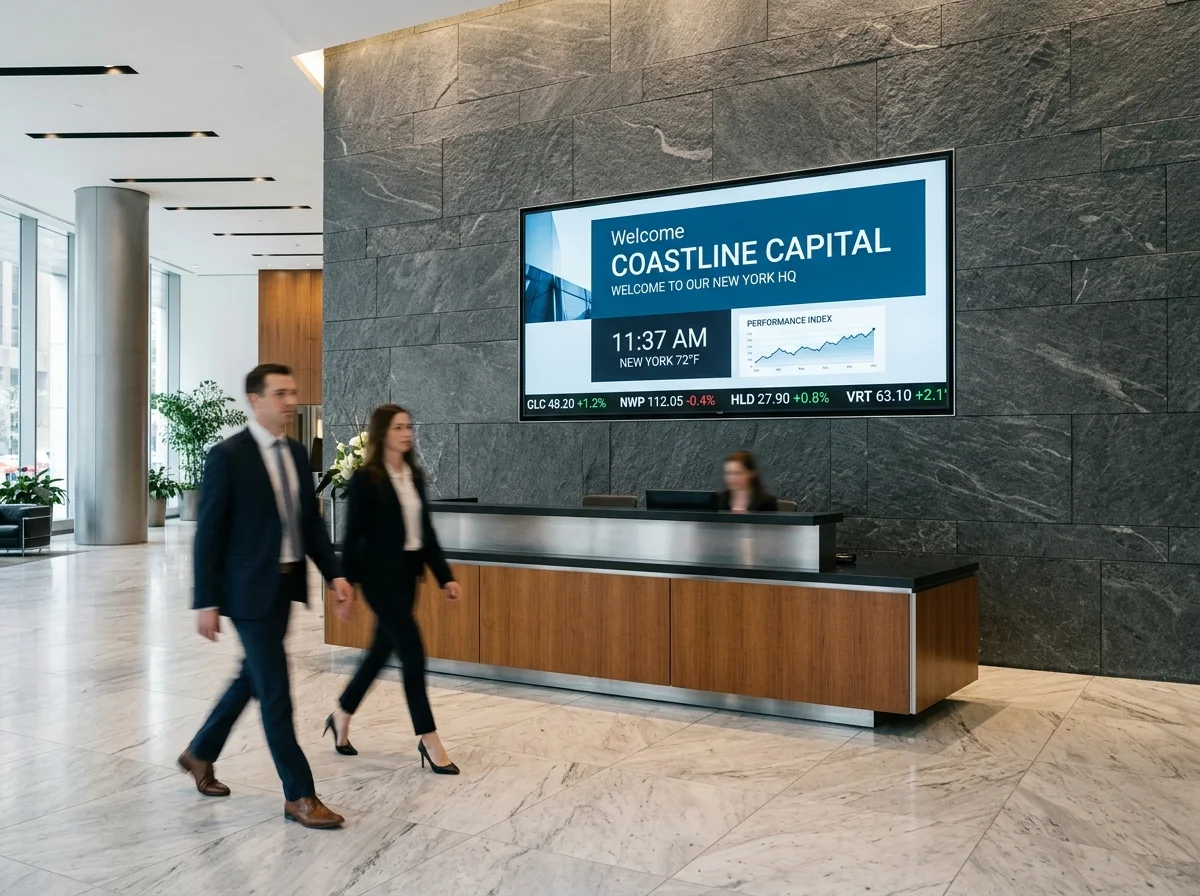
In the field
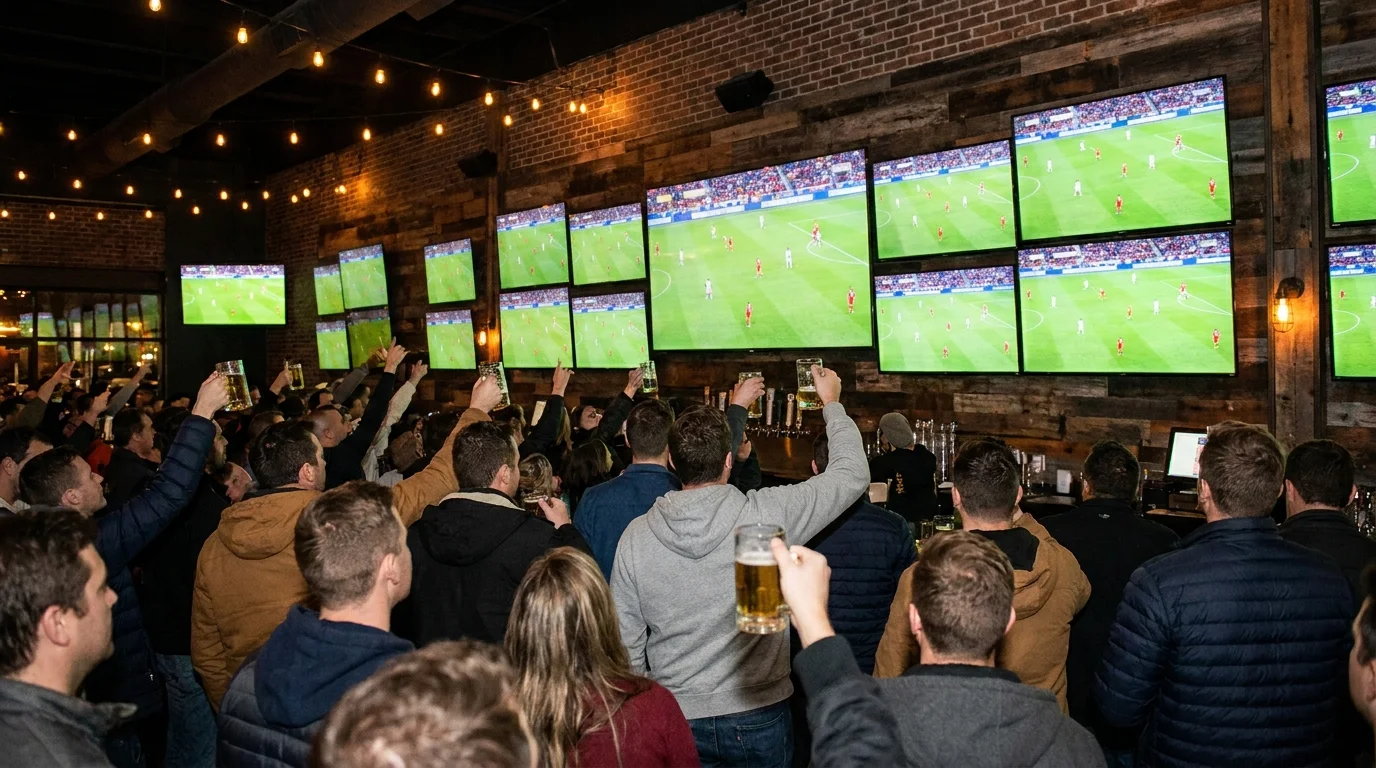
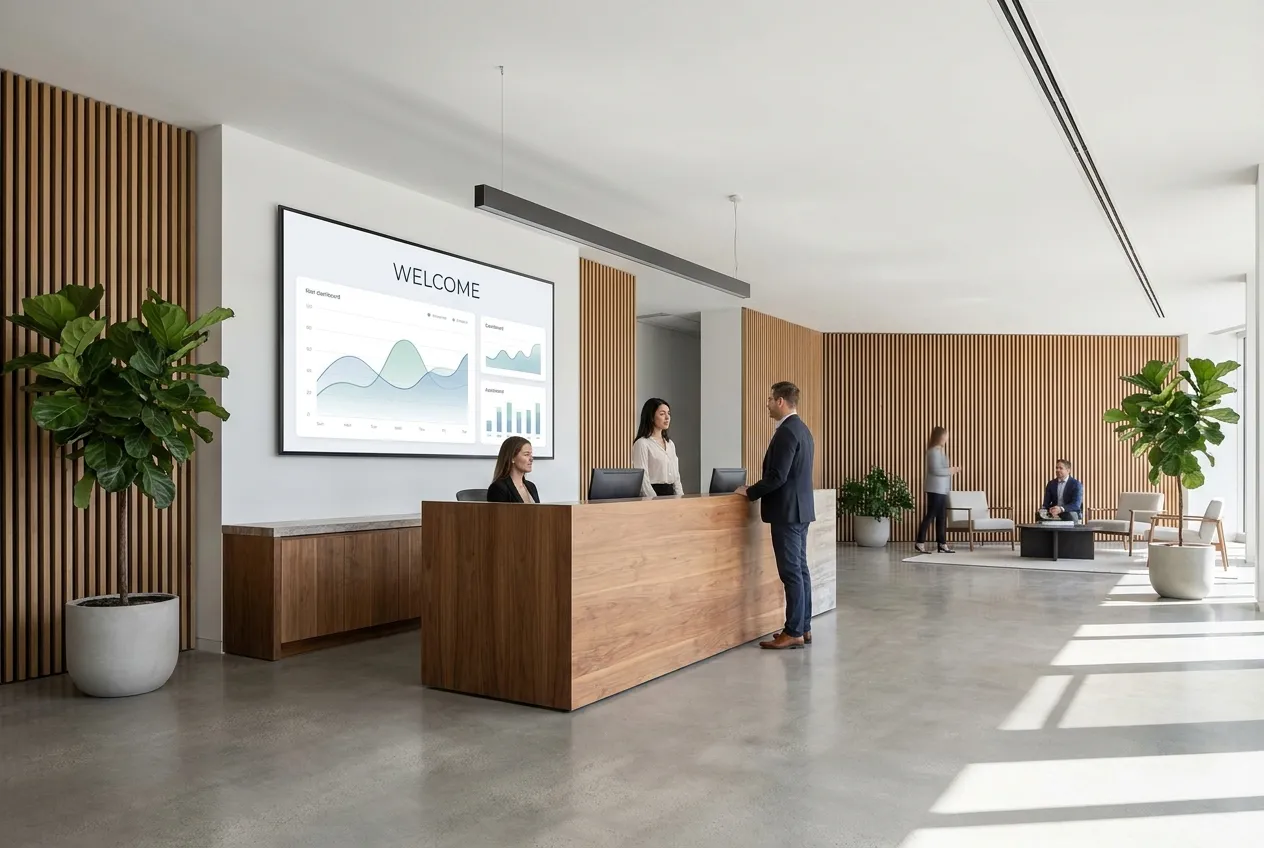
Trusted by leading brands since 2012








Where this fits
Ticker Displays inside a complete digital signage system.
The ticker most buyers picture is a thin LED bar crawling red and green numbers across a bank lobby. That still exists and we source it per project. But most ticker requests we quote now end up on a standard 4K commercial display with the ticker as a strip across the bottom, because the same screen also carries the welcome panel, the rate board, the KPI dashboard, or the game. CrownTV sells ticker displays as one installed package: Samsung QM-series panel in 43″ to 98″, CrownTV media player, wall mount, install, training, and the first year of the Dashboard, with the ticker fed from market data, RSS and news, weather, or your own numbers. 55″ lobby ticker from $3,450. 98″ lobby ticker wall from $9,950. Multi-screen walls and LED ticker bars quoted per project.
Product decision guide
Choose by screen job, not by manufacturer.
CrownTV specifies approved commercial display classes by function first. The right recommendation starts with brightness, duty cycle, placement, controls, warranty, mounting, service access, and support.
What you can rely on
- 16,000+ active screens running on CrownTV
- Commercial display classes: indoor, window, outdoor, kiosk, video wall
- Published pricing ranges on the pricing page
- Named project photos in the customer work library
How we specify it
- Indoor wall or lobby: prioritize clean mounting, anti-glare glass, locked controls, and 16/7 or 24/7 duty cycle.
- Window-facing: prioritize brightness, heat management, anti-glare finish, and content readable from outside.
- Outdoor: prioritize weather rating, secure mounting, electrical path, and service access.
- Video wall: prioritize bezel, sync, cable path, and maintenance access.
Useful next steps
Product scope map
Ticker Displays is one part of the CrownTV rollout.
The product page explains the component. The scope map shows the operating pieces around it: software, commercial displays, media players, installation, content, and managed support.
01 Turnkey digital signage Hardware, software, media players, install, content, and support in one project plan. Scope the turnkey package 02 Digital signage software CrownTV Dashboard for scheduling, playlists, permissions, apps, and screen health. See the Dashboard 03 Commercial displays Indoor, high-brightness window, outdoor, video wall, kiosk, and menu-board displays. Match displays to the job 04 Nationwide technicians Site survey, mounting, cabling, network setup, CMS sign-off, and multi-site rollout. Plan the install 05 Content design Menus, promos, lobby loops, internal comms, video walls, and branded templates. Design the screen content 06 Managed support Troubleshooting, remote diagnostics, content updates, player swaps, and account support. Run it after launch
Three ways to think about a ticker
A ticker is a layout zone and a data feed on hardware that can run it all day. Get those three right and the rest is scheduling.
A zone, not the whole screen
The ticker takes the bottom 10 to 15% of a 4K panel. The rest carries the welcome panel, the rate board, the KPI wall, or the broadcast feed. One screen, one player, one install.
Feeds you already have
Delayed or licensed market data per your data agreement, RSS and news headlines, weather, sports scores, and internal KPIs from a spreadsheet or dashboard. Mix them in one crawl or schedule them by daypart.
Hardware built for the crawl
Samsung QM-series commercial panels are rated for 24/7 motion content. Consumer TVs stutter on a smooth crawl, retain static bezels, and void their warranty in a lobby. We only spec commercial.
What it does
Ticker zone layouts
Bottom-strip crawl on any landscape panel, dual-strip for stocks over headlines, or a full-height crawl on ultra-wide multi-screen walls. Speed, type size, color rules for up and down moves, and logo slots are set once in the template.
Market, news, weather, and KPI feeds
Market data runs on delayed or licensed feeds per your data agreement. Headlines pull from any RSS source. Weather and transit are built in. Internal numbers come from a Google Sheet, a BI dashboard link, or a simple CSV the ops team updates.
Multi-screen ticker walls
Two to six 55″ or 65″ panels in a row, one crawl across all of them with frame-synced playback from a single player. Trading floors and newsroom walls run this configuration. Sub-millimeter bezel tiles available for flagship lobbies.
LED ticker bars, per project
Single-line LED ticker bars for wrap-around lobbies and exterior-facing walls are sourced, mounted, and fed from the same Dashboard. Length, pitch, and brightness are set on survey and quoted per project.
Scheduling and alert override
Daypart the crawl: markets during trading hours, headlines and weather after close, scores on game night. A single click swaps the whole screen to an alert layout for weather, security, or building notices.
Window and street-facing tickers
A ticker in a storefront window needs 2,500 to 3,000 nits to read through glass. Same template, same Dashboard, high-brightness hardware. See the window displays page for that package.
Consumer TV with a ticker app vs. a commercial ticker display
The cheap version works for a week. Here is what changes when the ticker has to run every business day for five years.
Consumer TV + free ticker app or browser tab
CrownTV ticker display
Panel rated 8 hours a day. Smooth crawl judders, static bezels retain, warranty void in a lobby.
Samsung QM-series: 24/7 commercial duty, motion-rated panel, 3-year commercial warranty in business use.
Free stock widget with ads, no data agreement, feed dies when the app updates.
Delayed or licensed market data per your data agreement, RSS, weather, and internal KPIs, managed from the Dashboard.
Ticker fills the screen or fights the content. Nowhere to put the welcome panel or rate board.
Ticker is a 10–15% strip. The rest of the 4K canvas carries the content that pays for the screen.
Someone walks over with a laptop or a USB stick when the feed freezes.
Remote monitoring, offline cache, scheduled content, and 48-hour player replacement during active contract.
One screen only. A second screen means a second laptop and a second person.
One crawl across two to six synced panels from one player; add screens without adding staff.
Mounted on a consumer bracket with a cable down the wall.
Commercial mount sized to the panel, cable in-wall or raceway, power path confirmed on survey, licensed install.
No price for the whole thing. TV, bracket, stick, app, and an installer are five receipts.
One installed number from the indoor ladder: 55″ from $3,450, 98″ from $9,950, any indoor package from $2,950.
Already evaluating a software-only vendor? See how this stacks up against CrownTV vs ScreenCloud or CrownTV vs Yodeck. The full set of comparisons lives on our compare hub.
What the installed price includes
Behind a 55″ lobby ticker from $3,450 or a 98″ lobby ticker wall from $9,950, this is the scope.
Site survey
Viewing distance, ambient light, wall substrate, power location, network path. Trading floors and lobbies are walked in person; smaller sites are video-walked.
Samsung QM-series display
43″ to 98″, 4K, 500 nits, 24/7 commercial duty, motion-rated. Three-year commercial warranty in business use.
Commercial mount
Fixed, tilt, or video-wall mount sized to the panel weight and levelled on site. Multi-screen walls get aligned, bezel-matched mounts.
CrownTV media player
Fanless commercial player driving the ticker layout. Offline cache keeps the last feed on screen through a network drop. 48-hour replacement during active contract.
Ticker template and feed setup
Your symbols, sources, colors, speed, and dayparts configured before install day, so the crawl is live when the crew leaves.
Licensed install
Mount, cable dressing, power confirmation, commissioning, and a feed check with your team in the room.
Training
30-minute walkthrough on changing symbols and sources, scheduling dayparts, and using the alert override. Recorded.
First-year Dashboard
Year one of the CrownTV Dashboard is in the price. Renewal from $20 per screen per month after; see the pricing page.
16,000+ screens running on the CrownTV Dashboard today. A ticker zone is a layout on that platform, not a separate system to buy.
Where ticker displays go
Bank and credit-union lobby
Index and rate crawl under a welcome panel and rate board. Headquarters lobbies run 6 to 20 screens on one login with branch-specific rates per site.
Trading floor and brokerage
Multi-screen ticker wall with delayed or licensed market data, watchlists per desk, and headline crawl. Synced from one player per wall.
Sports bar
Scores, odds, and league headlines as a strip under the game feed on every screen. Game-night dayparts switch automatically.
Newsroom and broadcast lobby
Breaking headlines and wire feeds across a wall behind reception or above the assignment desk. RSS in, crawl out.
School and university
Announcements, bell schedule, scores, and weather as a strip on cafeteria and commons screens. Same Dashboard as the classroom and directory screens.
Corporate operations center
Live KPIs, service status, and internal headlines from a sheet or dashboard link. The ops team edits the numbers; the crawl updates.
Match the ticker to the room
Indoor placements run on Samsung QM-series at 500 nits. Street-facing glass needs high-brightness hardware; LED ticker bars are quoted per project.
| Environment | Brightness target | Recommended panel |
|---|---|---|
| Trading floor or brokerage | 500 nits (indoor) | 2–6 × QM55C/QM65C ticker wall |
| Bank or corporate lobby | 500 nits (indoor) | QM55C, QM75C, or 98″ single panel |
| Sports bar | 500 nits (indoor) | QM43C–QM65C per screen |
| Newsroom or broadcast lobby | 500 nits (indoor) | QM65C or 2–3 × QM55C wall |
| School commons or cafeteria | 500 nits (indoor) | QM43C or QM55C |
| Corporate operations center | 500 nits (indoor) | QM65C–QM75C |
| Storefront or street-facing window | 2,500–3,000 nits | High-brightness window display |
| Wrap-around LED ticker bar | Set on survey | Single-line LED ticker bar |
Ticker display pricing, installed
Per screen, all-in: Samsung QM-series display, commercial mount, CrownTV media player, ticker template and feed setup, licensed install, training, and the first year of the Dashboard. Same indoor ladder as our pricing page.
Ticker zone on any indoor package
From $2,950 installed (32″)
Any size on the indoor ladder with the ticker template configured. 32″ from $2,950, 43″ from $3,150, 65″ from $4,550, 75″ from $4,950. Display, mount, player, install, training, first-year Dashboard.
55″ lobby ticker display
From $3,450 installed
Samsung QM55C in landscape with welcome or rate-board zone above and ticker strip below. The standard bank-lobby and reception ticker.
98″ lobby ticker wall
From $9,950 installed
Single 98″ Samsung commercial panel for a two-story lobby or trading-floor end wall. Engineered mount, dedicated circuit confirmed on survey, ticker plus full-canvas content zones.
Multi-screen ticker walls and LED ticker bars
Quoted per project
Two to six synced panels with one crawl across the wall, or single-line LED ticker bars for wrap-around and exterior-facing placements. Length, pitch, brightness, and mount engineered on survey.
Market-data licensing, if your feed requires it, is contracted by you with the data provider and is not in these prices. Site work such as a new outlet or a long cable pull is quoted after survey. Volume pricing from 5 units. Quote in two business hours, Mon–Fri 9am–6pm ET.
Specs
- Display
- Samsung QM-series, landscape, 43″ to 98″ (QM43C, QM55C, QM65C, QM75C, 98″)
- Brightness
- 500 nits indoor commercial; 2,500–3,000 nits for window-facing tickers on high-brightness hardware
- Duty cycle
- 24/7 commercial, motion-rated panel, 3-year commercial warranty in business use
- Resolution
- 4K UHD (3840 × 2160); ticker strip renders at native resolution
- Ticker zone
- Bottom 10–15% strip standard; dual-strip and full-height ultra-wide layouts available
- Feeds
- Delayed or licensed market data per your data agreement, RSS/news, weather, sports, internal KPIs via sheet or dashboard link
- Multi-screen
- 2–6 panels synced from one player; LED ticker bars sourced per project
- Player
- CrownTV media player, fanless, offline cache, 48-hour replacement during active contract
- Lead time
- 7–10 business days from signed quote to a live ticker on a standard single-screen install
4.9 stars on Google.
254+ reviews from real customers.
Live Google reviews from CrownTV customers.
Read all reviews on Google Custom quote
Every project is custom-quoted.
Tell us what you're building — all inquiries responded to within 2 business hours.
By the metro
Ticker Displays — installed in every metro we serve.
Same drop-ship + install crew, same 2-hour quote, same one project manager.
AtlantaGA
Southeast hub for chain rollouts — GA, TN, AL, NC, SC, FL.
See Atlanta install details
BostonMA
Cambridge-corridor campuses + Back-Bay corporate, year-round-rated.
See Boston install details
ChicagoIL
Midwest rollouts, winter-rated panels, one project manager.
See Chicago install details
DallasTX
DFW chain rollouts — standardized kits, single project manager.
See Dallas install details
DenverCO
Mile-High UV-rated signage + Mountain-region rollouts.
See Denver install details
HoustonTX
Energy-corridor scale + chain-rollout discipline.
See Houston install details
Las VegasNV
Strip-grade video walls + convention-center wayfinding at scale.
See Las Vegas install details
Los AngelesCA
Coast-to-canyon installs, scoped before you sign.
See Los Angeles install details
MiamiFL
Salt-air, sun-load, oceanfront-rated installs across South Florida.
See Miami install details
New YorkNY
Digital signage installation across Manhattan, Brooklyn, Queens, the Bronx, and Staten Island.
See New York install details
PhiladelphiaPA
Center-City signage + multi-state Mid-Atlantic rollouts.
See Philadelphia install details
PhoenixAZ
Heat-rated outdoor + sun-readable retail across the Valley.
See Phoenix install details
San FranciscoCA
Bay-Area campus signage that ships before your next OKR cycle.
See San Francisco install details
SeattleWA
Rain-rated outdoor + corporate-campus signage from Bellevue to Tacoma.
See Seattle install details
WashingtonDC
Federal-aware deployments + DMV corporate, Section-508 baseline.
See Washington install details
Also available in
- Abilene, TX
- Akron, OH
- Albany, NY
- Albuquerque, NM
- Alexandria, VA
- Allen, TX
- Allentown, PA
- Amarillo, TX
- Anaheim, CA
- Anchorage, AK
- Ann Arbor, MI
- Antioch, CA
- Arlington, TX
- Arvada, CO
- Athens, GA
- Augusta, GA
- Aurora, CO
- Austin, TX
- Bakersfield, CA
- Baltimore, MD
- Bangor, ME
- Barre, VT
- Baton Rouge, LA
- Beaumont, TX
- Bellevue, WA
- Bend, OR
- Berkeley, CA
- Billings, MT
- Birmingham, AL
- Boise, ID
Buying a ticker display: hardware, feeds, and the installed price
A ticker display is a commercial screen running a horizontal crawl of live data: index and symbol prices, headlines, scores, weather, or your own KPIs. If you want the format debate, where scrolling text works and where it annoys people, read the guide to scrolling ticker tape displays. This page is the buy side: which hardware, which feeds, and what the installed number covers.
Three hardware paths
- Ticker zone on a 4K commercial panel. The crawl takes the bottom 10 to 15% of a Samsung QM-series display; the rest carries the welcome panel, rate board, KPI wall, or game feed. This is what most lobbies, sports bars, and schools actually buy, because the screen does two jobs.
- Multi-screen ticker wall. Two to six 55″ or 65″ panels in a row with one crawl synced across all of them from a single player. Trading floors, brokerage lobbies, and newsroom walls. Quoted per project.
- LED ticker bar. The classic single-line bar for wrap-around walls, soffits, and exterior-facing bands. We source, mount, and feed it from the same Dashboard. Length, pitch, and brightness are set on survey, and it is quoted per project.
Why not a TV and a browser tab
A ticker is motion content running all day. Consumer panels are rated for 8-hour days, judder on a smooth crawl, retain the static edges of the strip, and void their warranty in a lobby. Samsung QM-series commercial panels are rated for 24/7 motion, carry a three-year commercial warranty in business use, and are the only hardware we spec for tickers. Sizes run 43″ to 98″ in landscape; the 98″ reads from the far side of a two-story lobby.
Feeds and the data question
The Dashboard renders the crawl from market data on a delayed or licensed feed per your data agreement, headlines from any RSS source, weather and transit, sports scores, and internal numbers from a Google Sheet, a BI dashboard link, or a CSV. Whether the stock data is real-time is a licensing question between you and the data provider, not a screen question; we configure whichever feed you hold the entitlement for. Dayparting lets a bank run markets during trading hours and headlines after close, and a one-click override swaps the whole screen to an alert layout.
What it costs, installed
Ticker displays are priced on the same indoor ladder as our pricing page. A ticker zone on any indoor package runs from $2,950 at 32″. A 55″ lobby ticker display runs from $3,450. A 98″ lobby ticker wall runs from $9,950. Each number covers the Samsung QM-series display, commercial mount, CrownTV media player, ticker template and feed setup, licensed install, training, and the first year of the Dashboard. Multi-screen ticker walls and LED ticker bars are quoted per project. Market-data licensing, if your feed requires it, sits outside the installed price. Standard single-screen installs run 7 to 10 business days from signed quote, with the on-site work done in one visit by our licensed install crew.
Windows and everything around the ticker
A ticker behind storefront glass washes out on 500-nit indoor hardware by mid-morning. The window version runs the same template on a 2,500 to 3,000-nit panel from our high-brightness window displays package. Inside the building, the ticker is usually one surface of a larger program: see lobby digital signage for the welcome, directory, and check-in screens that share the login, digital wayfinding for the elevator-bank and floor-map screens, and the digital building directory if the lobby also needs a tenant list beside the ticker.
Frequently asked
Ticker Displays — FAQ
What data feeds can a ticker display show?
Market indices and symbols on a delayed or licensed feed, news headlines from any RSS source, weather and transit, sports scores, and your own internal numbers from a Google Sheet, a BI dashboard link, or a CSV. Feeds are mixed in one crawl or split by daypart, so a bank lobby can run markets during trading hours and headlines after the close.
Is the stock ticker real-time?
It depends on your data agreement, not on the screen. The Dashboard displays whatever feed you are licensed for: delayed data for most lobbies, licensed real-time data where the firm already holds the entitlement. We configure the feed and the crawl; the data license itself is contracted between you and the provider and is not part of the installed price.
Does the ticker have to be a thin strip, or can it fill the screen?
Either. The standard layout puts the crawl across the bottom 10 to 15% of a 4K panel and leaves the rest for a welcome panel, rate board, KPIs, or the game. Full-height crawls run on multi-screen ultra-wide walls, and single-line LED ticker bars handle wrap-around and exterior-facing placements. All three run from the same Dashboard.
What power and wall requirements does a ticker display need?
One 120V outlet near the mount for a single panel; 98″ panels and multi-screen walls get a dedicated circuit confirmed on survey. The wall needs studs, block, or a plywood backer behind drywall. A wired network drop is preferred for live feeds, though Wi-Fi works with the player's offline cache holding the last data through a drop. Cable runs in-wall or in raceway.
How long does a ticker display take to install?
Standard single-screen installs run 7 to 10 business days from signed quote. Hardware ships in the first week, the ticker template and feeds are configured before install day, and the crew mounts and commissions the screen in one two-to-four-hour visit. Multi-screen ticker walls, 98″ panels, and LED ticker bars are scheduled on survey and typically add one to two weeks.
LED ticker bar or a ticker zone on an LCD: which one?
Choose a ticker zone on a Samsung 4K panel when the same screen should also carry a welcome panel, rate board, KPIs, or broadcast content, which is most lobbies and every sports bar. Choose a single-line LED ticker bar when the placement is a long wrap-around wall, a soffit, or an exterior-facing band where a rectangular panel does not fit. LED bars are sourced and quoted per project.
Can we put a ticker in our storefront window?
Yes, on the right hardware. A 500-nit indoor panel washes out behind glass by mid-morning, so a window ticker runs on a 2,500 to 3,000-nit high-brightness display with the same ticker template and Dashboard. That package is priced on our window displays page rather than the indoor ladder, and the site survey checks glass type, sun exposure, and cavity heat before we quote.
Quote in 2 business hours
Tell us where the screen goes. We'll spec the panel.
Single-location storefront, drive-thru rollout, or 100-store program — every quote includes hardware, mount, power planning, content commissioning, and one year of CrownTV Dashboard. Same project manager from quote to commissioning. Standard turnkey deployment is under one week.
- •Commercial hardware sourcing pricing on indoor, window-facing, and outdoor commercial panels.
- •Licensed, insured install crews nationwide.
- •Commercial warranty + CrownTV support.
Ready when you are
Put the ticker on a screen built for it.
All inquiries responded to within 2 business hours.
No commitment. No hard sell.