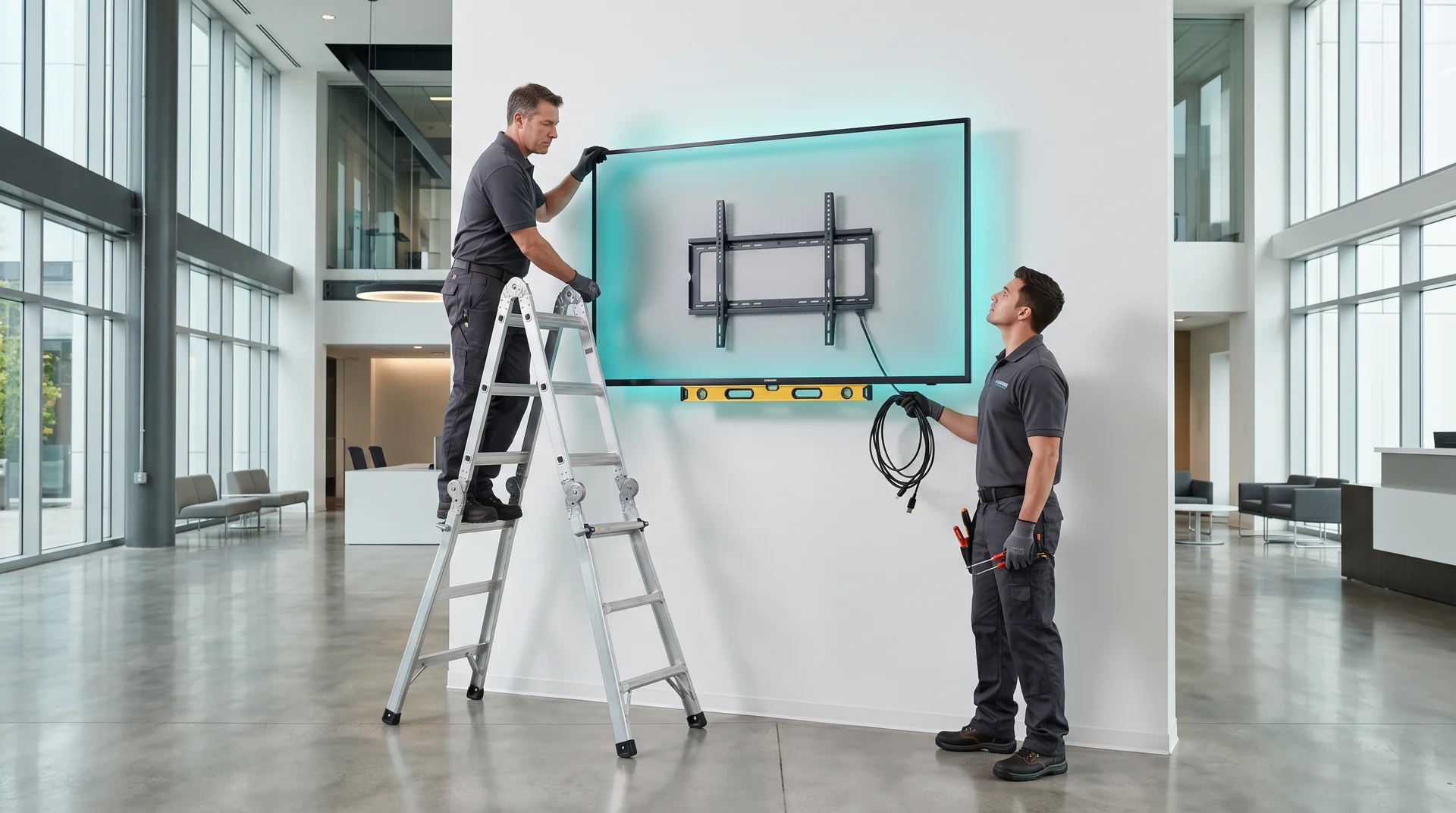
A digital bulletin board, installed and run from the cloud.
Replace the cork board with a digital bulletin board you update from any browser. CrownTV supplies the commercial screen, media player, professional install, and cloud software as one package, with the first year of software included. 43″ installed from $3,150 per screen, in all 50 states.
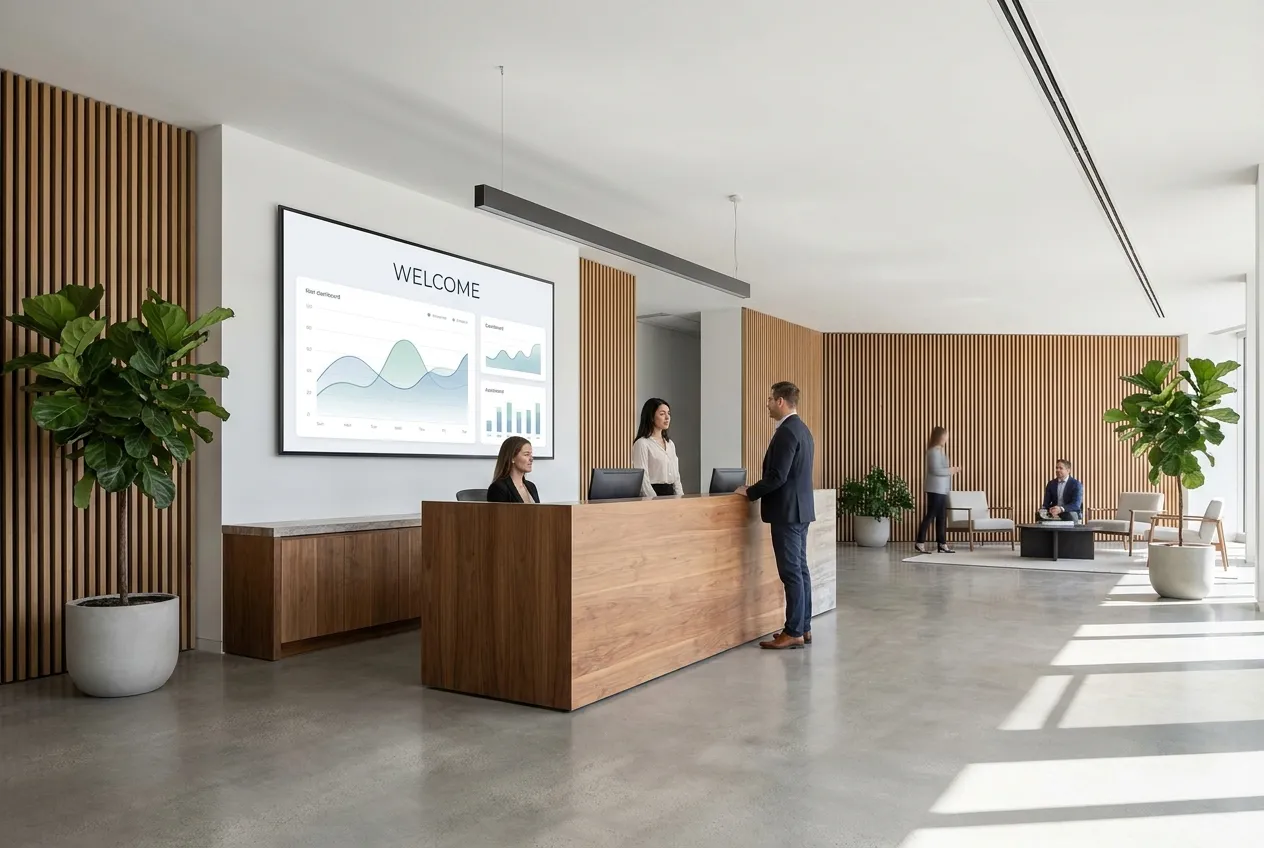
Give visitors a clear welcome and help colleagues find the day’s meetings. Use approved room names, directions, and team information.
Fictional brand and sample content. Schedules, prices, and directions are illustrative.
Digital bulletin board quote
Tell us where the boards go. We price every screen installed.
One price per screen covers the commercial display, mount, CrownTV media player, licensed install, and the first year of cloud software. 43″ from $3,150, 55″ from $3,450.
First year of cloud software included in every package
Update every board from one browser dashboard
Typically installed 5–7 business days after the paid invoice
Licensed, insured install crews in all 50 states
★★★★★4.9 on Google · 254+ reviews
2-hour reply
On every quote request
One contract
Screen + install + software + support
★
4.9 on Google
254+ reviews
All 50 states
Local crews nationwide
Buyer journey
Answer the buyer's next five questions before they ask.
A useful digital signage solution page should not stop at the headline. It should clarify the audience, environment, cost, timing, hardware, software, installation, content, support, risk, alternatives, and proof.
Verified signals
Proof buyers can check
16,000+ active screens across real customer environments
Retail, QSR, corporate, healthcare, hospitality, education, and fitness coverage
Named customer proof across multi-location and flagship projects
Clear service paths for software-only, install-only, and turnkey
Decision path
How the scope is built
Start with the audience: shopper, guest, patient, employee, student, driver, or visitor.
Map the environment: indoor, window, outdoor, kiosk, video wall, menu board, or lobby.
Map the owner: marketing, ops, IT, facilities, procurement, or local managers.
Map the ongoing work: content updates, approvals, health monitoring, and support.
A paper notice board fills up with expired flyers because nobody owns taking them down. An electronic bulletin board fixes that: every announcement has a start and end date, every screen pulls from the same schedule, and an update made at a desk reaches the break room, the lobby, and the second building at the same moment. Whether you call it a digital notice board, an electronic announcement board, or a digital announcement board, the job is the same — get the right message in front of people where they already stop.
CrownTV sells it as one installed package rather than parts: a 500-nit commercial display (not a consumer TV), a media player that arrives configured, licensed install, and the CrownTV Dashboard cloud software. No USB sticks, no PC behind the screen, and no separate vendor for each piece.
Six things a digital notice board does that paper can't.
All managed from the CrownTV Dashboard in a browser — one screen or a hundred, one building or many.
Announcements & events
Meetings, deadlines, holiday hours, school events, building notices. Schedule each post with a start and end date so the board never shows last month's flyer.
Schedules & rosters
Shift rosters, class or room schedules, cleaning and maintenance windows. Update from a browser and every screen in the building changes at once.
Live dashboards & sheets
Embed a Google Sheet, Power BI report, or any URL-accessible dashboard as a zone, refreshed on a schedule. Numbers stay current without anyone re-posting them.
Safety & policy reminders
Rotating safety tips, compliance notices, and policy updates where people actually stop — break rooms, elevators, entrances — instead of a cork board nobody reads.
Departments & permissions
Give HR, facilities, or each school office its own zone and publishing rights. Each team posts its own updates; nobody can overwrite someone else's.
Emergency override
One click pushes a full-screen alert to every board — severe weather, evacuation, closures. When it clears, the normal schedule resumes on its own.
Package pricing
One price per screen. Installed and running.
Every digital bulletin board package covers the commercial display, mount, media player, professional installation, setup, and the first year of cloud software.
Screen size
All-in per screen
Typical placement
43″ commercial display
$3,150
Break rooms, mailrooms, elevator landings, staff hallways
50″ commercial display
$3,250
Office kitchens, school hallways, residential lobbies
55″ commercial display
$3,450
Main lobbies, cafeterias, common areas read from a distance
65″ commercial display
$4,550
Large lobbies, gyms, auditoriums, operations floors
Commercial 500-nit display
Built for all-day use, not a consumer TV
Mount + professional install
Licensed, insured technicians
Media player + setup
Arrives configured, plug in and go
First year of cloud software
CrownTV Dashboard, then $20/screen/mo
Sizing rule of thumb: 43–50″ where people stand close (break rooms, elevators, hallways); 55–65″ where the board is read from across a room. Panels are 500-nit indoor commercial displays — window-facing and outdoor boards are a different hardware class and quoted separately.
Compared honestly
Managed digital bulletin board vs. cork board vs. a TV and a USB stick.
CrownTV digital bulletin board
Cork / paper board
TV + USB stick
Updating it
From any browser, to one screen or every building
Walk to the board with pins and paper
Walk to the TV with a USB stick, or remote into a PC
Out-of-date posts
Each post has a start and end date and drops off by itself
Stay up until someone notices
Stay up until someone edits the slideshow
Who can post
Department zones and publishing permissions
Anyone with a pushpin
Whoever has the password
Emergency messages
One-click override on every screen
Not possible
Manual, screen by screen
Hardware
Commercial display rated for all-day use + managed media player
Cork and pins
Consumer TV + stick PC, not built to run all day
Who fixes it
One number for screen, player, software, and install
Facilities
Your IT team, plus three vendors
Installed by CrownTV crews
Real CrownTV deployments
Corporate lobby — professional installOffice lobby — dashboard + announcements
A digital bulletin board is a commercial screen that replaces a cork board or paper notice board. Instead of pinning flyers, you post announcements, schedules, events, and alerts from a browser, and they appear on one screen or every screen in the building. The same thing is also called a digital notice board, electronic bulletin board, or digital announcement board.
How much does a digital bulletin board cost?+
CrownTV digital bulletin boards are priced all-in per screen: $3,150 for a 43-inch, $3,250 for a 50-inch, $3,450 for a 55-inch, and $4,550 for a 65-inch. Each package includes the commercial display, mount, media player, professional installation, setup, and the first year of cloud software. After year one, software is $20 per screen per month.
How do I update the board?+
From the CrownTV Dashboard in any web browser. Upload an image or video, type an announcement, or add a live Google Sheet or dashboard link, then choose which screens it goes to and when it starts and ends. Changes reach the screens without anyone touching the display.
Can different departments post their own updates?+
Yes. You can split the screen into zones and give each department or office its own publishing rights, so HR, facilities, or a school office can manage their own section without changing anyone else's.
Why not just use a TV and a USB stick?+
Consumer TVs aren't built to run all day, and a USB stick means someone has to walk to every screen for every change. Old posts stay up until someone remembers to remove them. A managed digital notice board updates remotely, removes expired posts on schedule, and can push an emergency message to every screen at once.
How long does installation take?+
Typically 5–7 business days after the paid invoice. The media player arrives configured, the crew mounts and connects the screen, and your team gets a walkthrough of the Dashboard at install.
Is this the same as an online bulletin board like Padlet?+
No. Online boards like Padlet live in a browser for people to visit. A digital bulletin board is a physical screen on the wall that people see as they walk past — in a break room, hallway, lobby, or cafeteria. Many organizations use both.
Ready when you are
Retire the cork board.
All inquiries responded to within 2 business hours.