
Digital Signage Kiosks: Types, Real Costs, and How to Choose (2026)
Digital signage kiosk types, real 2026 costs, and touch vs non-touch — from the team behind 16,000+ live screens. Know the price before any sales call.
On this page
A digital signage kiosk is the same commercial display technology you'd hang on a wall, repackaged so a single person can walk up and use it — freestanding in a lobby, mounted at reach height, sitting on a counter, or sealed in an outdoor housing. The screen and software don't change much. The enclosure, the placement, and the decision about touch change everything, including the price.
CrownTV has deployed digital signage for 13+ years across 1,800+ businesses, with 16,000+ screens currently live — including directory kiosks, retail displays for clients like L'Occitane, and corporate installs for clients like Herman Miller, all installed by our White Glove service team. This guide reflects what we actually spec, fabricate, and install — including the honest answer on what a kiosk build costs and when touch is a waste of money.
You'll get:
- The four kiosk types and where each one fits
- Real use cases: retail, self-service, wayfinding, check-in
- A straight touch vs non-touch decision rule
- What's inside a kiosk — panel, touch layer, enclosure, player
- 2026 cost bands, with the parts that are fixed and the parts that are quoted per project
- ADA requirements that catch buyers off guard after fabrication
What is a digital signage kiosk?
A digital signage kiosk is a commercial-grade display packaged in an enclosure — freestanding, wall-mount, countertop, or outdoor — that runs scheduled content or an interactive app from a media player and content management system. Non-touch wall-mount units start at $3,450 all-in installed; touch overlays and freestanding or outdoor enclosures are quoted per project.
The four kiosk types (and where each fits)
Every kiosk we've built falls into one of four form factors. Get this decision right first — it drives the enclosure cost, the install method, and the panel spec.
1. Freestanding portrait kiosk
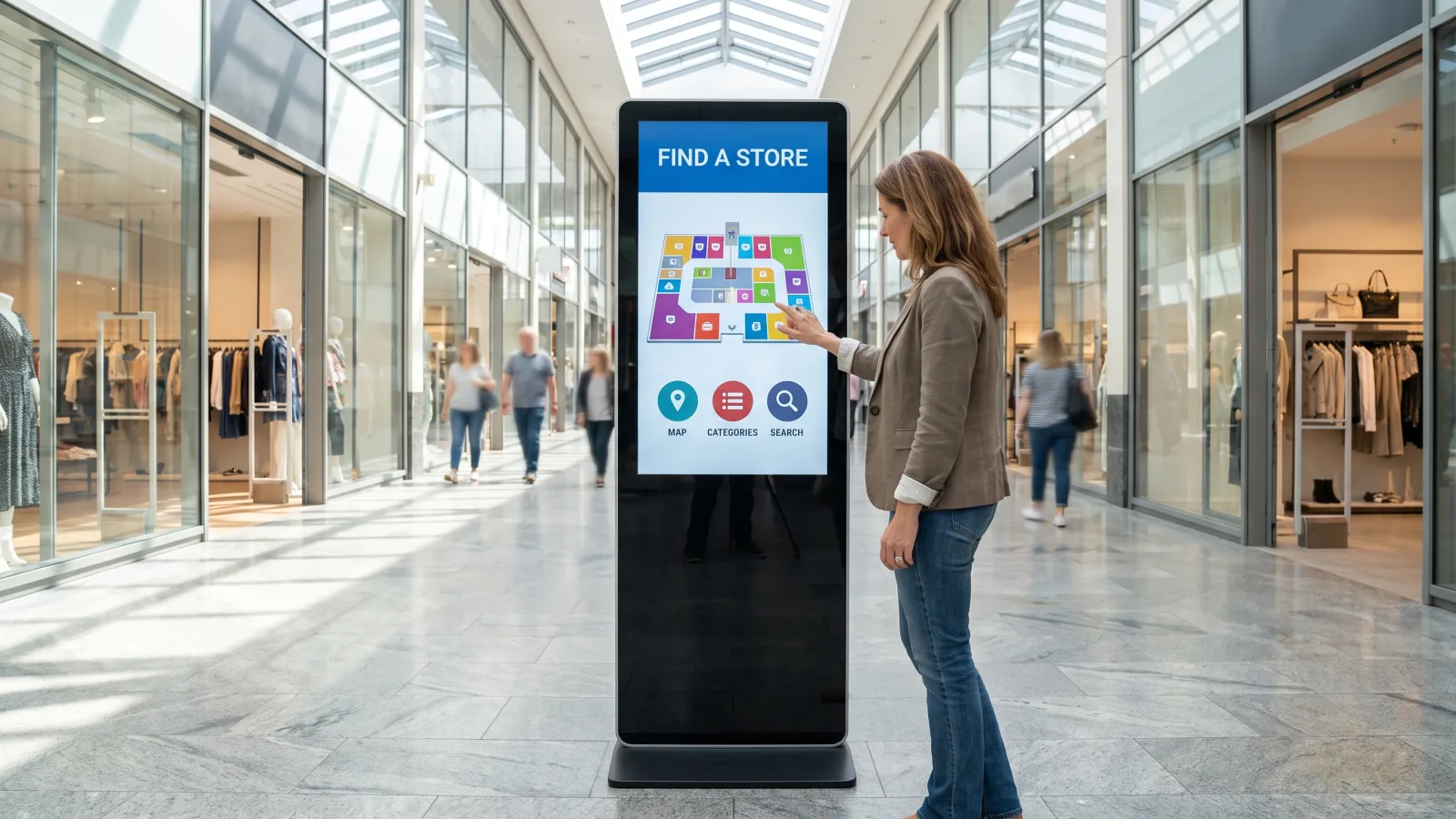
The classic totem: a 43″–55″ panel standing vertically in a floor enclosure, placed in a lobby, mall corridor, or showroom. Portrait orientation matches how one person reads at arm's length. It's the most visible option and the most expensive per unit, because you're paying for fabricated steel, glass, internal ventilation, and floor anchoring — not just a screen.
2. Wall-mount touch kiosk
A commercial panel with a touch layer, flush-mounted at reach height. No floor enclosure means the lowest cost path to interactivity — this is what we recommend for most building directories and office check-in points. The Samsung QM43C we standardize on for this job is a 500-nit 4K panel rated for 24/7 duty.
3. Countertop kiosk
A small panel (typically 22″–32″) on a desk or counter stand: reception check-in, quick surveys, loyalty signups at a register. A 32″ Samsung QM32C runs $650 panel-only at DisplayDetails, which makes countertop the cheapest way to test an interactive concept before committing to floor units.
4. Outdoor kiosk
A different animal entirely. Outdoor means a sealed, IP56-rated display like the Samsung OH series — 3,500 nits to beat direct sun, built-in thermal management, 24/7-rated — inside a weatherized enclosure on a concrete pad with conduit power. Never put an indoor panel in an outdoor box; heat and condensation will kill it long before vandalism does.
| Kiosk type | Typical panel | Touch? | Best for | Budget anchor |
|---|---|---|---|---|
| Freestanding portrait | 43″–55″ portrait | Optional | Lobbies, malls, showrooms | $3,850 all-in base (55″) + enclosure, quoted per project |
| Wall-mount touch | 43″–50″ | Yes | Directories, check-in, self-service lookups | $3,450 all-in base (43″) + touch overlay, quoted |
| Countertop | 22″–32″ | Usually | Reception, registers, surveys | Panel from $650 (QM32C) + stand and player |
| Outdoor | 46″–55″ OH series | Optional | Drive-up, transit, campus exteriors | Panel from $4,499 (OH46B); full build quoted per project |
What businesses actually use kiosks for
Retail
Endless-aisle product lookup, promotion totems at the entrance, and fitting-room assistance screens. The honest rule from our retail installs: a kiosk earns floor space only if it does a job an associate can't do faster. Product search across inventory that isn't on the floor — yes. A looping brand video — hang that on a wall instead and save the enclosure money. For a deeper look at how retail kiosk projects come together, see our retail kiosk technology guide with Stak Design.
Self-service ordering (QSR and fast casual)
Self-order kiosks with full POS integration are their own specialized category, usually delivered with the POS vendor in the loop. Where digital signage kiosks fit around them: queue-side menu browsing, order-status boards, and promo totems that shorten the perceived wait. If your POS vendor sells an order kiosk, buy the signage layer separately — you'll get commercial panels instead of the marked-up bundled hardware.
Wayfinding and directories
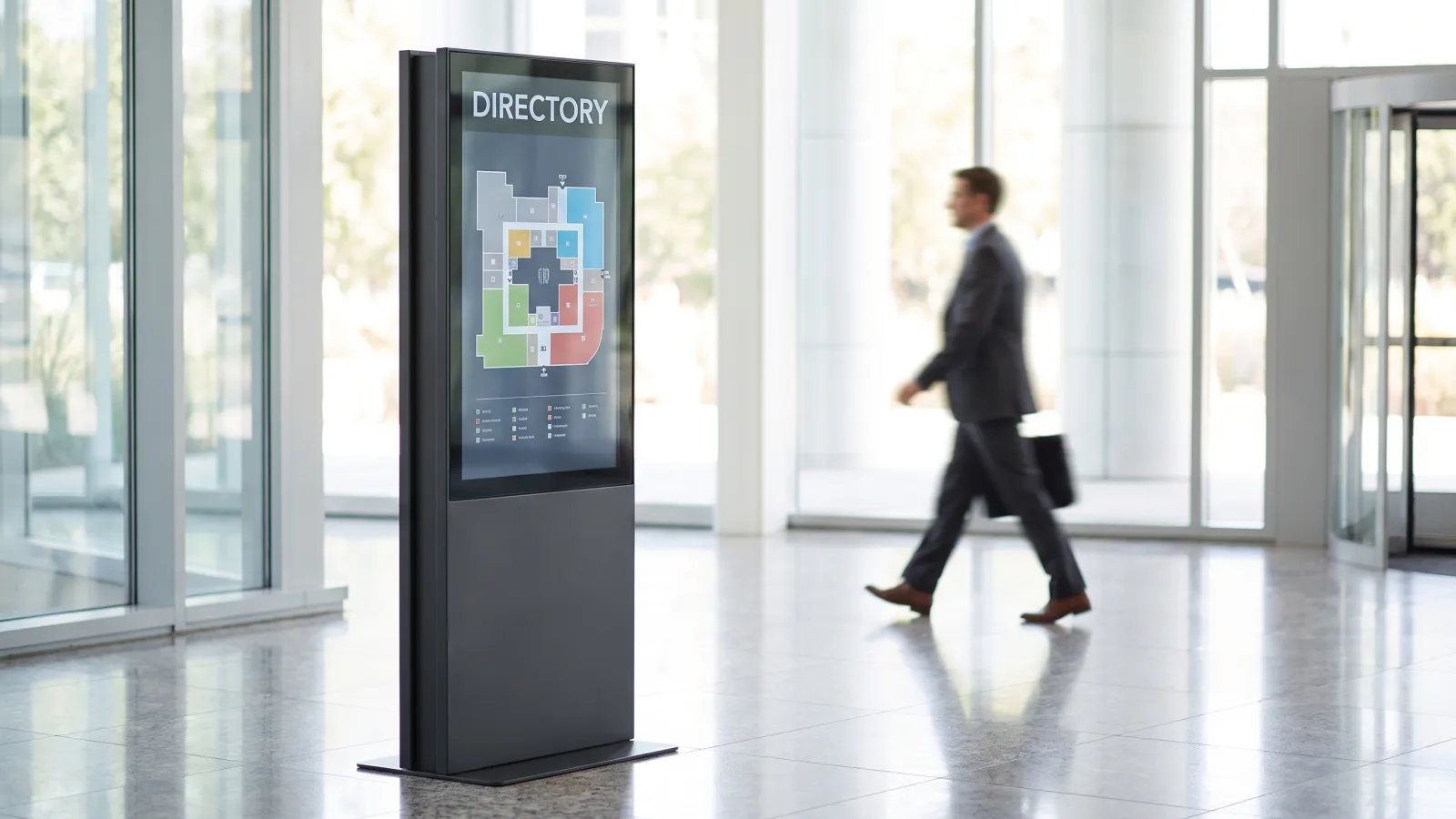
The highest-volume kiosk use case we install. A touch wayfinding kiosk near the entrance absorbs the "where do I go?" traffic that otherwise lands on the front desk — in office towers, hospitals, hotels, and campuses. Interactive maps, tenant directories, and event listings all live on one screen that never goes stale the way a printed directory board does. We've covered the software side in our guides to directory signage systems and campus wayfinding signage.
Check-in and reception
Visitor check-in, appointment arrival, badge printing triggers. Usually a countertop or wall-mount touch unit tied to the visitor management system. The kiosk doesn't replace the receptionist — it removes the data-entry part of the job so the human handles the exceptions.
Touch or non-touch: the decision that sets your budget
This is the fork in the road, and buyers get it backwards constantly — they assume a kiosk must be interactive. Here's the rule we use on real projects:
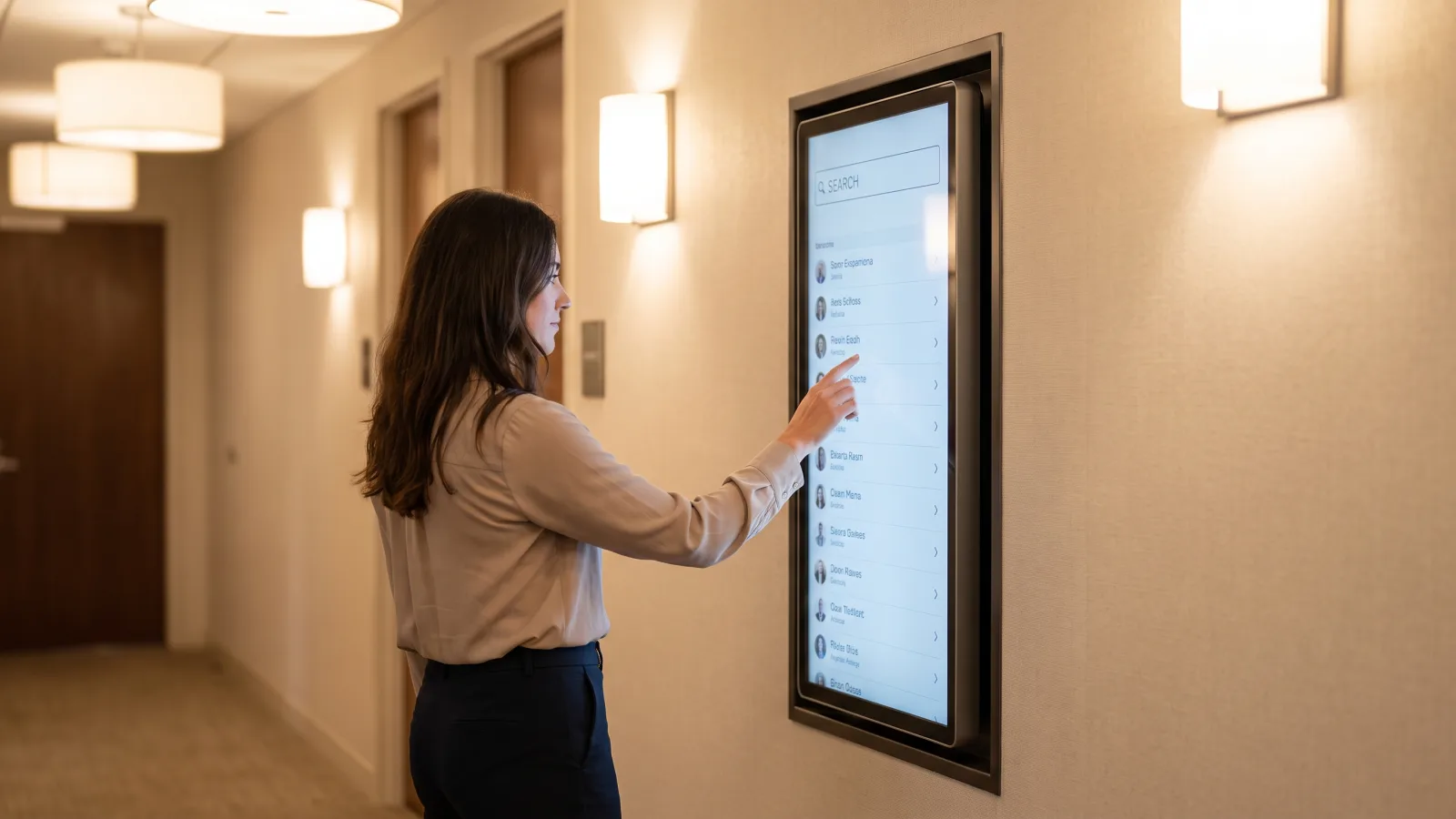
- Buy touch when the user needs to input something. Search a directory, filter products, enter a name, pick an appointment slot. Input requires touch. There's no way around it.
- Skip touch when the user only needs to read. Menus, promotions, welcome boards, schedules. A non-touch portrait totem delivers the same presence at meaningfully lower cost — no overlay, no interactive app development, no daily screen cleaning.
Touch costs more than the overlay hardware. The bigger line item is content: an interactive experience has to be designed, built, and maintained as an application, not a playlist. Budget for that before you budget for the glass — our guides on creating engaging interactive digital signage and effective interactive signage cover what separates a touch experience people use from one they walk past.
One more honest data point from the field: roughly half the kiosks we install are non-touch. Nobody regrets skipping touch on a menu board. Plenty of buyers regret paying for touch that visitors never use.
Speccing a kiosk project?
Send us the location, the job the kiosk needs to do, and whether users need to touch it — we'll scope the panel, enclosure, touch layer, software, and install in one number.
Get a kiosk quote in 2 business hours →What's inside a kiosk: the hardware anatomy
Strip the marketing away and every kiosk is four layers. Knowing them keeps vendors from hiding margin in a single "kiosk price."
- The panel. A commercial display rated for continuous operation — we deploy the Samsung QMC series indoors (500 nits, 4K, 24/7-rated, 3-year commercial warranty) and the OH series outdoors (3,500 nits, IP56-sealed). A consumer TV in a kiosk enclosure is the worst version of the consumer-TV mistake: enclosures trap heat, and heat is what kills panels. We've broken down why in commercial displays vs consumer TVs.
- The touch layer. Infrared or projected-capacitive, as an overlay or factory-integrated. Capacitive feels like a phone and handles gloves poorly; infrared is more tolerant and cheaper at large sizes. Either way it's quoted per project against the exact panel.
- The enclosure. The steel, glass, ventilation, and cable management that turn a display into a kiosk. Fabricated or catalog-ordered, this is the component with the widest price variance — a stock wall bezel is cheap, a custom-branded outdoor totem on a concrete pad is not.
- The media player. A dedicated commercial media player drives the content or interactive app, with remote management so a frozen kiosk gets rebooted from a dashboard instead of a truck roll. For simple non-touch loops, the QMC panel's built-in Tizen SoC can run content without an external player — one less box inside the enclosure.
Round it out with power and network: hardwired Ethernet wherever possible (kiosks live in high-traffic RF-noisy spaces where Wi-Fi drops), and a dedicated outlet inside the enclosure.
What a kiosk actually costs in 2026
Two buckets: the parts with fixed prices, and the parts that honest vendors quote per project.
The fixed base. CrownTV's indoor per-screen pricing is all-in and one-time — commercial 4K display, commercial mount, media player, installation by licensed insured technicians, setup, and the first year of software:
| Screen size | All-in price (per screen) | Kiosk relevance |
|---|---|---|
| 32″ | $3,250 | Countertop and compact check-in points |
| 43″ | $3,450 | The wall-mount directory/check-in standard |
| 50″ | $3,650 | Larger wall-mount interactive displays |
| 55″ | $3,850 | Freestanding portrait totem base |
The quoted layer. Kiosk enclosures, touch overlays, and outdoor builds are quoted per project — and any vendor who gives you a flat number for them sight-unseen is padding it. Fabrication, glass, ADA modifications, floor anchoring, concrete, and conduit vary too much between sites for a price list. What we can anchor is the hardware underneath: panel-only at DisplayDetails, a Samsung QM43C is $780, a QM50C is $1,150, and the outdoor OH46B is $4,499 (OH55A-S, $5,499) — so when a kiosk quote lands, you can see exactly how much of it is enclosure and integration versus screen.
What that means in practice: a wall-mount non-touch 43″ unit is the $3,450 base and nothing more. A wall-mount touch directory is the base plus the overlay and interactive app build. A freestanding totem adds fabricated enclosure and floor work on top of the $3,850 base. Outdoor starts from a $4,499+ sealed panel before the enclosure conversation begins. Line-item context across every signage category is in our full digital signage cost guide.
ADA considerations: get these in before fabrication
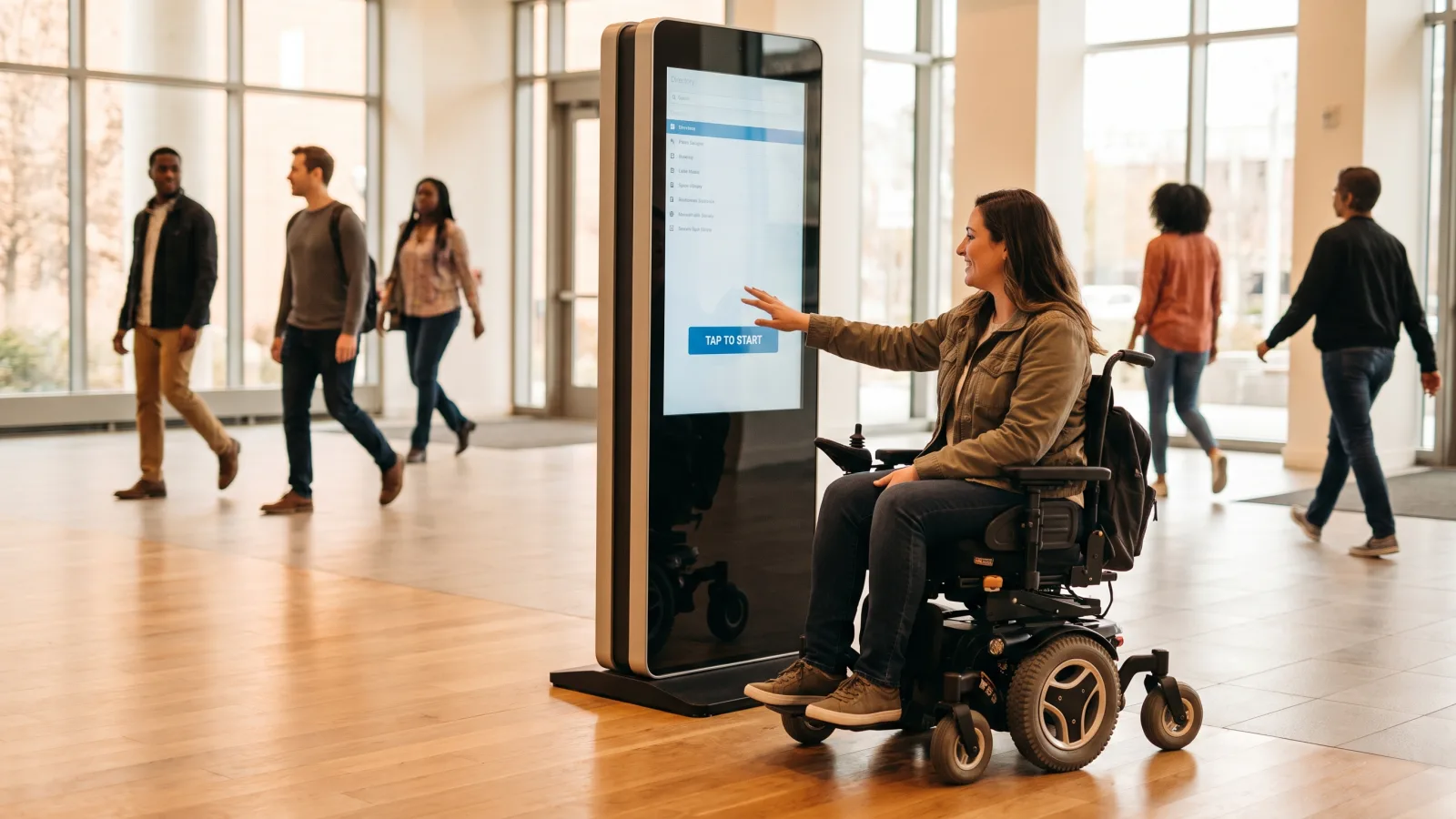
Accessibility is the item buyers discover after the enclosure is built, when fixing it means rebuilding it. If your interactive kiosk is in a public accommodation in the US, design to the U.S. Access Board's ADA accessibility standards from day one:
- Reach range. Operable touch targets belong within 15″–48″ of the floor for an unobstructed reach. On a 55″ portrait totem, that means the interactive controls live in the lower two-thirds of the screen — design the app around it, don't scatter buttons to the top corners.
- Clear floor space. A 30″ × 48″ clear approach area so a wheelchair user can pull up to the kiosk. Site this before the floor anchor goes in.
- Protrusion. Wall-mounted units in circulation paths shouldn't project more than 4″ from the wall between 27″ and 80″ above the floor — a reason slim commercial panels beat bulky enclosures for corridor installs.
- Legibility. High-contrast text, generous type sizes, and placement that avoids window glare. This is free at design time and expensive to retrofit.
- Transaction functions. Kiosks that handle transactions or essential services can carry additional obligations — audio output, tactile input paths. Review the specific application with an accessibility consultant before you sign the fabrication drawing.
Common kiosk buying mistakes
- Paying for touch nobody will use. If the user doesn't need to input anything, a non-touch totem does the job for less.
- Consumer hardware in an enclosure. Enclosures trap heat; consumer TVs aren't built for it. Commercial panels carry 24/7 ratings and 3-year warranties for exactly this duty.
- Buying the enclosure before the app. The interactive experience determines screen size, orientation, and control placement. Design software first, steel second.
- Ignoring ADA until after fabrication. Reach range and clear floor space are cheap on paper and brutal in rework.
- No remote management. A kiosk that needs a site visit for every freeze is a kiosk that spends its life showing a frozen screen.
How CrownTV helps
One contract for the whole kiosk build:
- Samsung Authorized Reseller — QMC indoor panels, OM high-brightness window displays, and OH outdoor displays at commercial pricing
- Kiosk scoping: panel, touch layer, enclosure, media player, and interactive content planned as one project
- White Glove installation by licensed, insured technicians in all 50 states — site survey through commissioning
- CrownTV Dashboard for content, interactive apps, and remote device management (reboot a kiosk from your desk)
- 13+ years and 16,000+ live screens across retail, corporate, healthcare, and hospitality — including L'Occitane and Herman Miller
Get a kiosk quote in two business hours →
Frequently asked questions
How much does a digital signage kiosk cost?
A wall-mounted non-touch unit starts at $3,450 all-in for a 43-inch commercial display — panel, mount, media player, installation by licensed insured technicians, setup, and the first year of software included. A 55-inch runs $3,850. Freestanding enclosures, touch overlays, and outdoor housings are custom-quoted per project because enclosure fabrication, glass, and site work vary widely. Panel-only, a kiosk-ready Samsung QM43C sells for $780 at DisplayDetails.
What is the difference between a digital signage kiosk and a digital sign?
The display and software are usually identical; the packaging and intent differ. A digital sign broadcasts one-to-many content from a wall. A kiosk is positioned for a single user session — standing height, often portrait, often touch-enabled — so one person can look up a directory listing, check in, or browse a menu. If users need to act on the screen, you're speccing a kiosk; if they only need to see it, a standard wall display is cheaper.
Do digital signage kiosks need a touch screen?
No — and roughly half the kiosks we install skip touch. Touch earns its cost when the user needs to search, filter, or complete a task: directories, check-in, self-order. A looping menu, promotion reel, or welcome board doesn't need it. Touch adds hardware cost, interactive content-build cost, and an ongoing cleaning and maintenance obligation, so add it only when the use case genuinely demands input.
What are the ADA requirements for an interactive kiosk?
For interactive kiosks in the US, keep operable touch targets within the 15-to-48-inch unobstructed reach range, provide a 30-by-48-inch clear floor space so a wheelchair user can approach, and limit wall-mounted units to 4 inches of protrusion in circulation paths. Use high-contrast text and glare-free placement. Transaction kiosks can carry additional accessibility obligations such as audio output, so review your specific application with an accessibility consultant before fabrication.
Can digital signage kiosks be used outdoors?
Yes — but not by putting indoor hardware in a weatherproof box. Heat kills panels faster than rain. Purpose-built outdoor displays like the Samsung OH series are IP56-rated, sealed against dust and water, rated 24/7, and reach 3,500 nits so they stay readable in direct sun (a standard indoor QMC panel is 500 nits). Outdoor kiosks are always quoted per project: enclosure, glass, ventilation, concrete pad, and conduit are site-specific.
What hardware goes into a digital kiosk?
Four layers: a commercial display panel rated for continuous operation (we deploy Samsung QMC series indoors), an optional touch layer (infrared or capacitive overlay), the enclosure that gives it the kiosk form factor, and a media player running the content management software. Add power and a network drop — hardwired Ethernet where possible — plus remote device management so you can reboot a locked-up kiosk without sending a technician to the site.
Read Next
DISPLAYDETAILS · BY CROWNTV · SHIPS NATIONWIDE
Kiosk-ready commercial displays
Slim 4K commercial display, 24/7 rated, Tizen built-in.
Samsung QM43C
43-inchSamsung Authorized Reseller — direct allocation, full warranty
- Price-match guarantee — find it cheaper, we'll match it.
- 3-year Samsung commercial warranty — RMAs handled by us.
- Free nationwide shipping — every panel, every order.
- Purchase orders, Net-30 (approved accounts) and tax-exempt orders accepted.
Keep reading
More guides like this
Operator-grade playbooks, weekly.
Proof, not pitches
See real installs
Live deployments across hospitality, retail, and offices.
Ready to deploy?
Get a quote in 2 business hours
Reply within two business hours. No call required.