
Digital Signage for Universities: 13 Use Cases for Campus Networks
13 university digital signage use cases — wayfinding, emergency alerts, dining, libraries, lecture halls — plus all-in per-screen pricing and the specs that matter on a campus network.
On this page
A university campus is one of the most demanding environments digital signage operates in. Multiple stakeholders (administration, departments, dining, athletics, residence life), 24/7 building access in many facilities, mixed indoor/outdoor placements, and an alert system that has to take over every screen instantly during a critical incident. Most signage platforms can run a single coffee shop. Far fewer are built for a 300-screen campus deployment.
CrownTV has been deploying signage for 13+ years across 1,800+ businesses with 16,000+ active screens. Higher-ed campus deployments sit alongside our retail and corporate work for clients like L'Occitane, Victoria's Secret Fifth Avenue, and Herman Miller. The 13 use cases below are what we recommend when a campus IT or facilities team asks where university digital signage actually earns its keep — paired with the capabilities a campus network must have, all-in per-screen pricing, and what to ask any vendor.
You'll get:
- 13 specific use cases for university and college campuses
- The five capabilities a campus signage network must have
- All-in per-screen pricing and the specs that matter on campus
- What to ask any vendor — and the mistakes that derail higher-ed deployments
Capabilities a campus network must have
Campus digital signage lives or dies on five capabilities. A platform that runs a single building won't survive a multi-department, multi-building network — these are the non-negotiables:
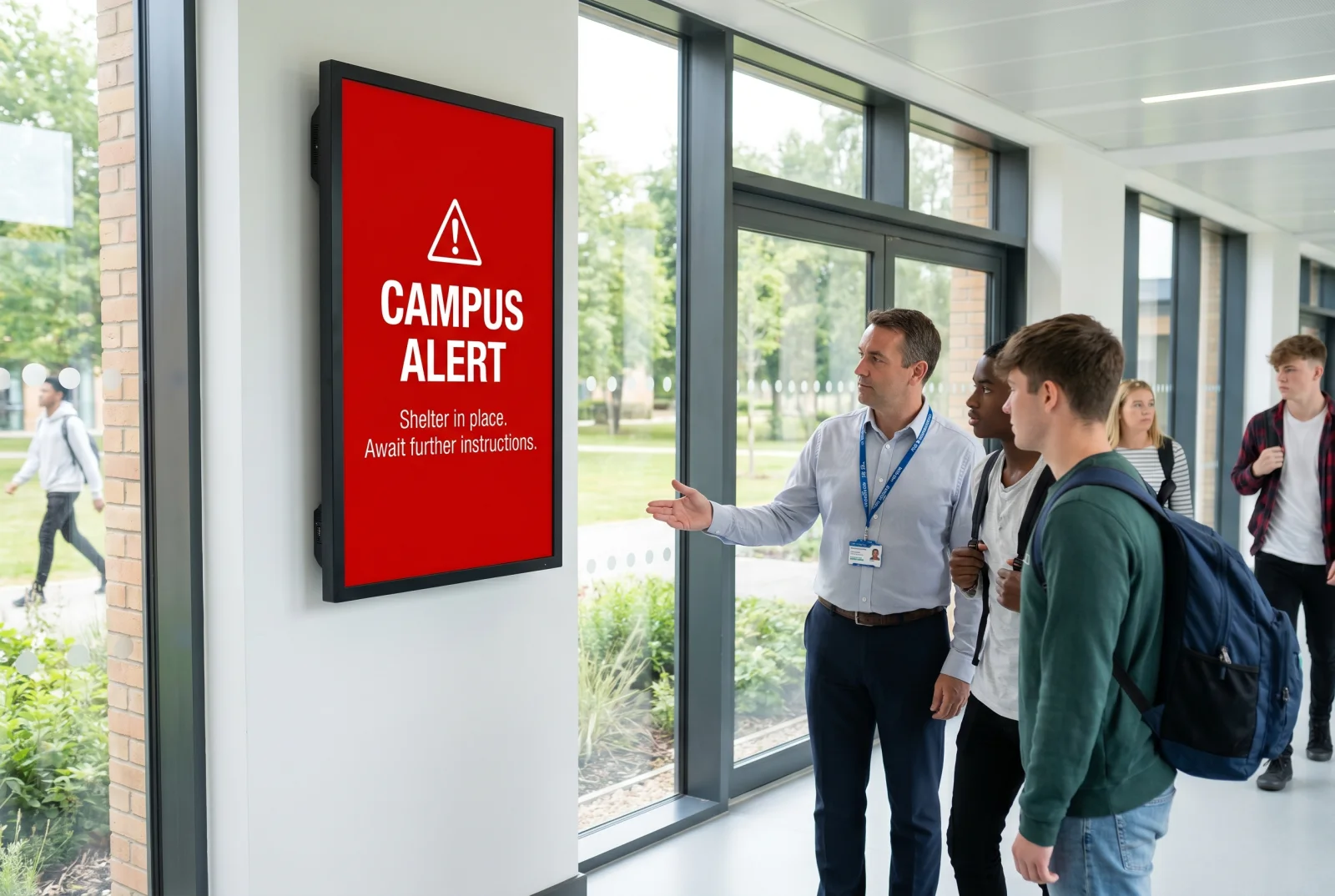
- Emergency alert override. CAP-protocol integration with the campus alert system, full-screen takeover within 5 seconds of activation, automatic clear-and-resume.
- Role-based access. Departments publish to their own screens; the registrar's office can't accidentally overwrite the dining services menu.
- Calendar/schedule integration. Pull lecture schedules, room reservations, and event bookings from the campus systems already in place (25Live, EMS, etc.).
- Multi-zone layouts. A campus screen often needs to show department content, university brand content, and the alert ticker simultaneously.
- API access. Campus IT teams will want to integrate with their own data sources — athletics scoreboards, library catalog, transit feeds.
Academic buildings
1. Building directory at major entrances
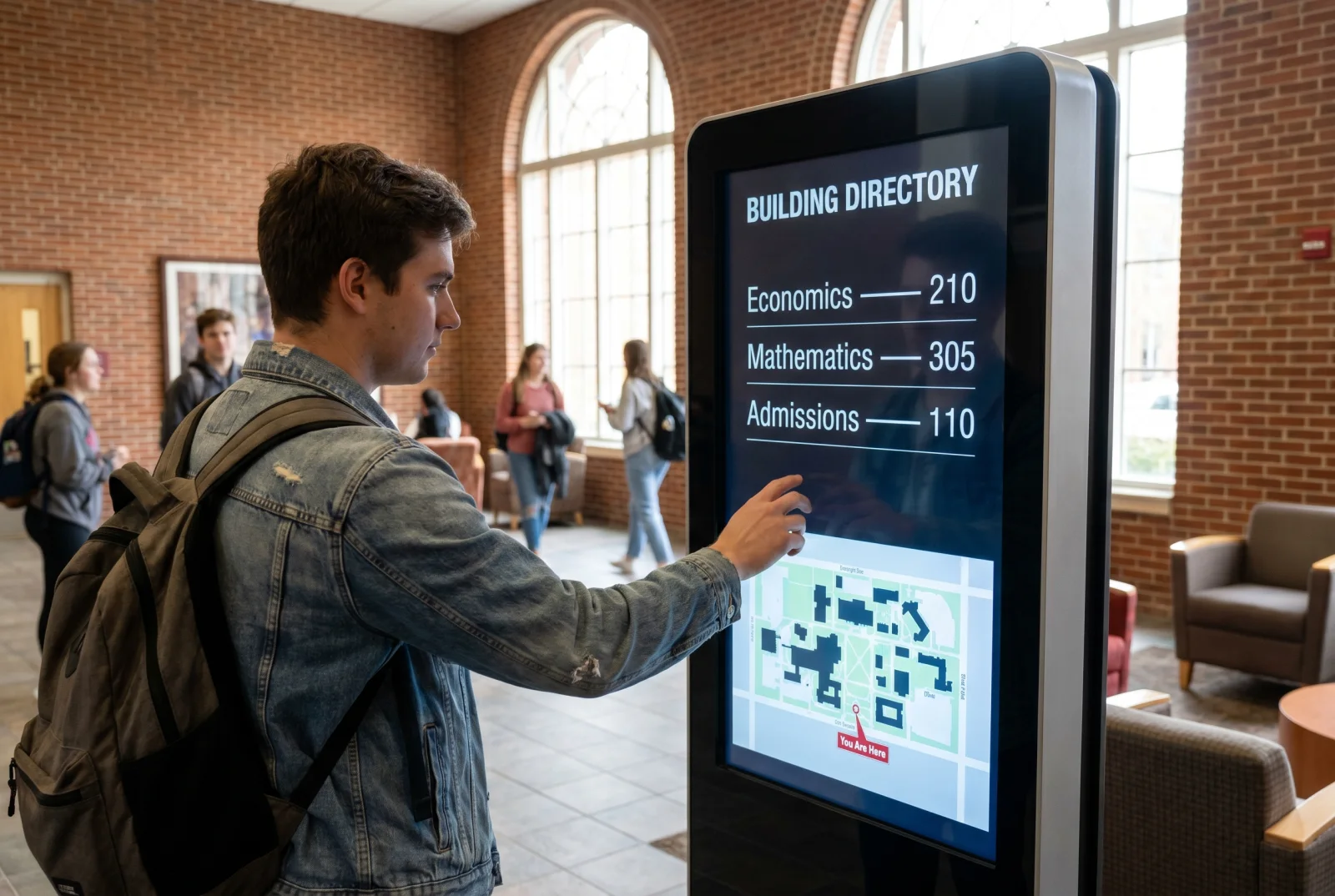
Touch-enabled portrait kiosks (43″–55″ QMC panels with a touch overlay) at the main entrance of each academic building. Department directory, room locator, faculty office hours pulled from the directory system.
2. Lecture hall and classroom info
Compact 32″ QMC panels outside lecture halls and classrooms showing the current and next class. Pulled from 25Live or the room scheduling system. Eliminates "is this room 200?" wandering during the first week of term.
3. Department-specific content
Larger landscape displays in department lobbies running content controlled by the department — research highlights, faculty news, student spotlights, upcoming guest lectures.
Library and study spaces
4. Hours, study room availability, and noise zones
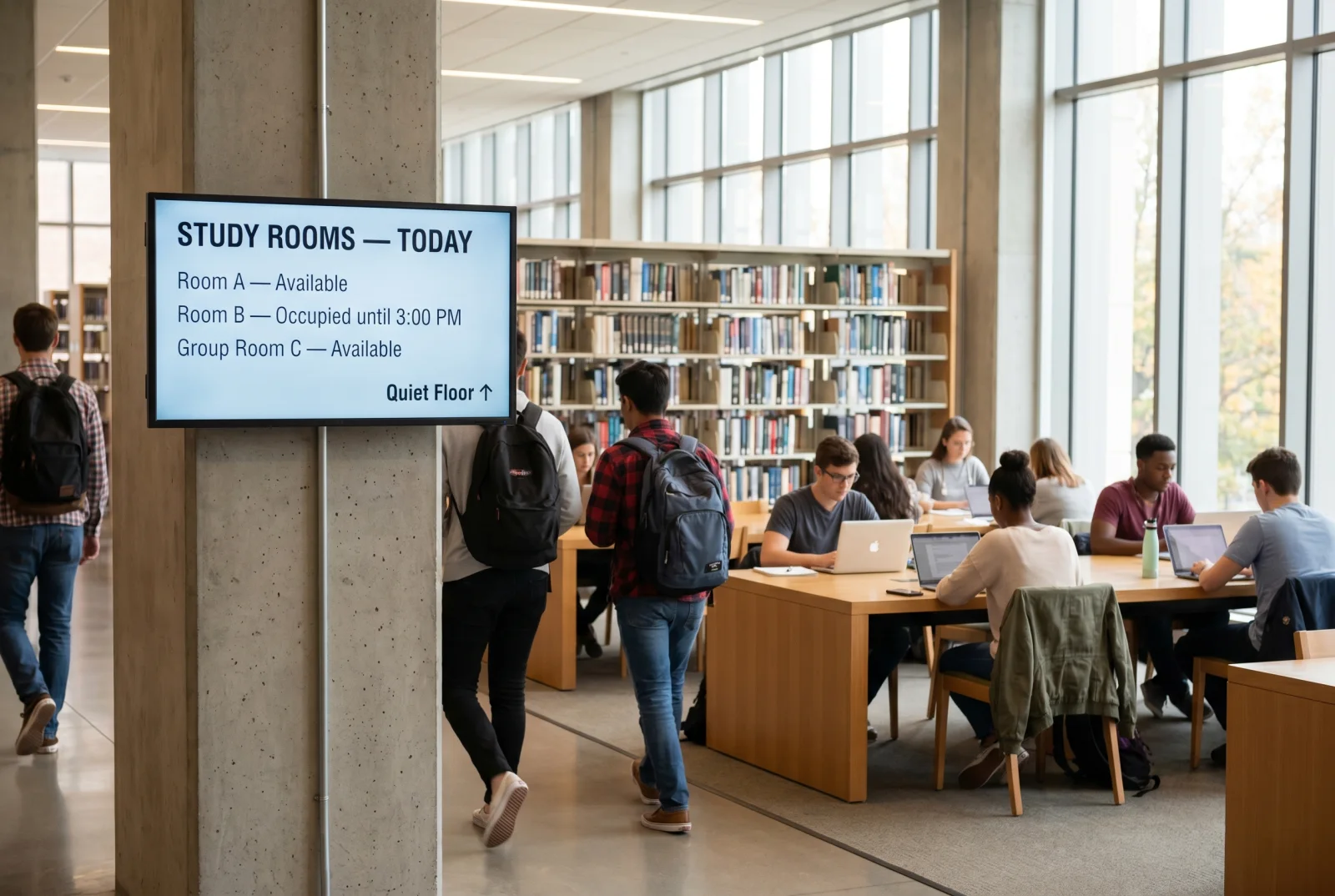
Display at the library entrance showing hours, study room availability (live), and the location of quiet vs collaborative zones. Pulls from the room reservation system.
5. New acquisitions and curated collections
Rotating slides featuring new arrivals, themed collections (Black History Month, finals week study guides, faculty publications).
6. Event and workshop schedule
Library events — research workshops, citation help sessions, archive tours.
Dining and student union
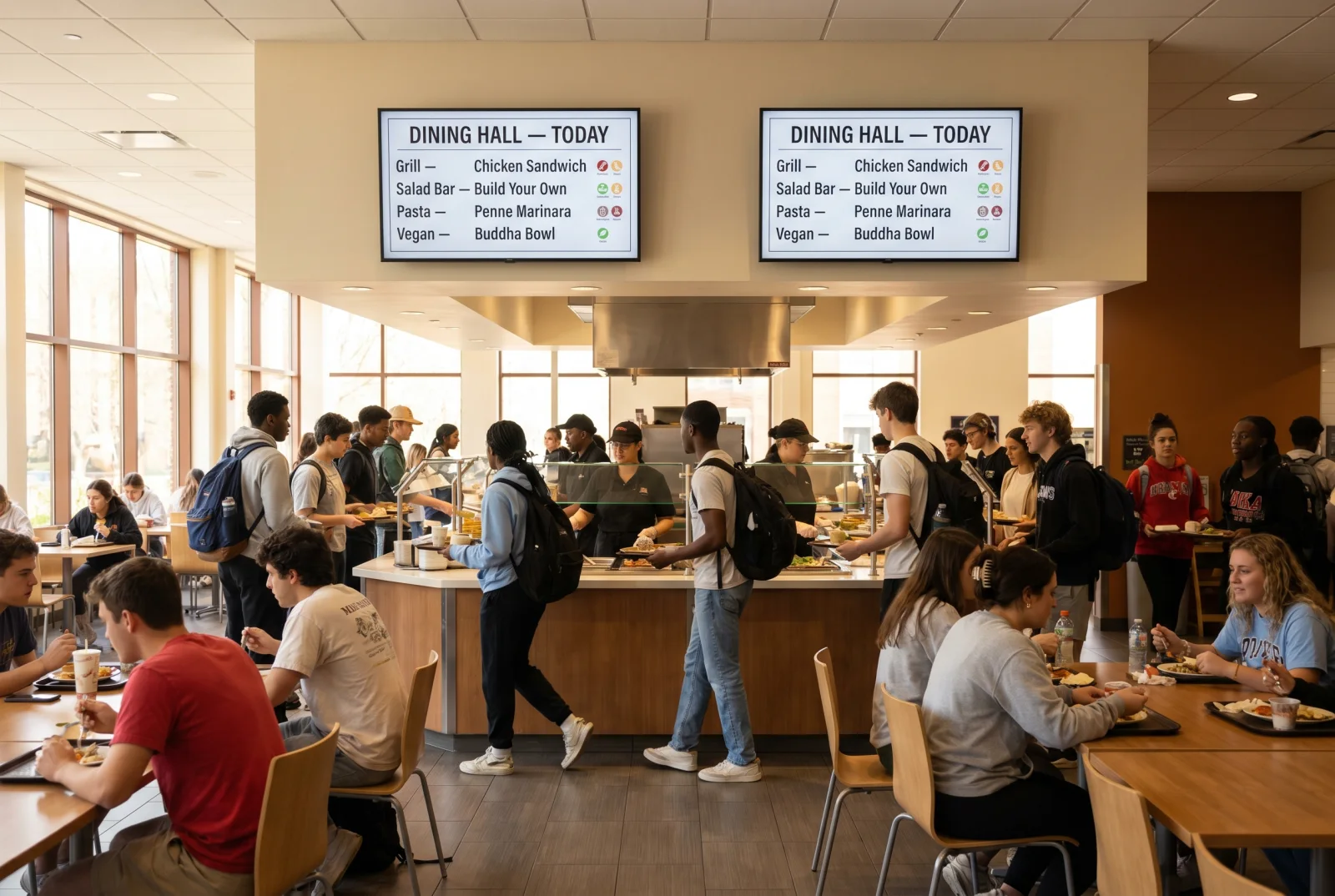
7. Dining hall menus
Portrait or landscape menu boards in dining halls, daypart-driven with allergen and nutrition info pulled from the dining services system.
8. Coffee shops and grab-and-go
Smaller menu boards at campus coffee shops, retail dining outlets, and convenience stores. Same pattern as commercial QSR — daypart-aware, LTOs in a promo strip.
9. Student union event schedule
Large-format display in the student union running the day's events, club meetings, and student org happenings.
Wayfinding
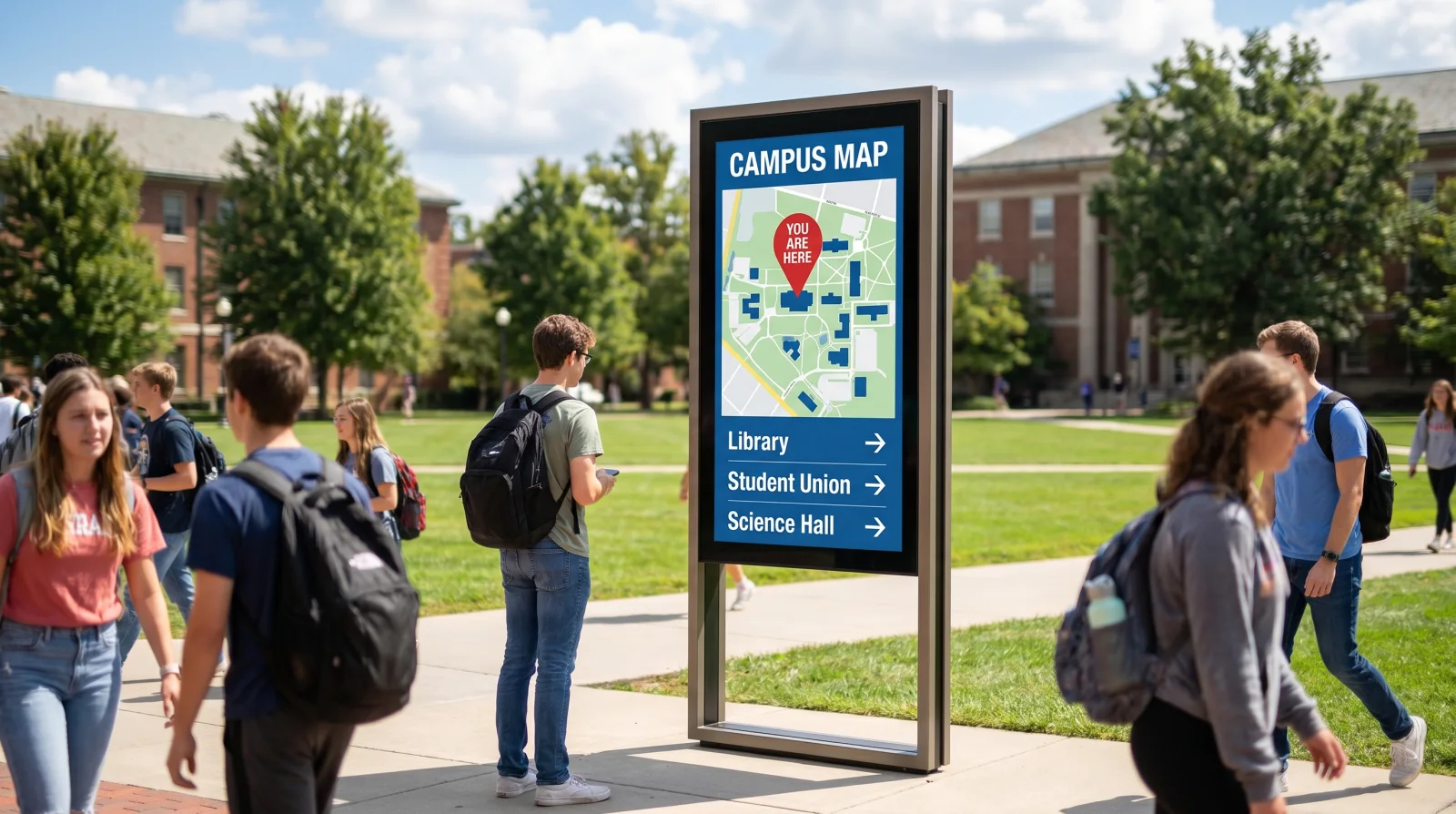
10. Outdoor / vestibule kiosks
Outdoor sealed displays or vestibule-mounted kiosks at major intersections — campus map, walking routes, transit schedules, accessibility info. See Campus Wayfinding Signage for the full deep dive.
11. Building-level wayfinding
Touch directories in academic buildings as covered above.
Athletics and special events
12. Athletic facility scoreboards and game-day displays
Large-format displays in athletic facilities — game schedules, live scores, sponsor recognition, ticketing reminders.
13. Event-day signage
Lobby and concourse displays for orientation week, commencement, homecoming, and other major events. Same hardware, swap content per event.
What to look for in campus digital signage software
At campus scale the software matters more than the panel. The five capabilities above are the test — but here's what they look like in practice when central IT runs the whole network from one login:
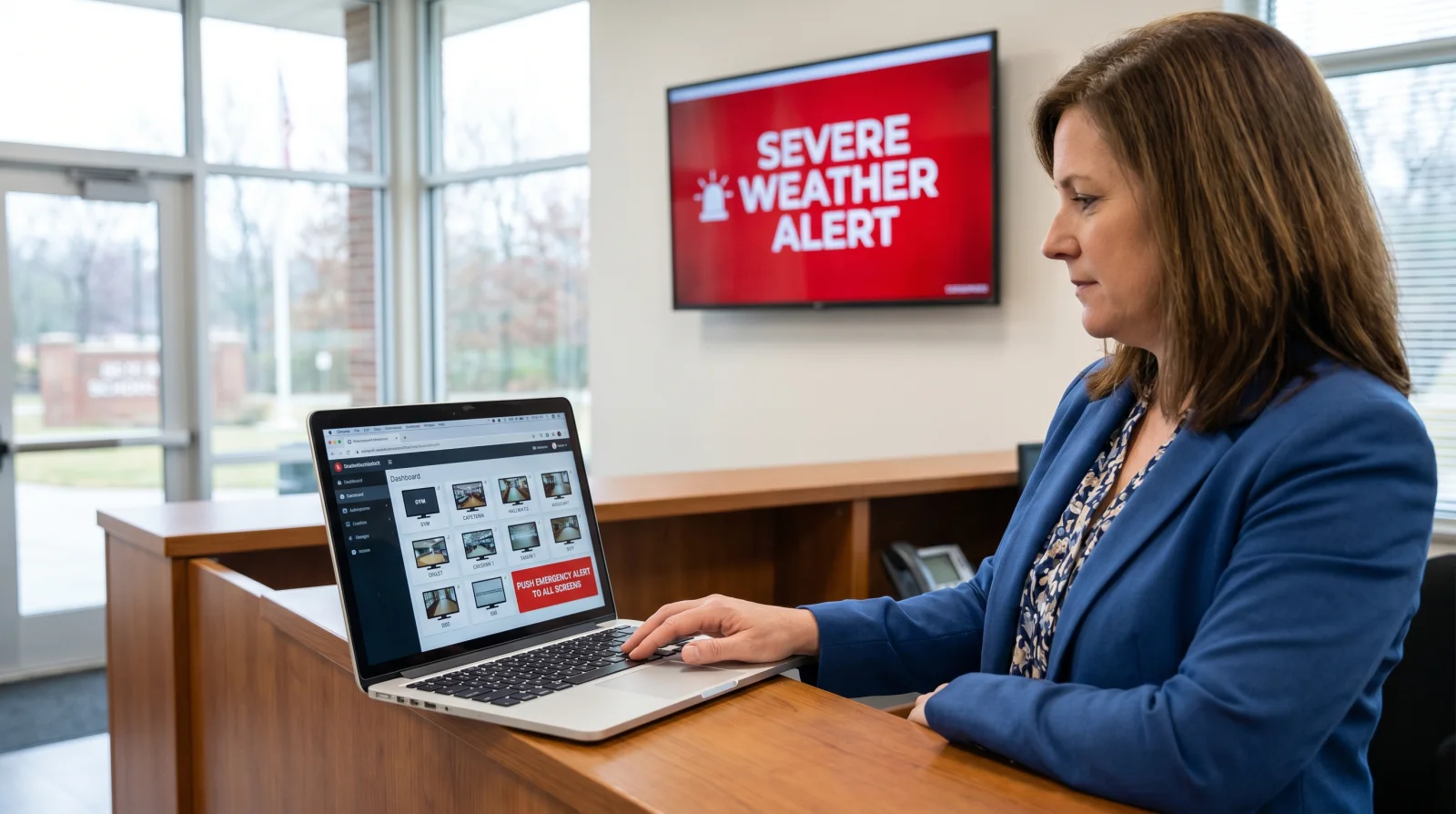
- Scales to hundreds of screens across dozens of buildings without falling over or pricing you out per screen.
- Department zones with central control — dining, athletics, and each academic department publish to their own screens; IT keeps the master keys and the emergency override.
- CAP emergency integration so signage takes alerts from the same source as the SMS and siren systems — not a separate, manual workflow.
- Calendar + API integration with 25Live, EMS, athletics, library, and transit feeds so content updates itself.
- Offline resilience — content cached on each media player keeps screens and alerts running through a network outage.
For a platform comparison, see Best Digital Signage Software and Digital Signage Software in 2025.
University digital signage pricing
For indoor campus displays — lobbies, dining halls, libraries, department displays, building directories — CrownTV pricing is all-in and one-time, per screen: the commercial display, mount, media player, professional installation, and the first year of content software in a single number.
| Screen size | All-in price (per screen) | Typical campus placement |
|---|---|---|
| 32″ | $3,250 | Office, residence-hall desk |
| 43″ | $3,450 | Department lobby, library |
| 50″ | $3,650 | Building corridors |
| 55″ | $3,850 | Main lobby, dining hall, student union |
| 65″ | $4,450 | Dining hall, large lobby |
| 75″ | $5,200 | Student union, athletic lobby |
Every package includes:
- Commercial-grade display — 4K UHD, anti-glare, rated for 24/7 operation
- Commercial wall mount
- Media player
- Professional installation by licensed, insured technicians
- Setup, configuration, and testing
- First year of content software (role-based dashboard with emergency override)
Standard installation runs 7–10 business days from approval. A working power outlet needs to be available at each screen location — CrownTV handles the clean cable connection but does not perform high-voltage electrical work.
Indoor pricing only. The ladder above is for indoor 500-nit QMC displays. Outdoor wayfinding kiosks (Samsung OH series), vestibule and window screens facing daylight (OM series), and video walls use sealed, IP-rated, high-brightness, or modular hardware and are quoted per site. Campus deployments at this scale usually go to bid — send us your RFP and we'll return per-building pricing and a phased rollout plan.
What the specs mean on campus
The spec that matters most is "commercial," not the screen size. Here's why each part of the indoor package is specified the way it is:
- Commercial panel, not a consumer TV. Built to run all day, every day (24/7-rated) in buildings that never really close. A consumer TV run continuously voids its warranty and fails in 18–30 months.
- 4K UHD resolution. Crisp text legibility from across a lobby, dining hall, or concourse.
- Anti-glare coating. Stays readable under bright atrium and skylight lighting.
- 500-nit brightness (indoor). Correct for lobbies, corridors, libraries, and dining (the QMC class). Outdoor placements step up to the sealed OH series and daylight-facing windows to the high-brightness OM series.
- 3-year commercial manufacturer warranty. Versus roughly one year on a consumer TV.
- Dedicated media player per screen. Built-in display SoCs aren't reliable across an enterprise campus network; a commercial player keeps each screen — and its alerts — running.
What a campus deployment costs
Multiply the per-screen package by your indoor screen count, then add outdoor and large-format displays per site. Typical indoor estimates:
| Deployment size | Estimated indoor all-in (year 1) |
|---|---|
| Single building (12–25 screens) | $45,000–$100,000 |
| Small campus (5–8 buildings, 60–120 screens) | $210,000–$460,000 |
| Mid-size campus (15–25 buildings, 200–400 screens) | $700,000–$1,500,000+ |
Outdoor wayfinding kiosks (OH series), high-brightness window-facing displays (OM series), and athletic video walls are quoted on top of these indoor figures. Campuses buying at volume get custom pricing below the per-screen rate. See Digital Signage Cost for full breakdowns, or send your RFP for per-building pricing and a phased rollout plan.
What to ask any campus signage vendor
Take this checklist into every vendor conversation — the answers separate a vendor who has run a multi-building campus network from one selling a single-site product:
- Show me the CAP emergency override. Demonstrate a full-screen alert seizing every screen and clearing automatically. If it's a roadmap item, walk away.
- How does role-based access scale? Can 20 departments each publish to their own zones while IT keeps central control?
- What do you integrate with — 25Live, EMS, athletics, library, transit? Manual content is content that goes stale.
- How many screens has your platform actually run on one network? Free and single-site CMS platforms break at campus scale.
- What happens during a network outage? Does cached content — including alerts — keep playing on the player?
- Who handles outdoor and high-brightness placements? Confirm sealed, IP-rated panels for anything facing daylight.
- Can you phase a multi-building rollout and respond to an RFP? Campus procurement runs on bids and phased budgets.
Mistakes that derail campus deployments
- Buying a single-site CMS for a multi-site campus. Free or self-serve platforms can't scale to a 200-screen network with role-based access and CAP integration.
- No CAP / emergency integration plan. The signage network has to take alerts from the same source as the SMS and siren systems, or it becomes a liability.
- Decentralizing without governance. Letting every department publish freely creates conflicting messages and orphan content. Departments get their zones; central IT keeps the keys.
- Underspecifying outdoor displays. Outdoor signage needs sealed, IP-rated, high-brightness panels — not standard commercial displays in an enclosure, and never at the indoor price.
- Picking hardware before the content strategy. A 75″ display in the wrong lobby is wasted money. Walk every site, count viewing distances, define content per zone, then buy.
How CrownTV Helps
One contract for hardware + software + install + service:
- Samsung Authorized Reseller — QMC (indoor), OM (high-brightness), OH (outdoor) commercial displays and video walls at commercial-grade pricing
- All-in per-screen packages for indoor displays — display, mount, media player, install, and first-year software — with a 3-year commercial warranty; outdoor and large-format quoted per site
- CrownTV Dashboard CMS with CAP-compatible emergency override, role-based access, and 25Live / EMS calendar integration
- Site survey, mounting, cabling, commissioning, and warranty service in all 50 states
- 13+ years of operating experience across higher ed, retail, corporate, and healthcare — including L'Occitane, Victoria's Secret Fifth Avenue, Herman Miller, and 1,800+ other operators
Get a campus signage quote in two business hours →
Frequently asked questions
How much does university digital signage cost?
Indoor campus displays are priced all-in and one-time per screen: $3,250 for a 32″, $3,850 for a 55″, and $5,200 for a 75″ — each including the commercial 4K QMC display, mount, media player, professional installation, and first year of content software. A single academic building with 12–25 indoor screens typically runs $45,000–$100,000. Outdoor kiosks (OH series), high-brightness window displays (OM series), and video walls are quoted per site — most campus rollouts go to bid, so send an RFP for per-building pricing.
What is the best digital signage software for universities?
The best digital signage software for a university scales to hundreds of screens with role-based access (departments publish to their own zones; central IT keeps the keys), CAP-protocol emergency integration, calendar integration with 25Live and EMS, multi-zone layouts, and an API for athletics, library, and transit feeds. Free or single-site platforms can't do this at campus scale.
How do universities use digital signage for emergencies?
Every screen is wired to the emergency alert system via CAP protocol, so a lockdown, severe-weather, or evacuation alert takes over every display within about five seconds — from the same source that fires the SMS and siren systems — then automatically clears and resumes normal content when the incident ends.
Can different departments manage their own campus screens?
Yes, with role-based access. Each department — dining, athletics, the library, individual academic departments — publishes to its own zones, while central IT keeps administrative control and the emergency override. Approval workflows and an audit log prevent conflicting or orphaned content.
What hardware do universities need for digital signage?
A campus mixes CrownTV's commercial display lines: the Samsung QMC series (4K indoor) for lobbies, dining halls, department displays, and touch directories with an overlay; the OM series (high-brightness) for daylight-facing placements; the OH series (sealed, IP-rated) for outdoor wayfinding; and video walls for large-format athletic installs. Every screen runs on a dedicated commercial media player through one CMS with role-based access and CAP emergency override.
Do outdoor campus displays cost more than indoor ones?
Yes. The per-screen package pricing covers indoor QMC displays at 500-nit brightness. Outdoor wayfinding kiosks need the sealed, IP-rated Samsung OH series, and daylight-facing windows the high-brightness OM series (often 2,500 nits or more) — both cost significantly more and are quoted per site rather than at the indoor rate.
Read Next
Keep reading
More guides like this
Operator-grade playbooks, weekly.
Proof, not pitches
See real installs
Live deployments across hospitality, retail, and offices.
Ready to deploy?
Get a quote in 2 business hours
Reply within two business hours. No call required.