
Clinic Marketing Strategy: A Six-Channel Playbook That Actually Fills the Schedule
A clinic marketing playbook: Google profile, reviews, referrals, recall, waiting-room screens, SMS, paid and social, and the two numbers to track.
On this page
Reply within 2 business hours Ask a signage specialist Tap to open the quote form
Clinic marketing isn't a creative problem. It's a distribution problem and a retention problem. Your service is what your providers do every day. The marketing question is how new patients find you, and how existing patients come back.
A clinic doesn't need forty channels. It needs six that feed each other, and a way to tell which ones produced last month's bookings. CrownTV has installed commercial screens since 2012, including the waiting-room screens in Upperline Health's outpatient clinics, so we see the part most clinic-marketing guides skip: what patients see between check-in and the exam room. Here are the channels, in the order we'd build them for a local clinic.
| # | Channel | What it does | Build it |
|---|---|---|---|
| 1 | Google Business Profile + local SEO | Gets you found on "near me" searches | Days 1–14 |
| 2 | Reviews program | Wins the click once you're found | Days 15–30 |
| 3 | Referral and recall | Turns current patients into next month's bookings | Days 31–45 |
| 4 | In-clinic screens | Sells the next visit while patients wait | Days 46–60 |
| 5 | Email and SMS | Cuts no-shows, keeps you top of mind | Days 61–75 |
| 6 | Paid and social | Amplifies what already works | Days 76–90 |
Then measure: the two numbers that matter tell you which channels keep their budget.
1. Google Business Profile + Local SEO
Most local patients start with a "[specialty] near me" search, look at the map results, and click one of the top three. If your Google Business Profile is incomplete, short on photos, or hasn't answered a review in 18 months, you've lost the booking before anyone sees your website. It's free, and it's the first thing to fix.
Quarterly checklist:
- Every field filled: hours (including holiday closures), phone, website, address, parking notes, services, accepted insurance
- Categories set right: one primary, two or three secondary that match your top services
- 20+ photos: interior, exterior, providers, equipment
- Posts updated at least monthly (new services, hours, seasonal info)
- Q&A answered (you can answer your own as the business)
- Reviews answered within 48 hours, positive and negative
On the website: a clean local page with the same name, address and phone as every directory listing, LocalBusiness schema markup, a fast mobile page and a clear "Book online" button near the top. None of this is clever. It's the table stakes a lot of clinics still skip.
Time: a few hours to set up, about an hour a month to keep current.
2. Reviews Program
Get reviews on a schedule, not by hope. A steady stream of recent reviews beats a big batch from three years ago. Build the process:
- Find the trigger. When does a patient leave happy? The end of a cleaning, the day after a procedure, a follow-up call confirming recovery.
- Ask on the day. Hand them a QR code at checkout that opens the review form directly, or send a one-question text within 24 hours. Tools like Birdeye, Podium or NiceJob automate this, or you can build it from your practice-management system.
- Make it one tap. A direct link to the review form. No five-minute survey first.
- Never pay for reviews. No discounts, no gift cards. It's against Google's policy and can get the listing suspended.
- Answer every review. Positive ones in a sentence or two with a specific detail. Negative ones: acknowledge, apologize, offer to talk offline, and never confirm someone was a patient.
3. Referral and Recall Pipelines
Existing patients are the cheapest source of new patients and repeat visits. Two systems:
Referral pipeline
Most clinics never ask. "We appreciate referrals" on a brochure does almost nothing. What works is a structured ask: trigger it after a visit that scored well on your post-visit survey, send it by text or email, and track it with a unique referral code so you can see which patients refer. Medical practices should check the anti-kickback rules before offering anything for a referral; dental, wellness and aesthetics clinics often offer a small credit on a non-clinical service. Promote it in the follow-up email and on the waiting room screen.
Recall and reactivation
Most patients don't book the next visit until something prompts them. Send recall reminders by text 30 days, 7 days and 1 day before the suggested next visit. For patients who haven't booked in 12–24 months, pull a list from your practice-management system, segment it by service line (cleaning, annual physical, follow-up imaging) and run three touches: a text on day 1, an email on day 4, a postcard on day 14. Give a specific reason to come back, not a generic check-in.
4. In-Clinic Screens and the Patient Experience
The waiting room is the one place your patients sit still, facing one wall, with nothing better to do. Most clinics fill it with magazines, a muted news channel or a static "now serving" sign. That's wasted space. A screen there can sell the next visit, as long as it plays a loop about this clinic, not cable.
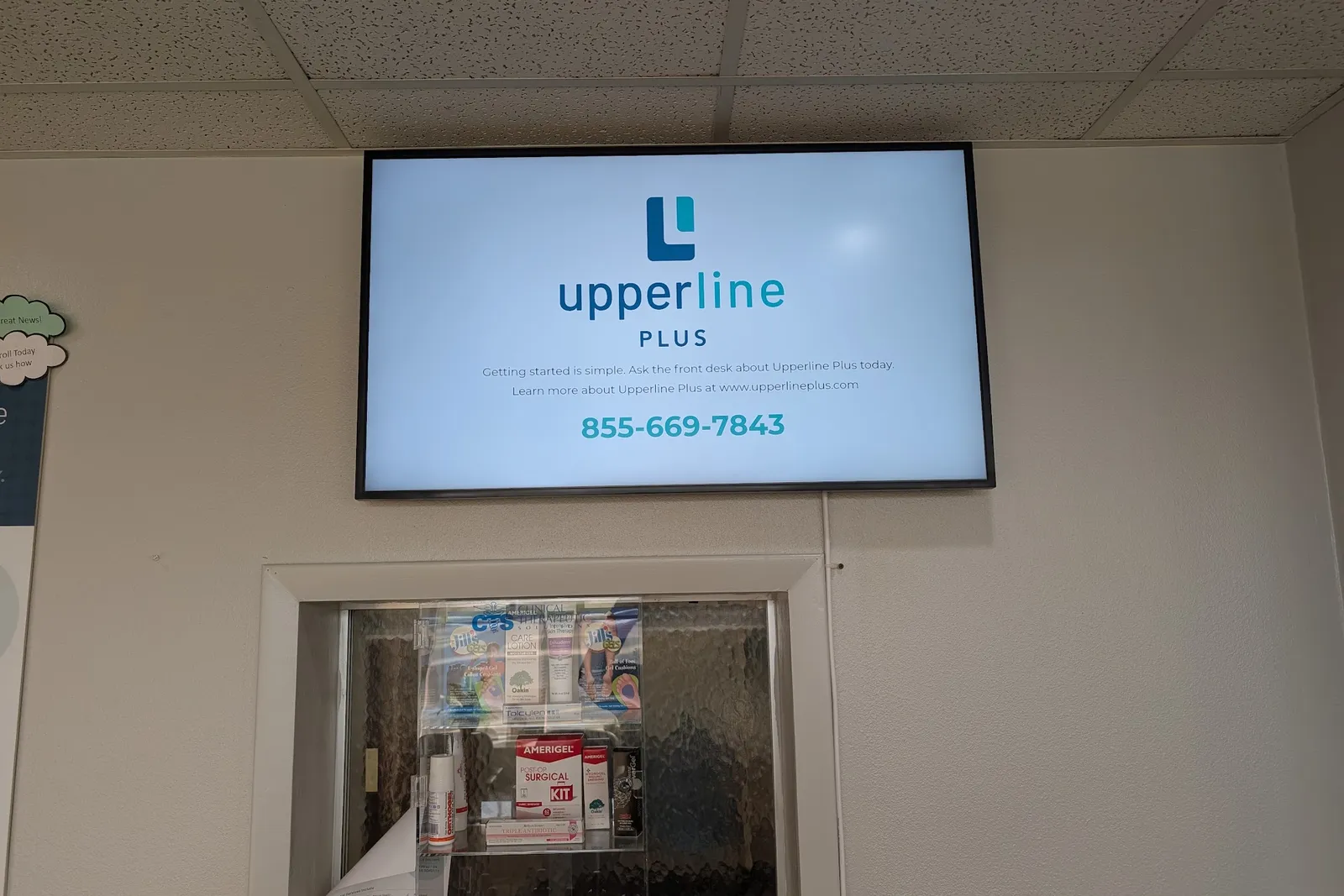
What goes on the loop:
- Provider and staff cards. Photo, name and role, 20–30 seconds each, so patients know who they're about to see.
- Service explainers. 60 seconds or less: what it is, who it's for, how long it takes. A patient in for a cleaning learns you do whitening; a patient in for a physical learns you have a pharmacist who reviews medications.
- Before-and-after or patient stories for cosmetic and dental work, with written consent, or animated stories that avoid the question.
- One soft promo per loop. A six-month rebooking reminder, a flu-shot day, a referral offer.
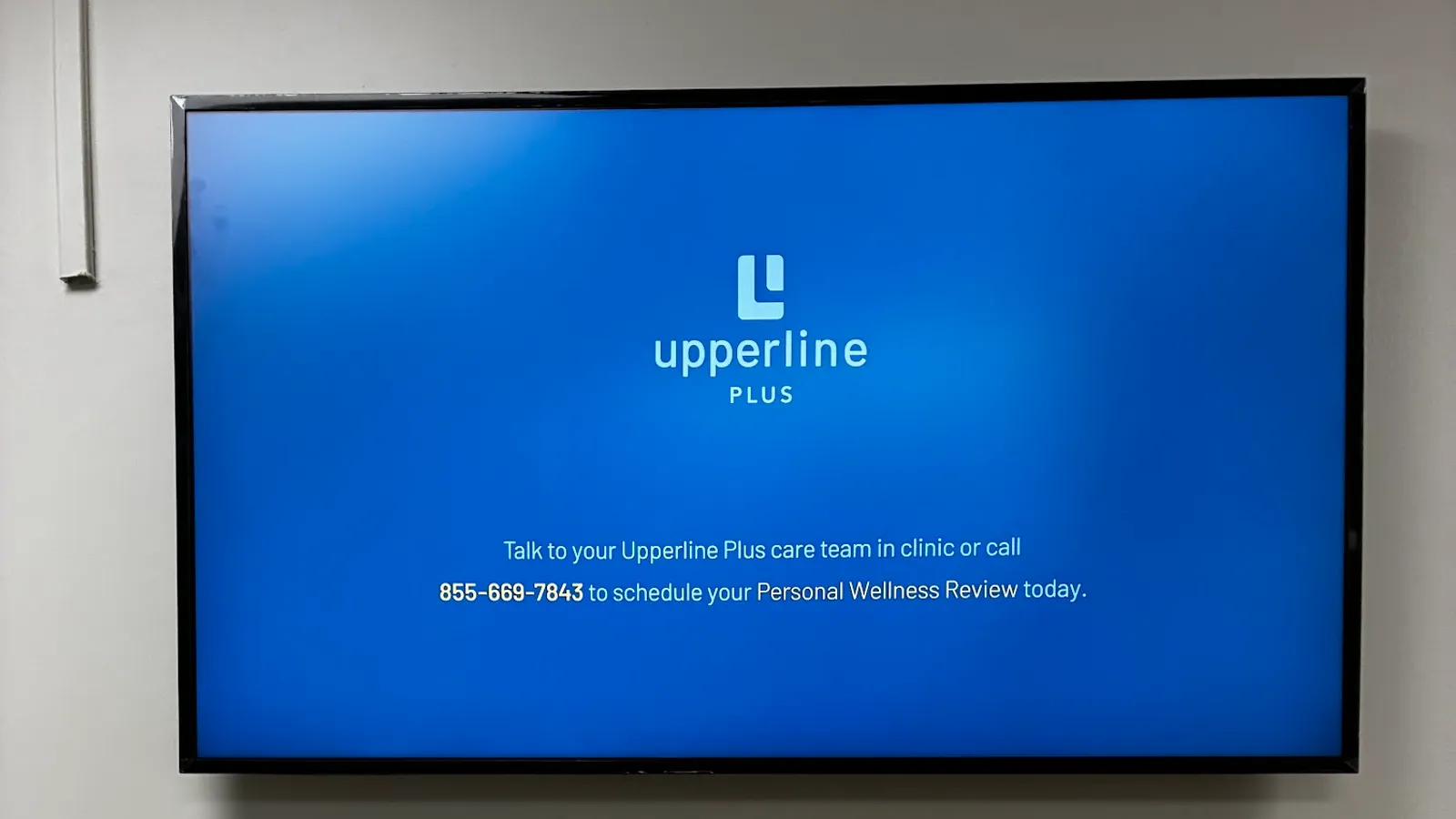
- One next step. A phone number or a QR code to book, like the slide at the top of this page.
- Insurance and policy notes. Accepted plans, payment policies, no-show fees: the questions the front desk answers all day.
Skip news feeds and stock-photo slideshows. Keep it silent, with the words on screen. Never put a patient name or anything from the chart on a shared screen. Our 19 waiting room display ideas has a sample 30-minute loop.
The hardware is simple: a commercial display rather than a consumer TV (43″–55″ for most waiting rooms, 32″ for a check-in counter), run from a content dashboard the office manager can update from a laptop. The harder part is getting it done well, and that's where one company doing the whole job matters.
How CrownTV does the in-clinic channel. We survey the room, supply a commercial Samsung display with a 3-year commercial warranty, mount it, set up the media player before it ships, install it with our licensed and insured crew, design and schedule the content if you want us to, and monitor every screen with offline alerts. A 43″ installed package is $3,150, including the first year of software; after that it's $20 per screen per month. For clinic networks, see healthcare digital signage.
5. Email and SMS
Two systems that pay back fast:
- Appointment confirmations and reminders. Text is the format: a confirmation a week out, a reminder 24–48 hours out, a same-day nudge. Tools like Solutionreach, Weave and NexHealth handle the workflow alongside your practice-management system.
- A patient newsletter, for retention only. Email is good at keeping you top of mind and bad at finding new patients. Send one a month or one a quarter: one health tip, one service spotlight, one clinic update. Keep it short.
HIPAA: reminders limited to appointment details (date, time, provider) are standard. Anything containing health information needs the patient's consent and a compliant messaging platform.
6. Paid Local Advertising and Social
Last, because it's where most clinics overspend. Paid amplifies what's already there. If your profile is half-built and your rating is 3.9, paid traffic just sends more people to a page that doesn't convert. The order we'd use:
- Google Local Services Ads, if your specialty qualifies. You pay per lead, the ads sit above the map results, and they carry a Google verification badge.
- Search ads on your own name and your providers' names. Cheap and high-intent.
- Search ads on service + location terms, like "[procedure] in [city]." More expensive, and only worth it if the landing page converts.
- Meta (Facebook and Instagram), better for awareness than direct bookings. Strongest for cosmetic, dental, wellness and aesthetics clinics, where people want social proof.
Social: pick two channels and commit. For dental, dermatology and aesthetics, that's usually Instagram and TikTok. For pediatrics and primary care, Facebook and Instagram. Post twice a week, short and specific, with real staff and real rooms. A steady feed on two channels beats a sporadic one on five.
Measure the Two Numbers That Matter
Cost per acquired patient, and lifetime value per patient. Everything else is downstream. To get them:
- Use a unique tracking phone number per channel (CallRail or similar) and UTM tags on every digital ad.
- Add a "How did you hear about us?" field to your scheduler.
- Review the numbers monthly, channel by channel.
Within 90 days you'll know which two or three channels deserve the budget and which ones to cut.
How the Channels Work Together
A patient sees a search ad, clicks to your site, sees a strong rating with plenty of recent reviews, books online, gets a text reminder, walks into a waiting room where the screen introduces the provider and mentions a service they didn't know about, books the follow-up at checkout, and gets a text the next day asking for a review. Each channel feeds the next. Skip one and the funnel leaks.
The 90-Day Build Plan
| Days | Build |
|---|---|
| 1–14 | Google Business Profile audit and full update: photos, posts, services, hours, Q&A |
| 15–30 | Reviews program live: QR code at checkout plus a text after the visit |
| 31–45 | Recall and reactivation on the dormant patient list; referral program announced with tracked codes |
| 46–60 | Waiting-room and check-in screens installed, with a quarter of content scheduled |
| 61–75 | Text reminders and confirmations running |
| 76–90 | Paid ads on the one or two highest-intent service lines; two social channels on a schedule |
By day 90 you have six channels running, with tracking on each. By day 180 you can see which ones moved the schedule.
Get a clinic-screen quote in two business hours →
Read Next
Keep reading
More guides like this
Operator-grade playbooks, weekly.
Proof, not pitches
See real installs
Live deployments across hospitality, retail, and offices.
Ready to deploy?
Get a quote in 2 business hours
Reply within two business hours. No call required.