
NYC Department of Education schools

Digital signage for NYC public schools, priced per screen.

CrownTV is an existing NYC DOE vendor and a certified Women-Owned Business Enterprise in New York City and New York State. A commercial screen, mount, player, install, and first-year software runs $3,250 to $5,200 per screen, all-in. Your school issues a purchase order. We install before first bell or after dismissal.
  • NYC + NYS certified WBE
  • Existing NYC DOE vendor
  • Purchase-order billing
  • Installed around class hours
Digital welcome screen in a NYC public school entrance lobby showing today's events and announcements as students arrive. From $3,250 / screen Install in 7–10 business days

The school settings shown on this page are placement illustrations, not documented customer installations. Content, room names, and any data connections are examples to be scoped for your building.

In one paragraph

CrownTV installs digital signage for NYC public schools as a per-screen package: a Samsung QM-series commercial display, wall mount, media player, licensed install, and the first year of software, from $3,250 (32″) to $5,200 (75″), one-time. CrownTV is an existing NYC DOE vendor: schools buy on a purchase order, install happens around class hours in 7–10 business days, and office staff post the calendar, fliers, and lunch menu from a browser. CrownTV is a NYC and NYS certified WBE, so the spend counts toward MWBE goals.

What principals ask us for

Four requests we get from schools.nyc.gov, and the screen that answers each.

These are real asks from the last 90 days, paraphrased. Small, specific, and every one of them fits inside a discretionary budget line.

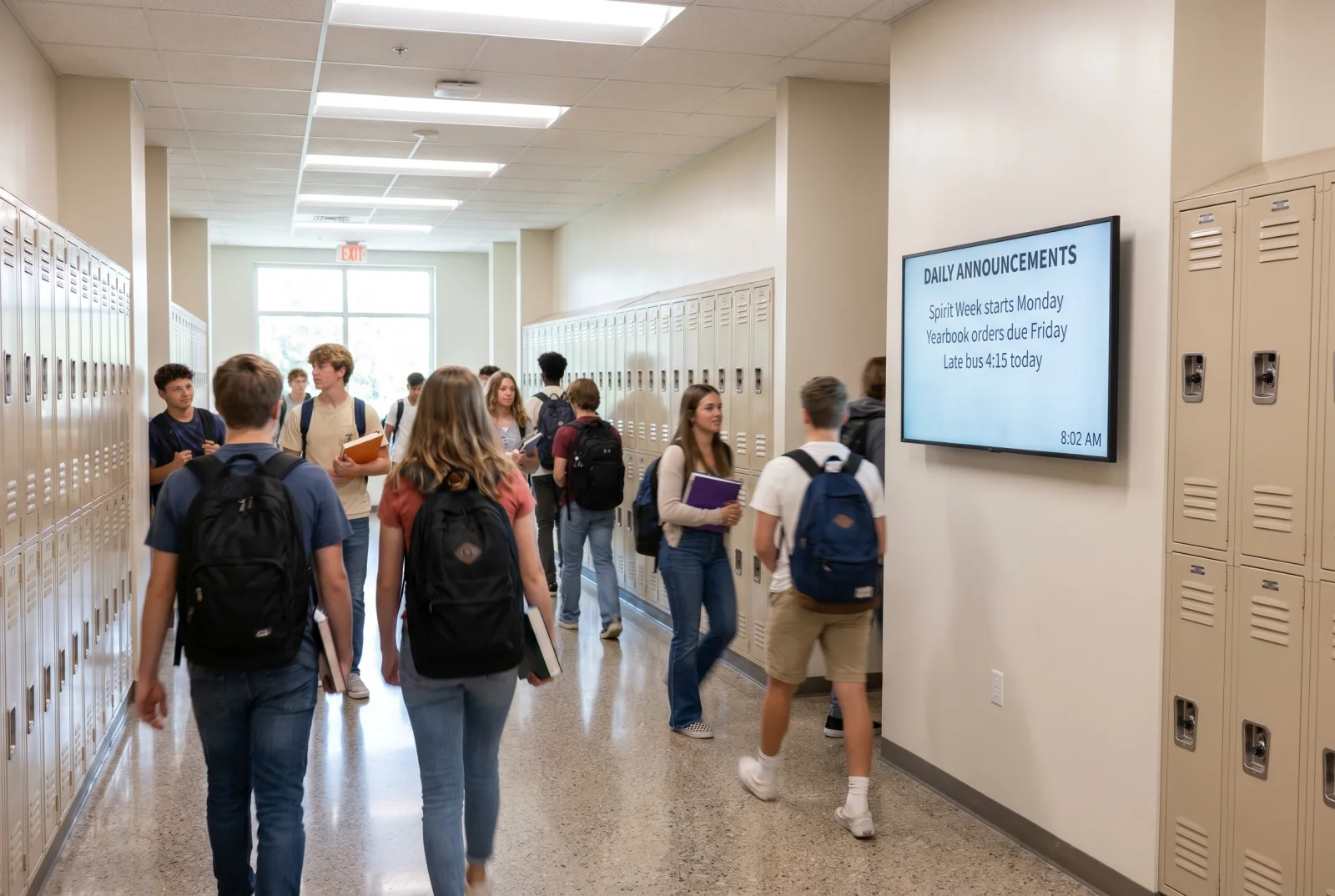
School hallway digital signage screen above the lockers showing daily announcements as students walk between classes.

“A TV on every floor where we can post our calendar, fliers, and news.”

Quote request from a NYC public school · July 2026

One 43″ screen per floor, on the landing everyone passes. The office posts once; every floor updates together.
The screen
43″ hallway screen
All-in price
$3,450 per screen
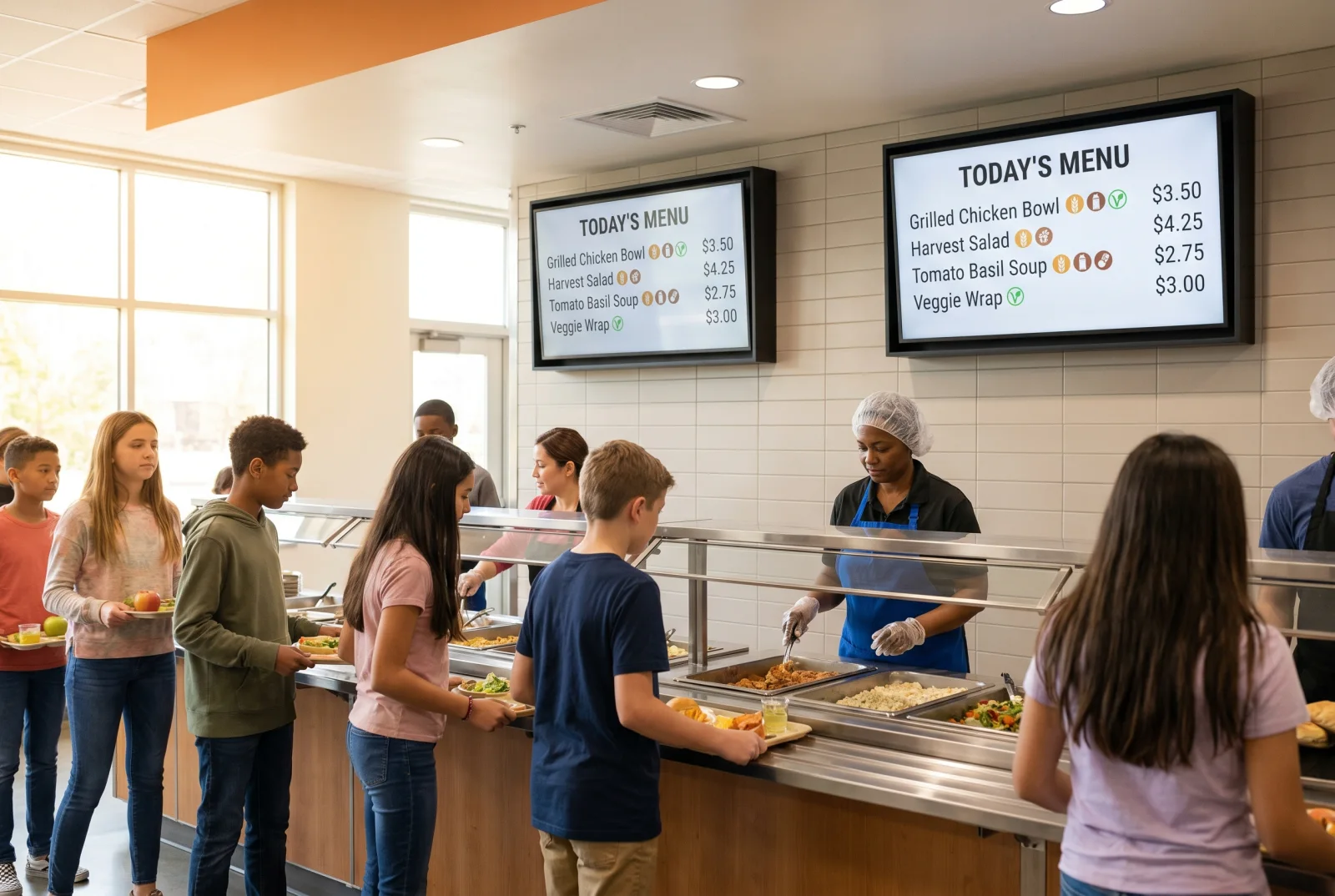
Digital cafeteria menu board above a school servery line showing the day's menu and allergen markers.

“We want the main office and the cafeteria.”

Quote request from a NYC public school · July 2026

A 55″ in the office for visitors and pickups. A 55″ over the servery for the menu, allergens, and the breakfast-to-lunch flip.

The screen
2 × 55″ screens
All-in price
$7,700 for the pair
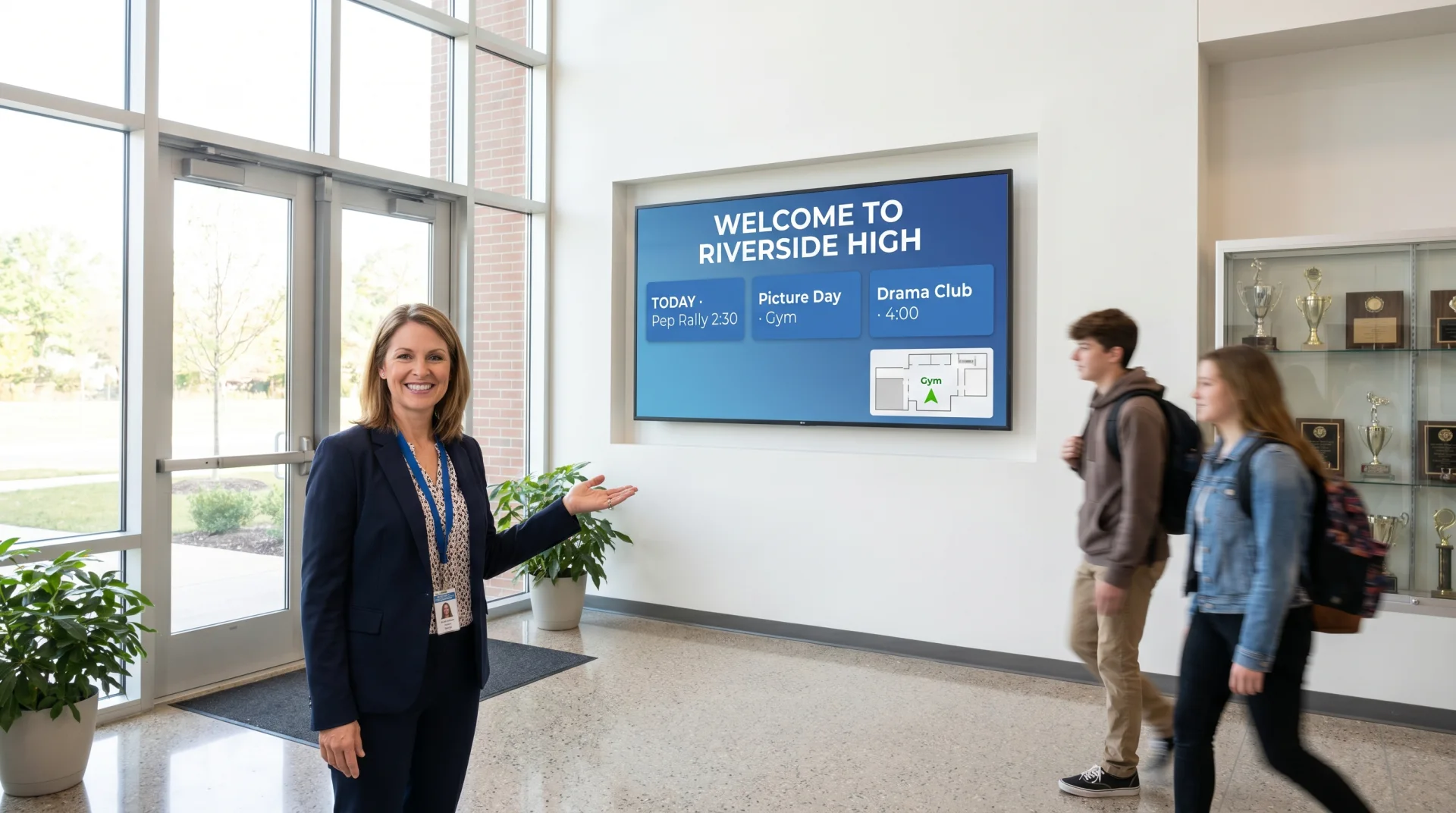
Digital welcome screen in a school entrance lobby showing today's events and announcements.

“An elementary school looking to share information with all of our students and parents.”

Quote request from a NYC elementary school · June 2026

Start with the entrance. Arrival, dismissal, picture day, the PTA meeting. Every parent walks past it twice a day.
The screen
55″ entrance screen
All-in price
$3,850 all-in
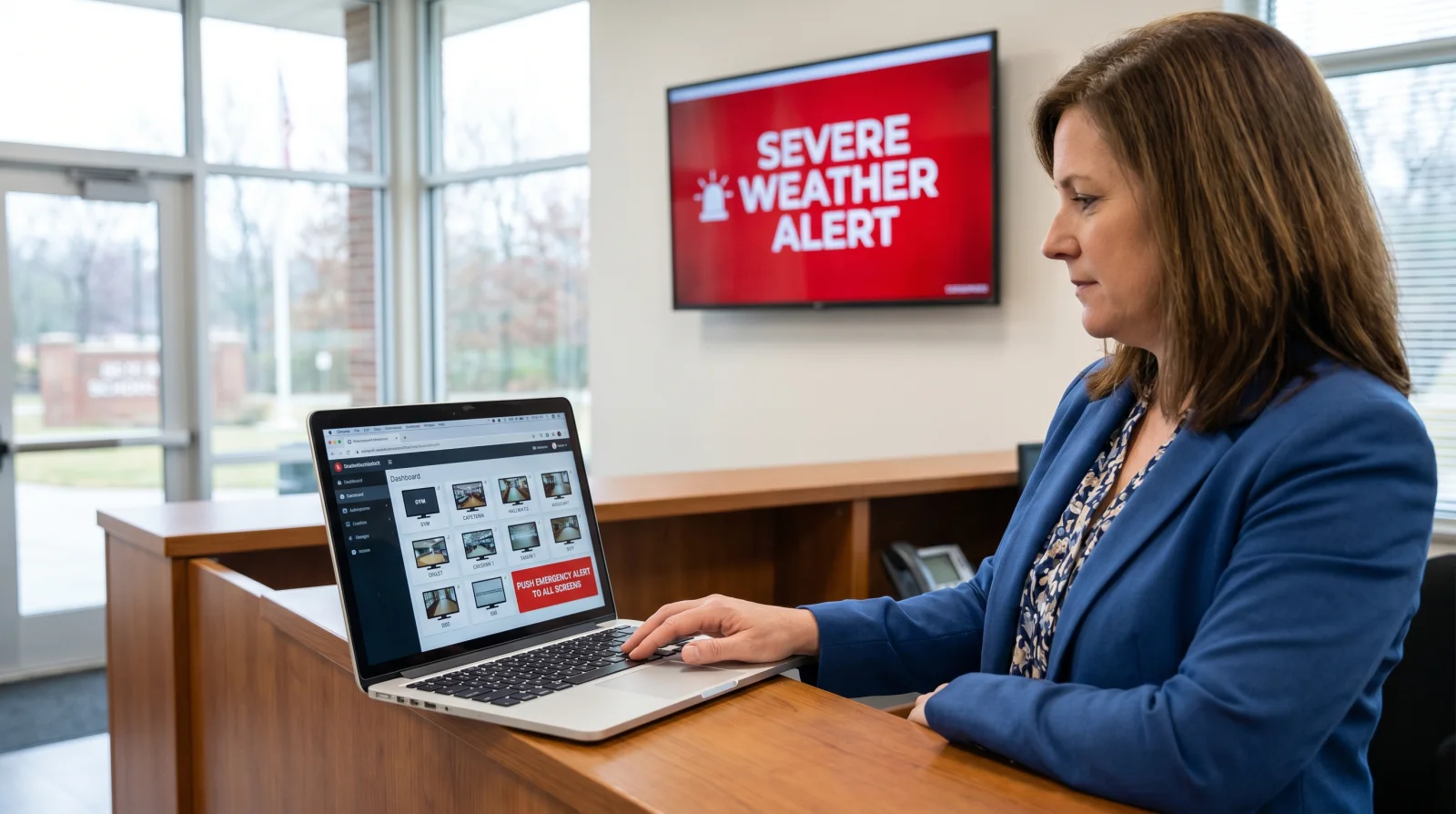
CrownTV Dashboard on a laptop in a school office, with the content schedule and emergency override controls visible.

“We have a TV in our lobby but nobody knows how to get our content on it. It's been two years.”

Quote request from a NYC public school · August 2026

Send us a photo of it. If it is a commercial panel we add a CrownTV player and the Dashboard. If it is a consumer TV, a 55″ commercial replacement is the honest fix.

The screen
Player + Dashboard, or 55″ replacement
All-in price
Replacement $3,850 all-in
Build your school

Pick a size and a count. The number you see is the number you pay.

Every price is all-in and one-time: display, mount, player, install, setup, and the first year of software. No card on file, no monthly surprise in year one.

Screen size
How many screens

More than six, or a mix of sizes? Send the floor list and we price it the same way.

Your all-in, one-time price

1 × 32″ Samsung QM-series $3,250 $3,250 per screen · Main office · staff room
2 × 32″ Samsung QM-series $6,500 $3,250 per screen · Main office · staff room
3 × 32″ Samsung QM-series $9,750 $3,250 per screen · Main office · staff room
4 × 32″ Samsung QM-series $13,000 $3,250 per screen · Main office · staff room
5 × 32″ Samsung QM-series $16,250 $3,250 per screen · Main office · staff room
6 × 32″ Samsung QM-series $19,500 $3,250 per screen · Main office · staff room
1 × 43″ Samsung QM-series $3,450 $3,450 per screen · Hallway landing · stairwell
2 × 43″ Samsung QM-series $6,900 $3,450 per screen · Hallway landing · stairwell
3 × 43″ Samsung QM-series $10,350 $3,450 per screen · Hallway landing · stairwell
4 × 43″ Samsung QM-series $13,800 $3,450 per screen · Hallway landing · stairwell
5 × 43″ Samsung QM-series $17,250 $3,450 per screen · Hallway landing · stairwell
6 × 43″ Samsung QM-series $20,700 $3,450 per screen · Hallway landing · stairwell
1 × 50″ Samsung QM-series $3,650 $3,650 per screen · Longer hallway · library
2 × 50″ Samsung QM-series $7,300 $3,650 per screen · Longer hallway · library
3 × 50″ Samsung QM-series $10,950 $3,650 per screen · Longer hallway · library
4 × 50″ Samsung QM-series $14,600 $3,650 per screen · Longer hallway · library
5 × 50″ Samsung QM-series $18,250 $3,650 per screen · Longer hallway · library
6 × 50″ Samsung QM-series $21,900 $3,650 per screen · Longer hallway · library
1 × 55″ Samsung QM-series $3,850 $3,850 per screen · Entrance · servery
2 × 55″ Samsung QM-series $7,700 $3,850 per screen · Entrance · servery
3 × 55″ Samsung QM-series $11,550 $3,850 per screen · Entrance · servery
4 × 55″ Samsung QM-series $15,400 $3,850 per screen · Entrance · servery
5 × 55″ Samsung QM-series $19,250 $3,850 per screen · Entrance · servery
6 × 55″ Samsung QM-series $23,100 $3,850 per screen · Entrance · servery
1 × 65″ Samsung QM-series $4,450 $4,450 per screen · Cafeteria wall · gym lobby
2 × 65″ Samsung QM-series $8,900 $4,450 per screen · Cafeteria wall · gym lobby
3 × 65″ Samsung QM-series $13,350 $4,450 per screen · Cafeteria wall · gym lobby
4 × 65″ Samsung QM-series $17,800 $4,450 per screen · Cafeteria wall · gym lobby
5 × 65″ Samsung QM-series $22,250 $4,450 per screen · Cafeteria wall · gym lobby
6 × 65″ Samsung QM-series $26,700 $4,450 per screen · Cafeteria wall · gym lobby
1 × 75″ Samsung QM-series $5,200 $5,200 per screen · Auditorium · large commons
2 × 75″ Samsung QM-series $10,400 $5,200 per screen · Auditorium · large commons
3 × 75″ Samsung QM-series $15,600 $5,200 per screen · Auditorium · large commons
4 × 75″ Samsung QM-series $20,800 $5,200 per screen · Auditorium · large commons
5 × 75″ Samsung QM-series $26,000 $5,200 per screen · Auditorium · large commons
6 × 75″ Samsung QM-series $31,200 $5,200 per screen · Auditorium · large commons

  • Samsung QM-series 4K anti-glare display, 24/7-rated
  • Commercial wall mount + CrownTV media player
  • Licensed, insured install around class hours
  • Setup, testing, first year of CrownTV Dashboard

Indoor screens only (500-nit). Window-facing and outdoor screens are quoted separately. A power outlet must exist at each location.

Common school builds

Main office + cafeteria

  • 1 × 55″ main office
  • 1 × 55″ cafeteria menu board

$7,700 all-in

One per floor, 4 floors

  • 4 × 43″ hallway screens
  • Same calendar on every floor

$13,800 all-in

Lobby + 4 floors + cafeteria

  • 1 × 55″ lobby
  • 4 × 43″ hallways
  • 1 × 65″ cafeteria

$22,100 all-in

School digital signage package pricing, all-in per screen, one-time. Every size × screen count.
Size Per screen 1 screen2 screens3 screens4 screens5 screens6 screens
32″ Office notice board $3,250 $3,250$6,500$9,750$13,000$16,250$19,500
43″ One per floor $3,450 $3,450$6,900$10,350$13,800$17,250$20,700
50″ Corridor $3,650 $3,650$7,300$10,950$14,600$18,250$21,900
55″ Lobby · cafeteria $3,850 $3,850$7,700$11,550$15,400$19,250$23,100
65″ Commons $4,450 $4,450$8,900$13,350$17,800$22,250$26,700
75″ Auditorium lobby $5,200 $5,200$10,400$15,600$20,800$26,000$31,200
Get a quote

Send the floor count. We send the quote on your school's scope.

Tell us how many screens and roughly where. You get a per-screen quote your business manager can attach to the PO, with our W-9 and both WBE certificates. Response in 2 business hours.

  • Number of floors, and which rooms (office, cafeteria, lobby, gym)
  • Whether an outlet already exists near each spot
  • Your preferred install window: before first bell, after dismissal, or a non-attendance day
  • A photo of any existing screen you want to reuse

Prefer to talk? (347) 410-6890

RESPONSE IN 2 BUSINESS HOURS

Quote for a NYC public school

Purchase-order billing. Per-screen pricing. Installed around class hours.

How should we reach you?

Looking for a quote? Attach photos of your current setup, wall, wiring, or floor plan to help us price it faster. You can attach a few files.

All inquiries responded to within 2 business hours. Real humans, no pressure, no drip campaign — a detailed answer from a signage specialist.

Prefer email? Write us at hello@crowntv-us.com — same 2-business-hour answer.

How a NYC public school buys from us

Four steps from “we want screens” to screens on the wall.

No capital project, no bid packet for a five-screen order. A quote on your scope, a purchase order, an install day that does not touch class time, and a training session for the office.

  1. Quote on your school's scope

    Tell us the floors and rooms. You get a per-screen quote on your school's scope, ready for your business manager, in 2 business hours.

  2. Purchase order

    Your school issues the PO. We work from it. We send our W-9 and both WBE certificates with the quote, so the paperwork lands in one pass.

  3. Install around class hours

    Before first bell, after dismissal, or on a non-attendance day. Licensed and insured crew, 7–10 business days from PO to screens on the wall.

  4. Office staff trained

    A 30-minute session for the people who will post the calendar, the fliers, and the lunch menu. Content is live the same day as install.

$1.5M Direct-award ceiling under the NYC DOE M/WBE Procurement & Contract Method for City-certified M/WBEs like CrownTV.

“City agencies, including the NYC Department of Education, may award contracts of up to $1,500,000 for goods, professional services, standard services and construction directly to currently City-certified Minority and Women-owned Business Enterprises (M/WBEs) without formal competition using the MWBE Procurement & Contract Method.”

  • NYC

    New York City WBE

    NYC Small Business Services (SBS) · Cert MWCERT2026-549 · valid through May 31, 2031

  • NYS

    New York State WBE

    Empire State Development (ESD) · File ID 75148 · NAICS 425120 · valid through May 11, 2031

CrownTV (Crown Heights Communication Inc., DBA Crown TV) has been installing commercial screens since 2012, with 10,000+ displays deployed and 16,000+ screens running on the platform today. Purchasing from a certified WBE counts toward MWBE participation goals, which are often around 15%. Ask us for the certificates for your business manager.

Who updates the screens

The office runs it. District IT governs it. One button overrides all of it.

The person who prints the fliers today is the person who posts them tomorrow. No IT ticket, no vendor call, no two-year gap where the lobby TV shows a blank input.

Office staff

Post a calendar, a PDF flier, a photo, or a typed announcement from a browser. Pick the screens. Schedule it to expire on its own.

District IT

SAML SSO sign-in and role-scoped access if the district wants oversight. FERPA-aware: no student records render on any screen.

Emergency override

One trigger from the Dashboard interrupts every screen in the building with a lockdown, shelter, or weather message. Wired at install, not bolted on.
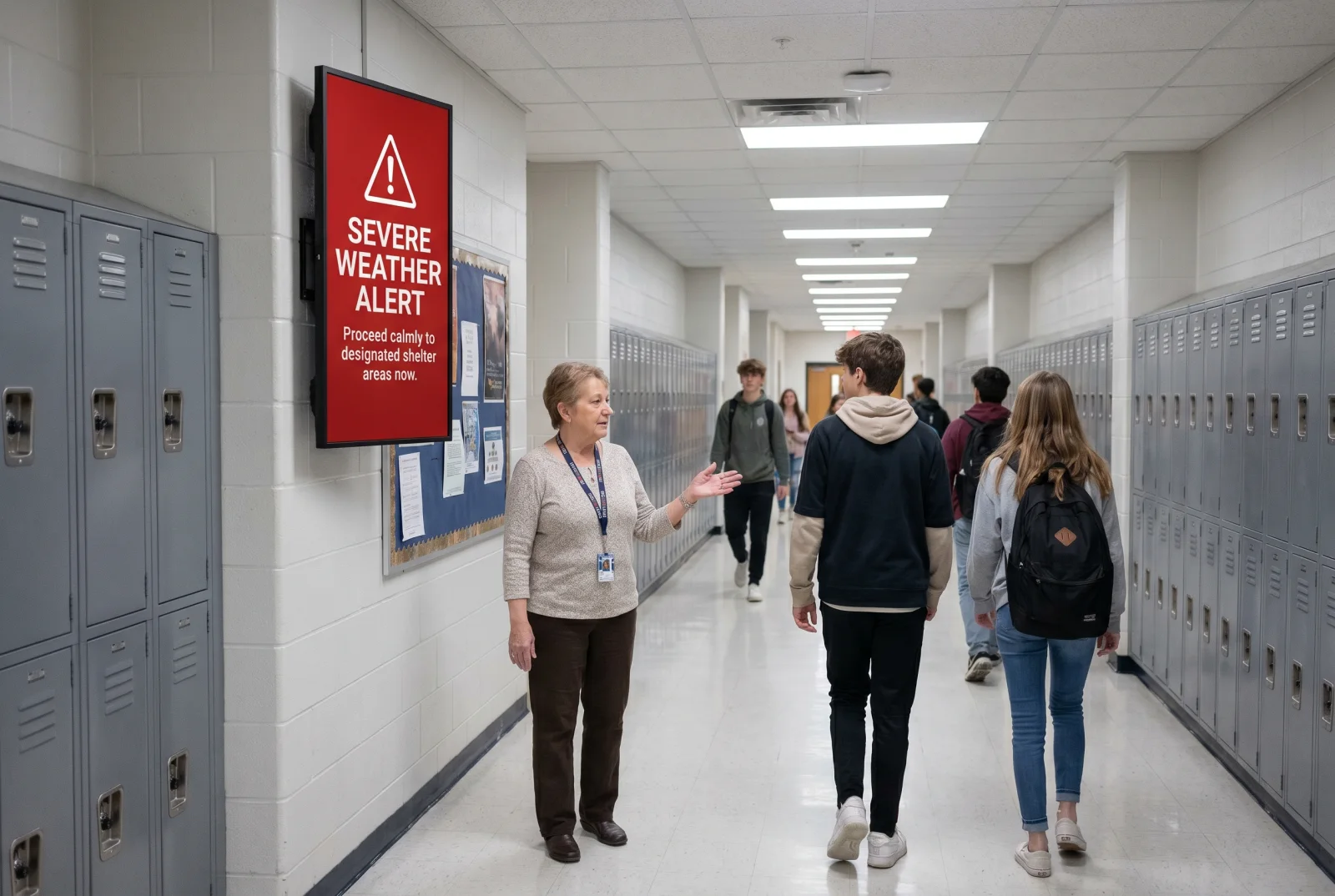
School hallway digital signage overridden by a building-wide emergency alert as a teacher directs students.
Illustrative setting · sample content and placement

How a school install works

From the first email to screens on the wall — five steps, none of them during class.

  1. 01 — Scope

    Scope

    Send the floors and rooms. We spec a size to each spot and quote per screen on your school's scope.

  2. 02 — Purchase order

    Purchase order

    Your school issues the PO to CrownTV, an existing NYC DOE vendor — no new-vendor setup. W-9 and NYS + NYC WBE certificates go to your business manager with the quote.

  3. 03 — Displays shipped

    Displays shipped

    Samsung QM-series commercial displays, mounts, and CrownTV media players ship to the school.

  4. 04 — Install

    Install

    Before first bell, after dismissal, or on a non-attendance day. 7–10 business days, licensed and insured crew.

  5. 05 — Trained and live

    Trained and live

    Office staff trained in 30 minutes. Calendar, fliers, and menu on every screen the same day.

4.9 stars on Google.
100+ reviews from real customers.

Real Google reviews from CrownTV installs across 2,000+ companies, schools, and agencies.

Read all reviews on Google

Frequently asked

NYC public school digital signage — FAQ

Can our school pay with a purchase order?
Yes. CrownTV is already a NYC DOE vendor, and a purchase order is how nearly every NYC public school buys from us. You get a per-screen quote on your school's scope, your school issues the purchase order, and we invoice against it after install. We send our W-9 and both WBE certificates with the quote so your business manager has the packet in one pass.
How long does it take from PO to screens on the wall?
Standard install is 7–10 business days from the purchase order. We schedule the crew before first bell, after dismissal, or on a non-attendance day, so nobody is drilling during third period. The one thing your building needs is a power outlet at each screen location; we handle the clean connection from there.
What is included in the per-screen price?
Everything needed to go live: a Samsung QM-series commercial 4K anti-glare display rated for 24/7 use, a commercial wall mount, the CrownTV media player, professional installation by a licensed and insured crew, setup, configuration, and testing, plus the first year of CrownTV Dashboard software. One line item, one-time, from $3,250 for a 32″ to $5,200 for a 75″.
Can you put a screen in a window facing the street?
Not from this package. The school ladder uses 500-nit displays, which are built for indoor light. A screen behind glass facing the street needs a high-brightness window panel, and an outdoor unit needs a sealed enclosure. We quote both separately; tell us the spot and we will spec the right panel rather than put an indoor screen where it will wash out.
Who updates the content? We do not have IT staff in the building.
Your office staff do, from a browser. The CrownTV Dashboard takes a calendar, a PDF flier, a photo, or a typed announcement and puts it on every screen you pick. No IT ticket. District IT can sign in with SAML SSO if they want oversight, and the platform is FERPA-aware: no student records are pulled onto a screen.
Does buying from CrownTV count toward MWBE goals?
Yes. CrownTV is a certified Women-Owned Business Enterprise in both New York State and New York City, so spend with us counts toward MWBE participation goals, which are often around 15%. NYC DOE's M/WBE Procurement and Contract Method also lets the DOE award up to $1.5 million directly to City-certified M/WBEs, initiated by a DOE purchase order. Ask us for the certificates.
We are a district or a group of schools. Can you handle several buildings?
Yes. We sequence multi-school rollouts building by building, on the same per-screen pricing or a volume rate for larger counts, with one Dashboard the district governs and each school posts to. If your rollout goes out as a formal solicitation, our RFP desk answers with the WBE packet included. Start at our RFP page.
Ready when you are

A screen on every floor, on a purchase order.

Per-screen pricing, NYC + NYS certified WBE, installed around class hours.

No commitment. No hard sell.