
What you can rely on
- 16,000+ active screens running on CrownTV
- Commercial display classes: indoor, window, outdoor, kiosk, video wall
- Published pricing ranges on the pricing page
- Named project photos in the customer work library
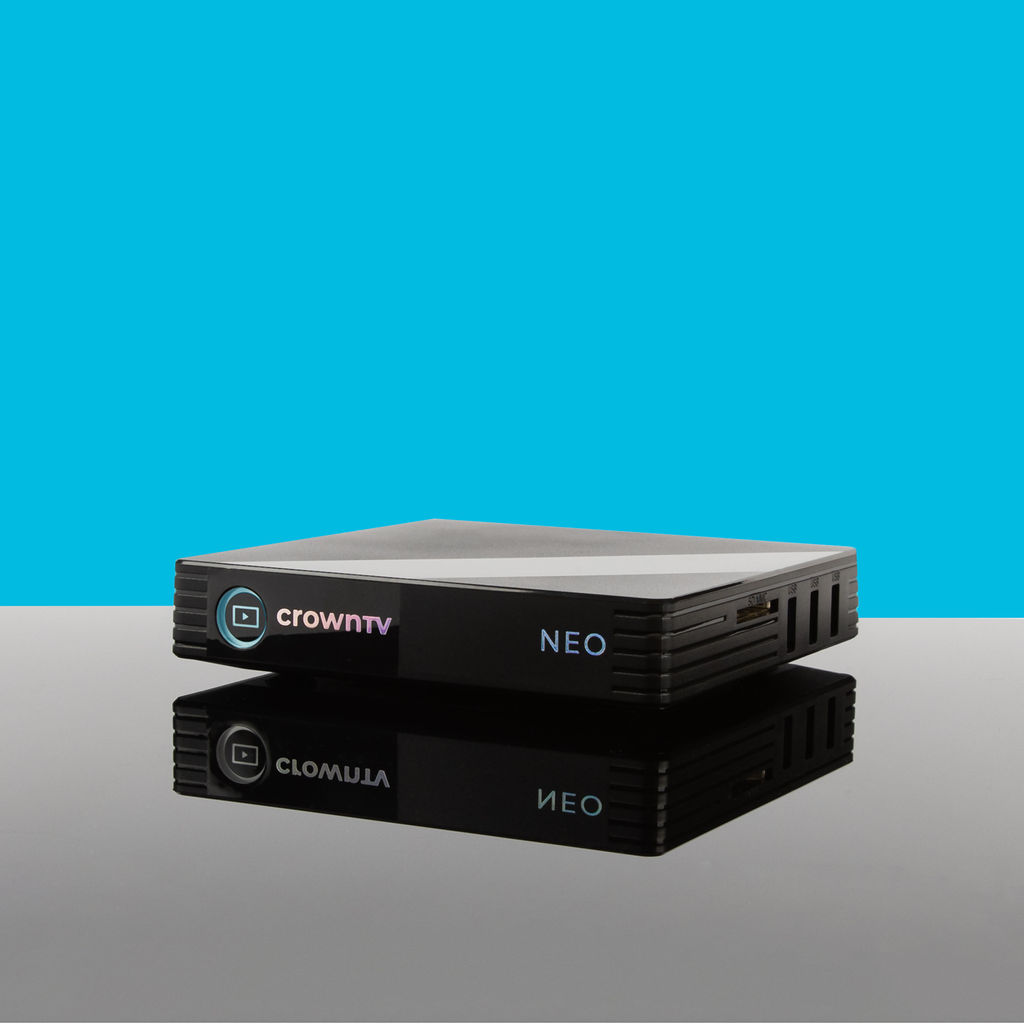
CrownTV's digital signage media player keeps commercial displays live, updated, and easy to manage from one dashboard, with offline playback protection, remote recovery, and a clean behind-screen installation.
Meet the hardware
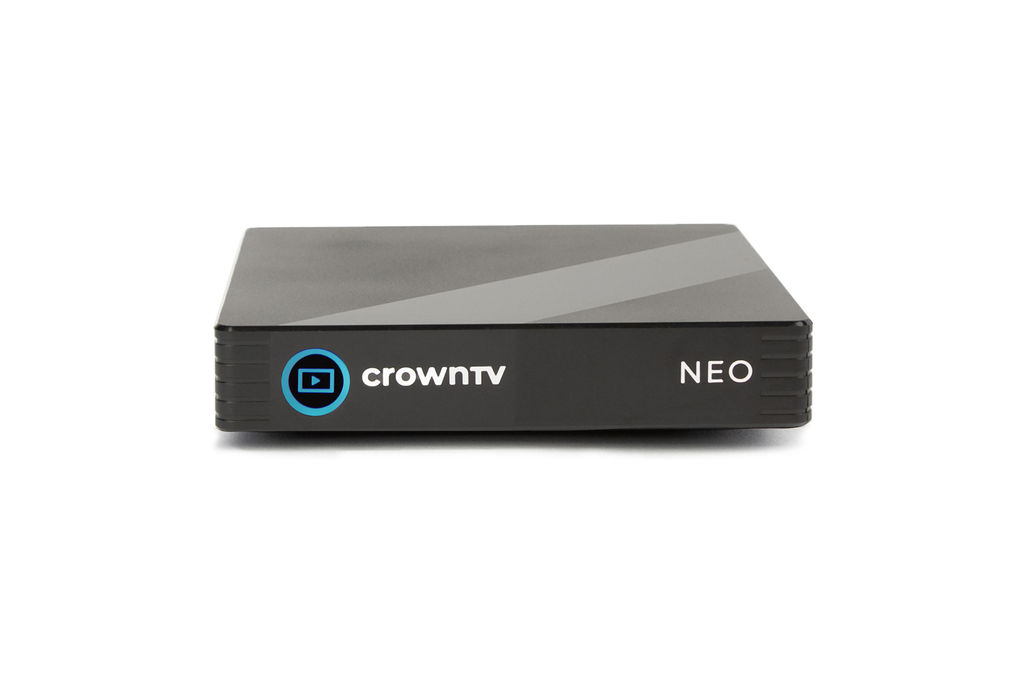
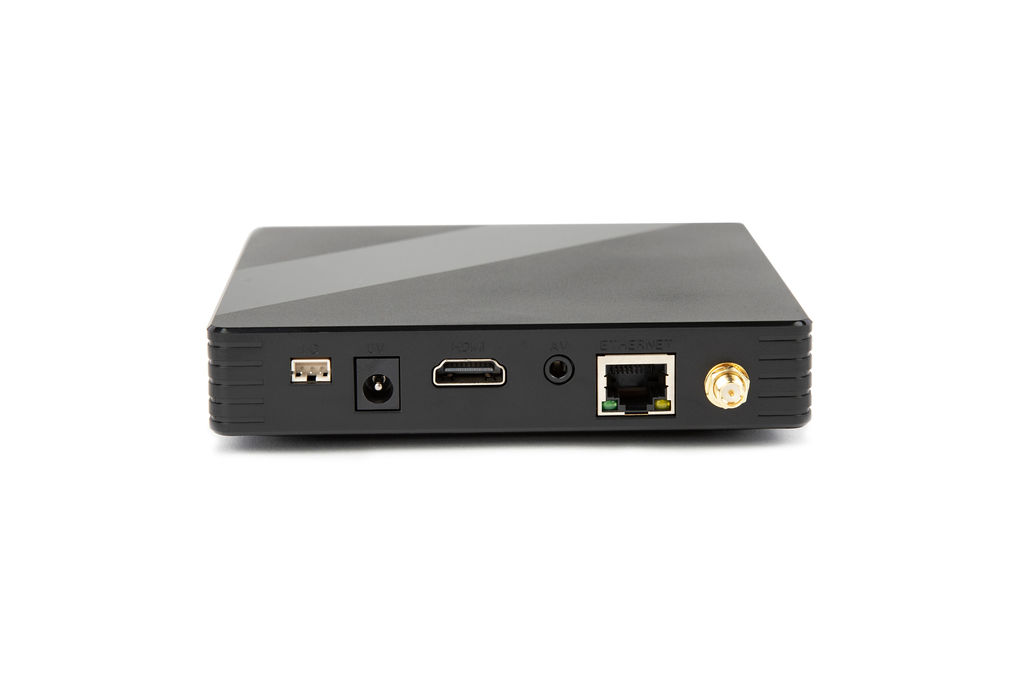
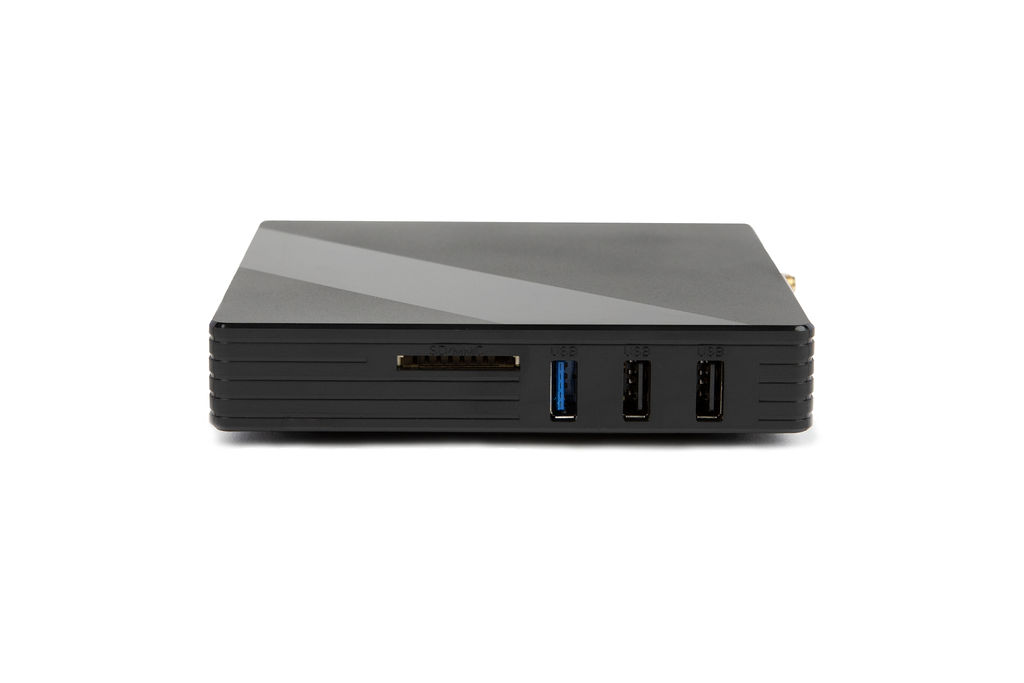
Trusted by leading brands since 2012




Indoor 4K, high-brightness window, outdoor-rated, touch, and video-wall hardware specified by the site survey.
Product decision guide
CrownTV specifies approved commercial display classes by function first. The right recommendation starts with brightness, duty cycle, placement, controls, warranty, mounting, service access, and support.
Purpose-built hardware
Connects to indoor screens, window displays, menu boards, kiosks, and video-wall surfaces without locking you into one panel model.
Scheduled campaigns stay on screen during short internet outages, then sync again when the network returns.
CrownTV Dashboard manages playlists, health checks, reboots, and rollout schedules across every location.
The signal path
The player is the managed handoff between your CMS, store network, and commercial display.
Campaigns, menus, dashboards, and emergency messages are scheduled in the CrownTV Dashboard CMS.
The digital signage player checks in with the cloud, downloads the playlist, and reports device health.
Local storage keeps the last approved playlist running when store internet is unstable.
The media player feeds the commercial display so approved content stays on screen.
Screens keep playing, syncing, and recovering without staff touching the panel.
Media player hardware
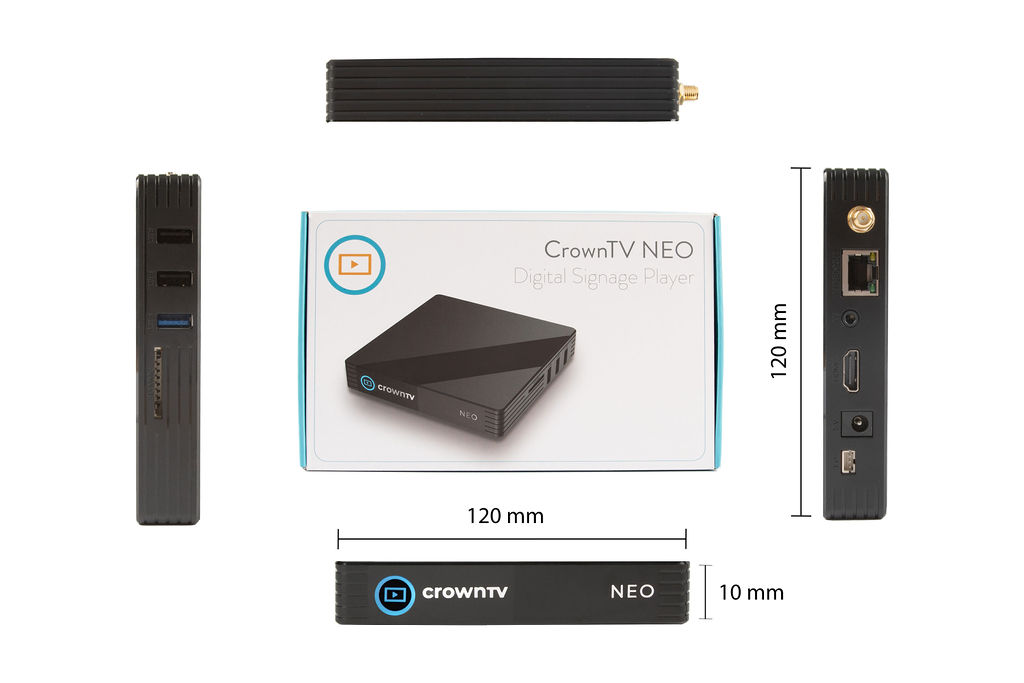
Close-ups from the same digital signage player family that ships behind indoor displays, window panels, video walls, and menu boards.
Digital signage player features
Everything below is there to reduce store-level maintenance for screens that have to run all day.
Outage ready
Self recovery
Fleet control
Locked down
Energy aware
Install clean
Commercial duty
Multi-screen
Smart TV app vs media player
Smart TV apps can look cheaper on day one. The dedicated player exists for day 200, when a district manager needs the same promo live in every location before opening.
Consumer firmware, pop-ups, and surprise reboots.
Single-purpose signage OS with predictable playback.
Network hiccup can expose app errors or stale TV screens.
Local cache keeps the approved playlist running.
Every brand and model behaves differently.
Same CrownTV Dashboard controls every screen.
Warranty path depends on the TV vendor.
48-hour player replacement during active contract.
Screen-on reliability
Built-in monitoring helps minimize downtime with fault detection, automatic restart behavior, and player health alerts.
Sensitive data is securely stored on the player using encryption — protected from unauthorized access.
Regular updates keep the media player current for security, compatibility, and reliable digital signage playback.
The player initiates outbound connections to CrownTV cloud services, reducing inbound exposure on the store network.
Customize bandwidth usage per player or location to keep content delivery smooth across multi-site deployments.
Preconfigured hardware, remote monitoring, and clear replacement workflows reduce risk for commercial signage teams.
Digital signage use cases
Campaigns, promos, and localized content across multi-store networks.
Synchronized playback across statement displays and flagship installs.
Day-parted content with predictable power schedules and 24/7 playback.
Brand loops, live dashboards, visitor messaging, and internal comms.
Bright storefront panels with the player hidden cleanly behind the screen.
Touchscreen surfaces connected to the same managed signage platform.
Digital signage player specs
Live Google reviews from CrownTV customers.
Read all reviews on GoogleQuote in 2 business hours
Single screen, storefront window, digital menu board row, or 500-location rollout - we quote the player as part of the real operating stack: display, mount, network, install, software, and support.
Tell us what you're building — all inquiries responded to within 2 business hours.
Digital signage player guide
Clear answers for buyers comparing digital signage hardware: what the player does, why dedicated media player hardware beats smart TV apps, and how it fits into a managed CrownTV rollout.
Definition
Why it matters
Install model
Frequently asked
All inquiries responded to within 2 business hours.
No commitment. No hard sell.