What is the best digital signage for schools? +
The best digital signage for schools is fully managed, not just software you log into. Look for: commercial-grade displays that survive a 24/7 hallway, department-scoped permissions so each team posts its own content without an IT ticket, SAML SSO + audit logging for FERPA/COPPA review, a campus-wide emergency override, and a single vendor that ships, installs, and supports the whole network. CrownTV bundles the panels, the CrownTV Dashboard, nationwide install, and a 48-hour player-swap SLA under one contract — which is why it fits K-12 districts and college campuses that don't have signage staff to spare.
Is there free digital signage software for schools? +
Free and freemium school signage software exists, but it shifts every cost that matters onto your staff: sourcing and mounting commercial displays, building templates, wiring emergency overrides, and babysitting players when one drops offline mid-day. For one or two screens that can work. Across a building or a district it rarely does. CrownTV is a managed service — $20/screen/month for the Dashboard, plus volume-tiered hardware — so the displays, install, content templates, and support are one line item, not an unpaid job for the front office.
What is school digital signage used for? +
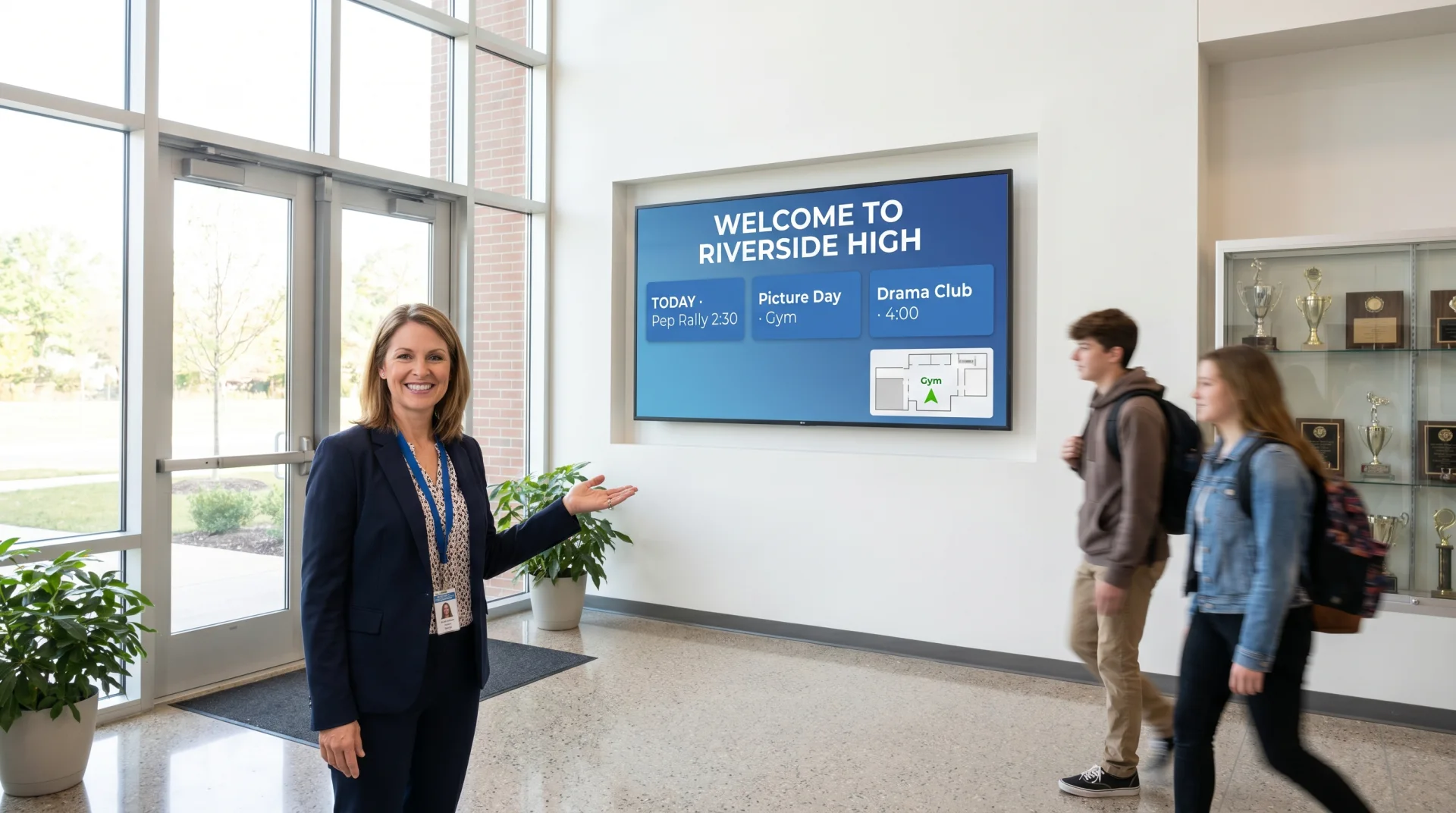
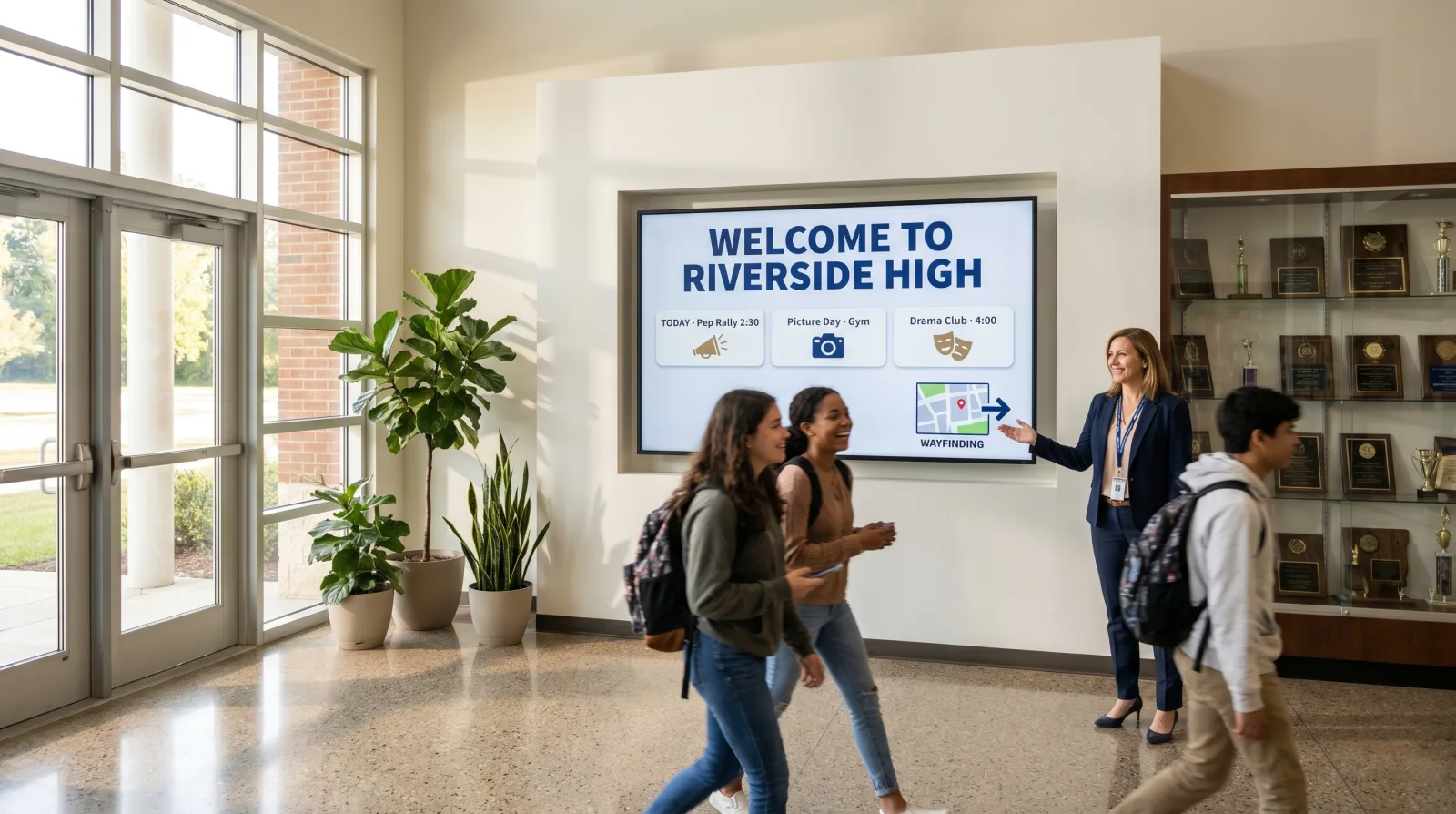
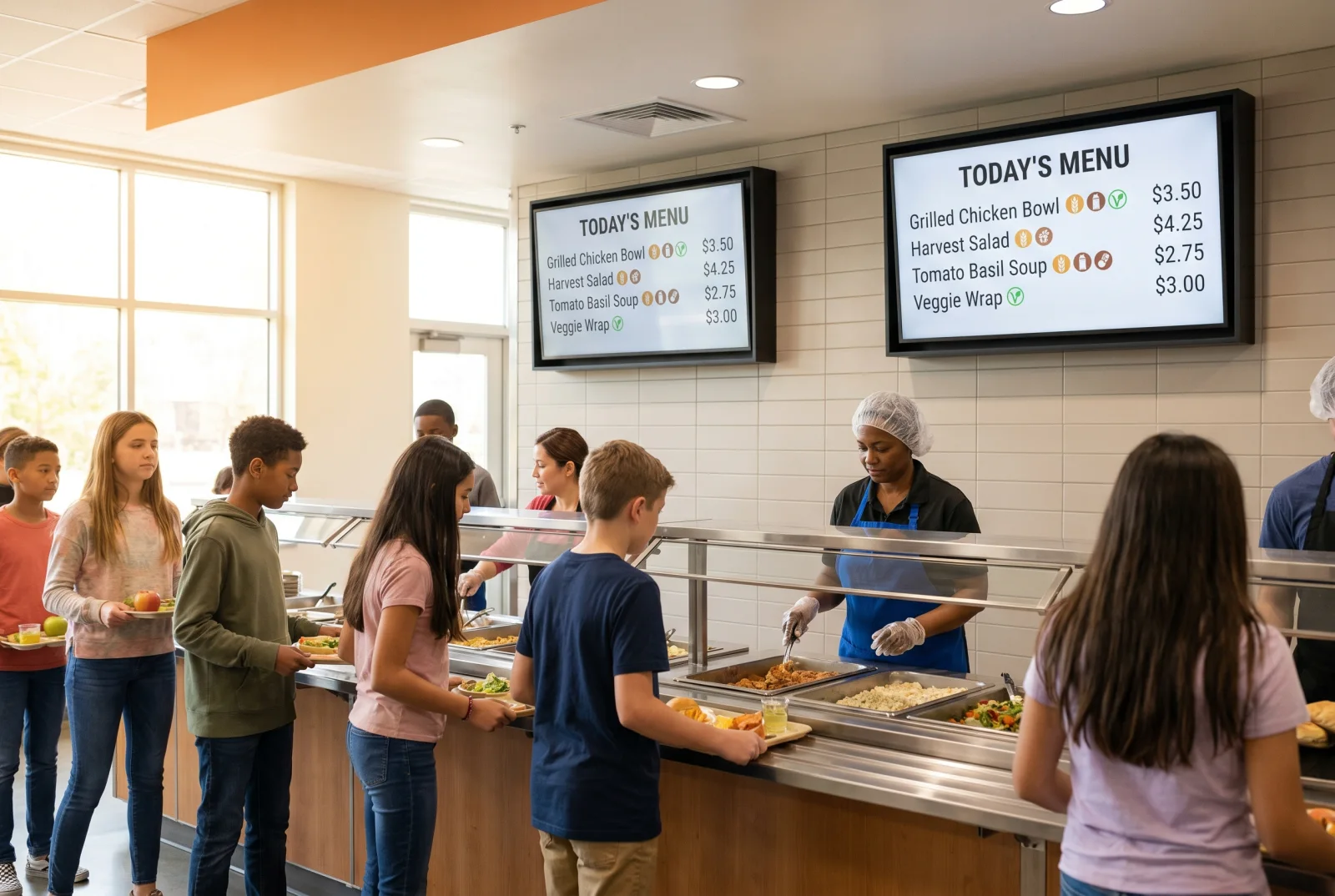
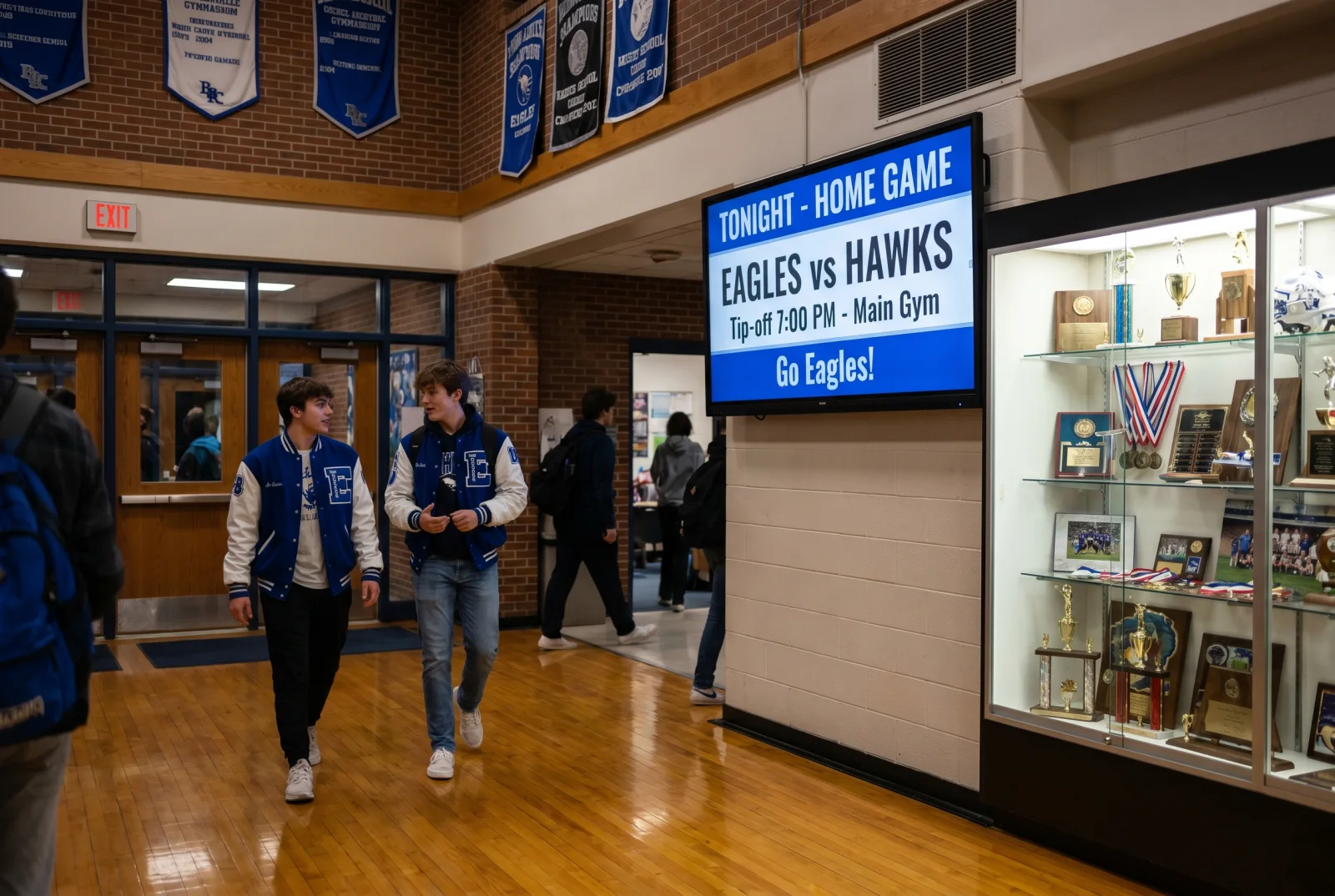
Six dominant use cases on K-12 and higher-ed campuses: (1) campus wayfinding — multi-building directories and floor-by-floor signage at entry points; (2) dining-hall menus with allergen markers and meal-plan messaging; (3) classroom and lecture-hall now-playing boards; (4) residence-floor and dorm comms; (5) athletic-department game-day signage and scoreboards; (6) emergency-alert overrides that interrupt scheduled content campus-wide during incidents. Donor walls, library directories, and event calendars are the most common adjacent use cases.
How much does school digital signage cost? +
Hardware ranges: ~$700 for a 32" classroom or library notice board, $1,200–$2,500 for a 55" dining-hall menu, $5,000+ per video-wall segment for arena or lobby installs. Plus the CrownTV Media Player ($300–$800) and Dashboard SaaS ($20/screen/month). District-wide rollouts get volume pricing. Most K-12 districts and universities run procurement through formal RFP — see /services/rfp/ for our capability statement, certifications, and pricing schedule. Standard RFP turnaround is 5–10 business days.
Is digital signage in classrooms appropriate for K-12 students? +
Content control is the answer. Dashboard permissions scope what each role can publish; district IT keeps the kill switch. We do not embed third-party ad networks, do not surface external social feeds, and do not require student PII to render any content. SAML SSO + audit logging support district FERPA and COPPA review. The same hardware running cafeteria menus runs the classroom now-playing board — no separate child-safe SKU needed.
How long does it take to implement across a campus? +
Single building: under one week per zone from site survey. Multi-building campuses: sequenced in 1–2 buildings per week. Installs scheduled around school calendars, including summer rollouts, weekend installs, and winter-break windows so the install crew never disrupts class time.
Will the IT team need to be involved? +
Lightly. The CrownTV Media Player connects via HDMI and ethernet to your existing network — no on-site cloud hardware, no software on staff machines. CrownTV Dashboard supports SAML SSO for enterprise — most districts plug us into Google Workspace for Education or Microsoft 365 in 30 minutes.
Can different departments manage their own screens? +
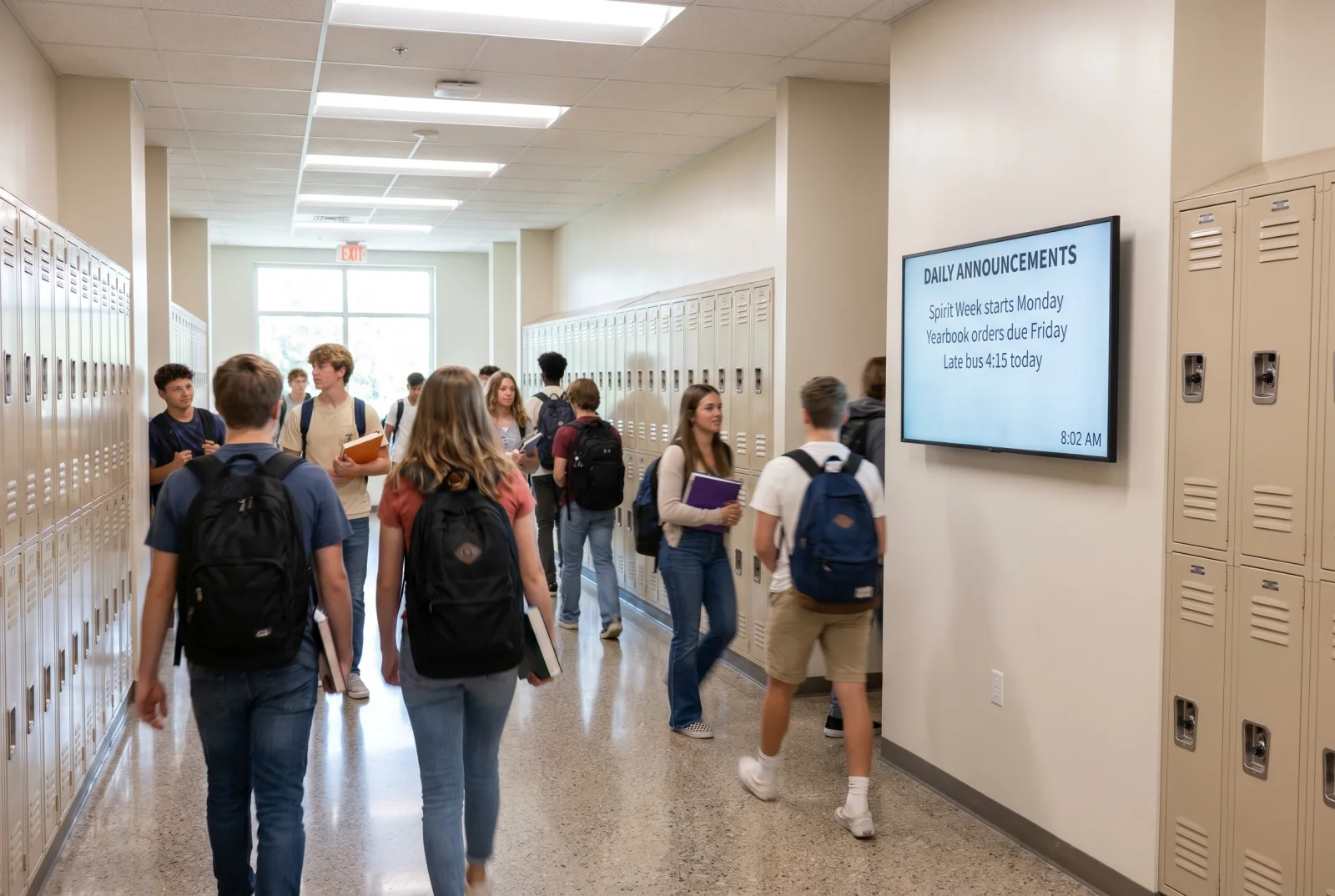
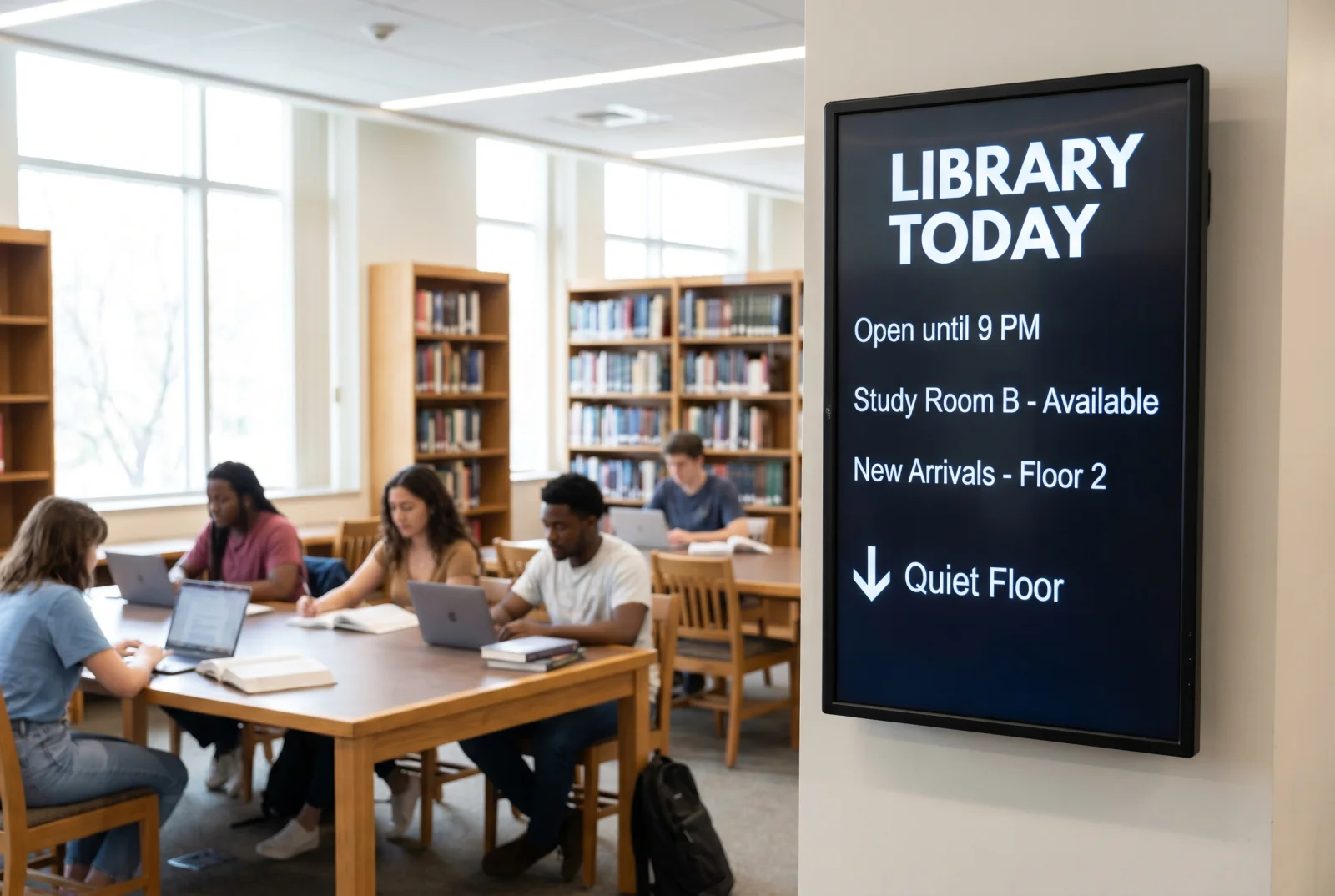
Yes. Scope Dashboard permissions per department, per building, or per floor. Athletics edits the scoreboard; the cafeteria edits the dining-hall menu; the principal's office edits the parent-facing announcements; library staff edits the new-arrivals board. IT keeps the kill switch and the audit log.
What platform integrations do you support (SIS, LMS, calendar, emergency alerts)? +
CrownTV Dashboard integrates with PowerSchool (K-12 SIS), Workday Education (higher-ed SIS), Canvas, Blackboard, Schoology (LMS), Sidearm Sports (athletics), AppArmor and Rave Mobile Safety (emergency alerts), and Microsoft Outlook + Google Calendar (faculty meetings). Most modern campus platforms integrate via API or read-only feed.
Do you support emergency override messaging? +
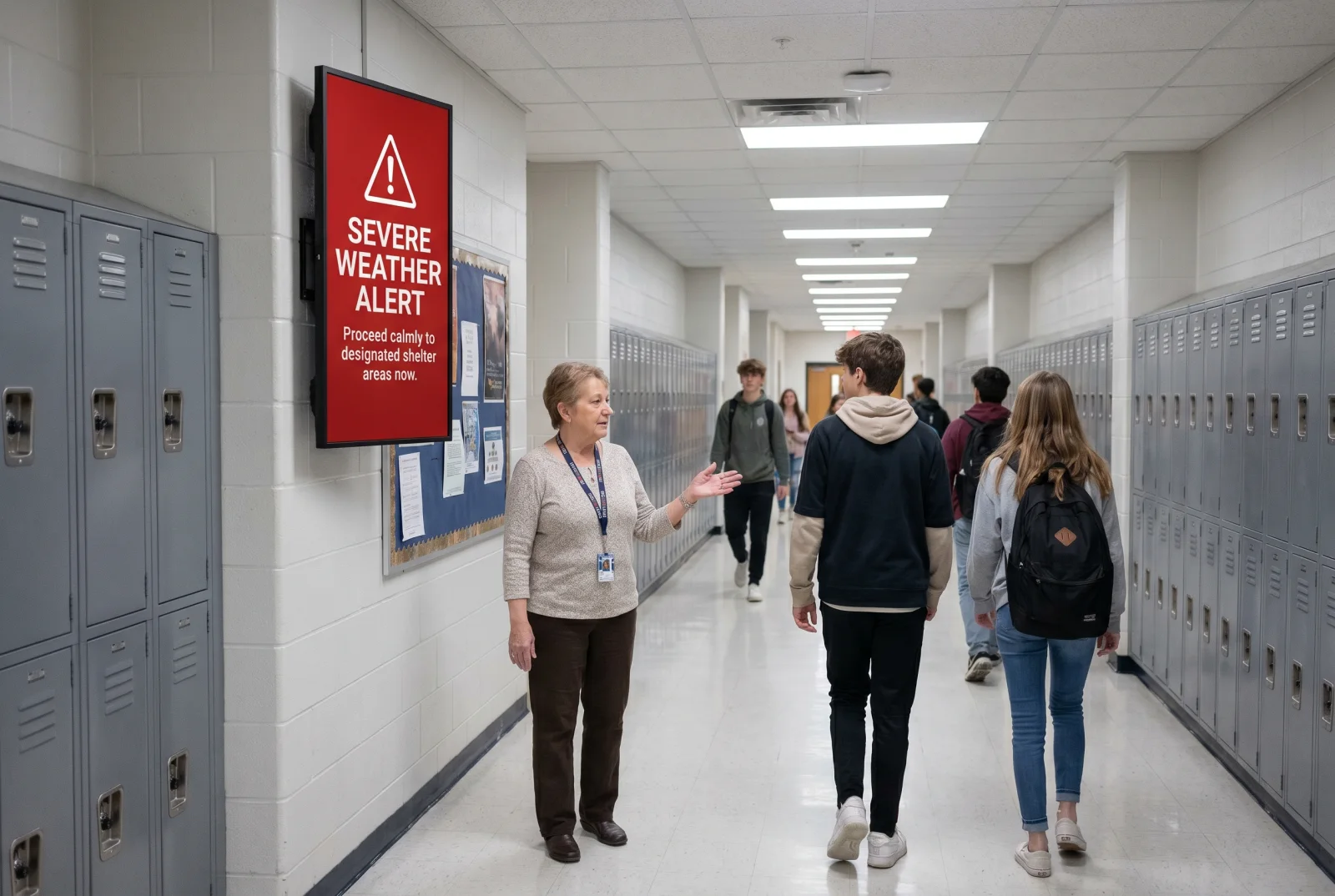
Yes. Designate emergency content that overrides every scheduled item across the campus instantly. Trigger from the Dashboard or via API from your alerting system. Required by most district and university crisis-communications plans; the override path is configured during install, not bolted on later.
What's the SLA on support and replacement hardware? +
Dedicated account manager, response within 4 business hours for urgent issues, 48-hour media-player replacement at no charge, and on-site installer dispatch for panel failures.
Can you respond to school district and higher-ed RFPs? +
Yes — see our /services/rfp/ page for capabilities, references, and certifications. CrownTV is New York State and New York City WBE-certified (NYS MWBE and NYC SBS M/WBE programs) and can provide the vendor packet public-procurement teams need. Standard RFP turnaround is 5–10 business days.