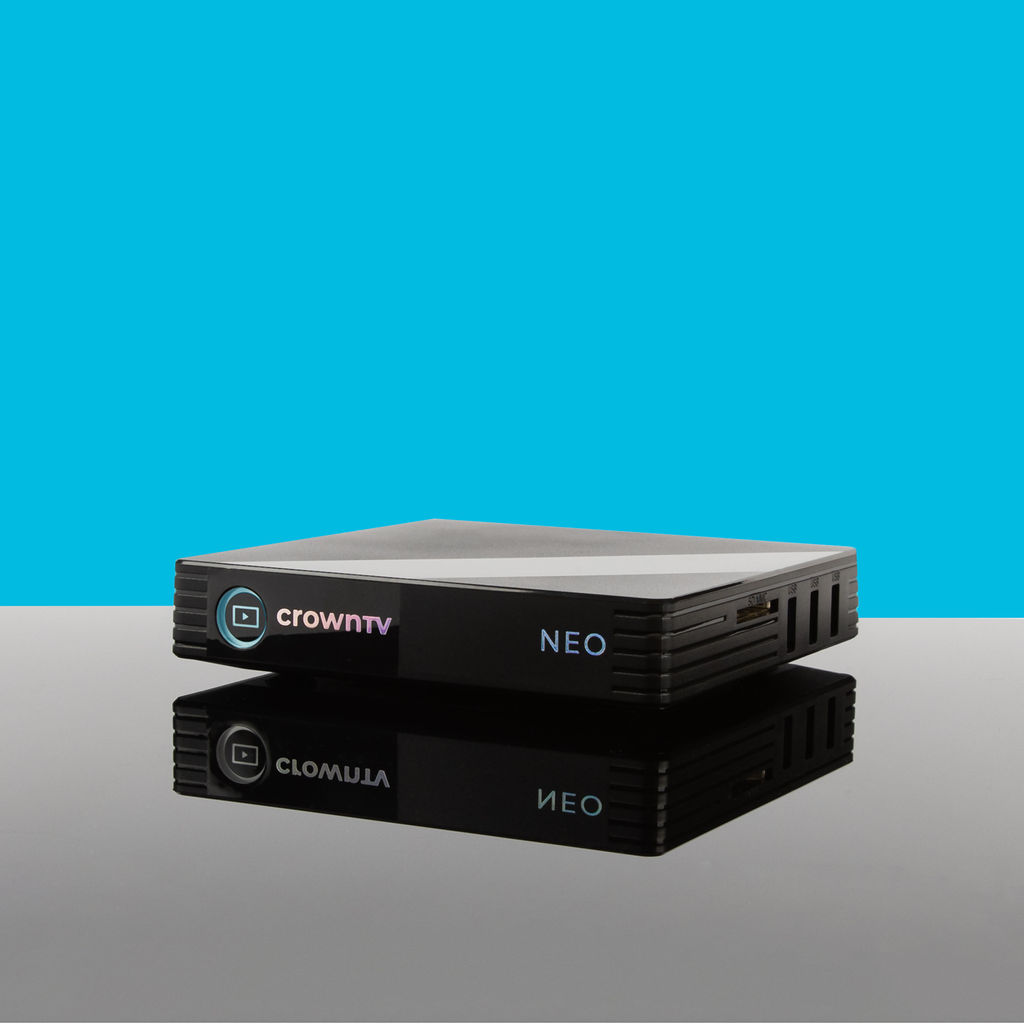
A digital signage player is the engine behind every screen displaying dynamic content in retail stores, restaurants, corporate lobbies, and healthcare facilities. Without the right one, even the most stunning displays fall flat, buffering, crashing, or refusing to sync across locations.
But here’s the challenge: the market is flooded with options. Android-based sticks, Windows mini PCs, system-on-chip solutions, enterprise-grade media players, each promising seamless performance. For multi-location businesses managing dozens (or hundreds) of screens, picking the wrong player means wasted budget, IT headaches, and inconsistent customer experiences.
This guide breaks down what a digital signage player actually does, the different types available, must-have features, and how today’s top players stack up against each other. Whether a business runs five screens or five thousand, the right choice starts here.
What Is a Digital Signage Player?
A digital signage player is a small hardware device (or embedded chipset) that connects to a commercial display and renders content, videos, images, live data feeds, interactive menus, on screen. Think of it as the brain of the operation. The display is just the canvas: the player decides what shows up, when, and how.
At its core, a signage media player receives instructions from a content management system (CMS), downloads or streams the scheduled content, and outputs it to the connected screen via HDMI or another video interface. Some players handle basic slideshows. Others can push 4K video, split-screen layouts, real-time social media feeds, and interactive touch content simultaneously.
For businesses operating across multiple locations, think retail chains, QSR franchises, or hospital networks, the player is the critical link between a centralized CMS dashboard and every individual screen on the floor. If it’s unreliable, the whole signage network suffers.
Key functions of a digital signage player include:
- Content rendering: Decoding and displaying media files (video, HTML5, images)
- Remote management: Accepting over-the-air updates and schedule changes from a cloud CMS
- Connectivity: Maintaining stable Wi-Fi or Ethernet connections for content syncing
- Hardware output: Driving displays at the right resolution, refresh rate, and orientation
Types of Digital Signage Players (Android, Windows, SoC)
Not all players are built the same. The three dominant categories each serve different use cases, budgets, and technical requirements.
Android Signage Players
An android signage player runs on the Android operating system and is typically compact, affordable, and energy-efficient. These devices range from budget dongles to enterprise-grade media players with fanless designs and commercial-grade processors.
- Best for: Retail displays, menu boards, small-to-midsize deployments
- Pros: Low power consumption, wide app ecosystem, cost-effective
- Cons: Hardware quality varies wildly: cheap models overheat or lag under heavy content loads
Windows-Based Players
Windows players use Intel or AMD processors and run full Windows OS. They’re powerful enough for complex interactive applications, multi-zone layouts, and resource-heavy content like live TV streams alongside dynamic data widgets.
- Best for: Corporate environments, interactive kiosks, high-performance video walls
- Pros: Broad software compatibility, strong processing power
- Cons: Higher cost, larger form factor, more frequent OS updates to manage
System-on-Chip (SoC) Players
SoC solutions are built directly into the display itself, Samsung’s Tizen, LG’s webOS, and similar platforms. No external box needed.
- Best for: Simple content loops, single-location setups
- Pros: No additional hardware cost, clean installation
- Cons: Limited processing power, fewer CMS integrations, harder to upgrade
For multi-location businesses that need reliability and centralized control, dedicated external players, particularly commercial media players designed for 24/7 operation, consistently outperform SoC alternatives.
Key Features to Look for in a Digital Signage Player
Choosing a digital media player for signage isn’t just about specs on paper. For businesses deploying across multiple sites, certain features separate professional-grade hardware from consumer-level gadgets.
- 4K Output & Hardware Decoding, Any modern player should handle 4K resolution natively. Hardware-based video decoding (not software) ensures smooth playback without stuttering.
- Cloud-Based Remote Management, The ability to push content updates, restart devices, and monitor screen status remotely is non-negotiable for multi-location operations.
- Auto-Recovery & Watchdog Timers, Players that automatically reboot after a crash or power outage minimize downtime. Screens in a restaurant or hospital can’t sit blank waiting for someone to manually reset them.
- Commercial-Grade Build Quality, Fanless, solid-state designs rated for 24/7 operation in varying temperatures. Consumer media sticks aren’t built for this.
- CMS Compatibility, The player must integrate tightly with its paired CMS. Loose integrations lead to syncing issues, broken layouts, and manual workarounds.
- Security Features, Encrypted content delivery, secure boot, and remote device locking protect against unauthorized access, especially important in healthcare and corporate settings.
- Scalability, Adding 50 new screens next quarter shouldn’t require a new IT project. The best players support rapid provisioning and plug-and-play deployment.
Top 7 Digital Signage Players Compared
Finding the best digital signage player depends on the specific deployment scenario. Here’s how the leading options compare for businesses that need professional, scalable signage.
| Feature | CrownTV Player | BrightSign | Screenly | Yodeck |
|---|---|---|---|---|
| OS | Custom (proprietary) | Custom (proprietary) | Linux-based (Raspberry Pi) | Linux-based (Raspberry Pi) |
| 4K Support | ✅ Yes | ✅ Yes | ✅ Limited models | ✅ Limited models |
| Built-in CMS | ✅ Included (cloud dashboard) | ❌ Requires third-party CMS | ✅ Included | ✅ Included |
| Turnkey Solution | ✅ Display + Player + CMS + Install | ❌ Player only | ❌ Player + software only | ❌ Player + software only |
| Commercial-Grade Hardware | ✅ Enterprise-rated | ✅ Enterprise-rated | ⚠️ Consumer-grade Pi | ⚠️ Consumer-grade Pi |
| Remote Management | ✅ Full remote | ✅ Via third-party | ✅ Yes | ✅ Yes |
| Professional Installation | ✅ Nationwide (licensed techs) | ❌ No | ❌ No | ❌ No |
| Best For | Multi-location businesses wanting full service | IT teams comfortable managing hardware | Budget-conscious single sites | Small businesses, simple content |
Other notable players worth considering:
- Chromebox for Signage, Solid for Google-centric environments but limited CMS options.
- Intel NUC-based solutions, Powerful Windows players: overkill (and expensive) for most signage needs.
- Amazon Fire TV Stick, A DIY hack, not a business solution. Overheats, lacks remote management, no commercial warranty.
For franchises, retail chains, and enterprises that can’t afford screen downtime, Raspberry Pi-based players introduce risk. They weren’t designed for commercial 24/7 use. And standalone players like BrightSign, while reliable, still leave businesses sourcing displays, CMS software, and installation separately.
Why CrownTV’s Player Outperforms the Competition
With over 13 years in the digital signage industry and more than 13,500 screens deployed, CrownTV has built its player around one principle: businesses shouldn’t need to piece together a signage system from five different vendors.
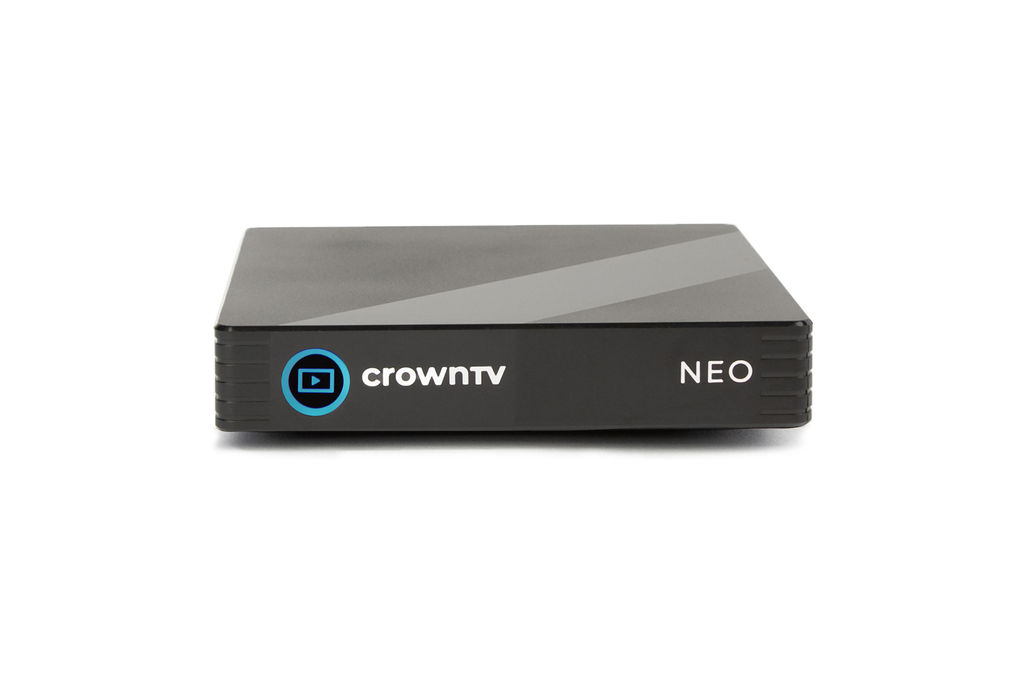
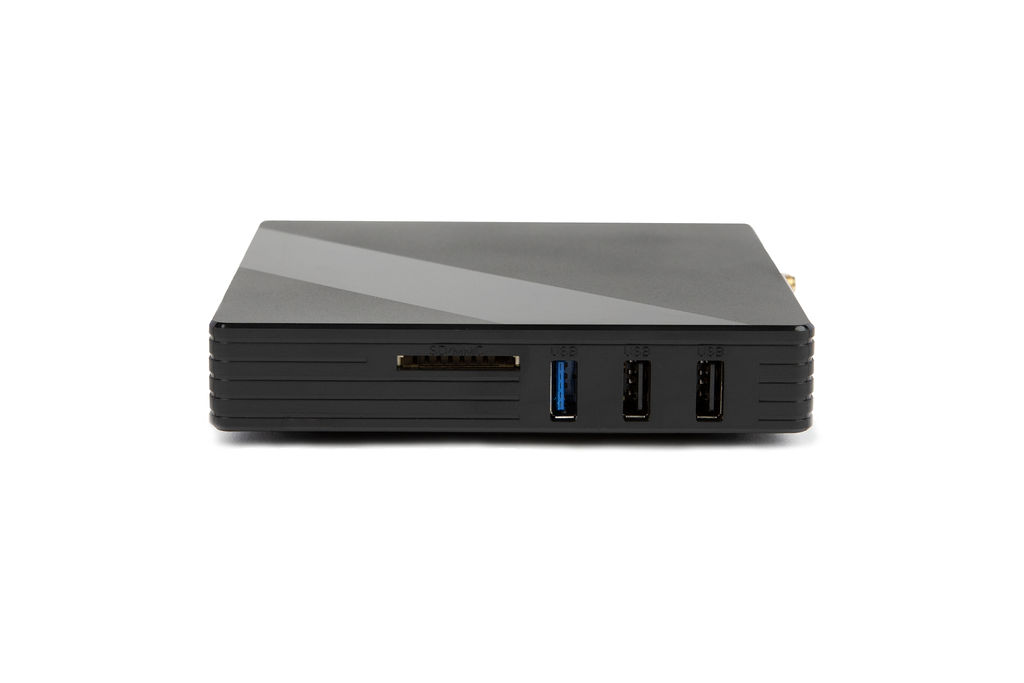
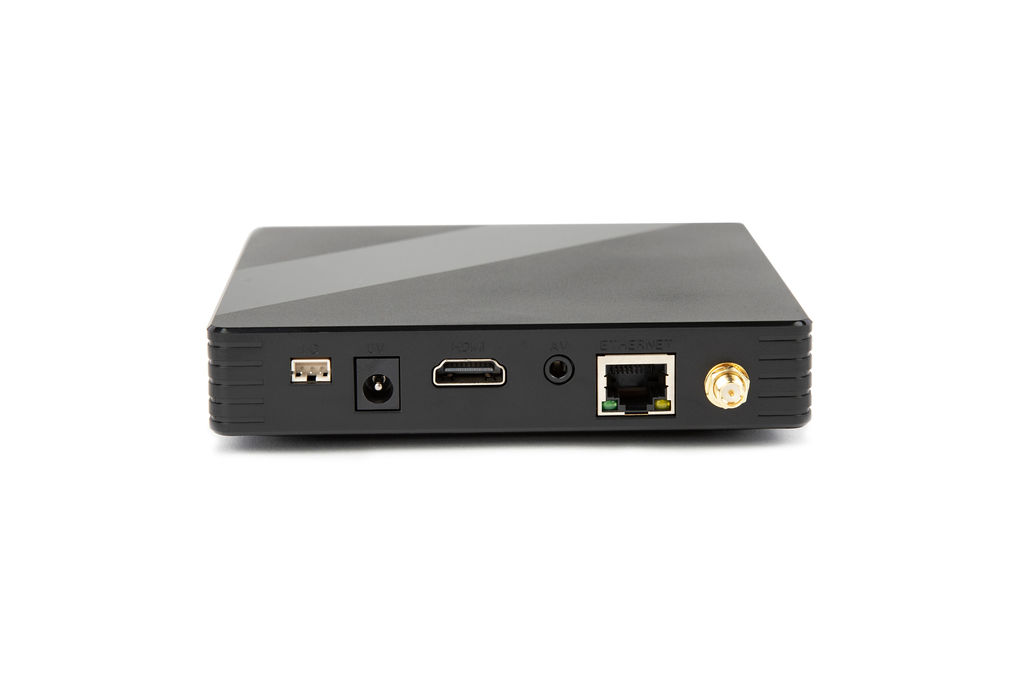
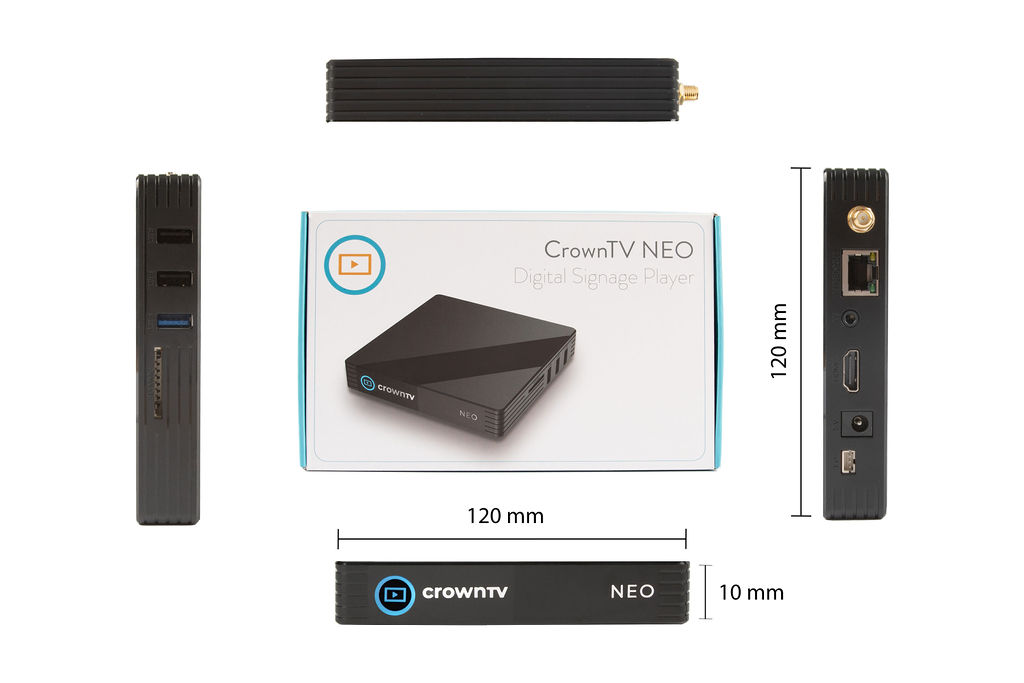
CrownTV’s digital signage player is part of a fully turnkey solution that includes a Samsung commercial-grade display, the CrownTV media player, an intuitive cloud-based CMS, and professional nationwide installation by licensed technicians. Everything arrives configured and ready to go.
Here’s what sets it apart:
- Zero Assembly Required, The player comes pre-configured with the CMS. Plug it into the display, connect to the internet, and content starts playing. No IT team needed on-site.
- True Cloud Dashboard, Manage every screen across every location from a single browser-based interface. Schedule content by location, daypart, or audience segment.
- Enterprise Reliability, The hardware is built for commercial environments: fanless cooling, auto-restart on power loss, and encrypted content delivery.
- Proven at Scale, Brands like Victoria’s Secret, L’Occitane, and Bonobos trust CrownTV to power their in-store signage networks. These aren’t small pilots, they’re full-scale multi-location deployments.
- White-Glove Installation, CrownTV handles site surveys, mounting, cabling, and player setup through its network of licensed installers. Most competitors ship a box and wish businesses good luck.
For organizations looking at commercial display hardware options, CrownTV’s turnkey approach eliminates the guesswork of matching players to screens, ensuring compatibility and performance from day one.
The result? Faster deployment, lower total cost of ownership, and signage that actually works, every screen, every location, every day.
How to Choose the Right Player for Your Business
Selecting a digital signage player isn’t a one-size-fits-all decision. The right choice depends on several business-specific factors.
1. Assess the Scale of the Deployment
A single lobby screen has very different requirements than 200 screens across a restaurant franchise. Larger deployments demand centralized remote management, reliable hardware with auto-recovery features, and a CMS that scales without ballooning costs.
2. Define the Content Complexity
Basic image slideshows? A budget player or SoC might work. But businesses running 4K video, multi-zone layouts, live data integrations, or interactive touchscreens need a commercial media player with dedicated processing power.
3. Evaluate Total Cost of Ownership
A cheap player that requires manual reboots, on-site troubleshooting, and separate CMS licensing often costs more in the long run than a turnkey solution. Factor in IT labor, downtime costs, and replacement rates, not just the sticker price.
4. Consider Installation and Support
Who’s mounting the displays? Who’s configuring the players? For multi-location businesses, coordinating local AV contractors for each site is a logistical nightmare. Solutions that bundle professional installation, like CrownTV’s nationwide service, eliminate that complexity entirely.
5. Prioritize Security and Compliance
Healthcare facilities, financial offices, and corporate campuses need encrypted connections, secure boot protocols, and compliance with data handling standards. Consumer-grade sticks and Pi-based players rarely meet these requirements.
6. Test Before Committing
Whenever possible, pilot the player in a real-world environment before rolling out at scale. Run it for several weeks with actual content schedules to catch overheating issues, connectivity drops, or CMS quirks.
FAQ: Digital Signage Players
What is the difference between a digital signage player and a regular media player?
A regular media player (like a Roku or Apple TV) is designed for personal entertainment. A digital signage player is purpose-built for commercial use, supporting remote content management, scheduled playlists, 24/7 operation, and integration with a CMS. It’s a fundamentally different category of device.
Can I use an Android TV stick as a signage media player?
Technically, yes, but it’s not recommended for professional deployments. Android TV sticks lack commercial-grade thermal management, remote device monitoring, and the reliability needed for business-critical screens. They’re fine for a hobbyist project, not for a retail chain.
How many screens can one digital signage player support?
Most players drive a single display. Some higher-end models support dual or quad outputs for video walls. For multi-screen setups, businesses typically use one player per display, all managed centrally through a cloud CMS.
What makes CrownTV’s player different from BrightSign or Yodeck?
CrownTV offers a complete turnkey package: Samsung commercial display + CrownTV media player + cloud CMS + professional installation. BrightSign sells standalone hardware (businesses need to source everything else separately), and Yodeck relies on Raspberry Pi hardware that isn’t rated for commercial 24/7 use.
How much does a digital signage player cost?
Prices range from under $50 for basic consumer-grade sticks to $300–$700+ for enterprise players. But, total cost should include the CMS subscription, installation labor, and ongoing maintenance, not just the hardware price tag.
Is an android signage player reliable enough for commercial use?
It depends entirely on the hardware. Budget Android sticks? No. Purpose-built android signage players with commercial-grade components, fanless designs, and watchdog timers? Absolutely. The operating system matters less than the build quality.
Last Updated: March 2026
Frequently Asked Questions About Digital Signage Players
What is a digital signage player and how does it work?
A digital signage player is a hardware device that connects to a commercial display and renders content from a content management system. It receives instructions from the CMS, downloads or streams scheduled content, and outputs it to the screen via HDMI, controlling what appears, when, and how.
What are the main types of digital signage players available?
The three dominant types are Android players (compact and affordable for retail), Windows-based players (powerful for complex interactive applications), and System-on-Chip (SoC) solutions built directly into displays. Each serves different use cases, budgets, and technical requirements.
Can I use a consumer media player like Roku or Fire Stick for digital signage?
While technically possible, it’s not recommended for professional deployments. Consumer players lack commercial-grade thermal management, remote device monitoring, and 24/7 reliability. They’re suitable for hobbyist projects but not for business-critical retail or corporate signage.
What key features should I look for in a commercial digital signage player?
Essential features include 4K output with hardware decoding, cloud-based remote management, auto-recovery with watchdog timers, commercial-grade build quality rated for 24/7 operation, tight CMS integration, security features like encrypted content delivery, and scalability for rapid deployment across multiple locations.
How much does a digital signage player cost, and what factors affect pricing?
Prices range from under $50 for basic consumer sticks to $300–$700+ for enterprise players. Total cost should include CMS subscription, professional installation labor, and ongoing maintenance, not just hardware. Turnkey solutions bundling displays, software, and installation often provide better long-term value.
What’s the difference between a dedicated digital signage player and a SoC solution?
Dedicated external players offer more processing power, broader CMS integrations, and remote management capabilities, making them ideal for multi-location businesses. SoC solutions built into displays are cheaper with no additional hardware but lack processing power, have fewer CMS options, and are harder to upgrade.