

If you’ve been shopping for digital signage, you’ve probably seen the same pattern: vague “starting at” numbers, a lot of “it depends,” and a big button that says Request a Quote. We get why vendors do it, but as operators, franchisees, and multi-location teams, you need real numbers to plan a rollout.
In this guide, we’re going to lay out a transparent, business-first breakdown of digital signage installation cost, including real hardware pricing for Samsung commercial displays, typical installation labor ranges, mount costs, and what a few common projects total out to. We’ll also call out where costs creep in when you buy software-only or buy-a-box solutions and then scramble to find an installer after the fact.
Our goal is simple: help you estimate confidently, compare bids fairly, and understand what you’re actually paying for, before a screen ever goes on the wall.
What Determines Digital Signage Installation Cost
Digital signage pricing isn’t mysterious. It’s just a handful of variables that stack up, screen by screen, location by location.
At a high level, digital signage installation costs typically land between $150 and $2,000 per screen. That range is so wide because the “installation” part can mean anything from “hang one display on drywall with power already there” to “run new power/data, reinforce backing, mount in a storefront window, and validate content playback across a network.”
Screen Count, Screen Size, And Placement Complexity
Screen count changes the economics in two ways:
- More screens usually lowers the per-screen labor (one tech visit, repeated steps).
- More screens increases the chance you’ll hit edge cases (one store has concrete, another has glass, another needs after-hours work).
Size matters too. A 32–43″ screen can often be handled by one installer depending on the mount and site conditions. Once you get into 65″+ or specialty placements, you’re more likely to need two-person handling, additional anchoring, and more time on leveling and safety checks.
Placement complexity is the silent multiplier:
- Behind a counter with open wall access? Easier.
- Over a stairwell, atrium, or high ceiling? More time, more equipment.
- Storefront glass/window? Often requires different mount strategy and cable management.
Indoor Vs. Outdoor Environments And Weatherproofing
Most businesses we work with start with indoor signage (menu boards, endcaps, lobbies, conference rooms). Indoor installs typically sit in the “normal” labor range.
Outdoor is a different world: weatherproof enclosures, higher brightness requirements, thermal management, and, often, permits and dedicated electrical runs. That’s why outdoor deployments commonly jump into the $3,000–$10,000 per display range when you factor in enclosure + electrical + installation complexity.
In this text we’re focusing primarily on indoor and storefront window installs, because that’s where most multi-location rollouts begin.
Mounting Method: Wall, Ceiling, Floor Stand, Or Video Wall
Mounting choice directly impacts both materials and labor.
Here are realistic mounting hardware ranges (not “$49 on a marketplace” mounts):
- Wall mount: $200–$400
- Ceiling mount: $500–$800
- Floor / freestanding: $500–$1,000
- Cable mount (suspended): $500–$1,000
And then there’s the “hidden” part: the mount isn’t the job. Leveling, anchoring into the correct structure, cable routing, and safety compliance are the job.
Video walls are in a category of their own: tighter tolerances, more alignment time, more cabling, and often additional structure considerations.
Power, Data, And Cable Routing Requirements
The cleanest digital signage installs are rarely the cheapest on labor, but they’re usually the cheapest over time because they reduce failures and service calls.
Routing requirements can include:
- Power availability (is there an outlet where the screen needs to be?)
- Data connectivity (LAN drops, Wi‑Fi quality, VLAN/security requirements)
- Cable concealment (in-wall, surface raceway, behind millwork)
Even “simple” projects typically have some cabling and finishing costs. Across projects, it’s common to see $100–$500 per project show up for cabling/materials, and more if the site needs electrical work or special routing.
If you want the bigger picture beyond installation, our more complete budgeting guide is here (including hardware, software, and upkeep): our full digital signage cost breakdown.
Digital Signage Installation Cost Ranges By Project Type
Let’s put concrete ranges on common real-world deployments. These numbers assume professional installation (not DIY), typical indoor conditions, and commercial-grade displays.
Single Screen Installs (Basic Wall-Mount)
A single screen is the most common “first step” for retail, clinics, office lobbies, or a pilot in one location.
Typical install range:
- $150–$500 for basic wall-mount installs (industry-wide)
- In practice, many business-grade installs land closer to $350–$650 per screen when you include professional mounting, cable management, and validation.
A realistic all-in single-screen project often includes:
- Commercial display
- Mounting hardware
- Installation labor
- CMS software + onboarding
Example total project (single retail screen): $1,800–$2,200 (common range)
That range is exactly why “software-only” pricing can be misleading. The software might be $20–$40/month, but the display + mount + install is where most of the budget goes.
Multi-Screen Storefronts And Restaurant Digital Menu Boards
Restaurants, QSRs, and retail chains often move from “one screen” to “a standardized set”, like 2–5 menu boards or a repeating screen pattern across locations.
Typical install range:
- $300–$1,000 per screen depending on size, wall conditions, and cabling complexity
- Our typical standard indoor install range: $350–$650 per screen
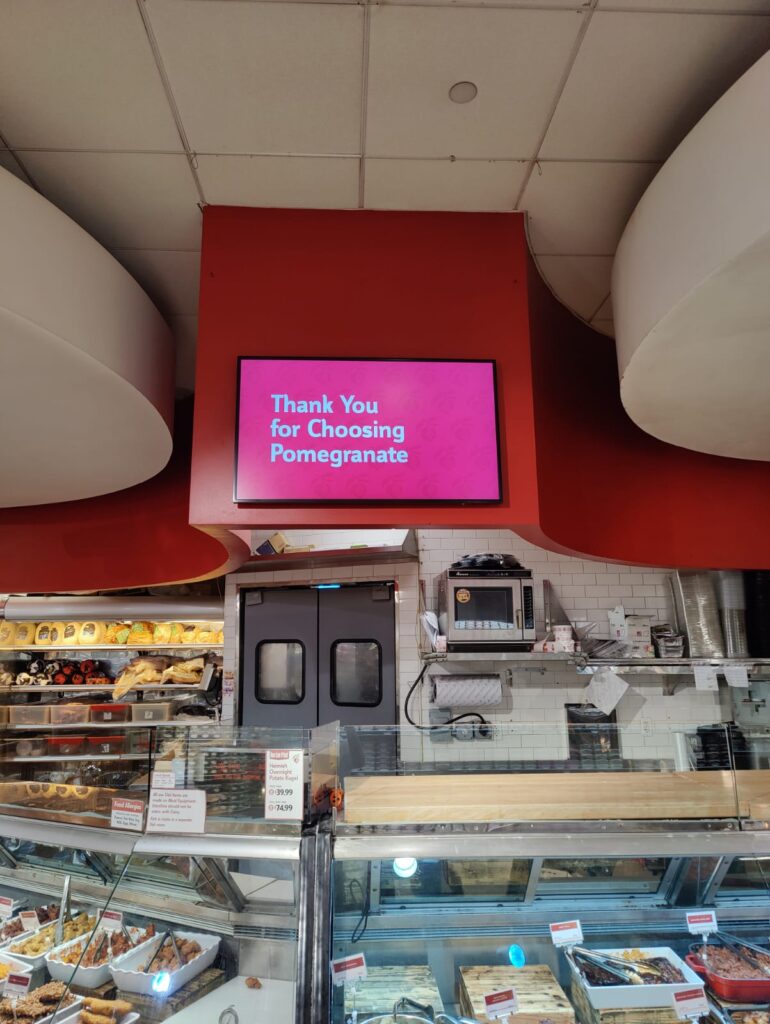
Example total project (restaurant menu board setup with 3 screens): $4,500–$6,000
That number usually includes the screens, mounts, pro installation, CMS setup, and basic support, so the store manager isn’t stuck acting as the IT department at 7 a.m. when a screen goes dark.
If you want a more step-by-step view of what happens before, during, and after an install, we laid it out here: our installation guide with cost and setup options.
Video Walls And Large-Format Displays
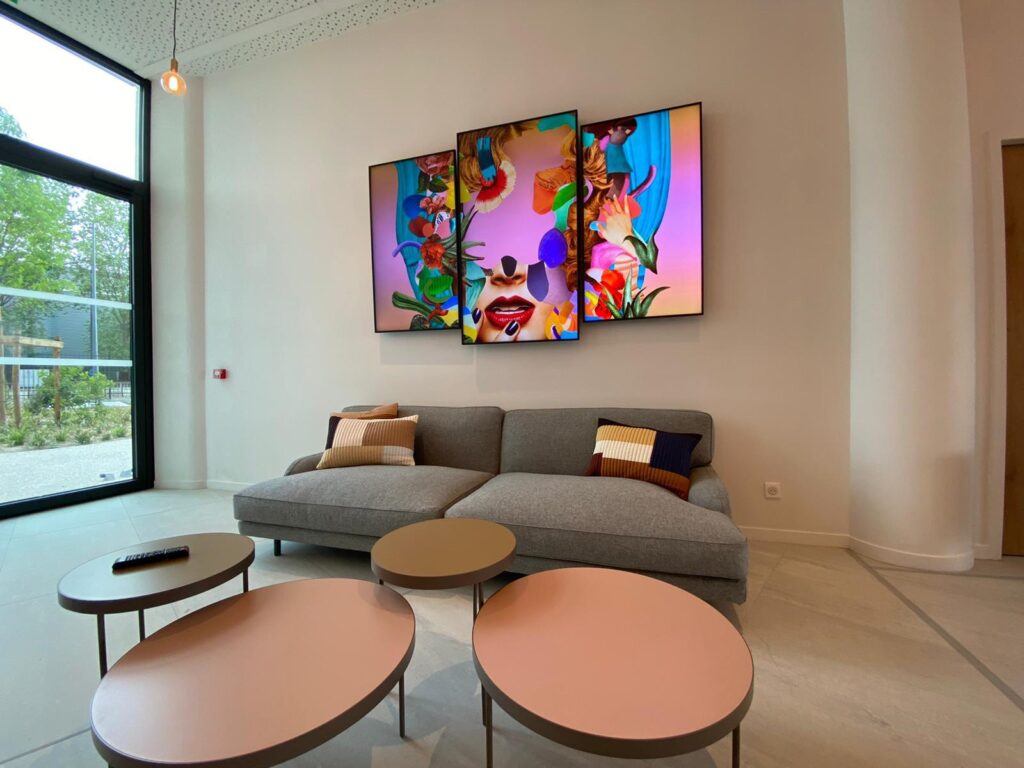
Video walls and large-format displays can be worth it when you need visual impact (flagship retail, corporate lobbies, experience centers). But the cost profile changes.
Typical install range:
- $1,000–$2,000+ per screen (industry-wide) depending on:
- calibration/alignment time
- mount system complexity
- content resolution requirements
- onsite testing and network stability
This is also where “cheap hardware” becomes expensive. Consumer TVs in a video wall tend to drift in brightness/color and fail faster under long duty cycles.
Outdoor Digital Signage And Drive-Thru Displays
Outdoor and drive-thru deployments typically require:
- weatherproofing/enclosures
- high-brightness panels
- dedicated electrical
- permits/inspections in many jurisdictions
Typical install range:
- $2,000+ per display for installation alone in many cases
- $3,000–$10,000 per display all-in is common once hardware + enclosures + trades are included
Even if you’re “just” doing a semi-outdoor storefront application, plan for more complexity than an indoor wall.
Interactive And Specialty Installs (Kiosks, Touch, Wayfinding)
Interactive is where projects go sideways if the scope isn’t crystal clear.
Potential adders:
- kiosk hardware and secure mounting
- ADA placement requirements
- additional power/data routing
- device management and remote support processes
Typical install range:
- $500–$2,000 depending on the specialty hardware and environment
The key is to define what “done” means: mounted, powered, connected, content live, and staff trained, at minimum.
Commercial Display Installation Price: Labor And Trade Breakdown
When someone asks for a commercial display installation price, we’ve found they’re usually trying to answer one question: “How much of my cost is actual labor versus hardware?”
Here’s how labor and trades typically break down.
Installer Labor And On-Site Time (Per Screen Vs. Per Day)
Industry labor often gets priced one of two ways:
- Per screen (common for standardized rollouts)
- Per day / per tech (common for complex builds or uncertain conditions)
Realistic ranges you’ll see in the wild:
- $100–$300 per screen for straightforward labor in some markets
- Or a broader “installed” range of $150–$2,000 per screen depending on complexity
For our typical indoor projects, we see the best outcomes when labor is scoped per screen with clear assumptions (mount type, wall type, cabling expectations, hours).
Our transparent ranges for installation labor (not including the display itself):
- Standard indoor install: $350–$650 per screen
- High-brightness/window install: $500–$1,000 per screen
Electrical Work, Permits, And Inspections
If power isn’t already where the display needs to live, or if you need to add outlets behind screens, then an electrician enters the picture.
Common cost realities:
- Electrical work can add $130–$500+ depending on the run length, wall access, and code requirements.
- Some jurisdictions require permits/inspections for certain types of work.
A lot of “surprise costs” aren’t really surprises, they’re just what happens when a quote assumes existing power and the site doesn’t have it.
Low-Voltage And Network Cabling (Ethernet, HDMI, Fiber)
Digital signage is only as reliable as the path between content and screen.
Typical cabling/material ranges can run $100–$500 per project for basics, but can climb when you need:
- longer cable runs
- conduit/raceway
- fiber for distance or interference
- drops to IDFs/MDFs in larger facilities
We typically recommend hardwiring (LAN) for mission-critical signage (menus, compliance messaging, high-visibility screens), and then using Wi‑Fi as a fallback only when the environment supports it.
Structural Support, Backing, And Safety Compliance
This is the part many DIY installs ignore until something goes wrong.
Potential requirements:
- backing added behind drywall
- correct anchors for concrete/brick
- weight distribution for ceiling/cable mounts
- safety cables where required
If you’re rolling out across locations, structural variance is common. One store has metal studs at odd spacing, another has tile over masonry, another has a landlord-approved mounting limitation.
This is also why “we’ll just hire a local handyman” can backfire: you need someone who treats mounting as a safety and liability task, not a “hang a TV” task.
If you’re comparing DIY vs pro installs specifically, we broke down the real-world tradeoffs here: DIY versus professional install costs and risks.
Equipment Costs That Often Get Bundled With Installation
Many “installation quotes” are confusing because they mix hardware, software, and labor, or they exclude the parts that make the system actually work.
We prefer to break equipment out clearly, then explain what’s bundled.
Commercial-Grade Displays Vs. Consumer TVs
Commercial displays cost more than consumer TVs for reasons that matter in business environments:
- higher duty cycles (often 16/7 or 24/7)
- better thermal design
- longer availability (important for standardization)
- support/warranty considerations
Here are real-world reference prices for Samsung commercial displays often used in business deployments:
Samsung QMC (indoor commercial displays):
- QM32C (32″): $650
- QM43C (43″): $675
- QM50C (50″): $999
- QM55C (55″): $1,049
- QM65C (65″): $1,499
- QM75B (75″): $2,499
- QM85C (85″): $3,999
- QM98T-B (98″): $10,388
Samsung OM (high-brightness window display):
- OM55B (55″): $2,500–$3,000
Those window displays cost more because they’re built for storefront visibility and higher brightness.
If you’re deciding where to source displays (and whether installation is included), we laid out the pros/cons here: where businesses buy commercial displays with installation included.
Mounts, Enclosures, Media Players, And Accessories
Mounting hardware is its own line item, and it’s often under-budgeted.
Realistic mount ranges:
- Wall mount: $200–$400
- Ceiling mount: $500–$800
- Floor/freestanding: $500–$1,000
- Cable/suspended mount: $500–$1,000
We can also supply custom back covers in various colors, which is one of those details that feels “optional” until you see how much cleaner a public-facing install looks when cables and backs are properly finished.
Depending on your layout, you may also need:
- media player (if the display isn’t running signage apps natively)
- surge protection
- in-wall rated cabling
- raceway or conduit
Connectivity And Control: Wi-Fi, LAN, Cellular, And Remote Monitoring
Connectivity affects both install time and ongoing reliability.
Typical options:
- LAN (recommended) for stable performance and consistent uptime
- Wi‑Fi where network coverage is strong and IT policies allow it
- Cellular for pop-ups or when you can’t touch the client network (often adds monthly recurring cost)
Remote monitoring is the difference between “we noticed it was off when a customer told us” and “we knew within minutes and fixed it.”
Content Management Software And Ongoing Licensing
Software is usually priced per screen, per month (or annually), and it’s where many vendors anchor their marketing.
Here’s the reality: software matters, but it’s not the bulk of your upfront deployment cost.
When you look at platforms that primarily sell software, like ScreenCloud or Pickcel, you can get started quickly, but you still need to:
- choose and source displays
- pick mounts that are safe for your environment
- find installers
- coordinate schedules across locations
- own the “who fixes it” problem when something breaks
With CrownTV, we bundle the pieces businesses usually end up stitching together: Samsung commercial display + professional installation + mounting hardware + CMS software + support. One vendor, one scope, one point of accountability.
For a deeper view of what a turnkey package includes (beyond just hanging screens), see what’s included in our installation package.
Multi-Location Rollouts: Budgeting For Consistency At Scale
Multi-location deployments don’t fail because the screens are expensive. They fail because consistency is hard: different walls, different landlords, different IT policies, different store hours, different people on site.
Budgeting for scale means planning for standardization and variation.
Site Surveys, Standardized Bill Of Materials, And Store Variations
If you want predictable rollout costs, you need a standardized BOM (bill of materials):
- same display families where possible
- consistent mount types
- standardized media player approach
- repeatable cable management plan
Then you plan for the “store variation tax”, the reality that 10–20% of locations will require something extra (backing, longer runs, unusual wall surfaces).
Scheduling, After-Hours Installs, And Minimizing Downtime
Restaurants and QSRs often require installs before open or after close. Retail may need overnight work in malls. Corporate sites may have security restrictions.
After-hours work can increase labor costs, but it’s often worth it to avoid:
- lost sales during install
- safety issues with ladders/tools during business hours
- disrupting customer experience
The practical approach: build after-hours requirements into the plan early rather than treating them as a last-minute scramble.
Nationwide Technician Coverage And Quality Control
This is where “box shippers” tend to leave customers hanging.
If a vendor ships you hardware and calls it a “solution” (Blue Square Digital is a common example of the ship-and-leave-it model), you’re still left coordinating:
- who mounts the screens
- who runs cables
- who tests playback
- who owns fixes if the install is sloppy
And if you source installers store-by-store, you’ll get inconsistent outcomes: different cable routing styles, different mount choices, and wildly different documentation.
We built CrownTV for the opposite scenario: one rollout plan, coordinated scheduling, licensed technicians, and consistent standards across locations.
Asset Tracking, Documentation, And Warranty Coordination
At 1–3 screens, documentation feels optional.
At 30–300 screens across regions, documentation is the only way to keep sanity:
- which model is installed where
- serial numbers and warranty dates
- mount type and placement notes
- network method (LAN/Wi‑Fi/cellular)
- photos of completed installs for verification
This is also where you start to see the real cost of piecemeal purchasing: when something fails, you don’t want to waste hours figuring out what was installed and who’s responsible.
If you’re weighing turnkey vs DIY at scale, we compared the rollout realities here: turnkey vs DIY for multi-location signage in 2025.
Hidden Costs To Watch For And How To Avoid Them
Most projects don’t go over budget because the vendor lied. They go over budget because the scope didn’t include the real-world blockers.
Here are the most common hidden costs we see, and how we recommend avoiding them.
Construction Surprises: Studs, Concrete, Glass, And Plenum Spaces
A “basic wall-mount” assumes:
- studs where you need them
- the wall can support the load
- you can route cables cleanly
Reality check:
- Concrete/brick requires different anchors, bits, and time.
- Tile over masonry can be slow and risky without the right approach.
- Glass storefronts often require specialty mounting and extra finishing.
- Plenum spaces may require plenum-rated cabling to meet code.
Avoidance strategy: do a quick site survey (even remote photo survey helps) and define wall types and cable paths before install day.
Network Readiness: Bandwidth, VLANs, And Security Requirements
IT can be the fastest “yes” or the slowest “no.” If you’re in healthcare, corporate, or franchising environments, expect security requirements.
Common network variables:
- VLAN requirements for signage devices
- MAC address whitelisting
- firewall rules for CMS communication
- Wi‑Fi captive portals that break unattended devices
Avoidance strategy: align IT requirements early and decide whether screens will use LAN, Wi‑Fi, or cellular.
Content Readiness: Templates, Menu Data, And Creative Production
A screen installed with no content plan is just an expensive black rectangle.
Hidden content costs can include:
- template design (especially for menus)
- data cleanup (pricing, nutrition, product naming)
- approvals across marketing/ops/franchisees
- photography/creative production
Avoidance strategy: decide who owns content and when it will be ready. For menu boards, start with a “good enough” template that can be updated quickly, then iterate.
Repairs, Reinstalls, And Refresh Cycles
This is where DIY often becomes expensive.
When you buy software-only (ScreenCloud, Pickcel) or a shipped hardware bundle with no installation, you still have to hire someone locally. If that installer:
- mounts poorly
- pinches cables
- doesn’t validate connectivity
- leaves no documentation
…then you pay again when a screen fails, the mount loosens, or the HDMI run becomes intermittent.
Avoidance strategy: treat installation quality as part of the product, not an afterthought. Paying for a professional install once is usually cheaper than paying for service calls forever.
And yes, sometimes the cheapest bid really is the most expensive bid. Just later.
How To Get An Accurate Quote And Compare Bids Fairly
If you want apples-to-apples comparisons, you need bids to be specific. Otherwise, one vendor looks “cheaper” simply because they left half the scope out.
What To Include In An RFP Or Scope Of Work
We recommend including:
- number of screens by location
- desired screen sizes (or viewing distances)
- placement notes (height, wall type if known)
- network preference (LAN/Wi‑Fi/cellular)
- install windows (after-hours, weekends, blackout dates)
- who provides content and when
Even a lightweight scope document forces clarity.
Questions To Ask About Licensing, Insurance, And Certifications
Ask directly:
- Are technicians licensed/insured for the work being performed?
- Who is responsible for damage to walls, power issues, or failed mounts?
- What happens if a screen is dead-on-arrival or fails in the first 30 days?
- Is support included, and what’s the response time?
This is where “random installer marketplace” setups can get messy, because accountability is fragmented.
Line Items To Require: Hardware, Labor, Cabling, And Project Management
To compare bids fairly, require line items for:
- displays (model numbers)
- mounts (type and cost)
- media players (if needed)
- installation labor (per screen, per site, after-hours adders)
- cabling/material allowances
- project management (especially for multi-location)
- software licensing and what’s included
When vendors say “request a quote,” it’s often because they don’t want you to see margins or compare line items. We’re fine being compared, because clarity is the point.
Acceptance Testing, Training, And Post-Install Support
Installation isn’t “done” when the last screw goes in.
We recommend requiring:
- power-on testing for every screen
- network connectivity validation
- CMS login/access verification
- basic content playback test
- photo documentation of each finished install
- staff handoff/training (even 15 minutes helps)
If you’re building your budget and want a broader view across years (not just install day), our 2025 guide can help frame total cost of ownership: digital signage costs in 2025.
Conclusion: Estimating Your Digital Signage Installation Cost With Confidence
A realistic digital signage installation cost estimate isn’t about guessing, it’s about pricing the actual variables: screen count, size, environment, mount type, and cabling/power readiness.
If you want quick planning numbers for common deployments:
- Single retail screen (all-in): $1,800–$2,200
- 3-screen restaurant menu board setup (all-in): $4,500–$6,000
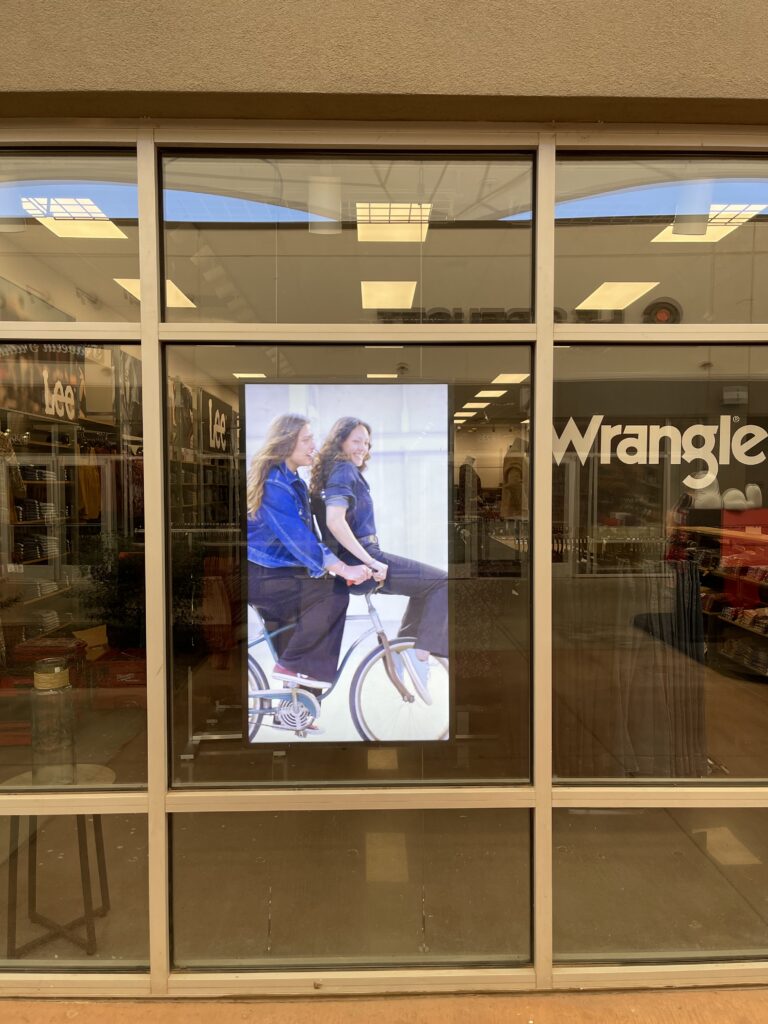
- Storefront window display with Samsung OM55B (all-in): ~$3,500–$5,000
And if you’re comparing vendors, here’s the simplest way to sanity-check the offers: if a provider only sells software, or only ships boxes, your “quote” is missing the hardest part, professional installation and accountability when something breaks.
With CrownTV, we keep it straightforward: we include the Samsung commercial display, mounting hardware, professional installation, cloud CMS software, and ongoing support, one price, one vendor, one team responsible for the outcome.
