

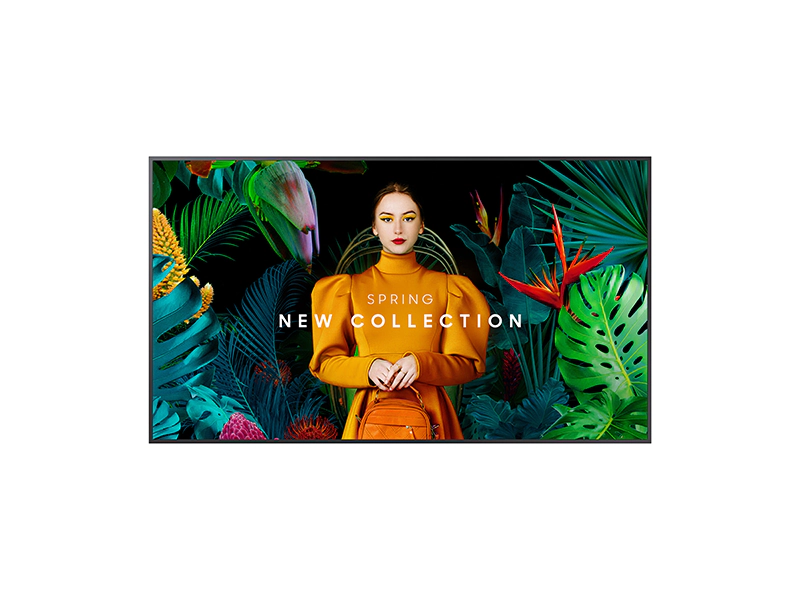
👉 Need A Samsung QM50C?
🚚 Fast Shipping. Competitive Pricing. All Inquiries Answered Within 1 Business Hour
We Supply Commercial-Grade Digital Displays And Can Handle Everything — Screen Sourcing, Mounting, And Professional Installation
👉 Buy Now – Samsung QM50C
When we evaluate a commercial display like the Samsung QM50C, we’re not just looking at picture quality. We’re thinking about uptime, integration with existing AV systems, content management, and how the screen will actually function in a retail aisle, conference room, or menu board installation.
In this guide, we break down the Samsung QM50C as a 50-inch 4K commercial signage display designed for 24/7 use. We’ll cover the real-world implications of its 500-nit brightness, ultra-slim chassis, Tizen 7.0 platform, and connectivity options, and we’ll be honest about where it fits, and where it doesn’t, in a professional deployment.
commercial display: Key Facts And Specifications At A Glance
The Samsung QM50C sits in Samsung’s QMC line of slim UHD signage displays. Here are the core specs that matter for most commercial projects:
| Category | Detail |
|---|---|
| Screen size | 50″ class (48.5″ viewable) |
| Resolution | 3840 x 2160 (UHD 4K) |
| Panel type | VA/IPS class, 178° viewing angle |
| Brightness | 500 nits (typical) |
| Contrast ratio | 4000:1 (native) |
| Color | ~72% NTSC, 1B colors, Dynamic Crystal Color |
| Response time | 8 ms (typical) |
| Operating hours | 24/7 rated |
| Orientation | Landscape and portrait |
| Depth | ~28.5 mm (about 1.1″) |
| Bezel | Uniform, ~11.5 mm |
| Processor | Quantum Processor Lite 4K (upscaling) |
| OS | Tizen 7.0, 16 GB storage (≈10 GB usable) |
| Connectivity | 3x HDMI 2.0, 1x DisplayPort 1.2, 2x USB, Wi‑Fi, LAN, IR in, audio out |
| Content/management | MagicInfo S10 support, SmartView+ wireless sharing |
| Power | ~132 W typical consumption |
From these specs, the Samsung QM50C is clearly positioned as an indoor 4K signage workhorse: reasonably bright, slim, and designed for continuous operation rather than home-theater style viewing.
Evaluation Criteria And Testing Method
Because we don’t have independent lab measurements for the Samsung QM50C (no measured nits or contrast beyond manufacturer data), we base our assessment on:
- Manufacturer specifications and technical documentation.
- Positioning within Samsung’s own lineup, especially vs. other QMC and earlier QM-series models.
- Common requirements we see in retail, QSR, hospitality, education, and corporate deployments.
- Typical behavior of similar 500-nit commercial panels in real projects.
We evaluate the QM50C through the lens of:
- Image performance – readability in bright spaces, color uniformity, 4K clarity, and upscaling quality.
- Mechanical design – depth, bezel, mounting, orientation, and how easy it is to deploy in tight or visible locations.
- Smart platform and management – how Tizen 7.0, MagicInfo, and wireless features support content workflows.
- Connectivity and control – how easily we can integrate it with existing AV infrastructure and room control systems.
- Reliability and TCO – 24/7 suitability, power consumption, and long-term operational implications.
We’re not simply restating the spec sheet: we’re translating those specs into what they mean for an actual installation.
Design, Build Quality, And Installation Flexibility
Ultra‑Slim Chassis
At about 28.5 mm deep, the Samsung QM50C is one of the slimmest UHD commercial displays in Samsung’s range. In practice, that matters for:
- Tight corridors and aisles where every centimeter counts.
- Architectural integrations where the display must sit close to the wall for a clean, built‑in look.
- Front-of-house locations (lobbies, reception, premium retail) where visible bulk can be a distraction.
The panel’s slimness, combined with uniform ≈11.5 mm bezels, gives the screen a tidy, almost tablet-like profile on the wall.
Mounting and Orientation
The QM50C supports both landscape and portrait installation, and the VESA mount is centered, which simplifies bracket selection and alignment. For integrators, that means:
- Easier multi-display grids where all screens line up cleanly.
- Less trial-and-error when adjusting for portrait digital signage or menu boards.
- More predictable weight distribution on wall structures.
Build Quality
While we don’t have teardown data, Samsung’s commercial lines generally use sturdier chassis designs than consumer TVs. On the QM50C, the overall construction feels geared toward:
- 24/7 duty cycles in public areas.
- Frequent on/off and content changes without flex or wobble.
- Service access to ports and controls without needing to remove the display from the wall in most standard mounts.
For most commercial buyers, the key takeaway is that the Samsung QM50C is mechanically well-suited to both single-display and tiled signage installs where the profile and alignment matter.

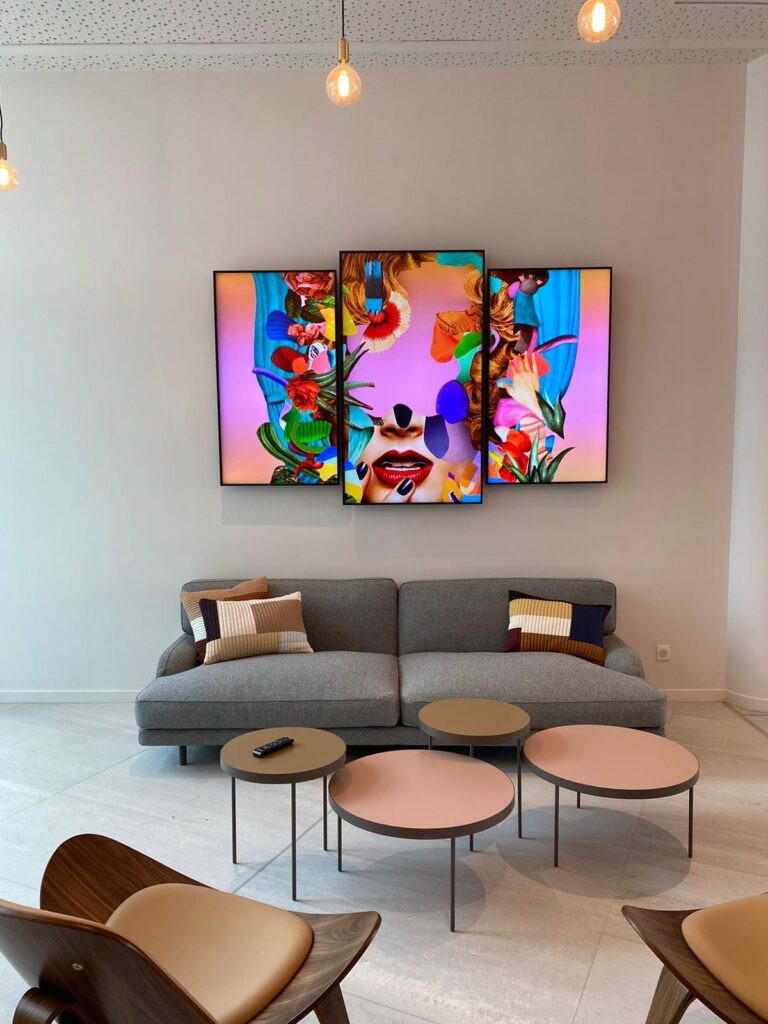
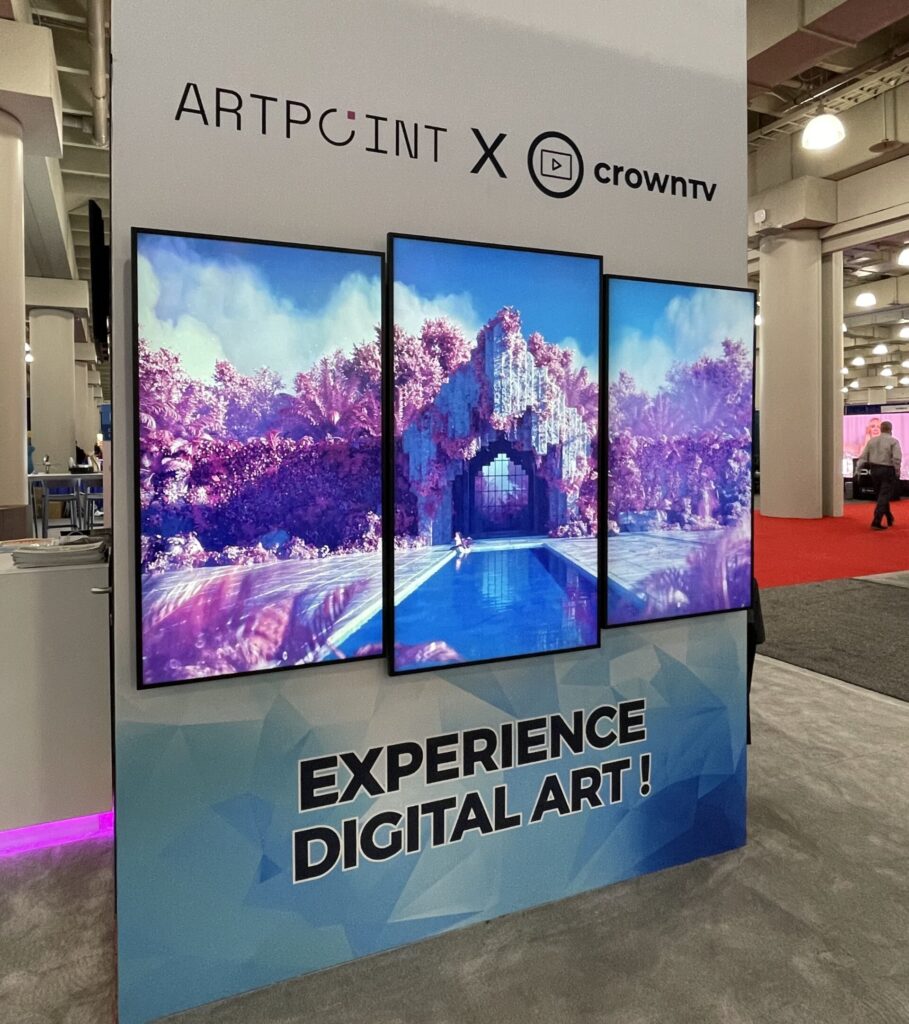
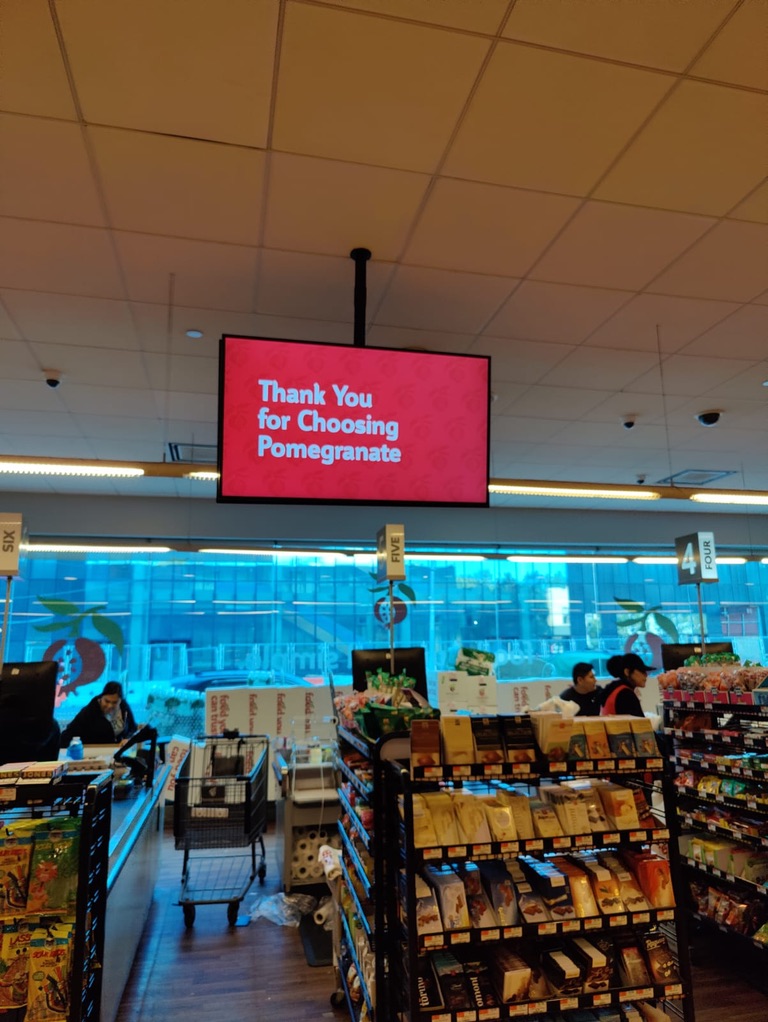

Display Performance: Brightness, Color, And Readability
Brightness and Ambient Light
At 500 nits, the Samsung QM50C lands in what we’d call the upper-mid brightness tier for indoor commercial displays. That level typically works well for:
- Retail floors with standard overhead lighting.
- Office environments and meeting rooms.
- Indoor QSR spaces where screens aren’t in direct sunlight.
It’s not designed as a high-bright, semi-outdoor or storefront-facing window display. If your installation involves direct sun or intense daylight, 500 nits may not be sufficient for perfect legibility at all times.
Contrast and Color
A specified 4000:1 contrast ratio, combined with a VA/IPS-class panel and Samsung’s Dynamic Crystal Color, should deliver solid perceived contrast in typical indoor environments. Colors will look more saturated and lifelike than on entry-level signage displays, especially when driving 4K content.
The rated 72% NTSC color gamut isn’t in “broadcast reference monitor” territory, but it’s more than adequate for:
- Retail promotions and brand visuals.
- Menu boards and infotainment.
- Corporate dashboards and presentations.
4K Resolution and Upscaling
With a native resolution of 3840 x 2160, the Samsung QM50C offers enough pixel density at 50 inches that text, icons, and fine details look crisp at typical viewing distances.
The Quantum Processor Lite 4K is important if your content pipeline still includes Full HD or lower-resolution assets. It upscales to 4K, improving sharpness and reducing the blocky look of legacy content. It doesn’t magically fix poor-quality feeds, but it does help non‑4K sources look more refined.
Anti‑Glare and Viewing Angles
Samsung quotes a 25% haze level, which indicates an anti‑glare coating aimed at cutting reflections while maintaining reasonable clarity. Combined with 178° viewing angles, we can expect:
- Good readability from off-center positions (aisles, side seating, standing areas).
- Reduced mirror-like reflections from overhead lighting, though glossy content will still show some glare under direct sources.
In practice, the Samsung QM50C should deliver comfortable readability for text-heavy layouts, dashboards, pricing, schedules, across a typical office or retail footprint.
👉 Need A Samsung QM50C?
🚚 Fast Shipping. Competitive Pricing. All Inquiries Answered Within 1 Business Hour
We Supply Commercial-Grade Digital Displays And Can Handle Everything — Screen Sourcing, Mounting, And Professional Installation
👉 Buy Now – Samsung QM50C
Smart Features, OS, And Content Management
Tizen 7.0 Platform
The Samsung QM50C runs Tizen 7.0, Samsung’s current-generation smart signage OS, with 16 GB of internal storage (about 10 GB usable). For commercial deployments, that means:
- On‑device playback of locally stored videos, images, and playlists.
- No strict dependency on external media players for standard signage use.
- A modern UI that’s consistent with other recent Samsung pro displays.
MagicInfo S10 Compatibility
The display supports MagicInfo S10, Samsung’s content and device management ecosystem. In a networked deployment, this enables:
- Centralized scheduling and playback for multiple QM50C units.
- Remote monitoring (online/offline state, basic health info).
- Template-based content creation for simple playlists and campaigns.
For organizations already invested in Samsung digital signage, this is a major advantage: the QM50C slots right into existing MagicInfo workflows.
SmartView+ Wireless Sharing
SmartView+ allows wireless screen sharing, which is especially useful in meeting rooms and collaboration spaces. Typical real-world uses include:
- Presenters wirelessly casting from laptops or mobile devices.
- Quickly sharing content without passing HDMI cables around the table.
While dedicated wireless presentation systems may still offer more advanced control, SmartView+ is often enough for small to mid-sized rooms that need ad‑hoc sharing.
Content Workflows
Between Tizen, onboard storage, and MagicInfo, the Samsung QM50C supports several deployment patterns:
- Standalone signage – content sideloaded by USB and scheduled locally.
- Networked signage – centrally managed via MagicInfo.
- Hybrid meeting spaces – HDMI inputs for room PCs plus wireless casting via SmartView+.
The benefit for us as integrators or IT managers is fewer external boxes, fewer points of failure, and simpler cable runs.
Connectivity, Control, And Integration In Pro AV Setups
Physical Ports
The Samsung QM50C is equipped with:
- 3 x HDMI 2.0 – primary inputs for media players, PCs, matrix switchers.
- 1 x DisplayPort 1.2 – useful in daisy-chaining or PC‑centric setups.
- 2 x USB – for media playback and firmware updates.
- RJ45 LAN – for network management and MagicInfo.
- Wi‑Fi – for wireless networking and SmartView+.
- IR in / audio out – for external control systems and audio routing.
For most single or multi-display projects, this mix is more than sufficient and avoids the need for signal converters in many cases.
Control and Monitoring
With both LAN and IR in, the QM50C can be integrated into:
- Room control systems (Crestron, Extron, AMX, etc.) using IP or IR.
- AV over IP infrastructures where network connectivity is standard.
- Central monitoring dashboards for larger signage networks.
While detailed protocol support will depend on Samsung’s control documentation, the hardware foundation is there for robust integration.
Integration Considerations
From an AV design perspective, we’d highlight:
- Multiple HDMI inputs make it easy to pair the Samsung QM50C with redundant players or separate sources (e.g., signage player, room PC, video conferencing codec).
- DisplayPort offers flexibility when the main source is a PC workstation or graphics card.
- Network connectivity is crucial if you’re planning remote updates or tying into MagicInfo.
Overall, the QM50C behaves like a modern pro display should: it fits neatly into both traditional HDMI-based systems and more networked, software-driven AV environments.
Reliability, Power Consumption, And TCO (Total Cost Of Ownership)
24/7 Operation
The Samsung QM50C is rated for 24/7 operation, which is essential for:
- Retail environments that run open-to-close and beyond.
- Transportation, hospitality, and corporate lobbies where screens stay on continuously.
- Networks where turning displays off nightly isn’t practical or desired.
While we don’t have multi-year field failure statistics specific to this model, Samsung’s reputation in commercial displays and the QMC line’s positioning both suggest that the QM50C is built for sustained operation rather than occasional home use.
Power Consumption
Typical consumption is quoted around 132 W. For TCO purposes, that means:
- It’s not the lowest-draw display on the market, but it’s reasonable for a 50-inch 4K panel at 500 nits.
- In a large network, power adds up, but the Samsung QM50C should still sit comfortably within normal energy budgets for indoor signage.
Organizations that are extremely power-sensitive may still want to compare spec sheets or test in situ, but for most buyers this consumption level isn’t a blocker.
Maintenance and Lifecycle
Because of the integrated Tizen platform and MagicInfo support, there’s no mandatory external player. Over time, that can reduce:
- Points of failure.
- Mounting complexity (no player shelves or extra cabling).
- Truck rolls just to reseat or reboot third-party media players.
From a lifecycle perspective, the Samsung QM50C offers a balanced combination of uptime, integrated intelligence, and manageable energy use that supports a predictable TCO profile.
Pros And Cons For Commercial Use
Here’s how we’d summarize the Samsung QM50C for most commercial environments.
Advantages
- Very slim depth (≈28.5 mm) – ideal where aesthetics and space are priorities.
- True 4K resolution with Quantum Processor Lite 4K – sharp signage and cleaner-looking upscaled content.
- 500‑nit brightness – well-suited to typical indoor retail and office lighting.
- 24/7 operation rating – suitable for continuous-duty signage.
- Landscape and portrait support – works for menu boards, wayfinding, and vertical brand content.
- Tizen 7.0 with MagicInfo compatibility – integrated content platform, reduces reliance on external players.
- SmartView+ wireless sharing – handy in mixed-use spaces and meeting rooms.
Limitations
- Brightness is moderate, not extreme – not ideal for direct-sun or semi-outdoor use.
- Color gamut (72% NTSC) – more than adequate for signage, but not targeted at color-critical production.
- No dedicated high-bright or outdoor-specific protections – strictly an indoor display.
If your use case aligns with indoor, always-on signage where slim design and Samsung’s ecosystem matter, these trade-offs are usually acceptable.
Comparison With Key Alternatives
The Samsung QM50C competes with other 50-inch, 4K, 24/7-rated commercial displays from brands like LG and Philips, as well as with Samsung’s own models.
Below is a simplified comparison based on typical competing specs (representative, not model-specific):
| Feature | Samsung QM50C | Typical 50″ 4K Signage Competitor |
|---|---|---|
| Resolution | 4K (3840×2160) | 4K (3840×2160) |
| Brightness | 500 nits | 400–500 nits |
| Depth | ~28.5 mm (very slim) | Often 45–60 mm |
| Operating hours | 24/7 | 16/7 or 24/7 depending on model |
| Smart platform | Tizen 7.0 | webOS / Android / proprietary |
| Content management | MagicInfo S10 support | Vendor-specific CMS |
| Wireless sharing | SmartView+ | Varies, often optional |
From this, a few patterns emerge:
- The ultra-slim profile is a differentiator: many competing models are noticeably thicker.
- Brightness is on par with other indoor-focused 4K signage displays.
- The Samsung ecosystem (Tizen + MagicInfo) is the main strategic difference versus LG’s webOS or Android-based platforms.
Inside Samsung’s portfolio, the QM50C tends to sit as a slim UHD signage option rather than a high-bright or specialty display. If you prioritize extreme brightness or outdoor certification, you’d look at different Samsung series entirely.
Best Use Cases And Fit For Different Buyers
👉 Need A Samsung QM50C?
🚚 Fast Shipping. Competitive Pricing. All Inquiries Answered Within 1 Business Hour
We Supply Commercial-Grade Digital Displays And Can Handle Everything — Screen Sourcing, Mounting, And Professional Installation
👉 Buy Now – Samsung QM50C
Retail and QSR
For retailers and quick-service restaurants, the Samsung QM50C works well as:
- Menu boards in portrait or landscape.
- Promotional screens near product displays.
- Digital posters in store entrances and main aisles (as long as sunlight is controlled).
The combination of 4K resolution, slim chassis, and 24/7 rating matches what most of these environments need.
Corporate and Education
In offices, campuses, and public buildings, the Samsung QM50C is a solid fit for:
- Lobby and reception signage showing welcome messages and announcements.
- Meeting room displays where 4K clarity helps with spreadsheets, presentations, and dashboards.
- Hallway and wayfinding screens thanks to its portrait capability and slim profile.
SmartView+ can reduce friction for impromptu presentations, especially in smaller meeting spaces.
Hospitality and Healthcare
Hotels, conference centers, and healthcare facilities can use the QM50C for:
- Digital directories and floor maps.
- Event schedules and conference signage.
- Patient or visitor information boards where uptime and legibility matter.
Again, the key is that these are indoor applications with controlled lighting.
Who Should Probably Look Elsewhere
You may want to consider other models if:
- Your screens will be placed in window fronts facing strong daylight.
- You need outdoor-rated or semi-outdoor displays.
- You have strict color-critical requirements (broadcast, grading, or specialized medical imaging).
In those cases, higher-brightness or specialized monitors will be a better technical match than the Samsung QM50C.
Verdict: Should You Choose The Samsung QM50C?
For an indoor, always-on 50-inch signage display, the Samsung QM50C is a strong, well-balanced option. It combines:
- A very slim form factor that looks clean in public-facing areas.
- 4K resolution with competent upscaling for mixed content sources.
- 500‑nit brightness that suits most indoor environments.
- A 24/7 duty rating and integrated Tizen 7.0 + MagicInfo stack.
We’d be comfortable specifying the Samsung QM50C for retail, corporate, education, and hospitality projects where:
- The display will be indoors, not sun-exposed.
- There’s value in Samsung’s signage ecosystem and centralized management.
- Design aesthetics and wall depth are important.
If your priority is extreme brightness or outdoor visibility, this isn’t the right tool. But if you’re after a slim, reliable, 50‑inch 4K commercial display that plays nicely with modern AV and IT workflows, the Samsung QM50C deserves a close look in your short list.
👉 Need A Samsung QM50C?
🚚 Fast Shipping. Competitive Pricing. All Inquiries Answered Within 1 Business Hour
We Supply Commercial-Grade Digital Displays And Can Handle Everything — Screen Sourcing, Mounting, And Professional Installation
👉 Buy Now – Samsung QM50C
Samsung QM50C – Frequently Asked Questions
What is the Samsung QM50C and what is it best used for?
The Samsung QM50C is a 50-inch 4K UHD commercial signage display rated for 24/7 operation. With 500 nits brightness, a very slim chassis, and Tizen 7.0 with MagicInfo support, it’s best suited for indoor digital signage in retail, corporate, education, hospitality, and menu board applications.
Is the Samsung QM50C bright enough for storefront windows or sunlit areas?
With a typical brightness of 500 nits, the Samsung QM50C works well in standard indoor environments such as retail floors, offices, and QSR dining areas. It is not designed as a high‑brightness or semi‑outdoor screen, so it may struggle with direct sunlight or very bright window-front placements.
Can I use the Samsung QM50C as a regular TV or home theater display?
Technically you can connect consumer devices via HDMI, but the Samsung QM50C is optimized for commercial signage rather than home entertainment. Its feature set, 24/7 rating, and Tizen-based signage workflows are geared toward business use, not TV tuners, built‑in streaming apps, or living-room audio experiences.
How do you manage content and playlists on the Samsung QM50C?
Content can be managed directly through the Tizen 7.0 platform using internal storage for local playback, or centrally via Samsung’s MagicInfo S10 system over the network. You can schedule playlists, monitor display status, and push updates remotely, or sideload media from USB for standalone, offline operation.
Does the Samsung QM50C support wireless screen sharing for meetings?
Yes. The QM50C includes SmartView+ wireless sharing, allowing users to cast content from laptops or mobile devices over Wi‑Fi. This is especially useful in meeting rooms and collaboration spaces that need quick, cable-free presentations without investing in a separate wireless presentation system for basic sharing needs.
What mounting and orientation options are available for the Samsung QM50C?
The Samsung QM50C uses a centered VESA mount pattern and supports both landscape and portrait orientations. Its ultra-slim depth of about 28.5 mm and uniform bezels make it ideal for wall mounting, menu boards, tiled video walls, and tight architectural integrations where alignment and minimal protrusion are important.
If you’re comparing different Samsung commercial display options, you may also find these guides useful:
Samsung OH55A-S
Samsung QM85C
Samsung QM43C
Samsung QM75C
Samsung QM50C
Samsung QM65C
Samsung QM55C
Samsung OM55B
Samsung OM75A,
Samsung The Wall All-in-One 146″
