

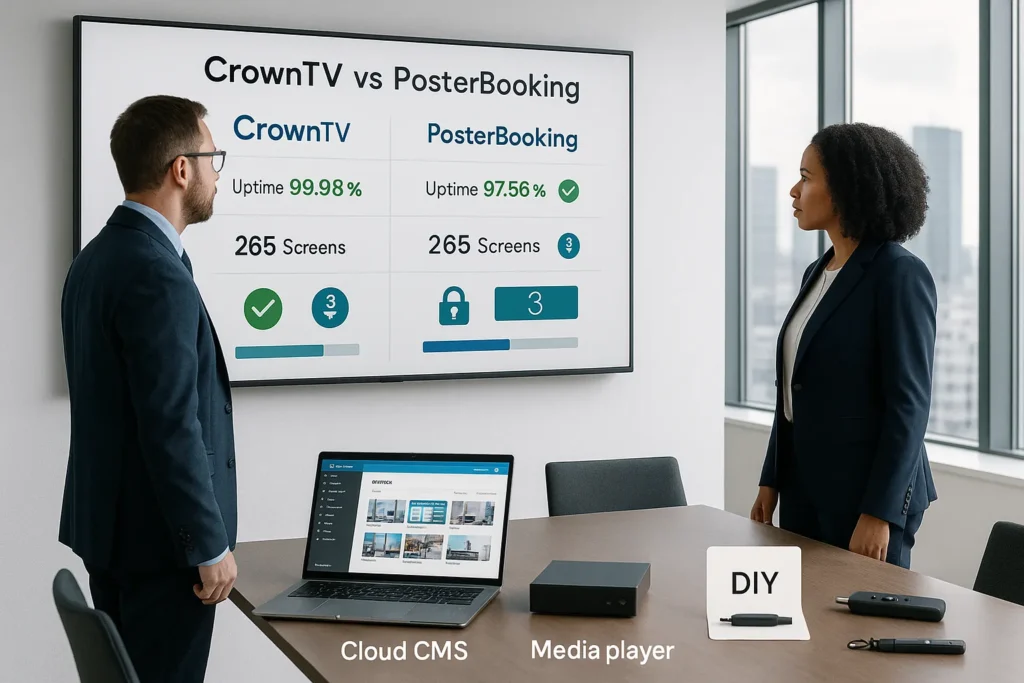
Digital signage is one of those tools that looks simple, until it isn’t. A screen goes black during lunch rush. A playlist won’t update across 20 locations. Someone plugs in a “quick fix” device and suddenly you’re fielding security questions from IT.
That’s the real gap between a free/low-cost DIY platform and an enterprise-grade, turnkey provider. In this CrownTV vs PosterBooking comparison, we’re going to look at what each solution does well, where each one can feel limiting, and how to decide based on uptime expectations, scale, security, and the true cost of keeping screens running.
We’ll stay fair: PosterBooking is genuinely attractive for getting started fast and cheap. But if your screens are business-critical, menus, compliance messaging, patient/guest communication, brand experiences, CrownTV is built to behave like infrastructure, not a side project.
Key Takeaways
- In the CrownTV vs PosterBooking debate, the real differentiator is whether you need “business-critical” uptime or you can tolerate occasional DIY troubleshooting.
- CrownTV is a turnkey digital signage provider (hardware, software, support, and optional installation) built to run like infrastructure across multi-location deployments.
- PosterBooking is a budget-friendly digital signage CMS with a strong free tier and simple setup on devices like Fire TV Stick, making it ideal for pilots and small fleets.
- If your content is complex (dayparting menus, multi-zone layouts, frequent updates, approvals, and brand standards), CrownTV’s enterprise CMS and governance tools reduce errors and operational drag.
- Consumer hardware can lower upfront cost, but it can increase downtime risk and “truck rolls,” so compare total cost of ownership—not just price per screen—when choosing between CrownTV vs PosterBooking.
- Choose PosterBooking when cost and speed matter most, and choose CrownTV when security, scalability, and dependable support matter most.
CrownTV vs PosterBooking: Quick Overview
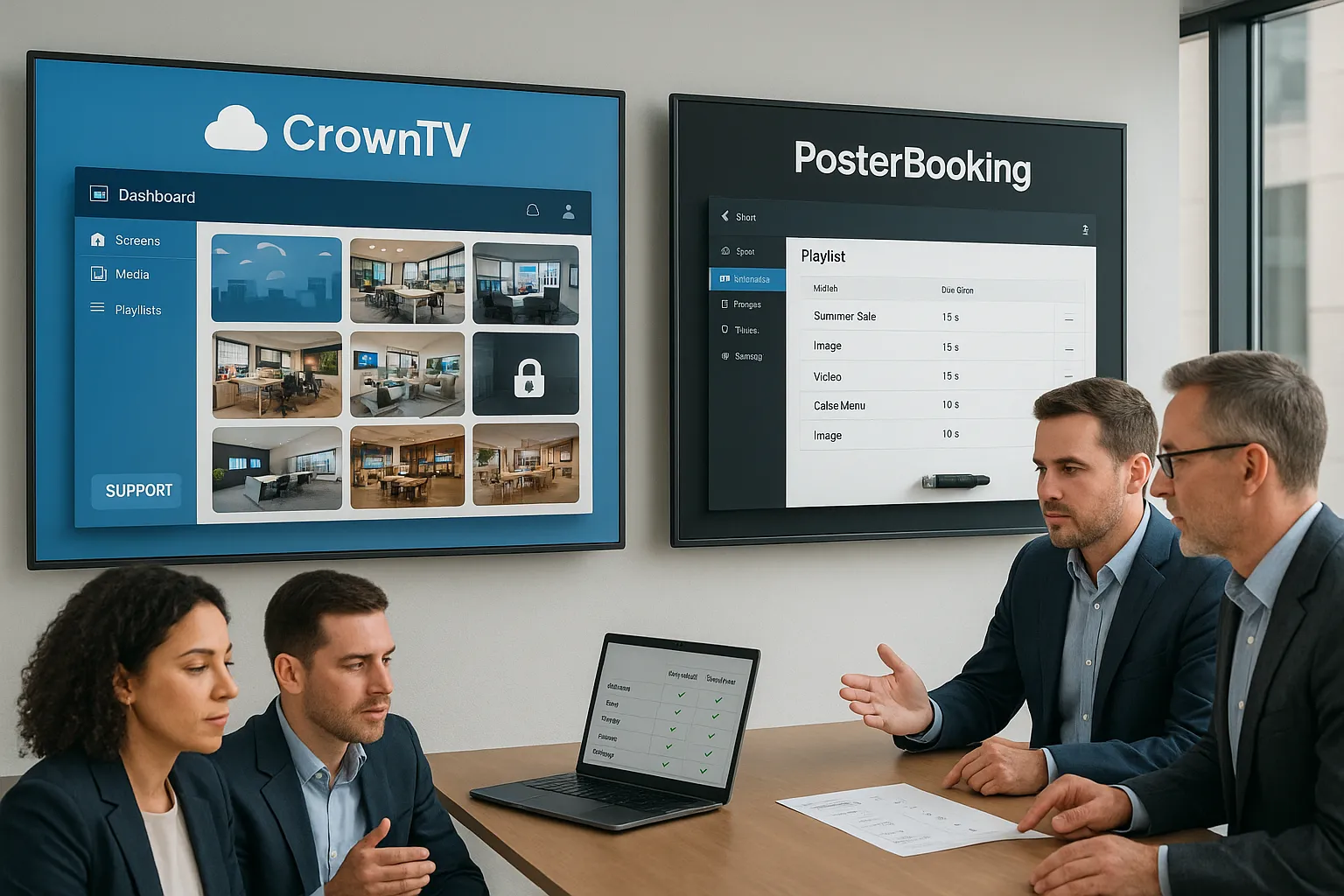
If we had to sum up this digital signage software comparison in one line:
- CrownTV is a premium, enterprise-ready, turnkey digital signage solution designed for reliability, multi-location scale, and hands-on support.
- PosterBooking is a free/low-cost digital signage CMS best suited to simpler deployments, smaller budgets, and teams comfortable managing their own consumer hardware.
What each platform is trying to be
CrownTV (via crowntv-us.com) is positioned as an end-to-end provider: hardware (dedicated media players), cloud dashboard, content tools, and white-glove service, plus the ability to handle commercial display sourcing and nationwide installation through licensed technicians. It’s the “we’ll own the outcome” approach.
PosterBooking is more of a lightweight SaaS model. The headline value is hard to ignore: it offers a free tier (commonly cited as up to 10 screens) and it runs on inexpensive devices like an Amazon Fire TV Stick. For many small businesses, that’s a compelling on-ramp.
Snapshot comparison (high level)
- Reliability & uptime expectations: CrownTV is built for businesses where downtime costs money: PosterBooking can be perfectly fine, but reliability is more dependent on the consumer device you choose.
- Management at scale: CrownTV is designed for multi-location operations and standardized rollouts: PosterBooking is generally more comfortable for small fleets.
- Security & governance: CrownTV emphasizes enterprise security and controlled access: PosterBooking can work, but usually with fewer enterprise controls and more DIY responsibility.
- Support model: CrownTV leads with dedicated support and operational accountability: PosterBooking is more self-serve, especially on the free plan.
For readers comparing software-only options too, it can help to see how CrownTV stacks up across the category, for example in this CrownTV vs ScreenCloud turnkey comparison, where the difference between “platform” and “provider” becomes clearer in day-to-day operations.
Quick comparison table
| Category | CrownTV | PosterBooking |
|---|---|---|
| Best for | Multi-location retail, corporate, hospitality, healthcare, restaurants, where signage is business-critical | Budget-first pilots, small fleets, simple playlists |
| Typical model | Turnkey solution (hardware + cloud software + support: can include displays & installation) | Software-first CMS, typically DIY hardware |
| Hardware approach | Dedicated media players (commercial-focused) + broad compatibility options | Amazon Fire TV Stick and other consumer devices |
| Content & integrations | 200+ apps/integrations: advanced CMS tools | Core scheduling + content uploads: fewer deep integrations |
| Scale | Built for standardized rollouts and large deployments | Works best for smaller deployments |
| Support | White-glove, dedicated customer support | More limited on free tier: stronger support on paid plans |
| Security posture | Enterprise-grade security and governance focus | Varies: more dependent on how you deploy/manage devices |
| Cost to start | Higher upfront/ongoing than free tools, but designed to reduce operational burden | Very low cost: strong free tier |
Software Features and Content Management
Most teams don’t lose time because they can’t upload an image. They lose time because content has to be changed often, across many screens, by different people, without mistakes.
That’s where content management separates “it works” from “it scales.”
CrownTV: professional-grade CMS built for operations
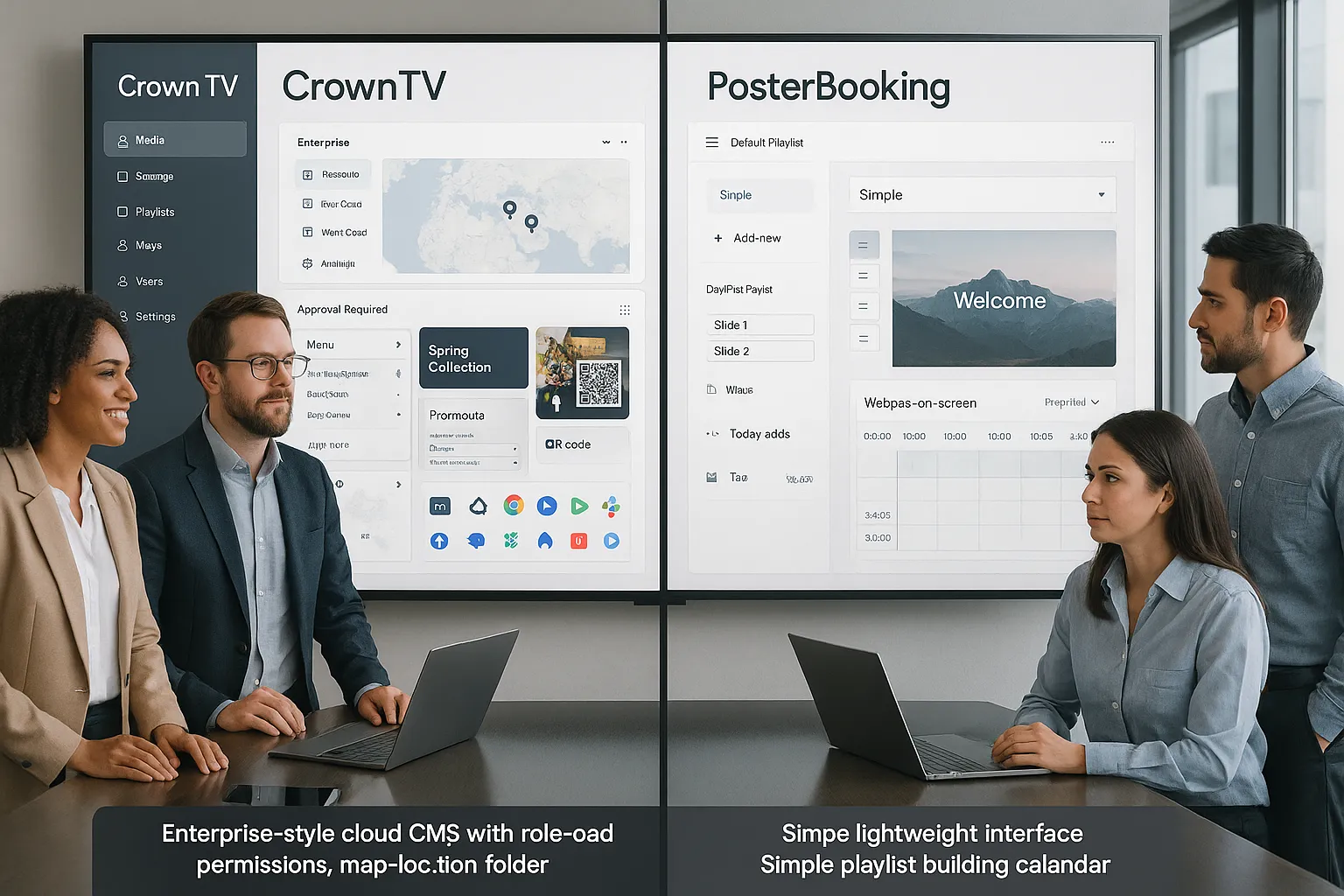
CrownTV’s cloud dashboard is designed to help non-technical teams publish quickly while giving IT and operations the control they need. The big differentiators tend to show up after the first few weeks, when you’re juggling schedules, approvals, brand standards, and last-minute updates.
Key strengths we see with CrownTV:
- 200+ apps and integrations to pull in content sources like social feeds, weather, business dashboards, and more (useful when signage needs to be “alive,” not static).
- Multi-zone layouts (split screens) so you can run a menu board, a promo tile, and a QR code panel at the same time without rebuilding content from scratch.
- Role-based workflows and multi-location organization that feel built for real companies (not just a single-store owner doing everything).
- Offline playback / resilience so screens can keep running through network hiccups instead of turning into blank TVs.
If you’re evaluating options in the same “software-only” category, this comparison, CrownTV vs OptiSigns for turnkey vs software-only, is a helpful reference point because it highlights how operational ownership changes when the vendor is accountable for the full solution.
PosterBooking: clean basics with a lightweight learning curve
PosterBooking’s CMS is popular for a reason: it’s straightforward. You can upload images and videos, build playlists, and schedule content with dayparting/recurring schedules. For many small deployments, that’s 80% of what matters.
PosterBooking strengths:
- Fast content publishing with a simple web dashboard
- Scheduling tools that cover most common scenarios (hours, days, promos)
- Website display (show a webpage on screen) which can be useful for dashboards or live content
Where it may feel limiting for business-critical signage:
- Fewer advanced governance features (at least compared to enterprise-first platforms)
- Integrations aren’t the main story, so if you need deep data-driven signage (POS-driven promos, automated KPI boards, etc.), you may end up doing more manual work or building workarounds
- Operational overhead increases with screen count, especially if different locations need different rules
Our practical take: “content complexity” is the deciding factor
If your signage is mostly:
- one playlist per screen,
- occasional updates,
- limited user access,
…PosterBooking can be a solid fit.
If your signage is:
- multi-location,
- dayparted digital menus,
- brand-controlled templates,
- frequent updates, and
- tied to real operational outcomes,
…CrownTV’s CMS (and service model) tends to pay for itself by reducing the human effort and risk behind every update.
One small credibility note: when teams start asking for custom widgets or integrations, we often see the conversation drift toward developer resources and internal tooling. For general technical problem-solving around web views, device behavior, and scripting, many engineers reference Stack Overflow as a starting point, which is a good reminder that DIY signage often shifts hidden work onto your team.
Hardware and Media Player Comparison
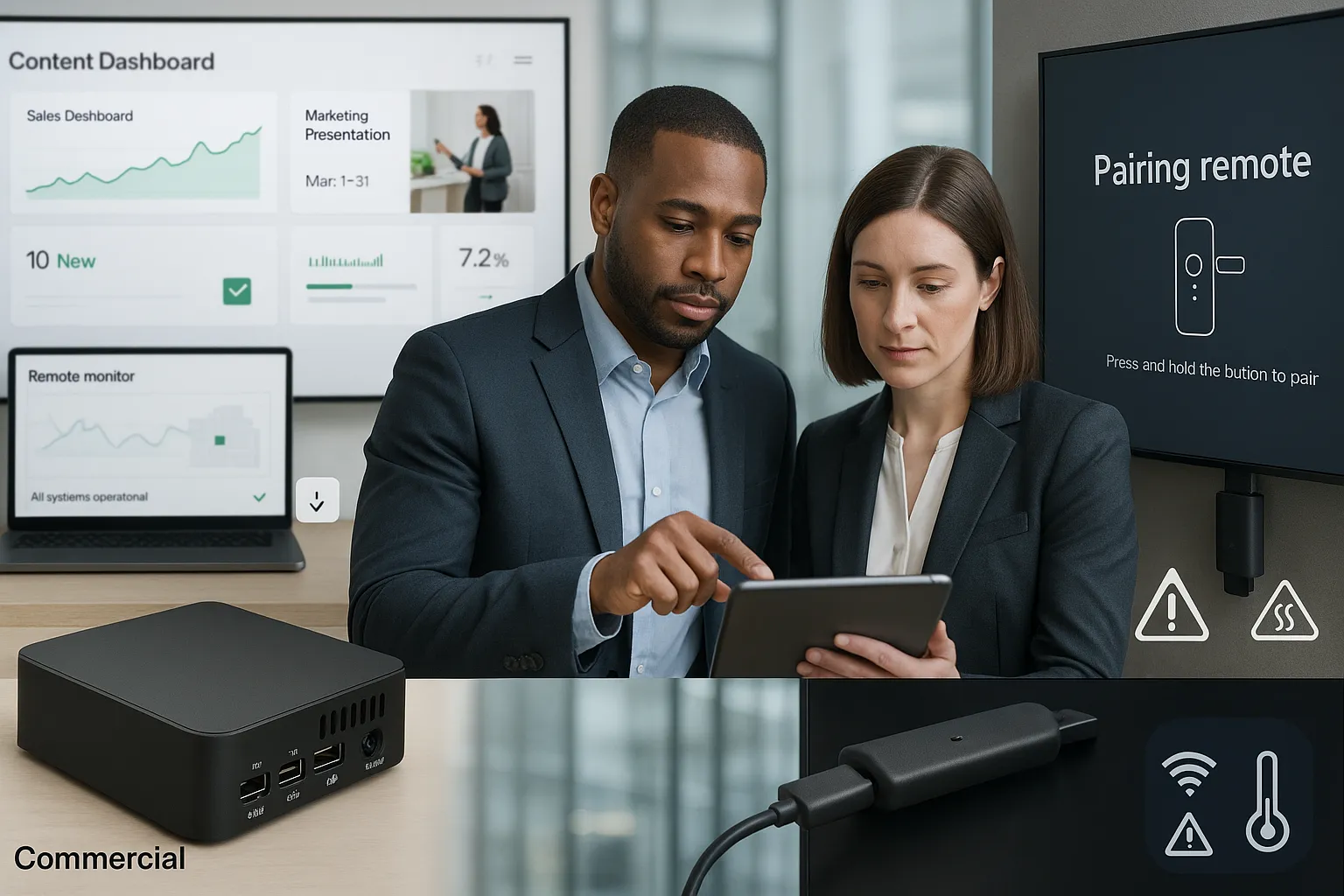
Hardware is where many “cheap signage” projects quietly break. Not because the software is bad, but because consumer devices weren’t designed for always-on commercial environments.
If you’re searching for the best digital signage player, the honest answer is: it depends on how much you value predictability.
CrownTV: dedicated players (and a commercial mindset)
CrownTV’s core advantage is that it’s built as a turnkey system. Dedicated media players are selected and supported to reduce the most common causes of downtime:
- unexpected OS updates
- consumer device sleep/power behaviors
- flaky Wi‑Fi performance
- thermal throttling in enclosed spaces
- inconsistent HDMI-CEC behavior
CrownTV also supports a range of platforms (e.g., Android, Windows, Chrome OS, Raspberry Pi, Amazon ecosystems, and purpose-built signage hardware like BrightSign) which helps when you have standardization needs, or when IT has an approved hardware list.
For teams comparing “hardware-first” approaches, this breakdown, CrownTV vs BrightSign for turnkey vs hardware-only, is useful because it clarifies a key point: a great player is only part of the equation if you still need software, install, monitoring, and support.
PosterBooking: Fire TV Stick is convenient, but it’s still consumer hardware
PosterBooking’s big appeal is that it runs on devices you can buy almost anywhere, especially the Amazon Fire TV Stick.
Pros:
- Low upfront cost
- Easy to replace (in theory)
- Quick pairing/setup
But for business-critical signage, there are real tradeoffs:
- Consumer device lifecycle (models change, firmware updates change behavior, supply varies)
- Higher variability between locations (different TVs, different power settings, different network conditions)
- Limited enterprise device management unless you bring your own tools/process
In a single-location café, swapping a Fire Stick might be a mild annoyance. In a 40-location rollout, that turns into tickets, travel, downtime, and inconsistent brand presentation.
The hidden cost: remote troubleshooting and “truck rolls”
This is where turnkey tends to win. When a screen goes down, we’re not just asking “what does the software do?” We’re asking:
- Who is responsible for diagnosing the issue?
- Can we fix it remotely?
- If we can’t, who coordinates replacement hardware and installation?
CrownTV is designed around answering those questions for you.
If you’re specifically evaluating providers that handle real-world deployment complexity, the perspective in this guide to top U.S. commercial signage providers is worth reading, because hardware and installation logistics are usually what separates “pilot program” from “standard operating system.”
Pricing and Plans
Pricing is where comparisons can get misleading fast. A free plan is obviously cheaper, until you account for time, downtime, replacements, and the internal labor of managing devices and content at scale.
PosterBooking pricing: the easiest way to start
PosterBooking is well-known for a generous entry point:
- Forever-free tier (commonly referenced as up to 10 screens) with core functionality
- Paid tiers that scale per screen/month (often cited in the rough range of $10–$50 per screen/month depending on plan level and needs)
Why this matters:
- It’s a great way to validate whether digital signage will drive value in your business.
- It reduces risk for pilots and proof-of-concepts.
Where costs can creep in:
- hardware replacements (Fire Sticks and consumer TVs aren’t built for all commercial contexts)
- time spent managing devices manually
- lack of included installation or onsite services
CrownTV pricing: higher on paper, lower friction in practice
CrownTV generally operates with tiered packages (often described in terms like Basic / Premium / Enterprise) rather than a “free plan” funnel. Exact pricing depends on deployment size, hardware needs, installation scope, and service levels.
What you’re paying for is less about “access to software” and more about:
- dedicated hardware and platform reliability
- scalable management for multi-location deployments
- enterprise security posture and governance
- hands-on customer support
- optional end-to-end services: sourcing commercial displays, nationwide installation, and ongoing operational support
How we recommend comparing total cost of ownership (TCO)
Instead of asking “What does it cost per screen?”, we prefer a short TCO checklist:
- Downtime cost: What happens if menu boards go dark for 30 minutes at peak?
- Labor cost: Who builds content, schedules it, and troubleshoots devices?
- Hardware lifecycle: How often will devices be replaced, and by whom?
- Scaling cost: What changes when you add 10 more locations?
- Support cost: Are you paying with money, or with internal time?
If your leadership team is primarily focused on predictability, not just the cheapest subscription, CrownTV’s model often comes out ahead.
Ease of Use and Setup
“Easy to set up” can mean two different things:
- easy to get one screen running today
- easy to keep hundreds of screens consistent for years
Both matter. They just matter at different stages.
PosterBooking: excellent time-to-first-screen
PosterBooking is one of the quicker DIY paths:
- install the app on a Fire TV Stick (or compatible device)
- pair it using a code
- upload content and schedule
For a small business owner or an ops manager doing a pilot, that’s hard to beat. It’s a strong PosterBooking alternative category benchmark for “fast and simple.”
But ease can drop as soon as you face real-world variation:
- different TV models per site
- inconsistent Wi‑Fi
- staff unplugging devices
- power cycling issues
CrownTV: streamlined onboarding with fewer loose ends
CrownTV isn’t just “software UI easy.” The goal is operational ease:
- consistent device configuration
- standardized deployment patterns
- centralized management for multi-location teams
- support that doesn’t vanish after installation
If you also need screens installed, mounted, and configured consistently across multiple sites, turnkey matters a lot more than it sounds on a pricing page. This is the exact scenario discussed in CrownTV vs ScreenCloud when installation is part of the project.
The practical difference: who owns the “last 10%”
Most platforms can handle the first 90%.
The last 10% is where time disappears:
- getting the right cables, mounts, and placements
- making sure content looks correct on different aspect ratios
- creating templates your team can safely reuse
- preventing “helpful” staff from reconfiguring the TV input
CrownTV’s approach is designed to absorb that complexity, especially valuable for IT managers and operations directors who don’t want signage to become a recurring fire drill.
Customer Support and Service
Support is usually the difference between “we installed signage” and “signage is a dependable channel.”
CrownTV: white-glove support built into the promise
CrownTV positions support as part of the product, not an add-on. That includes hands-on guidance during rollout and ongoing help when requirements change (new locations, new menu boards, new layouts, seasonal campaigns).
A few support advantages that matter to enterprise buyers:
- Clear accountability: when hardware, software, and deployment are coordinated, troubleshooting is faster.
- Dedicated assistance for scaling: multi-location deployments create predictable admin work, templates, permissions, content governance, and rollout timing.
- Proven track record: CrownTV cites 13+ years in the space, 13,500+ deployed displays, and 600+ verified 5-star reviews, signals that the service model is mature, not experimental.
For another perspective on CrownTV’s service model compared with a software-first provider, this CrownTV vs Yodeck turnkey comparison is a relevant read.
PosterBooking: support is more plan-dependent
PosterBooking’s support experience depends heavily on what you’re paying for.
What we typically see:
- Free tier: more self-service, documentation, and community-style problem solving
- Paid plans: better access to direct support channels
This isn’t a knock, it’s a common model for free/low-cost software. But if your deployment is business-critical, the question becomes: Is “good enough support” good enough when screens go down during peak hours?
Service scope: the overlooked factor
PosterBooking is primarily software. CrownTV is a service + platform.
So if your organization needs:
- commercial-grade displays sourced consistently
- professional installation across multiple markets
- standardized mounting, cabling, and device placement
…CrownTV’s scope is simply closer to what enterprises expect from a signage partner.
Which Solution Is Right for Your Business
This is the part decision-makers actually care about: not which tool is “better,” but which one fits the risk and reality of your operation.
Choose CrownTV if you need signage you don’t have to babysit
CrownTV is usually the better fit when your signage is tied to revenue, compliance, or brand consistency.
We’d strongly lean CrownTV if you have:
- Multiple locations (or plans to expand)
- Business-critical screens (digital menu boards, pricing/promos, patient/guest info)
- A need for scalability (templates, permissions, rollout workflows)
- Enterprise security requirements (role-based access, governance, consistent device standards)
- Low tolerance for downtime and a desire for predictable support
If you’re comparing CrownTV to other popular software-only platforms, this CrownTV vs Raydiant comparison adds helpful context around what “turnkey” really buys you beyond the CMS.
Choose PosterBooking if you’re piloting, cost-constrained, or running a small fleet
PosterBooking can be a smart choice when the goal is to get screens live with minimal spend.
We’d consider PosterBooking if:
- you want a free tier to validate ROI
- you’re managing a small number of screens
- your content needs are simple (playlists, basic schedules)
- you’re comfortable owning the hardware troubleshooting process
Common real-world scenarios
- Single-location café or salon (1–3 screens): PosterBooking can be a practical starting point. If it sticks and signage becomes core to your marketing, you may eventually want a more enterprise-grade setup.
- Regional restaurant group (20–200 screens): CrownTV tends to be the safer operational bet, menu updates, dayparting, consistent playback, and support matter.
- Corporate comms across offices: CrownTV’s governance and reliability are typically more aligned with IT expectations.
- Healthcare waiting rooms: reliability and content control usually push buyers toward CrownTV.
Clear verdict
If we’re picking for a business that treats signage like a real channel (not a side experiment), CrownTV is the superior enterprise-grade solution. The combination of dedicated hardware reliability, professional content management, multi-location scalability, enterprise security posture, and white-glove support is exactly what reduces long-term risk.
PosterBooking remains a strong option when budget is the dominant constraint and the deployment is modest. But for business-critical environments, where downtime, inconsistency, or DIY troubleshooting becomes expensive, PosterBooking’s strengths (free tier, simple setup) often come with limitations that show up later.
Our rule of thumb: if you’re okay with digital signage being “mostly reliable,” PosterBooking can work. If you need it to be boringly reliable, CrownTV is the better choice.
Frequently Asked Questions (CrownTV vs PosterBooking)
What’s the main difference in CrownTV vs PosterBooking for digital signage?
In CrownTV vs PosterBooking, CrownTV is a turnkey, enterprise-grade solution that can include dedicated media players, software, and hands-on support—built for uptime and scale. PosterBooking is a software-first CMS with a strong free tier, best for simple setups on low-cost devices like Fire TV Stick.
Is PosterBooking really free for 10 screens, and what do you give up?
PosterBooking commonly offers a forever-free plan for up to 10 screens with core scheduling and content uploads (and no forced branding). The tradeoff is a more DIY operating model: support is more limited on the free plan, and reliability depends heavily on your consumer hardware and how you manage it.
Which platform is better for multi-location rollouts: CrownTV or PosterBooking?
For multi-location deployments, CrownTV is typically the safer operational choice because it’s designed for standardized rollouts, permissions, and governance. PosterBooking can work for smaller fleets, but as screen counts grow, manual troubleshooting, inconsistent devices, and location-by-location variability can raise ongoing effort and risk.
How do CrownTV and PosterBooking compare on reliability and offline playback?
CrownTV prioritizes “boringly reliable” signage with resilience features like offline playback so screens keep running during network hiccups. PosterBooking can be reliable in simple environments, but uptime is more dependent on the device (often a Fire TV Stick) and real-world factors like power settings, Wi‑Fi stability, and firmware updates.
What hardware works best for CrownTV vs PosterBooking setups?
CrownTV supports multiple platforms (including Android, Windows, Chrome OS, Raspberry Pi, and BrightSign) and uses a commercial mindset to reduce issues like sleep mode and unexpected updates. PosterBooking is popular with inexpensive consumer devices—especially Fire TV Stick—making it fast to start, but less predictable at scale.
How do I compare total cost of ownership (TCO) between CrownTV vs PosterBooking?
Don’t compare only per-screen fees. For CrownTV vs PosterBooking, include downtime cost (e.g., menus going dark at peak), internal labor for content and troubleshooting, hardware replacement cycles, and scaling costs across locations. Free software can become expensive when remote debugging and “truck rolls” start piling up.
