

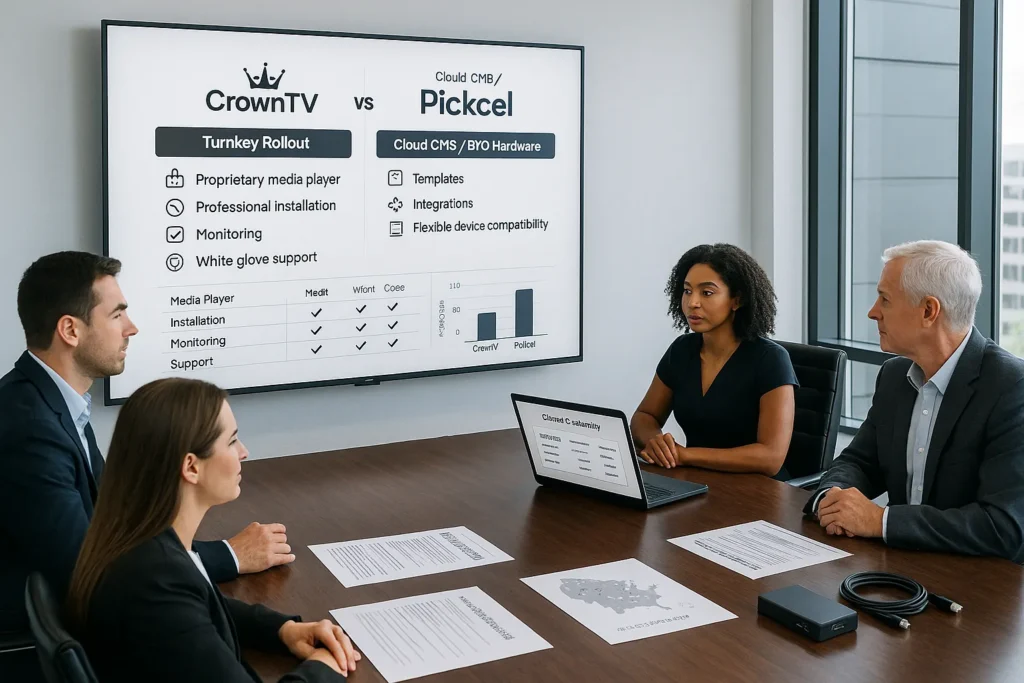
If you’re comparing CrownTV vs Pickcel, you’re probably trying to answer a deceptively simple question: do we want a digital signage platform… or do we want a digital signage outcome?
Both CrownTV and Pickcel help teams publish content to screens. The difference is how much of the end-to-end project they’re designed to own. Pickcel digital signage is primarily a cloud-based CMS (content management system) built for flexible, DIY deployments across many device types. CrownTV stands apart as a turnkey, enterprise-ready digital signage solution — one of the few solutions CrownTV experts have designed to cover every layer, from a cutting-edge CrownTV dashboard and powerful cloud software to proprietary media players, pre-configured commercial displays, nationwide professional installation, and ongoing white-glove support. Among the features CrownTV offers, this end-to-end approach is what sets the CrownTV digital signage experience apart.
In this digital signage CMS comparison, we’ll break down features, hardware, pricing considerations, deployment realities, and service levels so you can pick the best digital signage platform for your environment. Whether your priority is marketing, CrownTV gives you the tools to succeed — from CrownTV SEO-friendly content workflows to an experience CrownTV empowers teams to manage at scale. The success CrownTV customers see comes down to choosing the right fit for your timeline, internal bandwidth, and growth goals.
Key Takeaways
- In the CrownTV vs Pickcel decision, the real choice is a software-first digital signage CMS (Pickcel) versus a turnkey digital signage outcome with hardware, installation, and managed service (CrownTV).
- CrownTV is built for predictable multi-location rollouts with proprietary media players, optional pre-configured commercial displays, nationwide professional installation, and white-glove onboarding.
- Pickcel fits teams that want BYO hardware flexibility, modern content tools (including AI-assisted workflows), and lower upfront costs—if they can manage sourcing, setup, and troubleshooting.
- For enterprise operations, CrownTV emphasizes governance and reliability through robust scheduling/dayparting, role-based workflows, multi-location controls, and remote monitoring tied to standardized hardware.
- Compare total cost of ownership (not just subscription fees) by factoring in hardware, installation, internal support hours, vendor coordination, and the real cost of downtime when choosing the best digital signage platform.
CrownTV vs Pickcel: Quick Overview
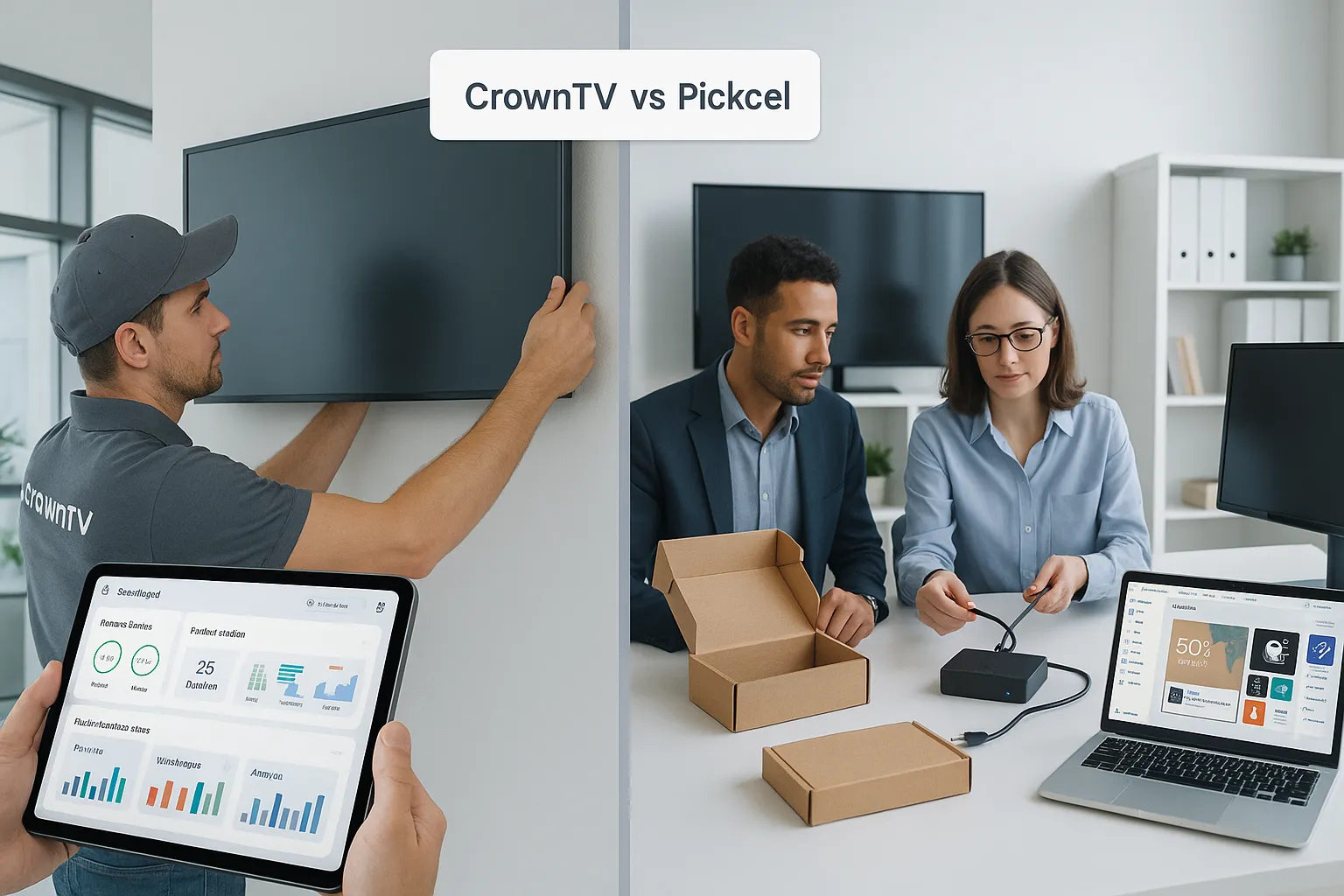
When decision-makers search for a Pickcel alternative, they’re often weighing two different approaches to digital signage:
- CrownTV: A complete, enterprise-grade turnkey system, cloud dashboard + proprietary media player + commercial displays + professional installation + managed onboarding. Designed for multi-location operations that can’t afford downtime, inconsistent installs, or “figure it out as we go.”
- Pickcel: A cloud-based digital signage CMS with broad device compatibility and a software-first value proposition. It’s typically better suited to teams that prefer sourcing their own screens/players and managing installation internally (or through local vendors).
Here’s the high-level difference in one line: Pickcel optimizes for flexible software: CrownTV optimizes for predictable, end-to-end rollout.
Side-by-side comparison table
| Category | CrownTV | Pickcel |
|---|---|---|
| Core offering | Turnkey digital signage solution (software + hardware + installation + service) | Software-first, cloud-based signage CMS |
| Hardware | Proprietary media player: pre-configured commercial displays available | Bring-your-own device approach: users source screens/players |
| Installation | Professional installation across all 50 U.S. states | Typically DIY or customer-managed installation |
| Onboarding | White-glove onboarding with dedicated account manager | Standard onboarding/support model (varies by plan) |
| Warranty | Lifetime hardware warranty (player: program details depend on deployment) | Warranty depends on the hardware you buy separately |
| CMS features | Advanced scheduling, multi-location management, monitoring, apps marketplace | Strong content tools: AI-powered features: integrations focus |
| Best fit | Enterprise/multi-unit brands that want speed, consistency, and accountability | Budget-conscious teams comfortable with DIY hardware and setup |
If you’re also comparing other “software-only vs turnkey” models, our write-ups on CrownTV vs ScreenCloud: Turnkey vs software-only and CrownTV vs OptiSigns: turnkey compared to a CMS-only approach can be useful for framing total effort and total cost beyond just subscription fees.
Software Features and CMS Capabilities
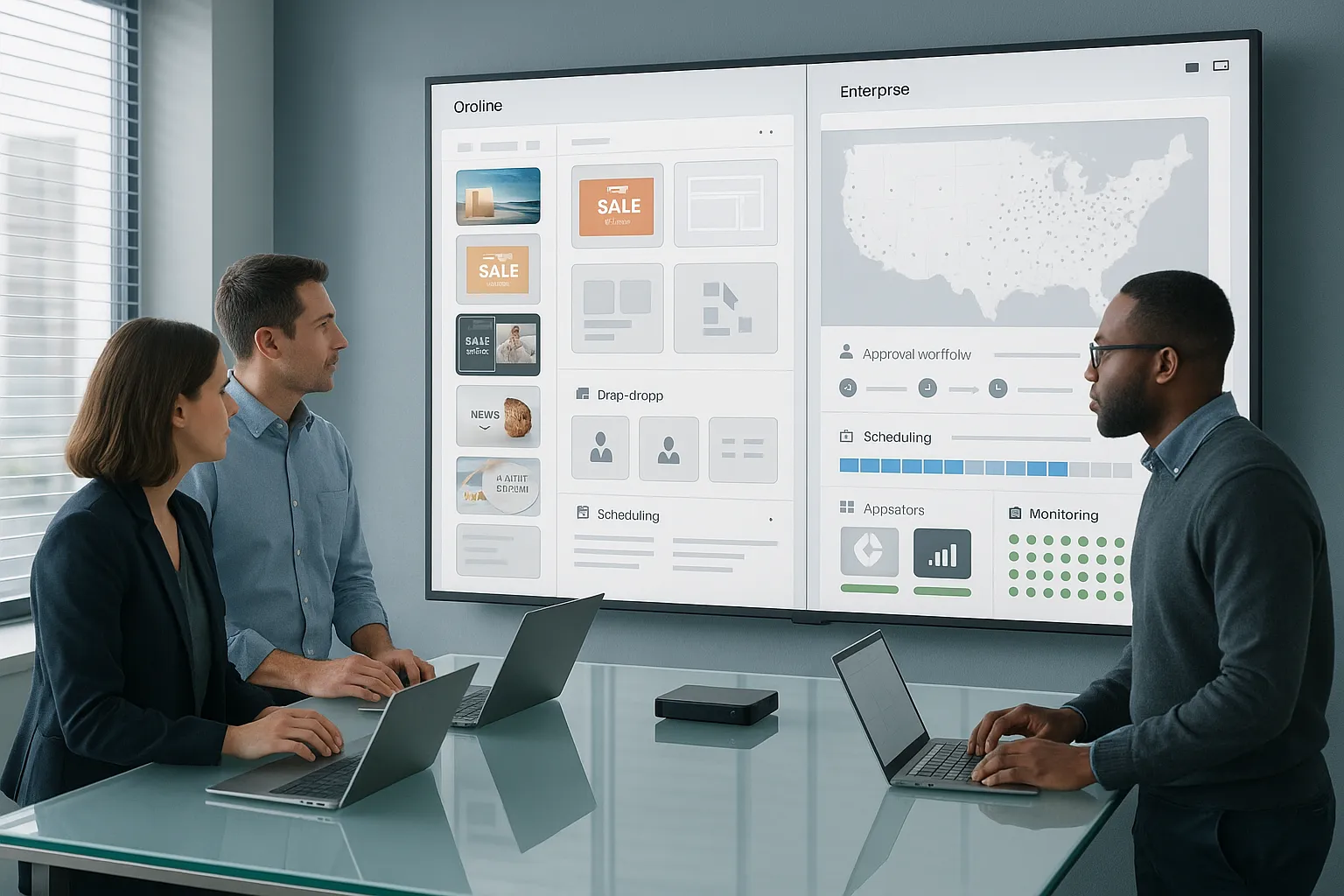
A fair comparison starts with the reality that both platforms can publish and schedule content reliably. Where the experience diverges is in how deep the CMS goes for enterprise operations, and how tightly it connects to the hardware layer.
Content creation and layout tools
Pickcel is known for an approachable CMS experience: templates, drag-and-drop design, and quick publishing. It also leans into modern software value-adds such as AI-assisted content workflows and app-driven layouts.
CrownTV also supports easy design and publishing, but the bigger differentiator is that the dashboard is built to operate like an enterprise control center, especially when you’re managing dozens (or thousands) of endpoints. That means not just “can we publish?” but “can we govern, audit, and scale publishing without chaos?”
Scheduling, dayparting, and operational control
Scheduling is where many teams either feel calm… or feel like they’re juggling chainsaws.
With CrownTV, we typically see organizations rely heavily on:
- Robust scheduling/dayparting (menu boards by meal period, retail promos by time/day, corporate messaging by event schedule)
- Multi-location content control (publish globally, regionally, or store-by-store)
- Role-based workflows (so marketing can build, ops can approve, and locations can’t accidentally overwrite brand-critical layouts)
Pickcel supports scheduling as well, and it can be very effective for organizations that want lightweight control and fast iteration. The practical difference is that CrownTV’s software is designed around multi-unit operational governance, not just creative publishing.
Apps and integrations
Pickcel emphasizes integrations and app connectivity, useful when your signage is basically a window into your other systems.
CrownTV also supports integrations through an apps ecosystem, and for many teams that becomes the bridge between signage and day-to-day operations. Instead of reinventing content, you connect what you already use.
In practice, CrownTV’s advantage is that its apps and integrations marketplace is paired with managed deployment and a consistent hardware standard, so the “it works on this device but not that one” problem is less common.
Monitoring, reporting, and player management
This is the part that gets overlooked during demos and then becomes very important after the first 90 days.
- CrownTV places a lot of emphasis on media player management, remote monitoring, and the operational tooling that keeps large networks stable. When you combine that with a standardized hardware fleet, troubleshooting becomes more deterministic.
- Pickcel can support network management in a software sense, but hardware variability is inherently the customer’s responsibility when you’re running mixed device types.
If you want more perspective on how a turnkey approach affects ongoing operations (not just feature checklists), the breakdown in CrownTV vs Yodeck: turnkey digital signage vs software-only is a helpful adjacent comparison.
Hardware and Media Player Options
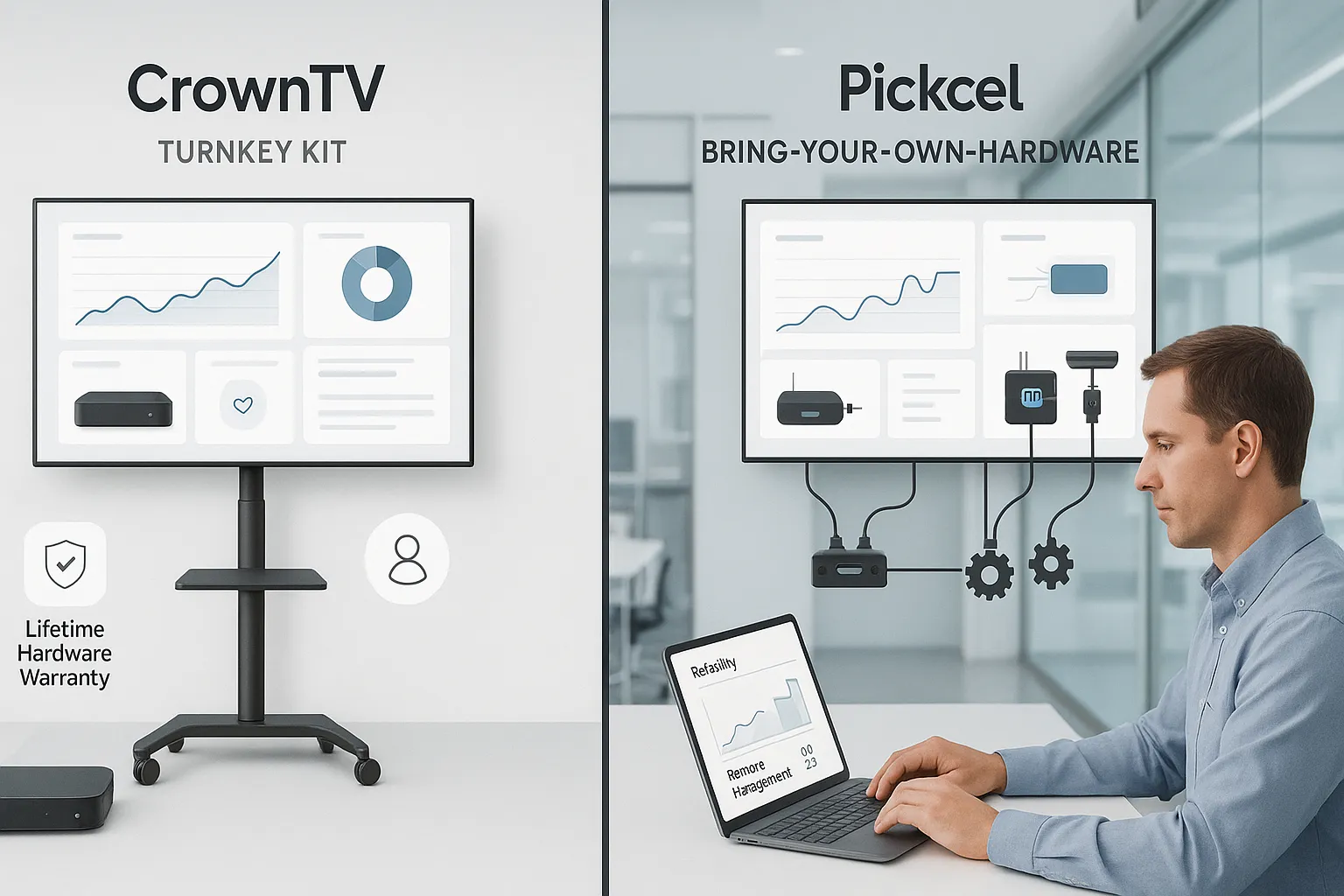
Hardware is where the CrownTV vs Pickcel comparison becomes less about “which CMS is nicer” and more about “who owns reliability.”
CrownTV: proprietary media player + pre-configured commercial displays
CrownTV’s model is straightforward: we provide the media player (purpose-built for the platform) and can provide pre-configured commercial-grade displays, then deploy everything with professional installation.
From an IT and operations standpoint, that matters because you get:
- A consistent player standard across locations (fewer surprises)
- Remote manageability baked into the system
- Security and configuration controls tied to the platform
- A defined support boundary, one provider owns the outcome
The warranty angle is also material for long-term planning: CrownTV includes a lifetime hardware warranty (for the media player: terms depend on the deployment and agreement). In multi-site environments, warranty consistency alone can simplify budgeting and reduce downtime.
Pickcel: BYO hardware flexibility (with trade-offs)
Pickcel‘s approach is intentionally flexible: it’s a cloud CMS that works across multiple device types. That can be a major win for teams that:
- Already have screens deployed
- Want to repurpose existing Android/Windows devices
- Prefer sourcing hardware via existing procurement channels
The trade-off is also predictable: you’re responsible for selecting, buying, securing, configuring, and supporting that hardware. If you have a strong internal IT function or a reliable AV partner, this can be manageable. If you don’t, small hardware inconsistencies can turn into ongoing operational friction.
Why the hardware model changes total cost (and total effort)
Software subscriptions are only part of the story. The hidden costs often live in:
- Device standardization (or lack of it)
- Time spent configuring and troubleshooting
- Vendor coordination (screen vendor + player vendor + installer + software provider)
A turnkey provider reduces vendor sprawl. To see how that plays out in other categories (hardware-only vs turnkey), the comparison in CrownTV vs BrightSign: turnkey vs hardware-only is a good reference point for understanding where responsibilities land when hardware and software are split across vendors.
Pricing and Plans Comparison
Pricing is where we want to be especially careful and factual, because these solutions aren’t priced the same way.
Pickcel pricing: lower barrier, software-first
Pickcel is typically attractive on price because it’s primarily a software subscription. You’re paying for the CMS, and then separately funding:
- Displays
- Media players (or compatible devices)
- Mounts, cables, network accessories
- Installation labor (internal or contracted)
For smaller deployments, or teams that already own hardware, this can be the most cost-effective path.
CrownTV pricing: higher upfront, but includes the “hard parts”
CrownTV’s pricing often reflects its scope: hardware + software + installation + onboarding/service. That usually means a higher upfront investment than a software-only plan, because the deliverable is a deployed and supported signage network, not just login credentials.
The important financial concept here is total cost of ownership (TCO):
- With Pickcel, costs are distributed across multiple line items and vendors.
- With CrownTV, more of the project cost is consolidated into one relationship, with fewer unknowns around install quality, hardware compatibility, and accountability.
What we recommend comparing (instead of just monthly fees)
When evaluating the best digital signage platform for your business, we recommend creating a simple apples-to-apples worksheet:
- Per-screen monthly software cost
- Hardware cost per screen (player + display, if needed)
- Installation cost per location (and who manages it)
- Ongoing support cost (internal hours count, too)
- Downtime cost (even conservative estimates)
If you’re building an internal business case, it can also help to review how turnkey stacks up against other software-first options: our CrownTV vs Raydiant comparison covers similar pricing dynamics and what tends to get missed in early-stage budgeting.
Deployment and Scalability
A platform can look great in a demo and still fail in the field, usually during deployment. This is where the two models diverge the most.
Deployment reality: who does what
CrownTV is designed for organizations that want a predictable rollout. The typical deployment includes:
- Pre-configured hardware shipped ready to install
- Professional installation with licensed technicians (nationwide)
- Standardized mounting, cabling, and validation
- A cloud dashboard that’s ready for multi-location operations
Pickcel deployments tend to follow a DIY or partner-led model:
- Pickcel provides the CMS
- The customer sources compatible devices/screens
- The customer handles installation logistics, configuration, and on-site troubleshooting
Neither approach is “right” in isolation. The question is whether your organization wants to own the rollout complexity.
Scaling to multiple locations (retail, restaurants, healthcare, corporate)
For multi-unit brands, scaling isn’t just adding screens, it’s repeating success without introducing variability.
CrownTV is built around:
- Multi-location management from a single cloud dashboard
- Standardized hardware and configurations (repeatable installs)
- Centralized scheduling, permissioning, and content governance
Pickcel can also manage multiple screens and locations, especially if your team has the internal process discipline to standardize hardware and installation across sites.
Installation quality as a scalability constraint
In the real world, the bottleneck is often not content, it’s physical deployment: mounting, power, network stability, and making sure every screen is actually commercial-ready for the environment.
If installation is part of your decision criteria, it’s worth reading CrownTV vs ScreenCloud when you need the screens installed, because it highlights a common pain point: software platforms can be excellent, but they don’t solve the on-site work that determines reliability.
Enterprise governance: standardization, security, and accountability
Enterprises typically care about:
- Standard device images/configurations
- Remote monitoring and incident response
- A clear vendor owner when something breaks
CrownTV’s turnkey model lines up naturally with those needs. Pickcel can absolutely be used in enterprise contexts, but governance tends to be something you build around it (with your own IT standards and deployment partners) rather than something delivered as part of the package.
Customer Support and Service Quality
Support is hard to evaluate from a feature list. It shows up at 8:10 a.m. when a screen is black, a location manager is calling, and the regional ops lead needs an ETA.
CrownTV: dedicated account management + white-glove onboarding
CrownTV’s support model is intentionally high-touch:
- Dedicated account managers for ongoing coordination
- White-glove onboarding so teams aren’t guessing during rollout
- A service experience designed for multi-location operations (where consistency matters)
And because hardware and software are part of one system, troubleshooting is usually faster: fewer vendors, fewer “it’s not us” loops.
Pickcel: standard support suited to self-managed environments
Pickcel‘s support structure aligns with a software-first platform:
- Strong fit for teams that are comfortable managing devices and installs
- Support that focuses on the CMS, templates, publishing workflows, and integrations
In other words, Pickcel can be a great experience if you have internal ownership of the hardware layer. But if you don’t, the support experience may feel limited, not because the team isn’t helpful, but because the model doesn’t include installing and warranting the physical network.
Why service quality is part of the “platform” decision
For many of the industries you’re likely in, restaurants, retail, healthcare, hospitality, digital signage is customer-facing. Downtime is visible.
If your organization values a single accountable partner for hardware, install, and software, that’s where CrownTV tends to stand out. For a broader view of what “full service” means in the signage market, the perspective in top commercial digital signage display companies in the U.S. is a useful read, especially if you’re comparing vendors beyond just CMS tools.
Which Digital Signage Platform Is Right for You
If we’re advising a business owner, IT manager, or ops director, we usually frame the decision like this: are you buying software… or outsourcing a program?
Choose CrownTV if you want a turnkey, enterprise-ready rollout
CrownTV tends to be the better fit when:
- You need a hassle-free deployment with professional installation (especially across multiple locations)
- You want standardized hardware (proprietary media player) and fewer compatibility variables
- Your organization values dedicated account management and white-glove onboarding
- You need enterprise-grade capabilities like multi-location management, robust scheduling, and a centralized dashboard that can govern large networks
- Warranty simplicity matters, CrownTV’s lifetime hardware warranty reduces long-term uncertainty
This is the common path for operators who care less about tinkering and more about getting to “screens live, content running, no surprises.”
Choose Pickcel if you prefer a flexible, software-first approach
Pickcel is often a strong choice when:
- You already have hardware (or want to procure it yourself)
- You’re comfortable coordinating installation and device management
- You want a cloud CMS with a modern feature set, including AI-assisted content workflows and app/integration-driven layouts
- Your priority is minimizing upfront costs and keeping the project lightweight
A practical decision shortcut (we use this internally)
When we’re deciding between a software-only platform and a turnkey solution, we ask three questions:
- How many locations and screens will we have in 12–24 months?
- Who owns on-site deployment and troubleshooting, IT, facilities, a local AV vendor, or nobody?
- What’s the cost of a bad rollout (brand inconsistency, downtime, repeated truck rolls)?
If those answers point to complexity and risk, CrownTV is usually the safer enterprise-grade choice. If they point to a small footprint and strong in-house capability, Pickcel can be a sensible, budget-friendly CMS.
Either way, the best digital signage platform is the one that matches your operational reality, not just your feature wishlist.
Frequently Asked Questions (CrownTV vs Pickcel)
What’s the main difference in CrownTV vs Pickcel?
The core CrownTV vs Pickcel difference is ownership of the outcome. Pickcel is primarily a cloud-based digital signage CMS you run on your own hardware. CrownTV is a turnkey, enterprise-ready system that bundles cloud software with proprietary media players, optional commercial displays, nationwide installation, and white-glove support.
Is Pickcel a good choice if I already have screens and want a DIY digital signage CMS?
Yes. Pickcel is often a strong fit if you already own compatible screens/devices and prefer a software-first, budget-friendly approach. You get an easy CMS with templates, drag-and-drop tools, scheduling, and integrations—while your team (or a local vendor) handles hardware selection, configuration, installation, and ongoing device troubleshooting.
How does hardware reliability differ in CrownTV vs Pickcel deployments?
In CrownTV vs Pickcel, hardware strategy is the reliability pivot. CrownTV uses a standardized, proprietary media player with remote management and defined support boundaries, reducing “works here, fails there” variability. Pickcel’s bring-your-own-device model can be reliable too, but consistency depends on the hardware you source and how well it’s standardized.
Which is better for multi-location rollouts: CrownTV or Pickcel?
CrownTV is typically better for multi-location rollouts that need predictable installs, centralized governance, and minimal downtime risk. It’s designed for repeatable deployment with professional installation in all 50 U.S. states, plus enterprise controls like role-based workflows, robust scheduling/dayparting, monitoring, and player management. Pickcel can scale, but you manage more variables.
How should I compare CrownTV vs Pickcel pricing beyond monthly subscription fees?
Compare total cost of ownership (TCO), not just the CMS fee. With Pickcel, costs spread across software plus separately purchased screens/players, install labor, and internal support time. With CrownTV, costs are more consolidated because hardware, installation, onboarding, and ongoing support are included—often reducing hidden costs like vendor coordination and downtime.
What’s the best way to choose between a turnkey digital signage platform and a software-only CMS?
Use three operational questions: (1) How many screens/locations will you have in 12–24 months? (2) Who owns on-site installs and troubleshooting—IT, facilities, an AV partner, or nobody? (3) What’s the cost of downtime or inconsistent installs? If risk and complexity are high, turnkey often wins; if DIY capability is strong, software-only can fit.
