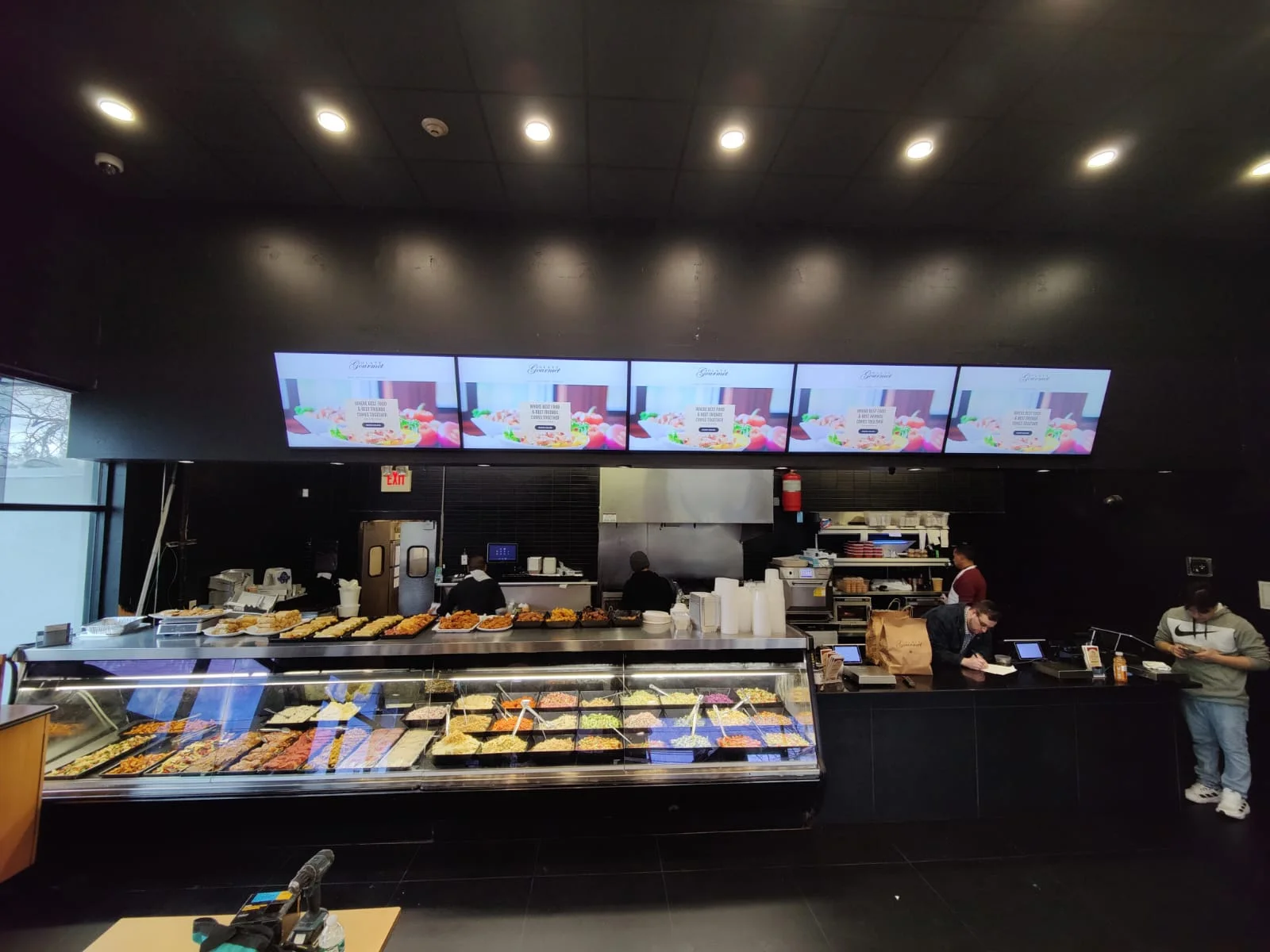
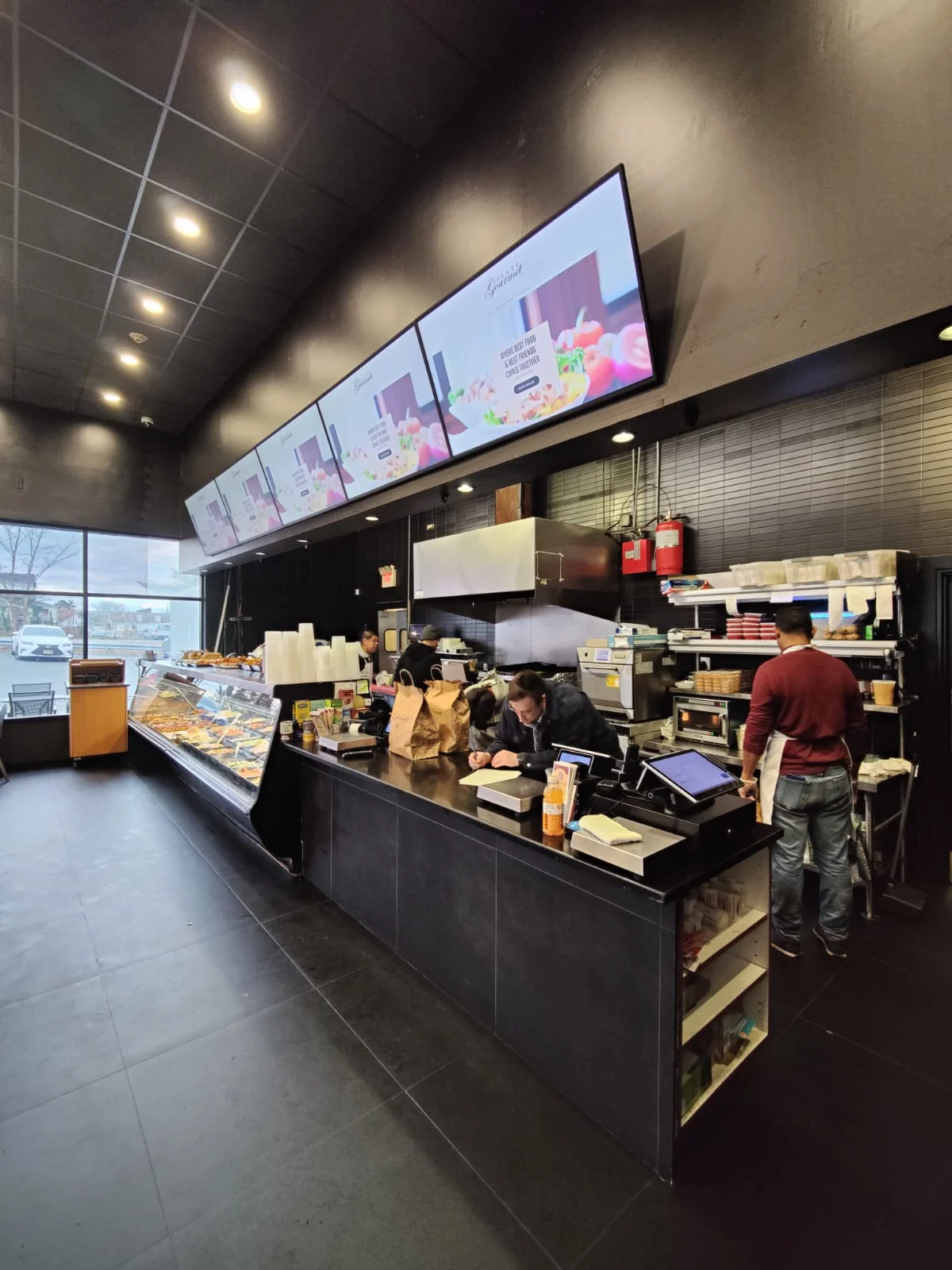
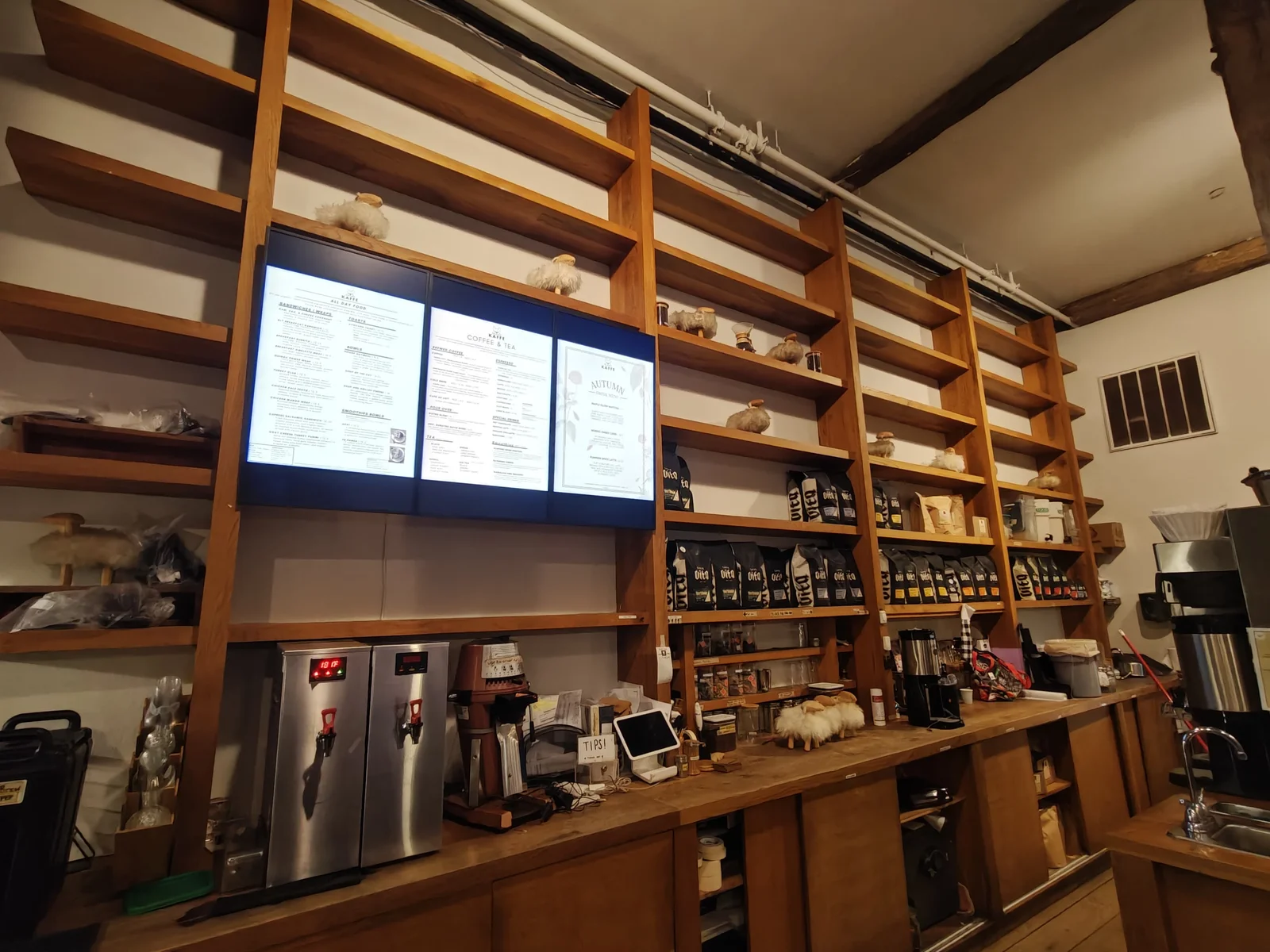
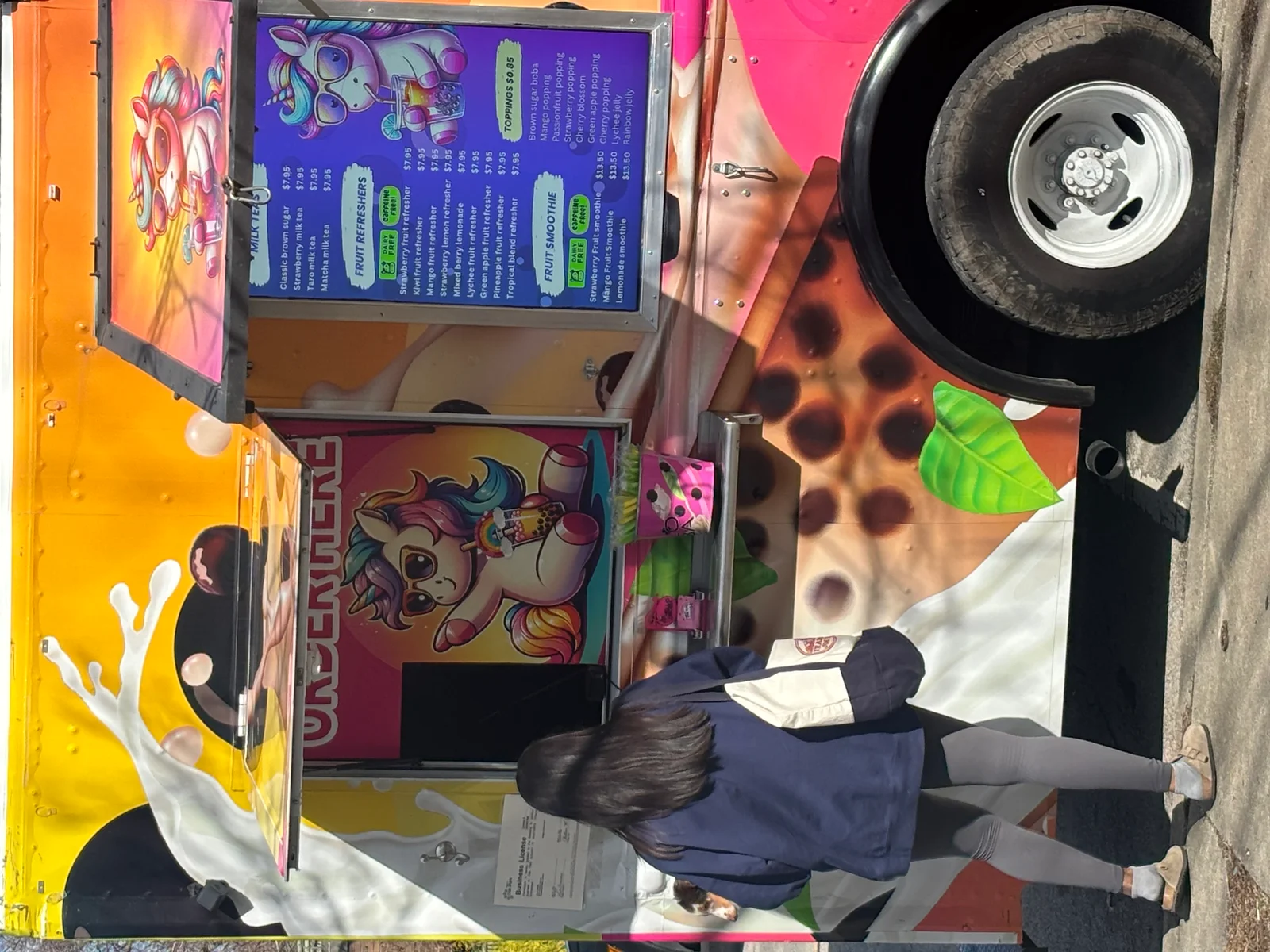
Static menu boards are fading fast. Across the restaurant industry, from single-location cafés to sprawling QSR franchises, operators are swapping printed panels for bright, dynamic screens that can be updated in seconds. The shift isn’t just cosmetic. Digital menu boards drive measurable lifts in average order value, cut waste from misprinted signage, and let kitchens push or pull items based on real-time inventory.
But choosing the right provider matters. Hardware quality, software reliability, installation support, and ongoing costs vary wildly from one vendor to the next. This guide ranks the best digital menu board providers for restaurants in 2026, breaking down what each brings to the table so owners and franchise operators can make a confident decision.
Last Updated: March 2026
Digital Signage: Why Restaurants Go Digital
The case for digital menu boards has moved well past the “nice to have” stage. According to Samsung’s business display division, commercial-grade screens now last 50,000+ hours, roughly 16 years of 8-hour daily use, making the ROI math straightforward for most restaurant formats.
Here’s what’s pushing the transition:
- Speed of updates. Seasonal specials, price changes, and limited-time offers go live across every location in minutes, no reprinting, no shipping.
- Upselling power. Motion graphics and high-resolution food photography consistently outperform static boards. Industry data suggests digital menus can boost average ticket size by 15–30%.
- Daypart flexibility. Breakfast, lunch, and dinner menus rotate automatically on a schedule, eliminating the staff labor of swapping boards.
- Regulatory compliance. Calorie counts, allergen info, and nutritional data are easier to maintain and audit on a digital platform.
- Brand consistency. Multi-location operators, especially franchise chains, need every screen to look identical. A cloud-based CMS enforces that without micromanagement.
For QSR screens in drive-thrus, the stakes are even higher. A bright, readable display directly impacts throughput speed and order accuracy. Restaurants exploring high-brightness window-facing displays are also seeing gains in foot traffic by showcasing menus to passersby.
The bottom line: digital restaurant signage isn’t an experiment anymore. It’s table stakes for competitive operators in 2026.
Best Menu Board Providers
The providers below were evaluated on hardware quality, CMS capabilities, installation support, multi-location scalability, and total cost of ownership. Each serves a slightly different niche, from full-service turnkey solutions to budget-friendly DIY platforms.
For a broader look at signage across the restaurant industry, CrownTV’s roundup of leading digital menu board companies covers additional options. The seven providers below, but, represent the strongest choices heading into 2026.
1. CrownTV
Website: crowntv-us.com
CrownTV sits at the top of this list for a reason that matters more than any single feature: it removes complexity. Over 13 years in the digital signage space, the company has refined a genuinely turnkey model, Samsung commercial-grade hardware, a proprietary cloud CMS, and nationwide professional installation bundled into one engagement. Restaurant owners don’t juggle three vendors: they work with one.
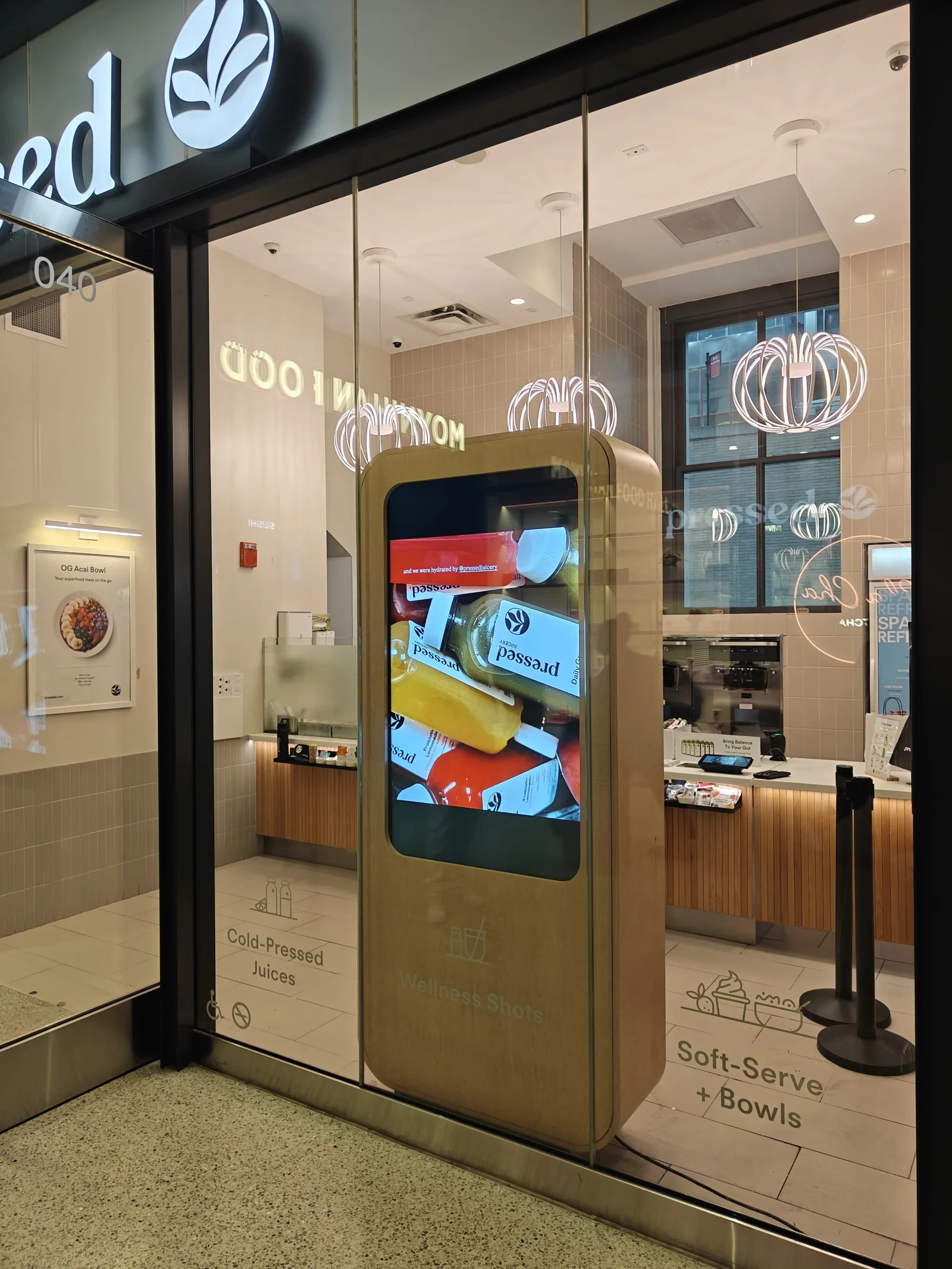
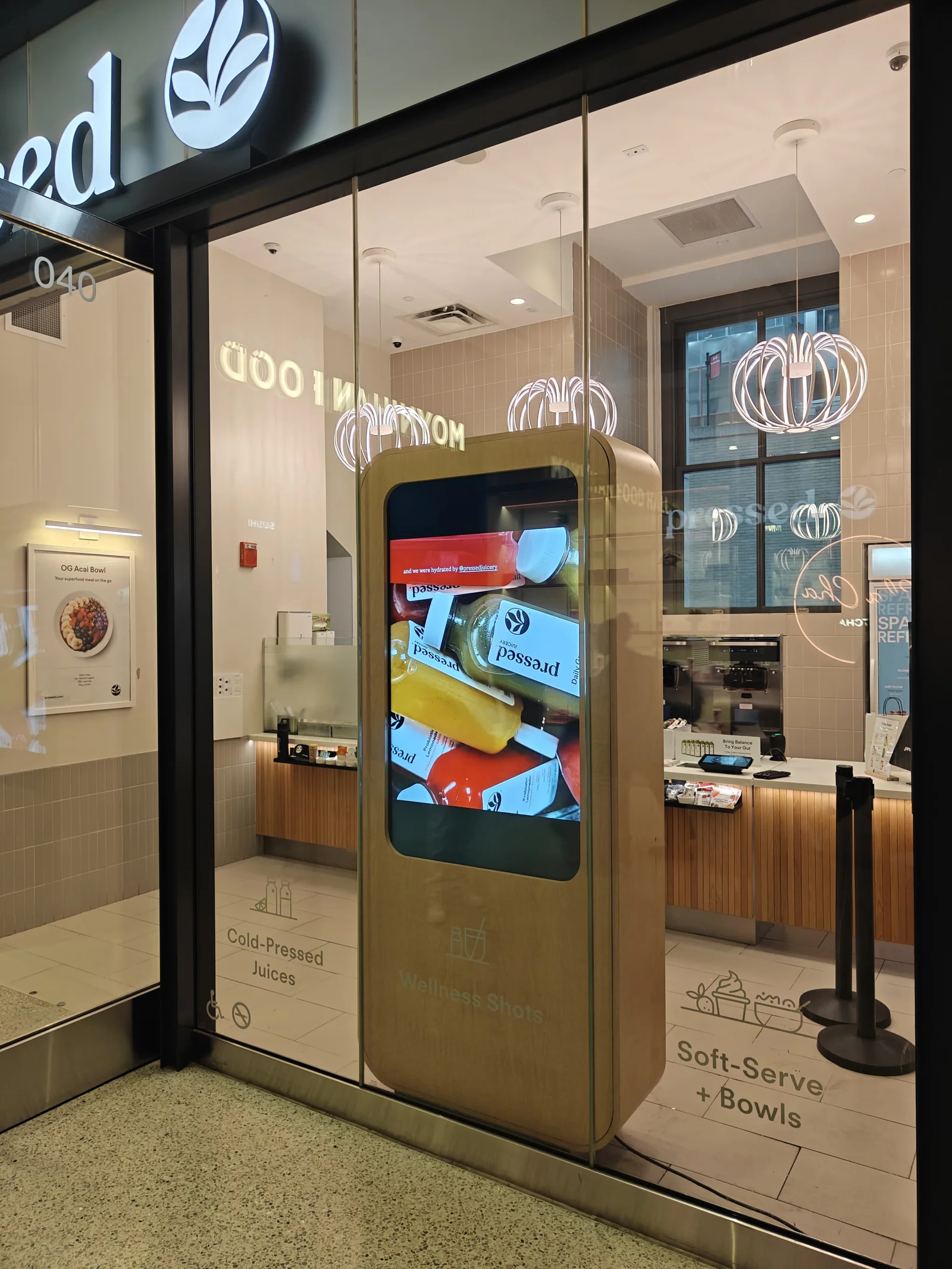
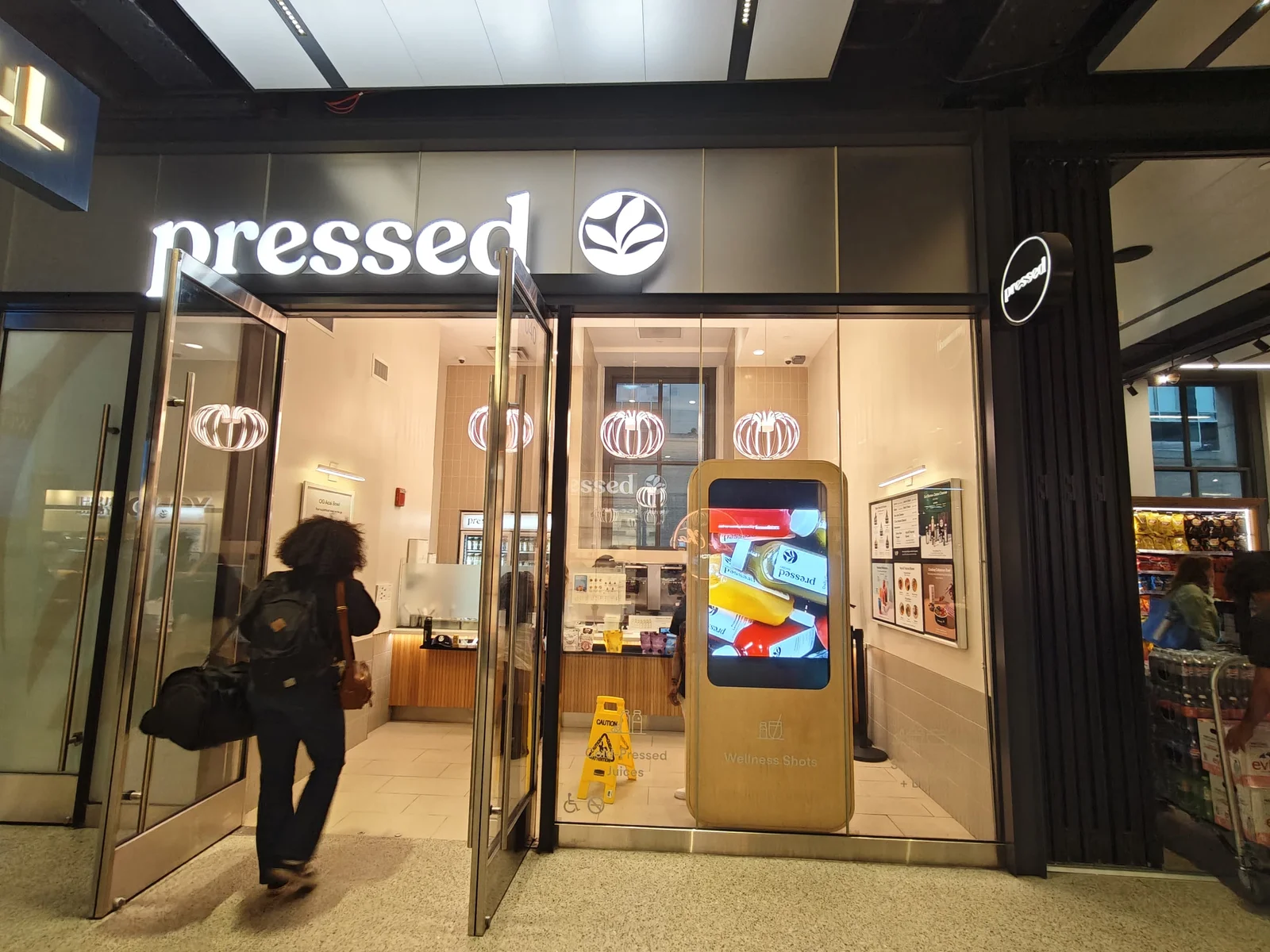
That approach has earned CrownTV deployments across 13,500+ active screens for brands like Victoria’s Secret, L’Occitane en Provence, Bonobos, Janie and Jack, Pressed, and TLD America. While those names span retail and hospitality, the operational DNA translates directly to restaurant signage: centralized content control, reliable hardware, and technicians who show up on schedule.
Hardware & Displays
CrownTV sources Samsung commercial displays purpose-built for high-brightness, high-duty-cycle environments, exactly what a QSR drive-thru or quick-casual dining room demands. These aren’t consumer TVs repurposed with a media player stuck behind them. They’re commercial panels rated for 16+ hours of daily operation, with anti-glare coatings and slim bezels designed for menu board configurations. Operators interested in budget-friendly display options under $950 will find CrownTV competitive there, too.
CMS & Software
The CrownTV dashboard is cloud-based and built for people who don’t have an IT department. Scheduling daypart menus, pushing a new limited-time offer to 50 locations, or pulling a discontinued item takes minutes. The platform supports templates, media libraries, and role-based access, so a franchise HQ can lock brand elements while giving individual stores limited editing permissions.
For multi-location restaurant groups, CrownTV’s CMS competes with, and often outperforms, standalone signage CMS platforms because the software is tightly integrated with the hardware it controls. No driver conflicts, no firmware mismatches.
Installation & Support
This is where CrownTV’s turnkey promise really shows. Licensed technicians handle site surveys, mounting, cabling, and configuration. The company manages projects across all 50 states, which is critical for franchise operators rolling out digital signage across multiple locations. Post-install, remote monitoring flags issues before staff even notice a screen is down.
Who It’s Best For
CrownTV is the strongest fit for restaurant owners and QSR franchise operators who want a single provider handling everything, hardware sourcing, software, installation, and ongoing support. It’s particularly well-suited to multi-location brands that need consistency and scale without a dedicated AV team.
Pros:
- True turnkey solution (hardware + CMS + install)
- 13+ years of proven deployments
- Samsung commercial-grade displays
- Nationwide installation by licensed technicians
- Cloud CMS built for multi-location management
Cons:
- Premium positioning, not the cheapest option for single-screen setups
2. Raydiant
Website: raydiant.com
Raydiant markets itself as an “experience platform” that goes beyond digital menu boards into broader in-store engagement tools. Its software layer includes features like interactive kiosks, music integration, and customer-facing apps alongside traditional menu display.
For restaurants, Raydiant’s appeal is its plug-and-play simplicity. The company ships a pre-configured media player that connects to its cloud CMS, and content management is template-driven. QSR chains that want a quick deployment without heavy customization often find Raydiant’s workflow appealing.
But, Raydiant’s hardware ecosystem is more limited than providers that source directly from Samsung’s commercial line. Restaurants operating in high-ambient-light environments, like drive-thrus or window-facing counters, should verify display brightness specs carefully.
Pros:
- Intuitive drag-and-drop content editor
- Broad feature set beyond menu boards (music, kiosks)
- Quick deployment timeline
Cons:
- Hardware options less specialized for high-brightness restaurant environments
Best for: Restaurant groups looking for an all-in-one experience platform that includes menus alongside other in-store engagement tools.
3. Yodeck
Website: yodeck.com
Yodeck has built a loyal following with an aggressive free tier, one screen, free forever, that’s hard to ignore for small restaurant owners testing the waters with digital menu boards. The platform runs on Raspberry Pi hardware, keeping upfront costs minimal.
The CMS is clean and functional, with scheduling, playlist management, and a decent template library. For a single-location café or food truck, Yodeck delivers a lot of value per dollar. A deeper comparison between CrownTV and Yodeck reveals where the two diverge: Yodeck leans DIY, while CrownTV leans full-service.
The trade-off? Raspberry Pi players aren’t built for demanding commercial environments. In hot kitchens or outdoor drive-thru enclosures, reliability can become an issue over time. And scaling past a handful of screens without dedicated IT support gets complicated.
Pros:
- Free single-screen plan
- Low-cost Raspberry Pi hardware
- Simple, intuitive CMS
Cons:
- Raspberry Pi hardware lacks commercial-grade durability for demanding restaurant environments
Best for: Budget-conscious single-location restaurants or food trucks looking for an affordable entry point into digital menus.
4. NoviSign
Website: novisign.com
NoviSign is a software-focused digital signage provider that runs on Android, Chrome OS, and Windows devices. Its strength lies in a flexible widget-based editor that lets restaurant operators build menu layouts from scratch or customize templates.
The platform supports integrations with POS systems and social media feeds, which is useful for restaurants that want to display live wait times or Instagram content alongside the menu. NoviSign also offers multi-language support, a plus for tourist-heavy locations.
On the flip side, NoviSign is a software-only play. Restaurants need to source their own hardware and handle installation independently, which adds coordination overhead for operators without an AV partner.
Pros:
- Widget-based editor offers deep customization
- POS and social media integrations
- Runs on multiple device types
Cons:
- No bundled hardware or installation services, restaurants must coordinate those separately
Best for: Tech-savvy restaurant operators who already have displays in place and want a flexible software platform.
5. OptiSigns
Website: optisigns.com
OptiSigns competes on price. At roughly $10–$14 per screen per month, it’s one of the most affordable cloud-based digital menu board solutions available. The platform supports a wide range of hardware, Fire TV Stick, Android, Windows, Raspberry Pi, giving operators flexibility to use whatever they already own.
The CMS includes 200+ templates, scheduling, and basic analytics. For restaurants exploring digital signage on a budget, OptiSigns checks a lot of boxes. It integrates with Google Sheets and Canva, so updating a menu can be as simple as editing a spreadsheet.
The downside is the lack of professional services. There’s no installation support, no site survey, and no dedicated hardware. For a single-screen smoothie shop, that’s fine. For a 30-location QSR chain, the DIY model starts to break down.
Pros:
- Very low monthly cost per screen
- Wide hardware compatibility
- Canva and Google Sheets integrations
Cons:
- No installation support or professional services for multi-location rollouts
Best for: Cost-sensitive operators who are comfortable self-managing hardware and installation.
6. Spectrio
Website: spectrio.com
Spectrio approaches restaurant signage as part of a broader sensory marketing suite that includes on-hold messaging, overhead music, WiFi marketing, and digital menus. For restaurant groups that want to unify their entire in-store media experience under one vendor, Spectrio offers breadth.
The company provides professional installation and managed services, which puts it closer to CrownTV’s turnkey model than most competitors on this list. Spectrio works well for mid-size restaurant chains that value a bundled approach to ambiance and branding.
The catch: that breadth comes with complexity. Restaurants that only need menu boards may find Spectrio’s platform over-engineered for their needs, and pricing transparency is limited, custom quotes are the norm.
Pros:
- Full sensory marketing suite (audio, WiFi, signage)
- Professional installation available
- Strong for unified in-store branding
Cons:
- Can be overkill (and pricier) for restaurants that only need menu boards
Best for: Mid-size restaurant chains seeking an all-in-one sensory marketing partner, not just a signage provider.
7. Menuboard Manager
Website: menuboardmanager.com
Menuboard Manager is a niche player built specifically for restaurant menu boards, nothing more, nothing less. The software is designed around food-service workflows: daypart scheduling, calorie/allergen labeling, combo meal layouts, and drive-thru optimization.
That laser focus is both its strength and its limitation. Restaurants get a platform that understands their exact needs without wading through generic signage features. But the ecosystem is small, hardware partnerships are limited, and scaling across many locations may require supplemental tools.
Pros:
- Built exclusively for restaurant menu boards
- Strong daypart and nutritional labeling features
- Drive-thru-specific layouts
Cons:
- Limited ecosystem and integrations compared to larger platforms
Best for: Independent restaurants or small chains that want a purpose-built menu board tool without the complexity of a full digital signage platform.
Pricing Comparison
Pricing for digital menu boards varies based on hardware, software licensing, installation, and ongoing support. The table below offers a general comparison based on publicly available information as of March 2026. Actual costs depend on screen count, location complexity, and contract terms. For a detailed breakdown, CrownTV’s 2026 installation cost guide is worth reviewing.
| Provider | Software Cost (per screen/mo) | Hardware Included? | Installation Included? | Best For |
|---|---|---|---|---|
| CrownTV | Custom quote | ✅ Samsung commercial | ✅ Nationwide | Multi-location, turnkey |
| Raydiant | Custom quote | ✅ Media player | ❌ | Experience-focused brands |
| Yodeck | Free–$7.99 | ✅ Raspberry Pi | ❌ | Budget single-screen |
| NoviSign | ~$20 | ❌ | ❌ | DIY tech-savvy operators |
| OptiSigns | $10–$14 | ❌ | ❌ | Cost-sensitive DIY |
| Spectrio | Custom quote | Varies | ✅ Available | Sensory marketing suites |
| Menuboard Manager | Custom quote | ❌ | ❌ | Niche restaurant-only |
Key takeaway: The cheapest monthly software fee doesn’t always mean the lowest total cost. Restaurants that need to separately hire installers, source commercial-grade displays, and troubleshoot hardware issues often end up spending more than they would with a turnkey provider like CrownTV.
FAQ
What is a digital menu board?
A digital menu board is a commercial display, typically an LCD or LED screen, used in restaurants to show menu items, pricing, promotions, and nutritional information. Unlike printed boards, digital versions can be updated remotely and in real time.
How much does a digital menu board system cost?
Costs range widely. Software-only solutions start around $10 per screen per month, but total cost of ownership, including hardware, installation, and support, can range from a few hundred dollars for a single DIY screen to several thousand per location for a fully managed deployment. CrownTV’s turnkey pricing, for example, bundles Samsung hardware, CMS software, and professional installation into a single quote.
Can digital menu boards increase restaurant revenue?
Yes. Studies consistently show that dynamic visuals and strategic upselling on digital menus lift average order values by 15–30%. Daypart-specific menus and limited-time offer promotions are particularly effective at driving incremental sales.
What hardware works best for restaurant menu boards?
Commercial-grade displays from manufacturers like Samsung are the industry standard. They’re built for extended operating hours, high-brightness environments, and the heat and grease common in kitchen-adjacent settings. Consumer-grade TVs, while cheaper, tend to fail sooner under those conditions.
How does CrownTV handle multi-location restaurant deployments?
CrownTV assigns a project manager who coordinates site surveys, hardware sourcing, installation scheduling, and CMS configuration across all locations. With 13,500+ screens deployed and 13+ years of experience, the company has the logistics infrastructure to roll out signage to dozens, or hundreds, of sites on a defined timeline.
Do I need an internet connection for digital menu boards?
Most cloud-based CMS platforms require an internet connection for content updates and remote management. But, many players, including CrownTV’s, cache content locally, so menus continue to display even during a temporary internet outage.
Can I use a regular TV as a digital menu board?
Technically, yes, but it’s not recommended for commercial use. Consumer TVs lack the brightness, durability, and warranty coverage of commercial displays. For short-term or very low-traffic use, a consumer screen might suffice. For anything more demanding, commercial hardware is the smarter long-term investment.
Frequently Asked Questions
What are the best digital menu board providers for restaurants in 2026?
The top digital menu board providers for restaurants in 2026 include CrownTV, Raydiant, Yodeck, NoviSign, OptiSigns, Spectrio, and Menuboard Manager. CrownTV leads as a turnkey solution with Samsung commercial displays, a cloud CMS, and nationwide installation. For a broader comparison, explore this roundup of leading digital menu board companies.
How much does it cost to install a digital menu board system in a restaurant?
Costs vary significantly. Software-only plans start around $10 per screen monthly, while full turnkey deployments—including commercial hardware, installation, and support—can range from a few hundred to several thousand dollars per location. CrownTV’s 2026 installation pricing guide breaks down real-world costs in detail.
Can digital menu boards increase sales and average order value?
Yes. Industry data consistently shows that dynamic visuals, motion graphics, and strategic upsell prompts on digital menus boost average ticket sizes by 15–30%. Daypart-specific menus and limited-time offer promotions are especially effective. Restaurants using digital menu boards for QSRs and dining rooms report measurable revenue gains.
What should I look for when choosing a digital menu board provider?
Key factors include commercial-grade hardware quality, CMS reliability, multi-location scalability, installation support, and total cost of ownership. A turnkey provider bundles everything—displays, software, and professional setup—reducing coordination overhead. Reviewing top digital menu solutions can help you compare options side by side.
Are commercial-grade displays necessary for restaurant menu boards?
Absolutely. Commercial displays from manufacturers like Samsung are rated for 50,000+ hours and built to withstand high-brightness environments, extended runtimes, and kitchen-adjacent heat. Consumer TVs fail sooner under those conditions. Restaurants on a tighter budget can still find quality displays under $950 that meet commercial standards.
How do cloud-based digital menu boards work without an internet connection?
Most cloud CMS platforms require internet for content updates and remote management. However, many media players—including CrownTV’s—cache content locally, so menus continue displaying during temporary outages. Cloud architecture, similar to principles outlined on AWS’s infrastructure blog, ensures reliable syncing once connectivity resumes. Learn more about setup in this guide to crafting digital signage menu boards.