

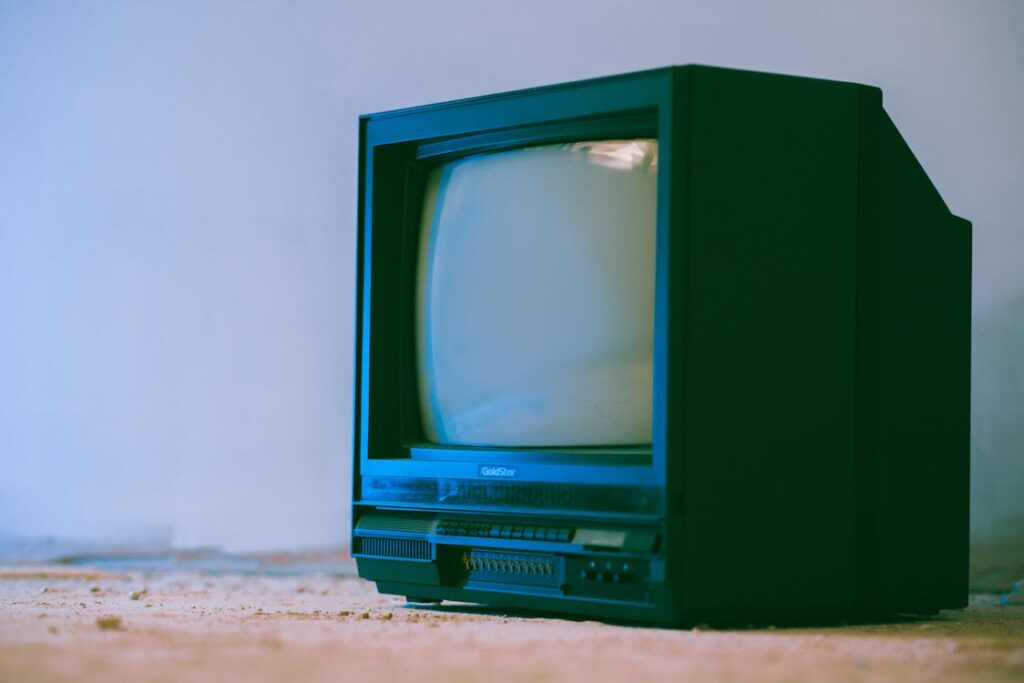
It is one of the most common questions business owners ask when considering digital signage: can you just use a regular TV as a digital menu board? Or conversely, can a commercial digital menu board double as a television for sports, news, or entertainment?
The short answer is yes—technically, you can use either device for the other’s purpose. But the practical answer involves significant trade-offs in brightness, durability, warranty coverage, and total cost of ownership that every business should understand before making a purchase decision.
This guide breaks down the real differences between consumer TVs and commercial digital menu boards, explains when a regular TV works fine, and identifies the scenarios where investing in commercial-grade hardware is the smarter long-term play.
The Short Answer: Yes, But With Important Caveats
A consumer TV can technically display menu content. Plug in a media player or streaming stick, load your menu design, and the screen will show it. Many small businesses start exactly this way—a 55-inch TV from a big-box retailer mounted behind the counter running a static menu image.
Similarly, a commercial digital signage display can show TV content. Connect a cable box, streaming device, or antenna, and it functions as a television. Many restaurants use their digital menu boards to show sports during game nights or news during slow hours.
The critical difference lies in what each device is designed to endure. Consumer TVs are built for 4–8 hours of daily use in a temperature-controlled living room. Commercial displays are engineered for 16–24 hours of continuous operation in environments with variable temperatures, grease, dust, and direct sunlight.
Commercial vs Consumer Grade: The Key Differences
Understanding the specific engineering differences helps explain why commercial displays cost more—and why that premium often pays for itself.
Brightness
Consumer TVs typically produce 250–400 nits of brightness. That is perfectly adequate for a dimly lit living room, but in a sun-drenched storefront, near large windows, or in an outdoor setting, the image appears washed out and unreadable. Commercial displays start at 500 nits and go up to 2,500+ nits for high-brightness and outdoor models. For any location with significant ambient light, this difference is immediately noticeable.
Durability and Build Quality
Commercial displays use industrial-grade components rated for continuous operation. Their internal cooling systems manage heat from extended use, and their panels are designed to resist burn-in from static content like menus. Consumer TVs lack these features—running a static menu image for 12 hours daily will often produce visible image retention or burn-in within months.
Operating Hours
Most consumer TVs are rated for 30,000–50,000 hours of use over their lifetime, assuming 4–8 hours per day. Commercial displays are rated for 50,000–70,000 hours at 16–24 hours daily. Running a consumer TV beyond its design parameters accelerates component degradation and typically voids the warranty.
Warranty and Support
Consumer TV warranties typically cover 1 year of residential use. Most explicitly exclude commercial use—meaning if you mount a consumer TV in your restaurant and it fails, the manufacturer is under no obligation to honor the warranty. Commercial displays typically include 3-year commercial warranties with on-site service options.
Orientation Flexibility
Many digital menu board applications require portrait (vertical) mounting. Consumer TVs are designed exclusively for landscape use. Mounting a consumer TV in portrait orientation can void the warranty and may cause premature failure, as the internal components and cooling systems are optimized for horizontal positioning. Commercial displays are designed and warranted for both orientations.
Input and Control Options
Commercial displays offer features that consumer TVs lack: RS-232 serial control for remote management, built-in media players in many models, auto-power scheduling, content failover if the media player disconnects, and lockable input settings to prevent customers or staff from accidentally changing the display. Consumer TVs offer none of these operational features.
Cost Comparison: Upfront vs Total Cost of Ownership
The upfront price difference is where many business owners get tripped up. A 55-inch consumer TV might cost $300–$500. A comparable 55-inch commercial display runs $800–$1,500. That 2–3x price premium seems steep—until you calculate total cost of ownership over a typical 5-year period.
| Factor | Consumer TV | Commercial Display |
|---|---|---|
| Upfront Cost (55″) | $300–$500 | $800–$1,500 |
| Warranty | 1 year (residential only) | 3 years (commercial) |
| Expected Lifespan (commercial use) | 1–3 years | 5–7 years |
| Brightness | 250–400 nits | 500–2,500 nits |
| Burn-in Risk | High with static content | Low (anti-burn-in tech) |
| Portrait Mode | Not supported/voids warranty | Fully supported |
| Remote Management | None | RS-232, LAN, cloud |
| 5-Year Cost (incl. replacements) | $600–$1,500+ | $800–$1,500 |
When you factor in the likelihood of replacing a consumer TV one to two times over a 5-year period, the total cost often equals or exceeds the one-time investment in a commercial display—with significantly more downtime and hassle along the way.
When a Regular TV Works Fine
There are legitimate scenarios where a consumer TV is a perfectly reasonable choice for displaying menu or signage content. Low-use environments where the display runs fewer than 8 hours daily, such as a weekend farmers market booth or a seasonal pop-up, are a good example. Indoor locations with controlled lighting and no direct sunlight exposure are another. Landscape-only mounting where portrait mode is not needed, short-term installations where the display will be used for less than a year, and budget-constrained startups testing the concept before committing to commercial hardware all qualify as reasonable use cases.
If your operation falls into any of these categories, starting with a consumer TV is pragmatic. You can always upgrade to commercial-grade hardware once you have validated that digital signage delivers value for your business.
When You Need Commercial-Grade Hardware
For the following scenarios, commercial displays are the clear choice. Any display running more than 8 hours daily needs commercial-grade hardware. Menu boards showing mostly static content, which accelerates burn-in on consumer panels, require commercial displays. High-ambient-light locations near windows, in outdoor areas, or in sun-facing storefronts demand the higher brightness. Multi-location deployments where remote management and monitoring are essential cannot function properly with consumer hardware. Portrait-mounted displays for vertical menu boards or directory signage need commercial units. And any business-critical application where downtime means lost revenue should invest in commercial reliability.
CrownTV’s detailed comparison of digital signage vs regular TVs provides additional technical specifications and use-case guidance. For businesses ready to invest in commercial-grade displays, CrownTV’s commercial display lineup offers options from 32 inches to 98 inches with brightness ratings up to 2,500 nits.
Conclusion
Can you use a digital menu board as a TV? Yes. Can you use a TV as a digital menu board? Technically, yes. Should you? That depends entirely on your specific use case, environment, and how long you expect the hardware to last.
For most businesses operating displays more than 8 hours daily in commercial environments, the math favors commercial-grade hardware. The higher upfront cost is offset by longer lifespan, better warranties, superior brightness, and the operational features that make managing signage content practical at scale.
Compare CrownTV Commercial Displays →
Related Reading
- digital signage display buyer’s guide
- digital signage for breweries and wineries
- CrownTV indoor digital displays
- outdoor and window-facing displays
Frequently Asked Questions
Will using a regular TV as a menu board void the warranty?
In most cases, yes. Major TV manufacturers including Samsung, LG, and Sony explicitly exclude commercial use from their consumer product warranties. If the TV fails while being used in a business setting, the manufacturer may deny your warranty claim.
Can I use a commercial display to watch TV during off-hours?
Yes. Commercial displays accept the same HDMI inputs as consumer TVs. You can connect a cable box, streaming stick, or antenna to display live TV content during off-hours or for customer entertainment during business hours.
How do I know if my location needs a high-brightness display?
If your intended screen location receives direct or indirect sunlight, is near large windows, or is in a brightly lit environment, you likely need a display rated at 700+ nits. For window-facing or outdoor installations, look for displays rated at 2,500+ nits. A quick test: if your phone screen is hard to read in that location on a sunny day, you need a high-brightness display.
What is the biggest risk of using a consumer TV for signage?
Burn-in is the most common issue. Consumer TV panels are not designed for static content displayed for extended hours. Within 3–6 months of commercial use, you may see permanent ghost images of your menu burned into the screen, which cannot be repaired.
Key Takeaways
- Consumer TVs can technically display menu content, but they are not designed for commercial duty cycles or static content
- Commercial displays offer 2–5x more brightness, 3-year commercial warranties, and anti-burn-in technology
- Total cost of ownership over 5 years often favors commercial displays when factoring in replacements
- Consumer TVs work fine for short-term, low-use, indoor-only, landscape-mounted applications
- Any display running 8+ hours daily in a business environment should be commercial-grade
