

You don’t necessarily need to invest in expensive commercial displays to get started with digital signage. Many businesses wonder if they can turn an existing TV into a digital sign—and the answer is yes. But there are important differences between consumer TVs and commercial displays that every business should understand.
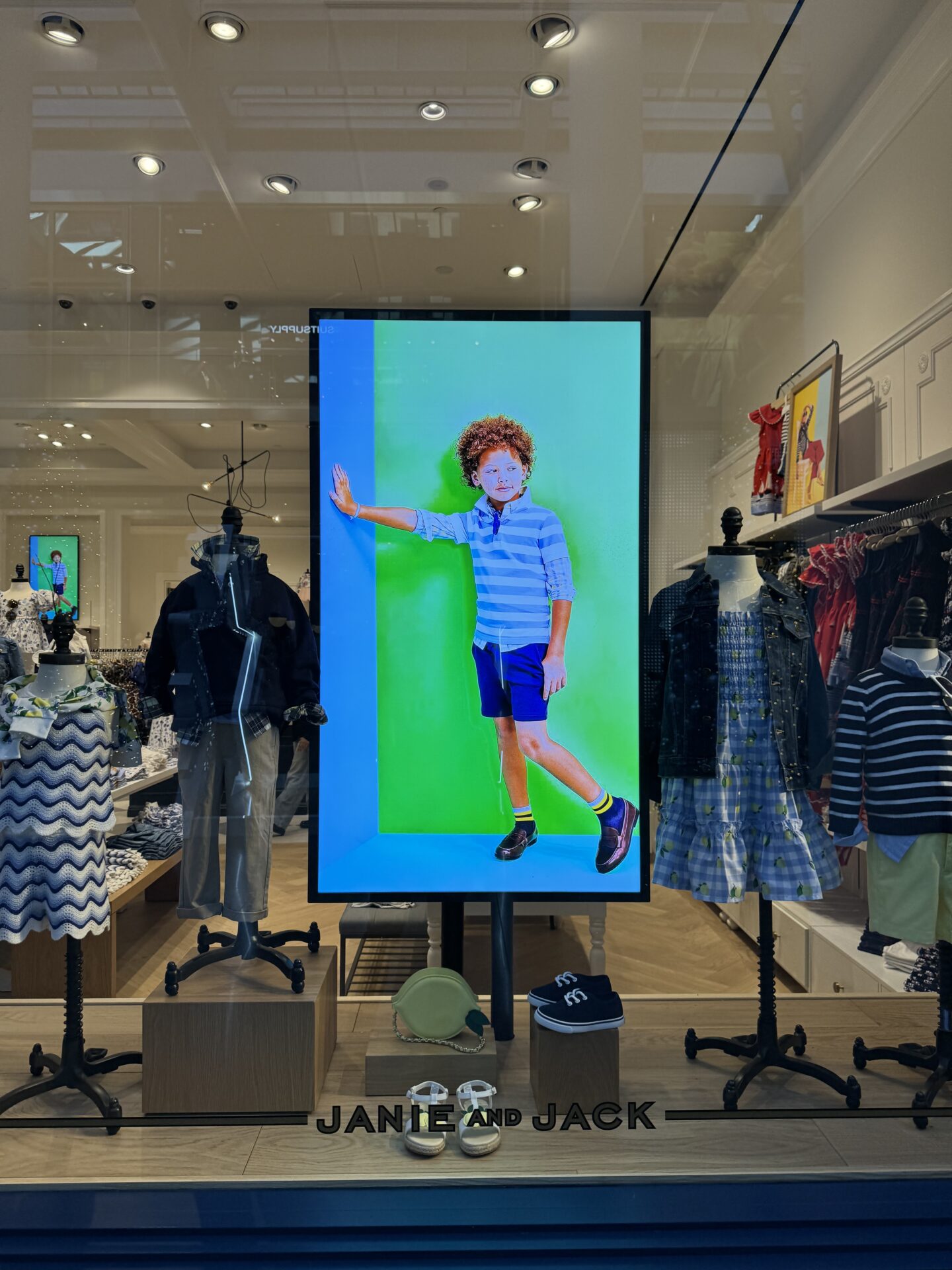
This guide from CrownTV covers how digital signage TV works, which smart TV platforms support it, when to upgrade to commercial-grade, and how to get the most out of your investment.
How Digital Signage TV Works
A digital signage TV setup is straightforward: connect a media player to your TV (or use a smart TV with built-in signage capability), then manage content through cloud-based digital signage software. The media player receives content from the cloud and outputs it to your display via HDMI.
CrownTV’s pre-configured media players make this plug-and-play—no technical setup required. Simply connect the player to your TV, plug in power and internet, and your screen is live within minutes.
Consumer TV vs. Commercial Display
The biggest question businesses face is whether to use a consumer TV or invest in a commercial-grade display. Here’s how they compare:
| Feature | Consumer TV | Commercial Display |
|---|---|---|
| Brightness | 250–350 nits | 500–700+ nits |
| Daily Use Rating | 8–12 hours | 24/7 continuous |
| Lifespan | 20,000–30,000 hours | 50,000–70,000 hours |
| Orientation | Landscape only | Landscape or portrait |
| Remote Management | Limited | Full remote control |
| Warranty | Consumer (1–2 years) | Commercial (3–5 years) |
| Anti-Burn-In | No | Yes |
Bottom line: Consumer TVs work for low-traffic, limited-hour environments. For anything running 12+ hours per day or in a public-facing location, commercial displays are the smarter long-term investment.
Compatible Smart TV Platforms
Several smart TV platforms now support digital signage applications natively:
Samsung Tizen (SSSP)
Samsung’s commercial displays feature a built-in System on Chip (SoC) that can run signage software without an external media player. CrownTV, as a Samsung-certified partner, fully supports Tizen-based displays for seamless integration.
LG webOS
LG’s webOS platform offers native signage support on many commercial displays, with built-in content management capabilities and app support.
Google TV / Android TV
Android-based platforms offer flexibility with app installation, though dedicated media players typically deliver better reliability and performance for commercial use.
When to Choose Commercial-Grade
Upgrade to commercial displays when:
- Your screens will run 12+ hours per day
- Displays face windows or bright ambient light (you need 500+ nits)
- You need portrait orientation for menu boards or directories
- You’re deploying multiple screens that need centralized management
- You want commercial warranties and professional support
- Content will be static images for extended periods (burn-in risk on consumer TVs)
Best Use Cases for Digital Signage TV
- Digital menu boards: Restaurants and cafes displaying daily specials, pricing, and promotions
- Lobby welcome screens: Hotels, offices, and medical practices greeting visitors with branded content
- Retail promotions: Retail stores showcasing new products, sales, and brand videos
- Waiting room displays: Healthcare facilities sharing health tips, wait times, and wayfinding
- Employee communication: Corporate offices displaying KPIs, announcements, and recognition
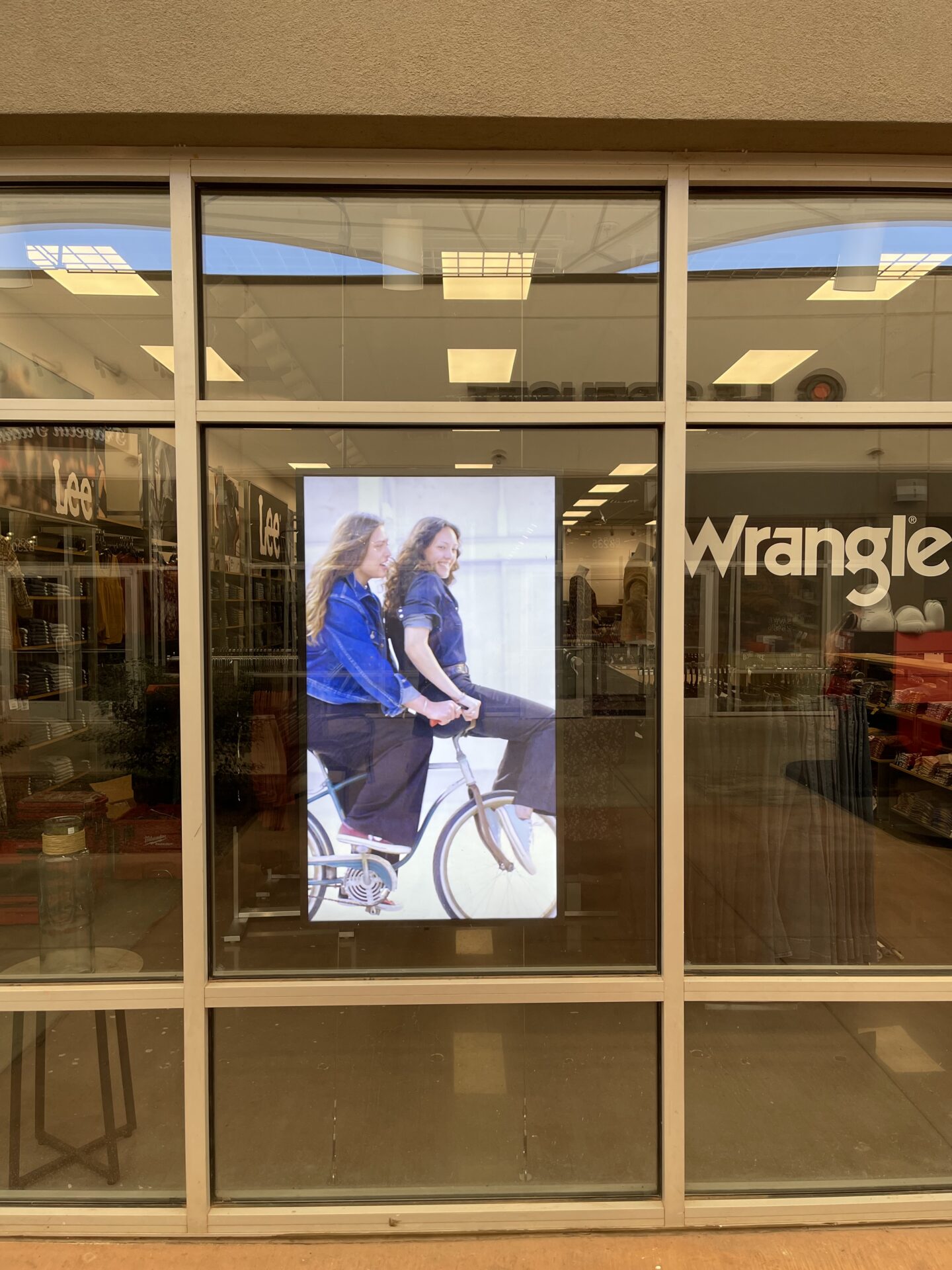
CrownTV: The Complete Digital Signage TV Solution
Whether you’re starting with a single consumer TV or deploying commercial displays across multiple locations, CrownTV provides everything you need:
- Pre-configured media players that work with any TV or commercial display
- Cloud software with 200+ apps, drag-and-drop scheduling, and multi-location management
- Samsung commercial displays when you’re ready to upgrade
- Professional installation with 13,500+ screens deployed and 13+ years of experience
Ready to Turn Your TVs into Digital Signs?
Discover the easiest way to launch digital signage for your business with CrownTV.