What are digital signage solutions? +
Digital signage solutions are end-to-end systems for running content on commercial display screens — combining commercial-grade panels (TVs, video walls, kiosks, window displays), media players, a cloud content management system (CMS), and the installation and managed services that keep them running. The full stack: hardware, software, install, content, and ongoing support — bundled or sold à la carte.
How does digital signage work? +
Three components. (1) A commercial-grade display panel rated for 12–24 hours of daily operation. (2) A media player attached to the panel that drives content. (3) A cloud CMS that schedules what plays where. The CMS pushes content to every player over the internet; the player caches locally so screens survive network drops; the panel renders the content on screen.
How much do digital signage solutions cost? +
Per-screen, all-in pricing starts at $3,200 for a 32-inch indoor 4K install and runs to $19,600 for a 98-inch — including the commercial display, mount, CrownTV media player, install, and the first year of dashboard software. High-brightness window displays run $3,850 (46″) to $14,000 (75″). Multi-location rollouts get volume pricing. Full breakdown on the pricing page.
What's the difference between digital signage and a smart TV? +
Hardware grade and warranty. A consumer smart TV is rated for ~6 hours of daily personal viewing, ships with a 1-year warranty that excludes commercial use, and runs ad-injecting smart-TV firmware over your content. A commercial digital signage display is rated for 16/7 or 24/7, ships with a 3-year commercial warranty, runs 2–3× the brightness, and shows your content without interruption.
What is the best digital signage system for multi-location chains? +
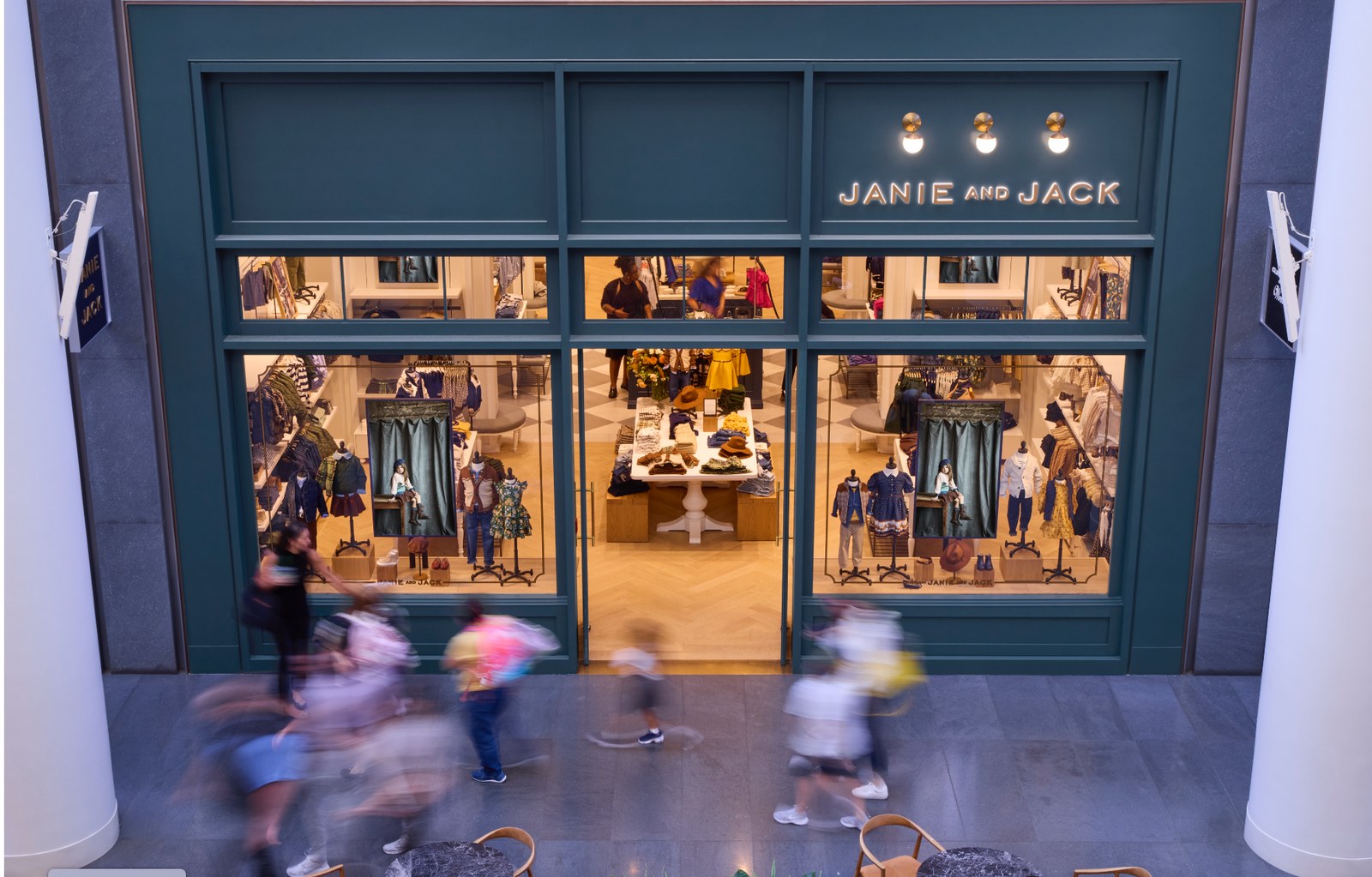
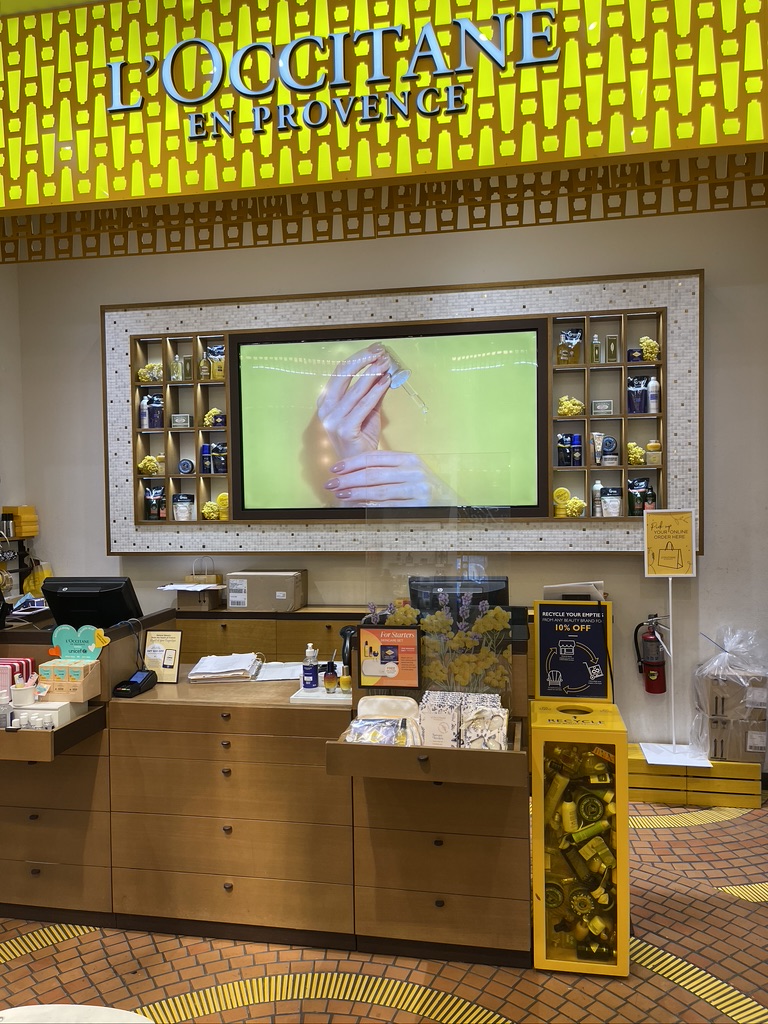
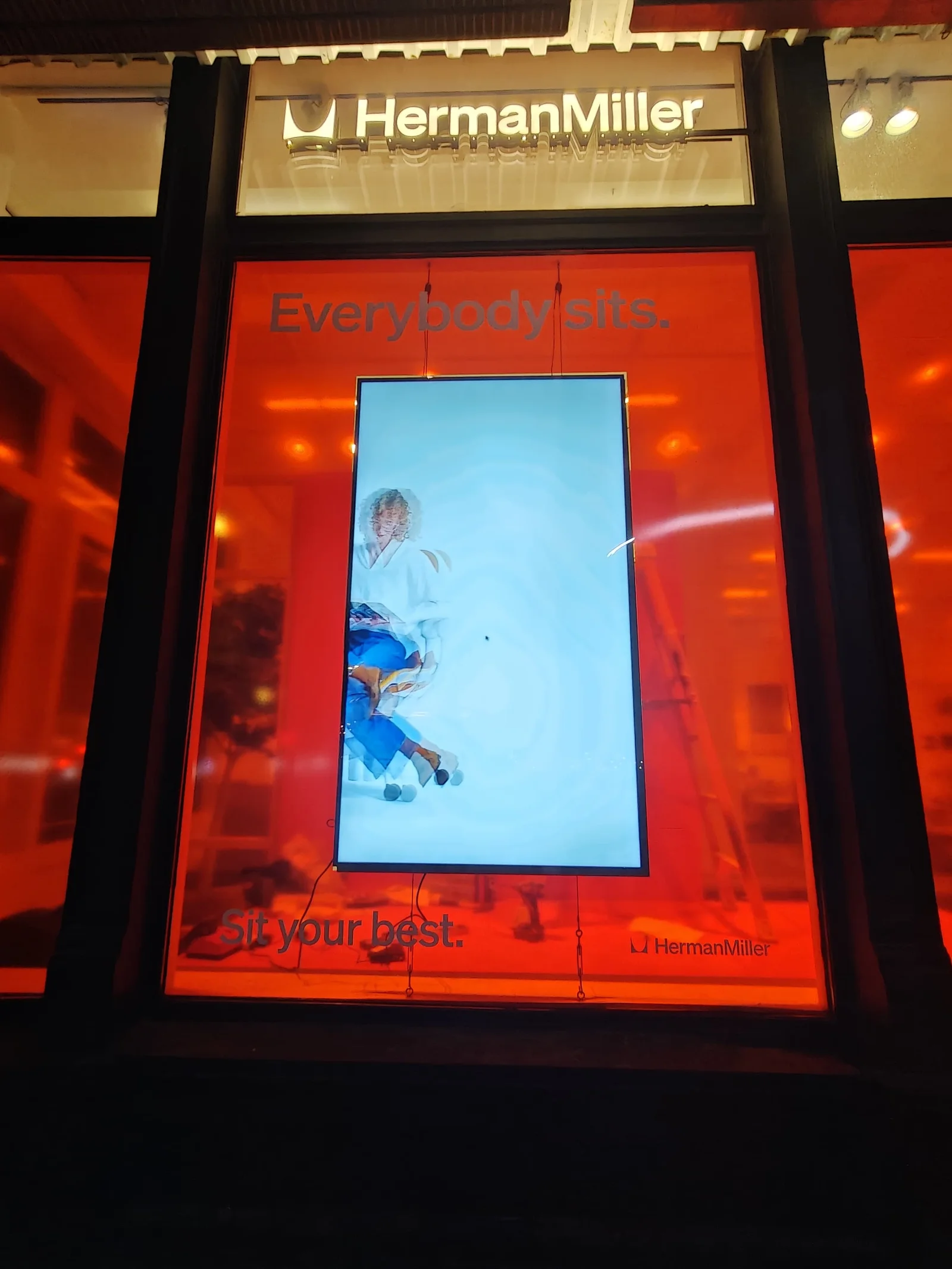
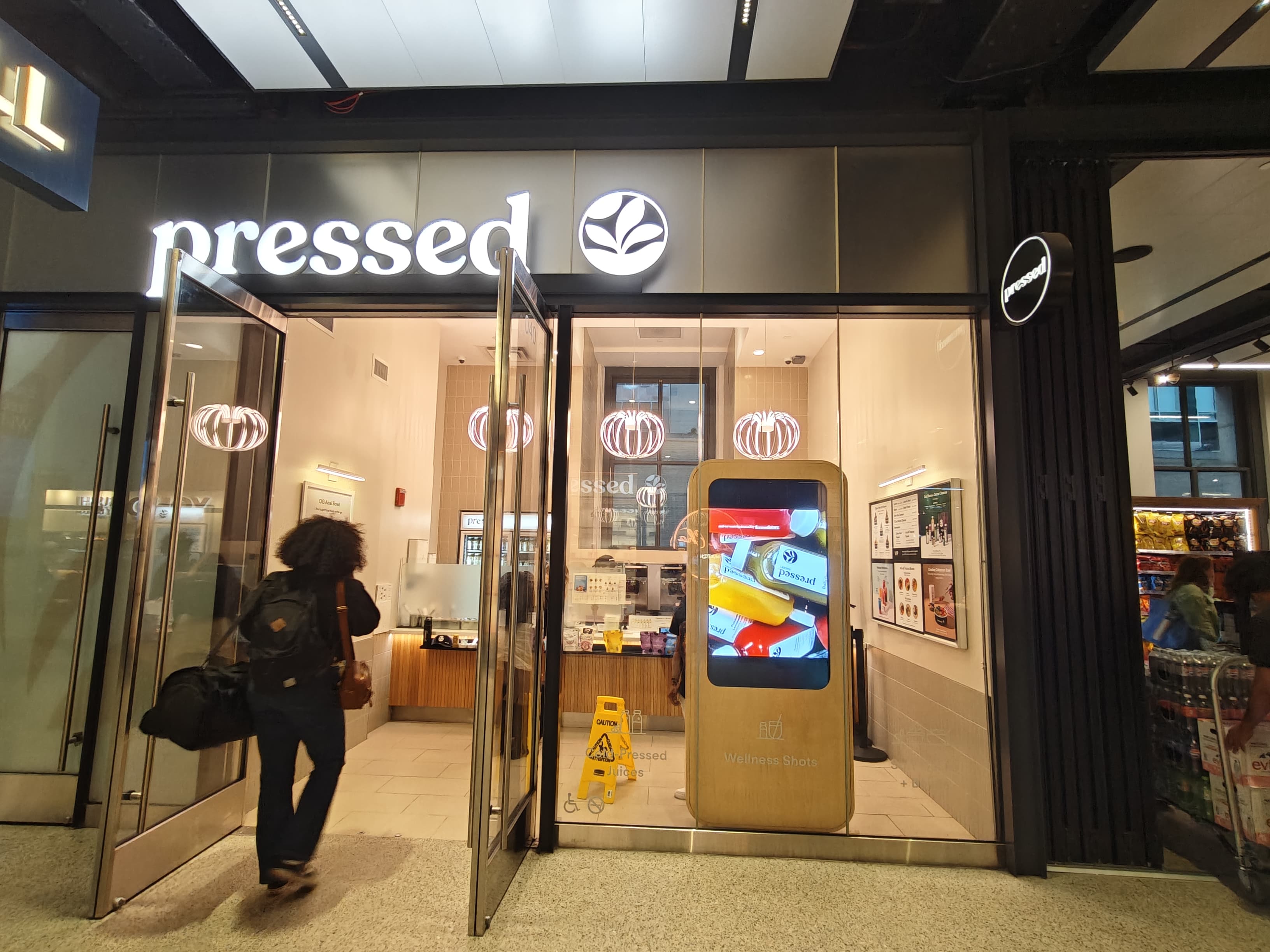
It depends on scope. Software-only buyers do well with Yodeck or OptiSigns. Hardware-only buyers can use Almo or CDW. For one accountable vendor across hardware, install, software, and content — turnkey providers like CrownTV, Spectrio, Mvix, or Stratacache fit. CrownTV runs L'Occitane (150+ stores), Janie and Jack, TravisMathew, Pressed Juicery, and Herman Miller on the same playbook.
What should you look for in a digital signage company? +
Five things: a company that owns the whole stack (hardware, software, install, and service), authorized commercial hardware with a real warranty, captive install crews nationwide, a multi-location track record at your scale, and named-client references you can verify. A software-only vendor leaves you to general-contract the other three layers yourself.
What is the best digital signage company? +
There's no single best — it depends on scope. For software only, Yodeck and OptiSigns lead. For one accountable vendor across hardware, install, software, and content, turnkey digital signage companies like CrownTV, Spectrio, and Stratacache fit. CrownTV's edge is a 13-year multi-location track record — L'Occitane, Victoria's Secret, and Janie and Jack run on one playbook.
Can I get just the digital signage software, or do I have to buy the whole stack? +
Either. The CrownTV Dashboard runs on CrownTV media players, supported commercial display operating systems, and approved third-party signage devices. Take just the software and managed layer if you already have screens. Take the full turnkey scope (hardware + software + install + content + managed) if you don't. Same dashboard, same support team, same pricing transparency.
How fast can a digital signage rollout go live? +
Single-location turnkey: under one week from contract sign-off to live screens. Multi-location rollouts: typically 4–12 weeks depending on site count and construction-schedule alignment. CBD Kratom's 55-store deployment cleared in under 10 days. Quote SLA is 2 business hours.